How to Build an Architecture Portfolio That Lands Dream

An architecture portfolio is an assembled collection of 10-15 projects that showcase design thinking, technical skills, and creative vision through drawings, renderings, and process documentation.
- Select projects that highlight problem-solving across different scales and typologies.
- Lead with your strongest work in the first three pages to capture immediate attention.
- Include process sketches and diagrams alongside final renderings to reveal your design methodology.
Three seconds. That's how long most reviewers spend on the first page of your architecture portfolio before deciding whether to keep reading or move to the next candidate.
However, the difference between landing an interview at your dream firm and getting passed over rarely comes down to raw talent. Most architecture graduates can produce beautiful renderings.
What separates portfolios that get callbacks from those that don't? A strategic narrative that proves you think like an architect, not just draw like one.
Most portfolios frequently make the same fatal mistakes: leading with weak undergraduate projects, burying process work in favor of glossy final images, or cramming numerous mediocre projects instead of showcasing a select few outstanding ones. Therefore, the result?
Reviewers see technical competence but no clear design voice.
This guide breaks down five concrete steps to build an architecture portfolio that commands attention: whether you're applying to graduate programs, competing for your first job, or pitching high-profile clients.
What you'll learn.
- What Makes an Architecture Portfolio Actually Work?
- Step 1: Select Your Best 5-7 Projects That Tell a Story.
- Step 2: Document Each Project With Process and Context.
- Step 3: Design a Layout That Guides the Eye.
- Step 4: Write Project Descriptions That Add Meaning.
What Makes an Architecture Portfolio Actually Work?
Most architecture students think a portfolio is a gallery of their best renders. This is wrong.
According to industry standards, what separates accepted applications from rejected ones isn't polish; it's narrative. Admissions committees at institutions like Columbia GSAPP assess portfolios not for final aesthetics but for creative thinking, design process, and problem-solving ability.
The portfolio functions as an examination of how you think, not just what you've built.

The trap is treating all portfolios the same.
A university admissions portfolio for USC's pre-college program requires six to twelve images demonstrating creativity and intellectual curiosity, often including non-architecture work like sculpture or graphic design. A firm application demands project-based technical documentation: plans, sections, and material studies.
Client pitches need business outcomes, not process sketches. Digital-first formats now dominate, with PDF and web-based versions being standard, but the content strategy shifts entirely based on whether you're proving design ability to academics or billable expertise to employers.
Try it — build your site while you read
Describe what you want and get a live, publishable site in seconds. Free to start, no code.
Join 200,000+ makers building real websites with Kleap.
Step 1: Select Your Best 5-7 Projects That Tell a Story
Columbia GSAPP's Class of 2020 portfolios, recognized for excellence, demonstrate a counterintuitive truth: the strongest submissions contain fewer projects with deeper narrative depth. While most applicants panic and cram twelve projects into their portfolio, thinking that volume signals productivity.
This is wrong. Admissions committees frequently review portfolios during initial evaluation, which means your weakest project becomes the first impression that can impact your application.
The mechanism is that reviewers scan for inconsistency, and a single mediocre project signals you can't self-edit, which is the most critical skill in architectural practice.
Quality Over Quantity: Why Less Is More
Since USC's pre-college guidance explicitly recommends a maximum of six to twelve images, not because they want less work, but because curation reveals judgment. The verdict is that additional projects often dilute impact unless they introduce a genuinely new skill dimension.
Include only work where you can articulate the design problem, your conceptual approach, and the measurable outcome. If you're building your portfolio with an AI website builder, this constraint becomes an advantage; digital platforms let you swap projects instantly for different applications.
Choosing Projects That Show Range and Depth
Select work demonstrating variation across three axes: scale (from residential to urban), typology (cultural, commercial, infrastructure), and medium (hand drawing, digital rendering, physical models). One competition entry, two academic studio projects, one seasoned internship deliverable, and one self-initiated exploration create the narrative arc that employers actually remember.
Step 2: Document Each Project With Process and Context
November 11, 2018 marks Columbia GSAPP's recognition of portfolios that show process, not just polish. This means your sketches carry as much weight as your final renders. Admissions committees frequently spend more time on portfolios that reveal how you think through problems, not just what you delivered.
The upshot: documentation begins the moment you touch pencil to trace paper, not when the project wraps.

Start with site analysis diagrams, then layer in concept sketches, development iterations, material studies, and construction photos. Finally, physical model photography proves you build with your hands, which is critical for academic portfolios where tactile craft signals rigor.
Renderings should demonstrate realistic materials and lighting; overly stylized CGI reads as a sign of inexperience. Technical drawings, plans, sections, and details show you understand how buildings stand up.
Additionally, write 2-3 sentence project descriptions establishing context, challenge, and your solution approach. Before/after comparisons work when renovations or urban interventions anchor the narrative.
Capture work-in-progress shots: your studio desk mid-charrette, the laser cutter running, and the critique wall covered in iterations. Meanwhile, these prove you inhabit the making process, not just the outcome.
For rapid portfolio assembly with custom domains and mobile-ready layouts, explore a free AI portfolio generator built for speed.
Kleap tip: Export all process images at identical resolution (300 DPI minimum) and name files systematically, "ProjectName_Phase_01.jpg," so updates take seconds, not hours, when tailoring portfolios for different firms.
Step 3: Design a Layout That Guides the Eye
Columbia GSAPP's Class of 2020 portfolios, recognized for excellence by the school, demonstrate one non-negotiable truth: grid systems separate amateur submissions from professional ones. The difference shows immediately; portfolios with consistent underlying structure guide reviewers through complex project narratives without friction, while inconsistent layouts force the eye to reorient on every spread.
In practice, this means you should establish a modular grid before placing a single image.

As a result, visual hierarchy operates through three levers: scale contrast, strategic white space, and typographic restraint. Large hero images anchor each project's identity within two seconds of viewing, the window before reviewers flip to the next candidate.
Balance technical drawings against atmospheric renderings, limiting typography to a maximum of two font families to prevent visual chaos. On the other hand, modern AI website builder for photographers platforms maintain this design control while ensuring responsive layouts for tablet and mobile review, which means your carefully composed spreads remain intact across devices rather than breaking into reformatted chaos.
Step 4: Write Project Descriptions That Add Meaning
Text kills more portfolios than bad renders. The trap is explaining what the viewer already sees instead of revealing the thinking behind it.
A strong project narrative often states the site constraint, the design challenge, and your specific solution, then steps aside. According to architectural communication standards, the visual work should dominate, with text serving as strategic punctuation rather than a substitute for imagery.
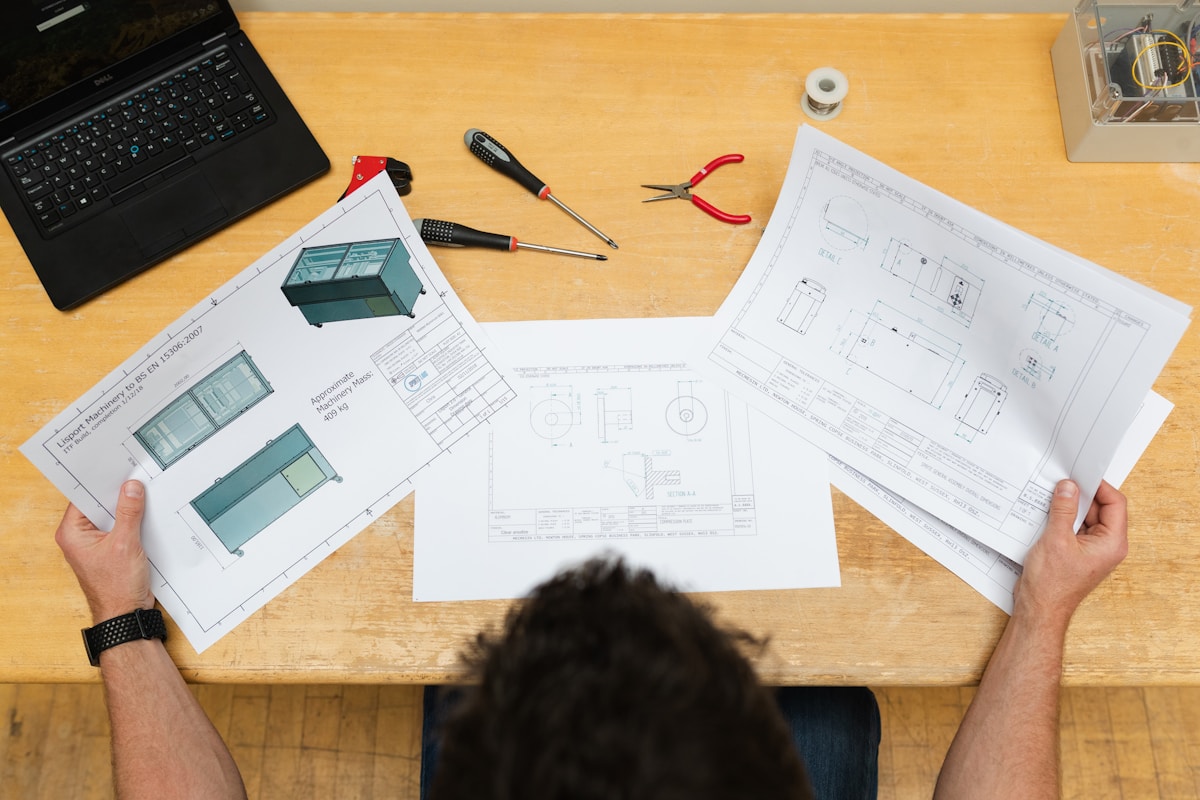
Academic portfolios often benefit from first-person voice ("I explored modular systems to address..."), while professional submissions typically adopt objective third-person descriptions that emphasize project outcomes over personal process. Above all, clarity beats complexity: avoid jargon that obscures your thinking.
Use captions strategically to decode diagrams or technical details that aren't self-evident. Sidebar specifications, square footage, location, year, and materials belong in clean metadata blocks, not buried in paragraph text.
When building your digital portfolio using the best AI app tools, remember that readers scan vertically: front-load your constraint and solution in the opening line, then let the visuals prove your claim.
Step 5: Tweak Format and Delivery for Your Audience
Nonetheless, many portfolios fail before anyone sees the work. They are crushed by a large file that bounces from the inbox or a web version that breaks on mobile. The format choice isn't aesthetic preference; it's strategic distribution.
PDF remains the standard for application portals and email submissions, but file size limitations are often a consideration. Beyond that threshold, you're gambling on server limits and recipient patience.
Academic portfolios often span multiple pages; professional versions frequently range from 10 to 20 pages, and anything significantly longer may signal poor editing rather than thoroughness.

Web portfolios solve the file-size problem entirely while offering dynamic presentation and instant link sharing. The catch?
Secure a custom URL instead; it is often seen as a professional investment. Test both formats on multiple devices before submission: a PDF that looks flawless on your 27-inch monitor often collapses into unreadable spreads on a recruiter's phone.
Export a high-resolution version for print separately; digital distribution prioritizes load speed over DPI.
Kleap tip: Build your web portfolio with an AI website builder with built-in seo to confirm mobile responsiveness and fast load times without wrestling with code, which is critical when firms review dozens of candidates daily.
What Top Firms Won't Tell You About Architecture Portfolios
Hiring managers spend exactly 30 seconds on your portfolio before deciding whether to keep reading or close the tab. That half-minute determines everything; it is not the quality of your thesis project, your GPA, or the three months you spent perfecting that rendering.
The first image they see and the speed at which your site loads matter more than the depth of your process documentation. Most applicants discover this after sending 50 applications with zero responses.
The First 30 Seconds Determine Everything
Your strongest project must appear first; not your most recent, not your thesis, but your absolute best work with a striking hero image.
According to professional portfolio standards, reviewers make snap judgments on visual hierarchy and technical skill within seconds. A slow-loading web portfolio or a mobile-broken layout gets closed immediately, regardless of content quality.
The opening page is your only guaranteed audience.
Why Generic Templates Hurt More Than They Help
Using a standard website template signals you lack design thinking, the exact skill firms hire for. Custom typography and thoughtful layout demonstrate visual problem-solving beyond the projects shown.
Generic PowerPoint aesthetics or cookie-cutter WordPress themes tell reviewers you can't design your own presentation framework, undermining credibility before they see a single building.
Common Architecture Portfolio Mistakes That Cost Opportunities
Forty percent of portfolios fail before the second page. The problem?
Designers pack too many projects, use low-resolution images, or bury their strongest work under visual clutter. According to Columbia GSAPP's portfolio recognition program, the difference between acceptance and rejection often comes down to three technical errors reviewers spot in the first 30 seconds.
Overcrowding Pages With Too Much Information
Wrong.
Young Architect's portfolio framework emphasizes that admissions committees and hiring managers assess thought process, not project count. When you cram six images onto one spread, reviewers can't distinguish your concept from background noise.
The fix is one project per page spread, with a maximum of three images per layout. White space isn't wasted space; it's the frame that makes your work legible.
If you're tempted to add 'just one more rendering,' you've already crossed into chaos territory.
Poor Image Quality and Inconsistent Presentation
Pixelated renderings signal one thing: you didn't care enough to export at 300 DPI. Firms like Zaha Hadid Architects receive hundreds of portfolios monthly, and blurry elevations get eliminated immediately.
Worse, mixing hand sketches with photorealistic renders without a unifying visual language makes your portfolio feel like a random sampler. The solution is to establish a consistent color palette, line weight, and layout grid across all projects.
Every page should feel like it belongs to the same designer, even when showing radically different work.
Frequently Asked Questions About Architecture Portfolios
The most common portfolio question, 'how many projects,' has a concrete answer: 5-7 projects for professionals and 3-5 for students. PDF remains the standard format because it preserves layout across devices, though USC's pre-college guidance accepts 6-12 digital images for applications. The trap most people fall into is
padding weak work to hit an arbitrary page count. Columbia GSAPP's recognized portfolios prove that clarity beats volume; each project should justify its inclusion with process documentation, not just final renderings.
Portfolio Essentials and Proven Methods
Hand sketches belong in every portfolio. They demonstrate conceptual thinking that software can't fake. For those with limited experience, Young Architect recommends including academic projects, competition entries, and personal design explorations.
The key is to frame each project with your specific role and decisions, not generic team credits.
Technical and Format Questions
You need both PDF and web versions. Firms review PDFs first, while clients and recruiters discover you through web portfolios.
The format isn't optional; it's audience-dependent, and most applications require both delivery methods within the same hiring cycle.
Your Architecture Portfolio Opens Doors; Start Building Today
The difference between architects who land dream projects and those who don't often comes down to one thing: a portfolio that tells a story worth remembering.
Start with your strongest 5-7 projects. Document the process, not just the final renders.
Show the constraints you worked within, the problems you solved, and the iterations that didn't make it to the final design. That's what hiring managers and clients actually want to see: proof you can think, not just execute.
Need a professional platform that handles the technical side while you focus on the work? Kleap's AI portfolio builder launches architect-ready sites in minutes, with custom domains, mobile layouts, and zero coding required.
The portfolio you build today becomes the career you live tomorrow. Build your architecture portfolio with Kleap and open doors to your next opportunity.


