Kleap vs Framer AI Website Builder: A Business Scale Comparison

You have an idea. It is burning a hole in your pocket, and you need to get it online before someone else does. In the past, you would have called a developer and waited three months.
Today, you type a prompt, and magic happens. This brings us to the big debate in the no-code world right now: the framer AI website builder versus the all-in-one efficiency of Kleap.
Framer has become the darling of the design world. If you scroll through Twitter or hang out in designer communities, you will see its sleek interface everywhere. It promises a canvas where anything is possible.
But does "anything is possible" actually mean "business gets done"?
That is the question we are answering today.
On the other side of the ring is Kleap. We take a different approach. We believe that unless you are building an art museum, you probably care more about customers, revenue, and speed than you do about pixel-perfect localized animations.
Getting the right tool matters because migrating a website later is a headache you do not want. We are going to break down the framer AI website builder and compare it strictly against Kleap to help you decide which path fits your future.

The Core Philosophy: Art vs. Business
To understand the difference, you must look at who built these tools.
Framer started as a prototyping tool for product designers. It was created so people could show developers how an app should move. Eventually, they added the ability to publish those prototypes on the web.
This history defines the framer AI website builder. It thinks like a designer.
It assumes you want to control the exact spacing between letters on your H3 header. It assumes you want to spend four hours tweaking the spring physics of a button animation.
If you are a designer, this is heaven.
Kleap was built for the entrepreneur and the creator. We assume you want a website because you have something to sell or say.
We assume that if you spend four hours on a button, you are losing money. Kleap uses AI to handle the design, the structure, and the code so you can focus on the offer.
When you start with Kleap, you are building a business asset. When you start with Framer, you are building a visual project.
Try it — build your site while you read
Describe what you want and get a live, publishable site in seconds. Free to start, no code.
Join 200,000+ makers building real websites with Kleap.
1. Speed to Launch: The "First 10 Minutes" Test
Let's talk about the initial experience. You sit down with your coffee, ready to build.
In the framer AI website builder environment, you enter a prompt. The AI generates a layout. It looks cool.
It has distinct colors and varied fonts. But then, you realize the text is just placeholder lorem ipsum or generic filler.
The mobile version might look a bit wonky because the elements were placed freely on a canvas. You now have to switch into edit mode. You are dragging boxes, setting breakpoints, and aligning pixels.
According to research from Kleap's alternative analysis, these manual adjustments can significantly extend the time it takes to complete a production-ready site in Framer, often requiring 2 to 8 hours. It is not just about generating the page; it is about fixing what the generator didn't quite understand about responsiveness.
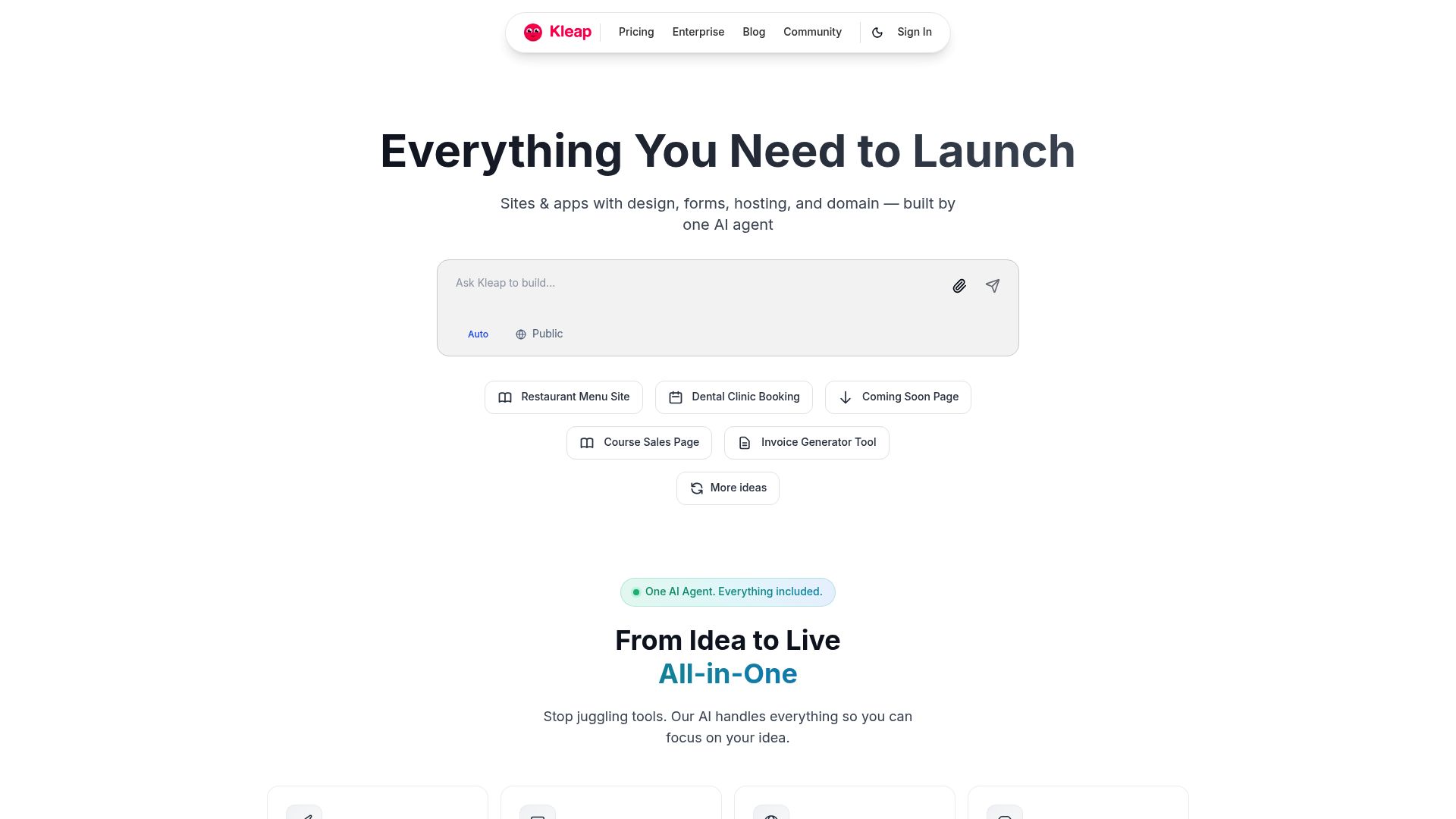
Now look at the Kleap workflow. You open the chat.
You tell the AI, "I want a portfolio for my photography business, focusing on weddings in Italy."
Kleap doesn't just draw a picture of a website. It writes the copy.
It structures the sales funnel. It selects the images.
It optimizes the meta tags. In under 10 minutes, you have a site that is deployed live.
It is not a mockup. It is a functional product.
📸 kleap.co
For agencies scaling their production, this time difference is profit. If you burn a day on one client site in Framer, that is billable time.
If you do it in 20 minutes on Kleap, your margins just exploded.
2. Design Capabilities: Flexibility vs. Guardrails
If your goal is to win a design award at Awwwards, the framer AI website builder is a strong contender. It allows for "free-form" design.
You can place an image slightly off-screen. You can overlap text in unusual, artistic ways. It is very similar to using Figma.
However, free-form design is a double-edged sword.
It is very easy to break your website. You might create something that looks amazing on a massive desktop monitor, but on a 13-inch laptop, the text overlaps the button.
Framer relies on you, the human, to check these things.
Kleap uses what we call "smart guardrails." The AI ensures that your text is legible and that padding is consistent.
It guarantees that your buttons are clickable. You cannot accidentally break the layout because the system understands web standards better than a tired human does at 2 AM.
Is it as flexible as a blank canvas?
No.
But is it safer for your brand's reputation?
Absolutely. You get professional consistency without needing a degree in UI design.
3. The SEO Reality Check: How Google Sees You
This is the section where businesses live or die.
A beautiful website that nobody visits is just a digital billboard in the desert. This is where the technical architecture of the framer AI website builder comes under scrutiny.
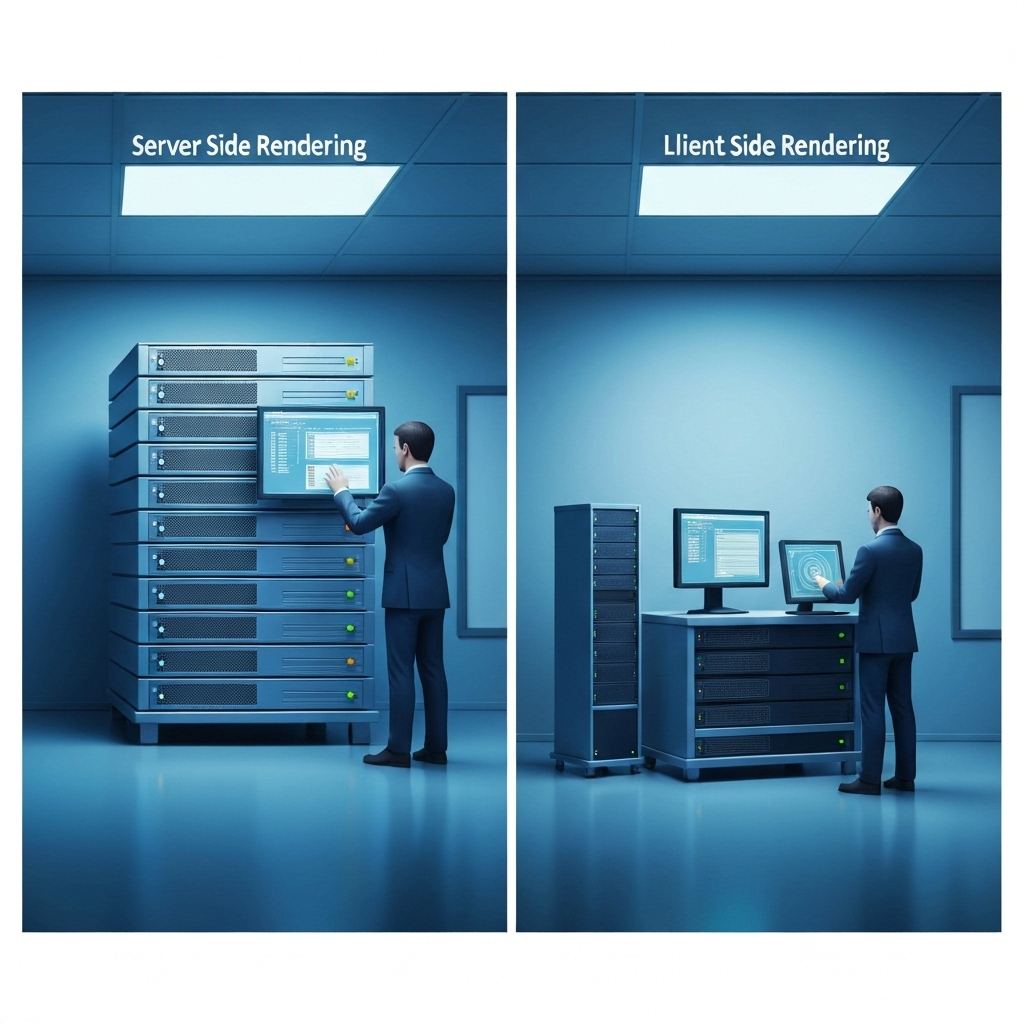
Framer uses a technology stack that relies heavily on client-side rendering. When a user visits a Framer site, their browser has to download a lot of JavaScript to "paint" the page. Search engines like Google are improving at reading this, but it is still not ideal.
It can lead to slower initial load times and delayed indexing.
Kleap is built on Next.js using Server-Side Rendering (SSR). This is the gold standard for modern web development.
Why SSR Matters for Your Business
- Google Loves It: When the Google bot visits your Kleap site, the server hands it a fully formed HTML document. It can read your content instantly.
- Faster First Paint: Your visitors see the content immediately, even on slow mobile connections.
- The AI even handles the grunt work, automatically generating SEO-optimized titles and descriptions from your content.
A lot of folks who switch to Kleap from purely visual builders tell us they see a nice bump in organic traffic simply because the technical foundation is cleaner.
As we discuss in our comprehensive comparison, this technical SEO advantage is inherent to the system rather than something you need to set up later with plugins.
4. Mobile Responsiveness: The 'Thumb Zone'
More than half of your traffic will come from a phone.
Creating a mobile version in the Framer AI website builder usually requires a specific workflow.
You design the desktop version, and the AI attempts to stack it for mobile.
Often, you have to go in and manually adjust font sizes. You may also need to hide complex animations that lag on phones or rearrange elements that drifted out of place.
Kleap takes a 'mobile-first' mentality.
Because our output is code-based and structure-based, the responsiveness is native. You do not 'design for mobile' separately.
The system builds a responsive site by default.
The buttons are already sized for thumbs, and the text scales for readability.
If you are posting a project you worked on, perhaps to a directory like the Oclaire project showcase, you want to ensure that anyone clicking through from a mobile app gets a flawless experience instantly.
With Kleap, that confidence is standard.
5. Code Ownership and the 'Walled Garden'
What happens if your business explodes and you need a custom-built web application?
This is a scenario many startups face. They build a marketing site, gain traction, and then need to hire a massive engineering team to build a proprietary platform.
With Framer, you are stuck. You cannot export the code in a usable format for developers.
It is a hosted platform.
If you leave Framer, you have to rebuild your website from scratch.
It is a 'walled garden.'
Kleap offers full code export.
Because we build on React and Next.js, you can literally export your website's code and hand it to a developer.
They can continue working on it as if they wrote it themselves. You own your asset.
This is a game-changer for funded startups and enterprise teams. As we discuss in our detailed alternatives guide, the ability to "graduate" from a builder to a custom codebase without losing your work is a rare feature in the AI space.
6. The Pricing Model: Hidden Costs vs. Transparency
Pricing is rarely just about the monthly subscription.
It is about the total cost of ownership.
The Framer Pricing Structure
The Framer AI website builder has a free tier, but it is quite limited.
You quickly move to paid plans starting around $5 to $10 per month for basic sites.
However, costs scale with "editors." If you have a marketing team of three people who all need to edit the copy, you are paying for three seats. Furthermore, add-ons for analytics or specific bandwidth needs can accumulate.
The Kleap Advantage
We keep it simple.
- Free Tier: Unlimited free sites to draft and test.
- Pro ($25/mo): Custom domains, priority support, and powerful AI features.
- Business ($50/mo): For scaling organizations.
But the real cost saving is human capital. You let the AI handle the maintenance. For an agency, that means you can realistically manage 50 client sites with a single project manager, whereas with Framer, you'd probably need a dedicated designer just to handle client revision requests.
7. Use Case Comparisons
Alright, let's get specific and see which tool is the right fit for different kinds of projects.
Scenario A: The Creative Portfolio
Let's say you're a motion graphics artist, and your portfolio needs to fly, spin, and dazzle. You don't care much about SEO because you send your link directly to art directors.
Winner: Framer AI.
Why: The visual control allows you to treat the web page like an art installation. See more on this in our portfolio builder review.
Scenario B: The Local Business or Service Provider
You run a dental clinic, a law firm, or a landscaping business. You need people to find you on Google, trust you, and book an appointment.
Winner: Kleap.
Why: Speed, local SEO optimization, and mobile conversion focus make it the pragmatic choice.
Scenario C: The Marketing Agency
You need to launch 20 landing pages this month for different ad campaigns.
Winner: Kleap.
Why: You can generate full pages in seconds. The cost per site is lower, and the "White Label" options allow you to present the work as your own.
8. Learning Curve and Team Adoption
Time to value is a metric we obsess over. If you hire a marketing intern today, how long will it take until they can update the website?
With the Framer AI website builder, there is a learning curve.
It behaves like design software (Sketch, Figma, Adobe XD). If your intern does not understand concepts like "padding," "margins," "flexbox," or "z-index," they might struggle or break the layout.
It requires a visual thinker.
Kleap is conversational. The interface uses natural language.
"Change the headline to be more punchy." "Make the background blue." Anyone who can send a text message can manage a Kleap website. This democratizes the web process within your company.
The CEO can fix a typo without calling IT.
Sources from F22 Labs confirm that while Framer is powerful, its complexity often alienates non-technical users who just want to publish content quickly.
9. Integrations and Ecosystem
Framer has a rich community of designers creating "Remixes" (templates). It is a vibrant ecosystem for visual assets.
However, integrations often require third-party tools or code overrides because it is primarily a front-end tool.
Kleap is designed to be the hub of your business. We integrate with payment processors, scheduling tools, and analytics seamlessly.
Because we control the full stack (backend and frontend), our forms work instantly. Our e-commerce features are native.
You are not just pasting a PayPal button onto a canvas; you are integrating a transaction flow.
This distinction is vital for anyone actually selling products directly from their site.
10. The Verdict: Making the Right Choice
The "battle" between Kleap and the Framer AI website builder isn't really a battle. It is a fork in the road.
If you choose Framer, you are choosing a path of artistic expression. You are accepting that you will spend time tweaking, adjusting, and designing.
You are prioritizing the "wow factor" of the UI over the speed of execution. This is a valid choice for creative brands.
If you choose Kleap, you are choosing the path of the operator.
You want the website to be done quickly, to rank on Google, and to make money. You want the AI to be your partner, not just a starting point. You value ownership of your code and the freedom to scale without technical debt.
For the vast majority of entrepreneurs, agencies, and small businesses, the goal of a website is growth. For growth, Kleap is the engine you need.
📸 kleap.co
Ready to build smart?
Stop fighting with pixels and start building your business. Try Kleap today and see what it feels like to go from idea to live URL in the time it takes to finish your coffee.
Frequently Asked Questions
Is the Framer AI website builder free?
Framer offers a free plan, but it is limited. It includes Framer branding and restricts you to a generic domain. For professional features like custom domains and increased bandwidth, you need to upgrade to their paid tiers.
Can I export my code from Framer?
Generally, no. Framer is a hosted platform, meaning your site lives on their servers.
You cannot export the clean React/Next.js code to host it elsewhere.
Kleap, on the other hand, allows full code export.
Which is better for SEO, Kleap or Framer?
Kleap is generally better for SEO because it uses Server-Side Rendering (SSR) via Next.js. This ensures Google can read your content immediately.
Framer tends to rely on client-side rendering, which can sometimes slow down how quickly Google finds and ranks your pages.
Do I need design skills to use Framer?
Honestly?
Yes, it really helps to have some design skills. While the AI gives you a nice jumping-off point, the interface itself feels an awful lot like a professional design tool.
Is Kleap suitable for agencies?
Absolutely. It's practically built for them. With features like white-labeling, rapid site generation, and code export, Kleap is optimized for agencies that need to manage multiple client sites efficiently. It does so without higher overhead.