Websites
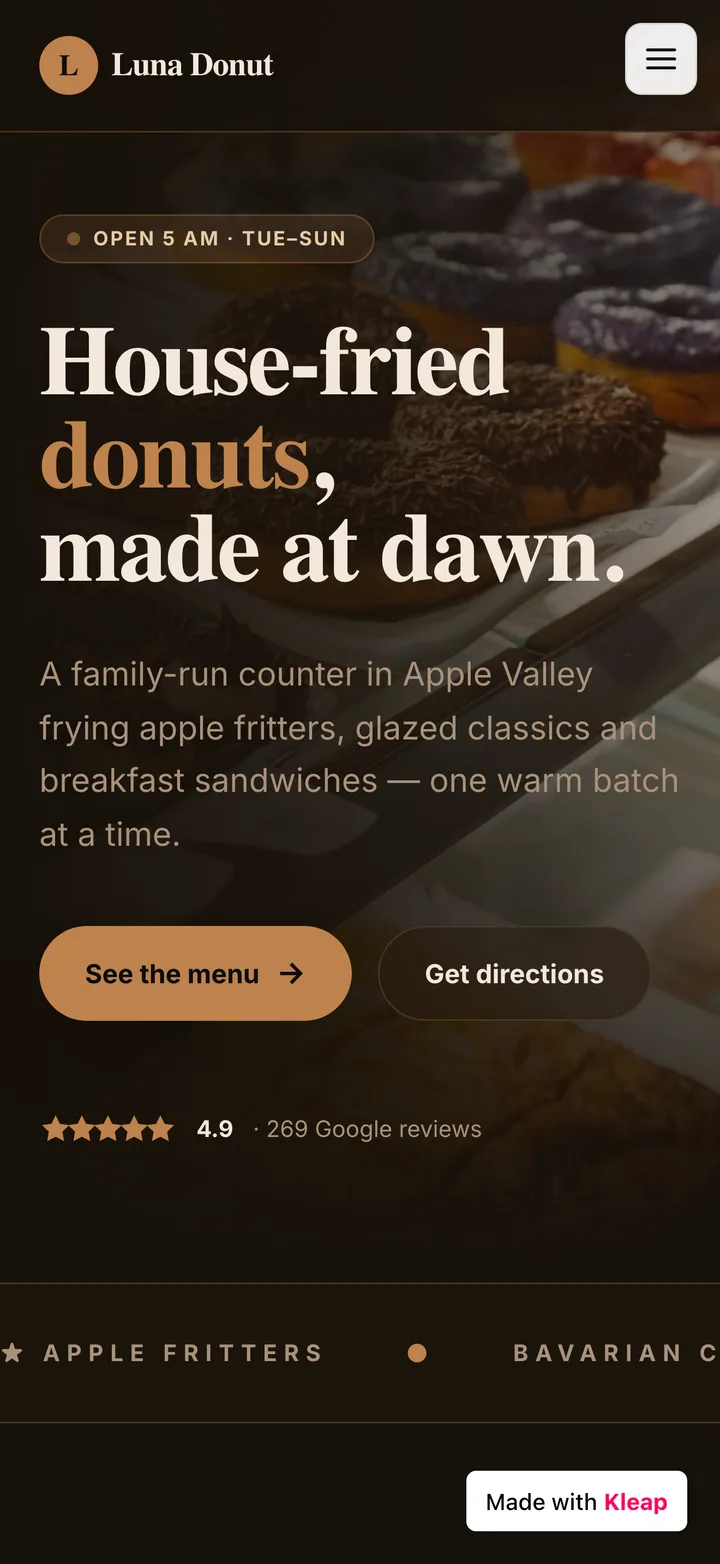
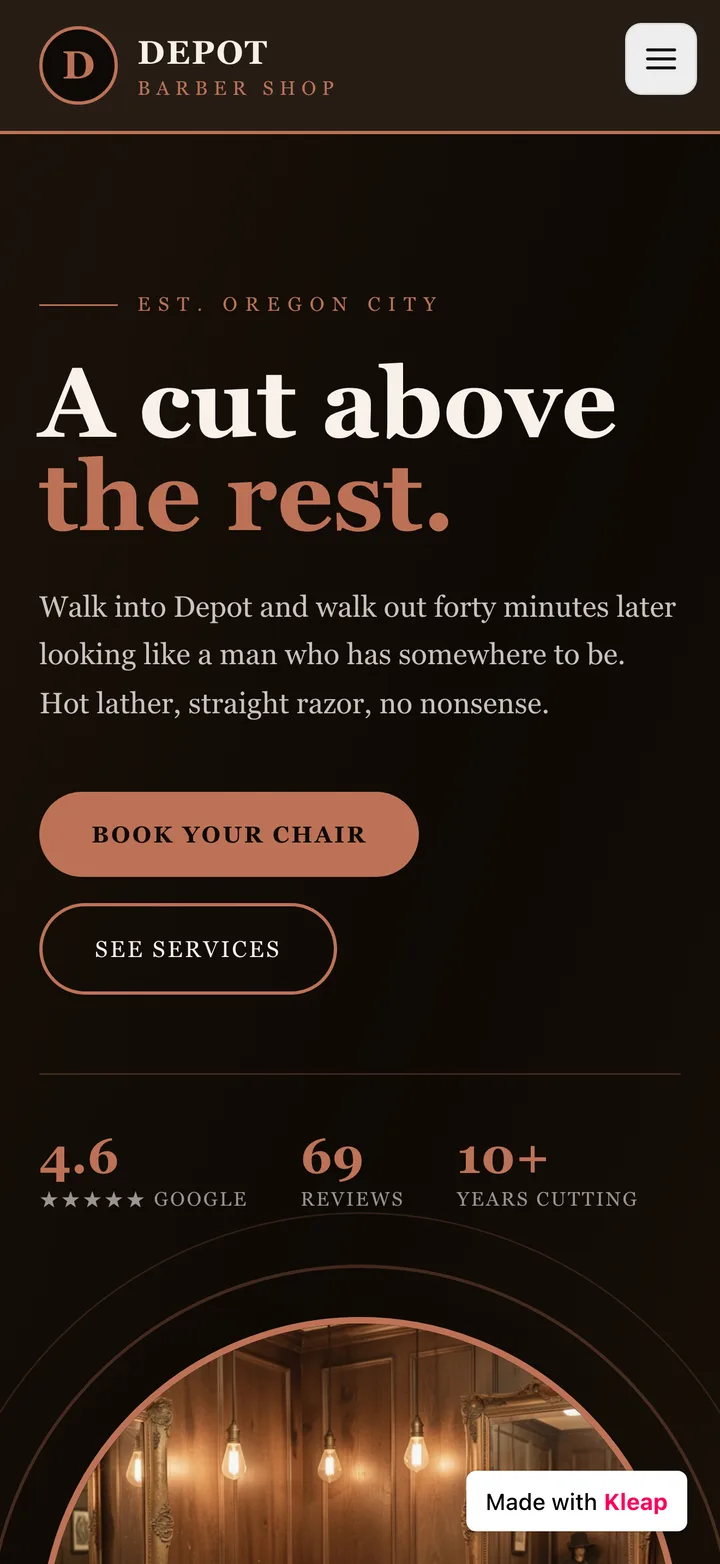
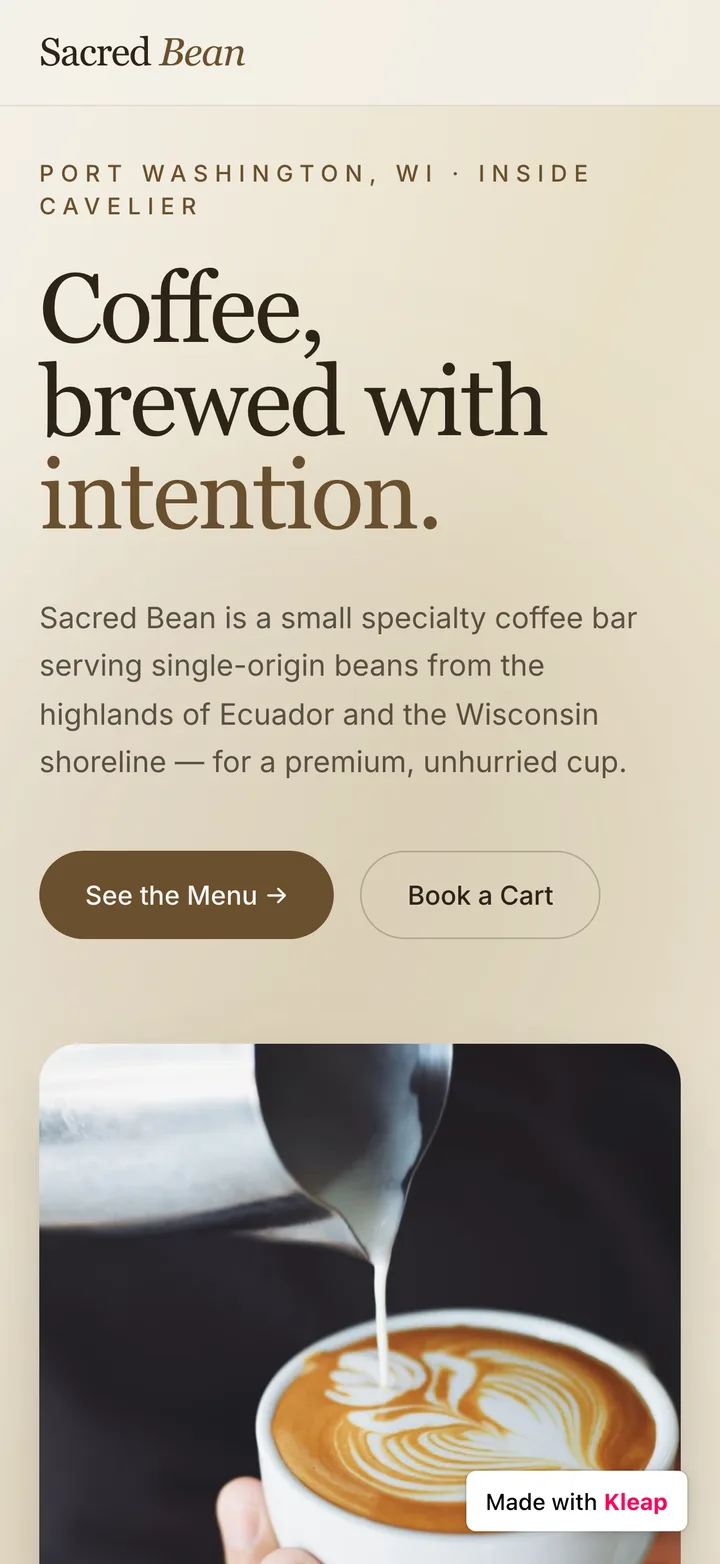
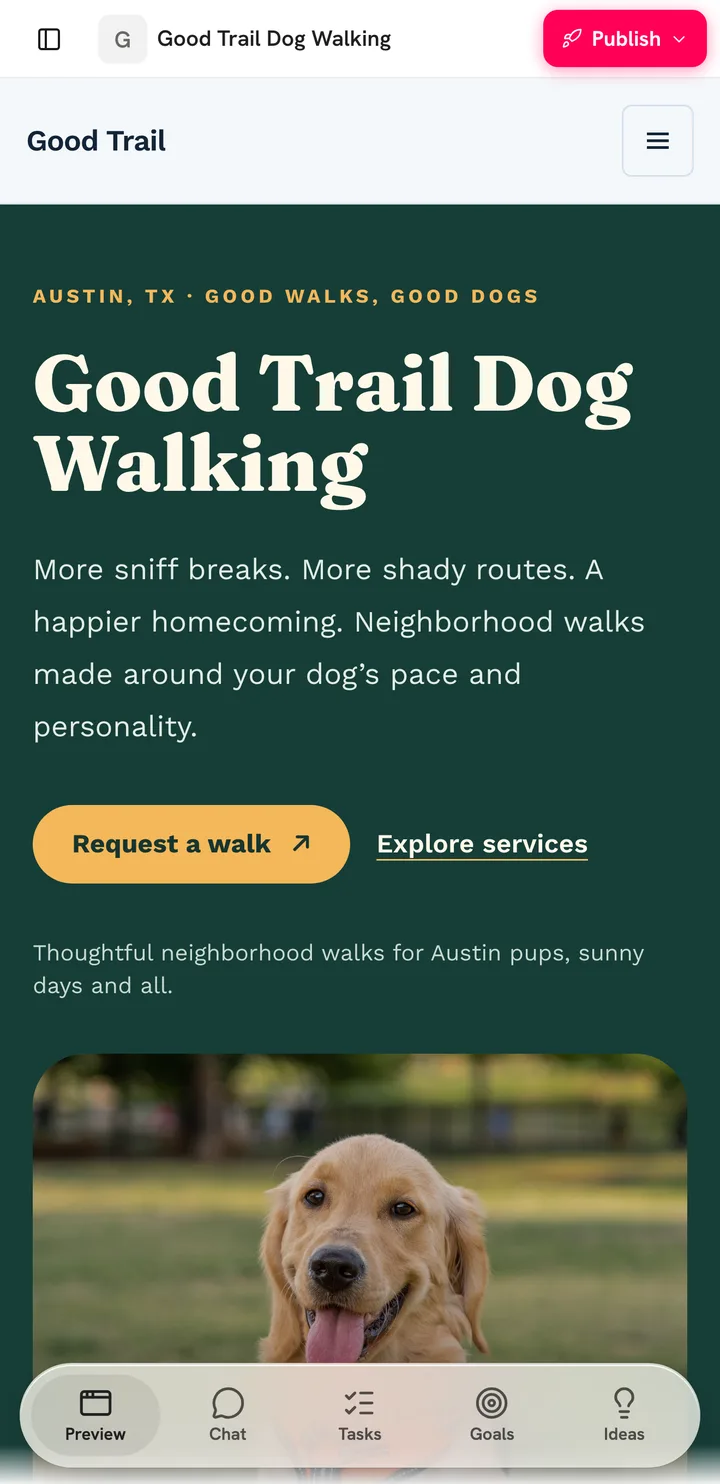
A full site with services, prices, photos and a booking form.
Kleap for iPhone
Describe your business in one sentence. Kleap's AI writes the pages, picks the photos and adds a contact form. Check the preview, change anything by chatting, then publish. No laptop, no code.
Free to download. New accounts start with free credits.
Step by step
Four steps. The first version is usually ready in a few minutes.
Download Kleap from the App Store and create your account with your email.
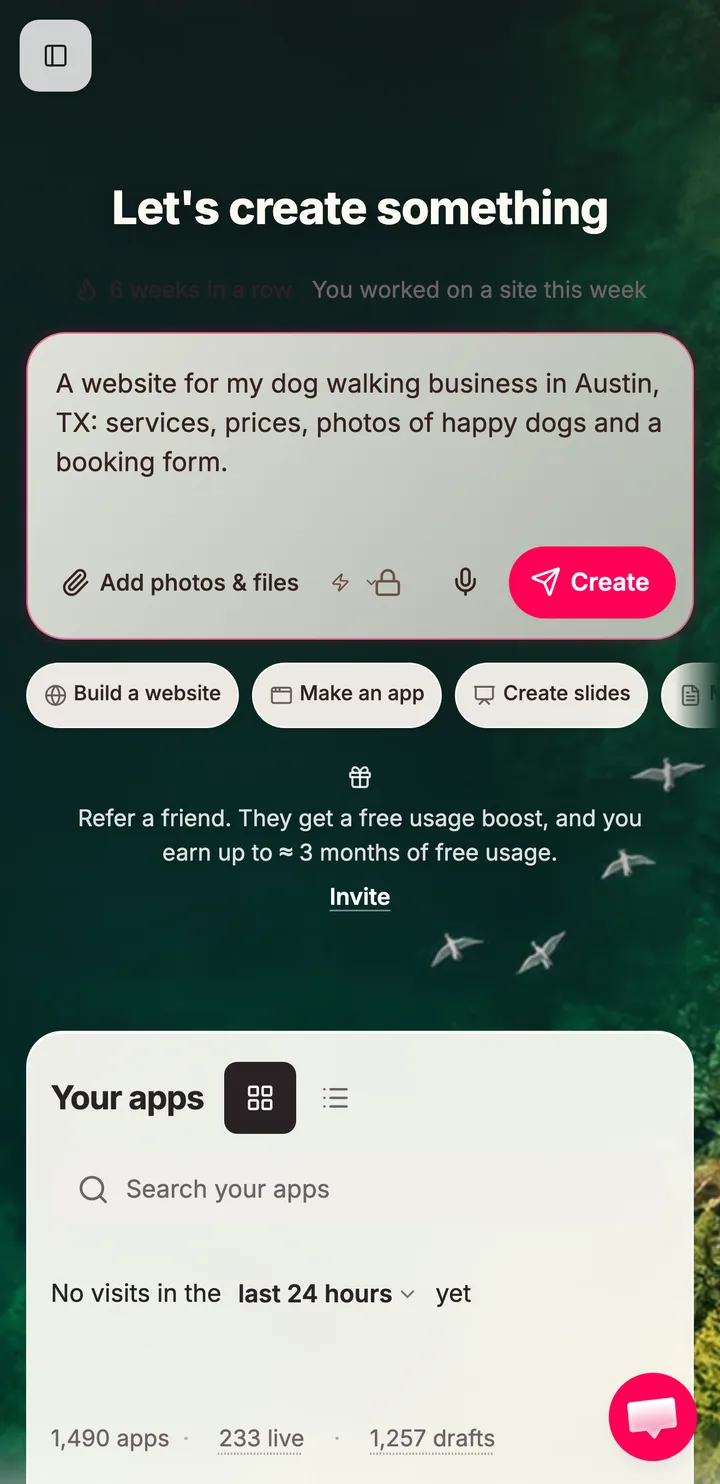
Type what you need, or tap the mic and say it. Add photos from your camera roll if you have some.
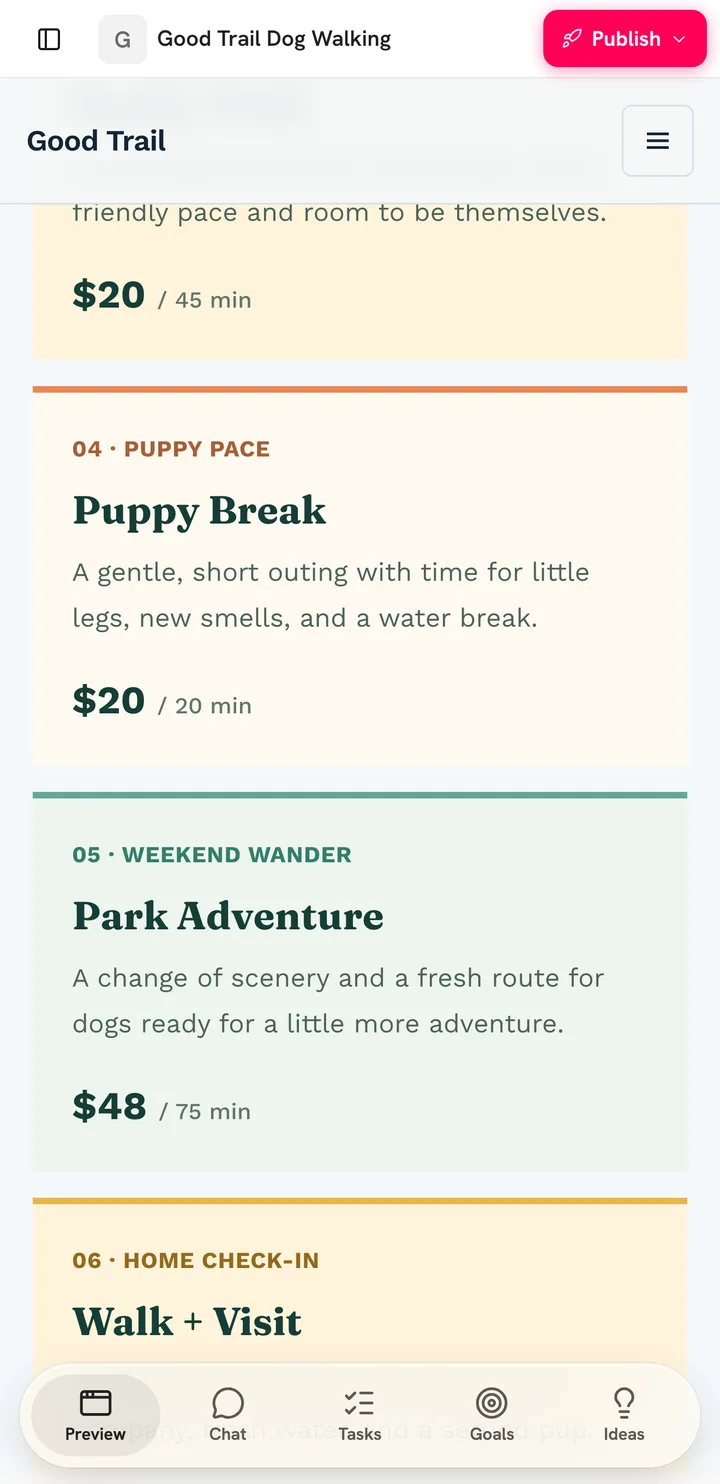
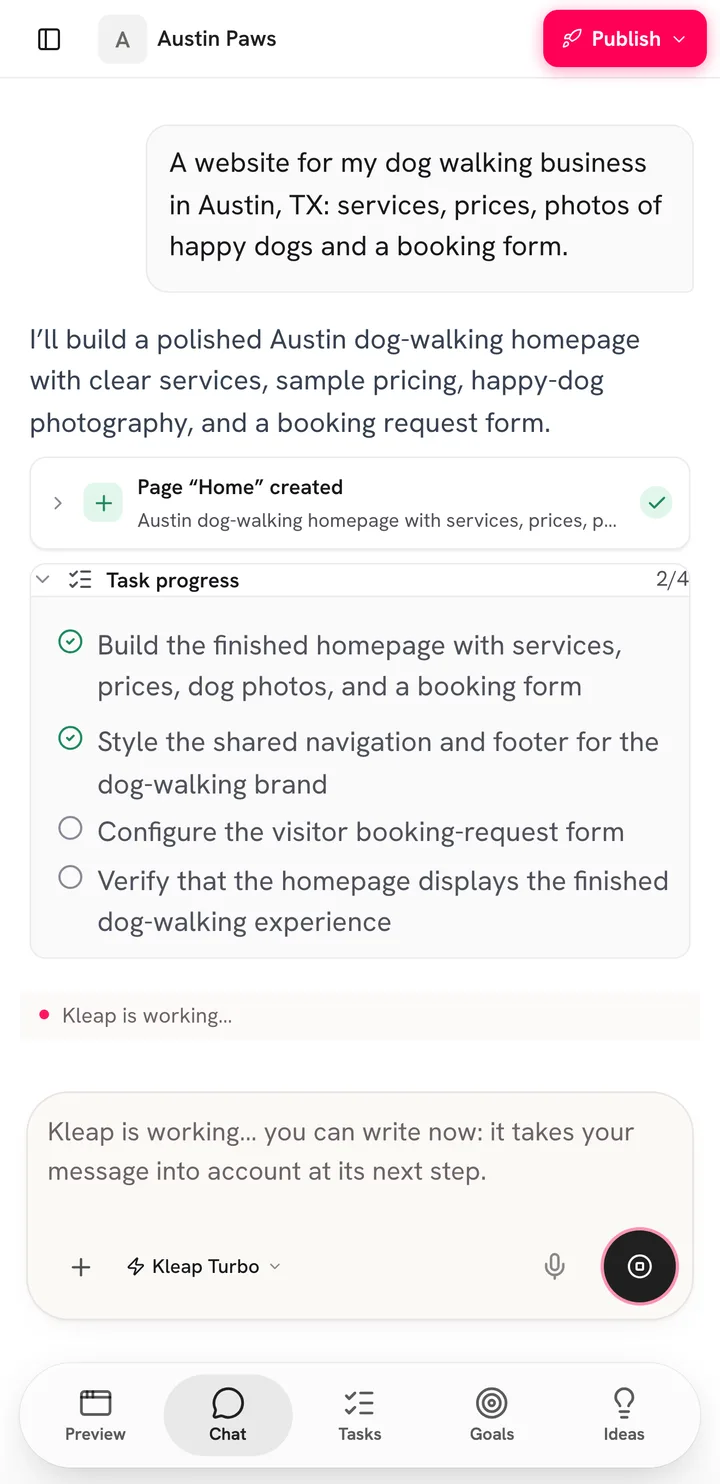
Kleap plans the pages and builds them while you watch. The dog-walking site on this page took about two minutes.
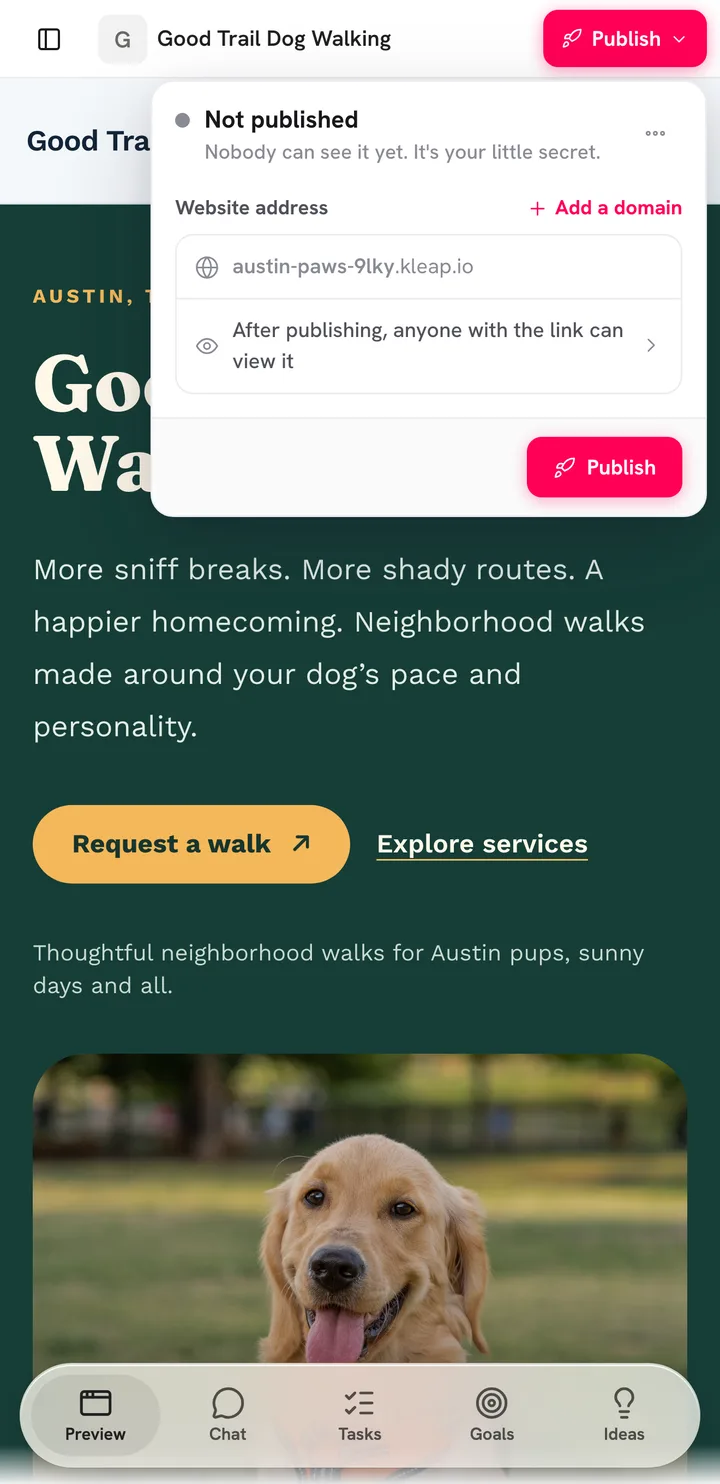
Check it in the preview. Tap Publish and your site is online at a free .kleap.io address, ready to share.
Not just websites
The same app builds more than websites. Every screen below is a real Kleap result, captured at iPhone size.
A full site with services, prices, photos and a booking form.
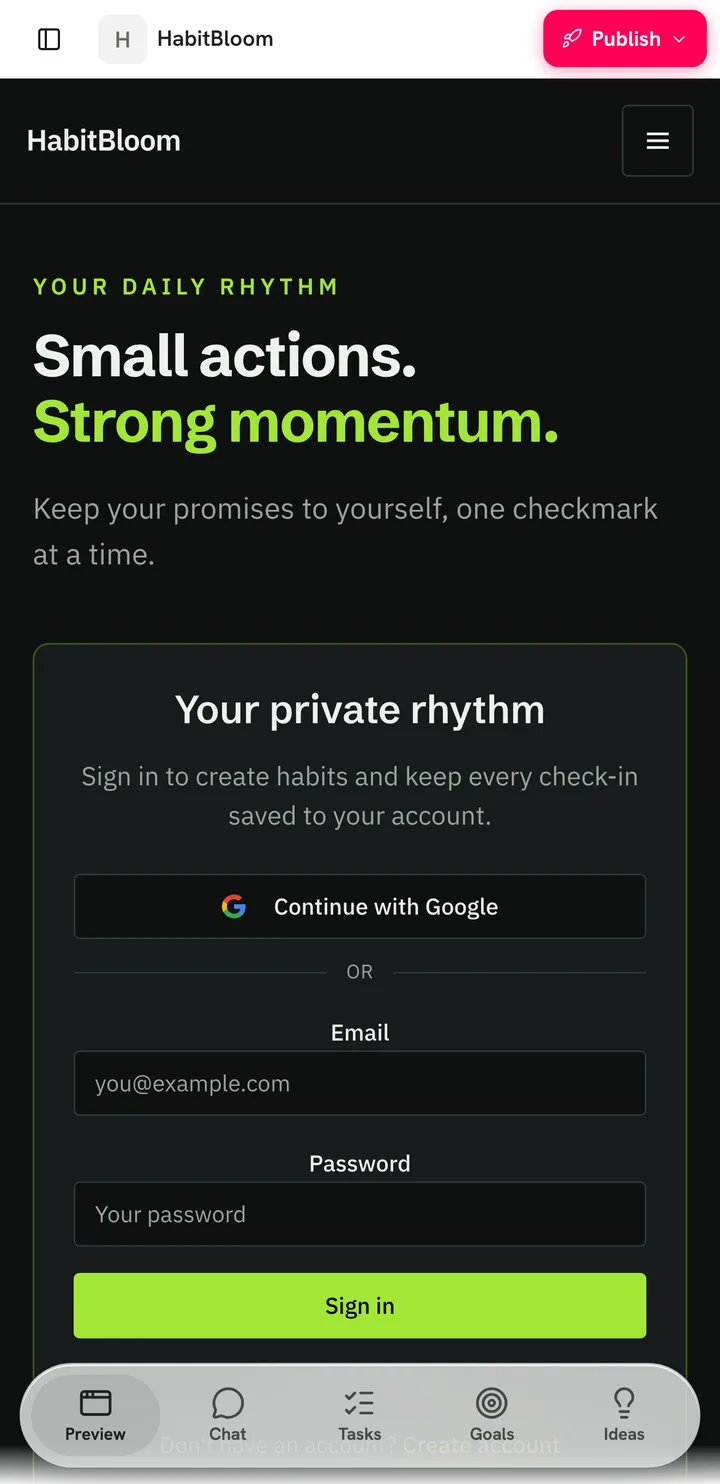
Web apps with sign-in and saved data, like this habit tracker.
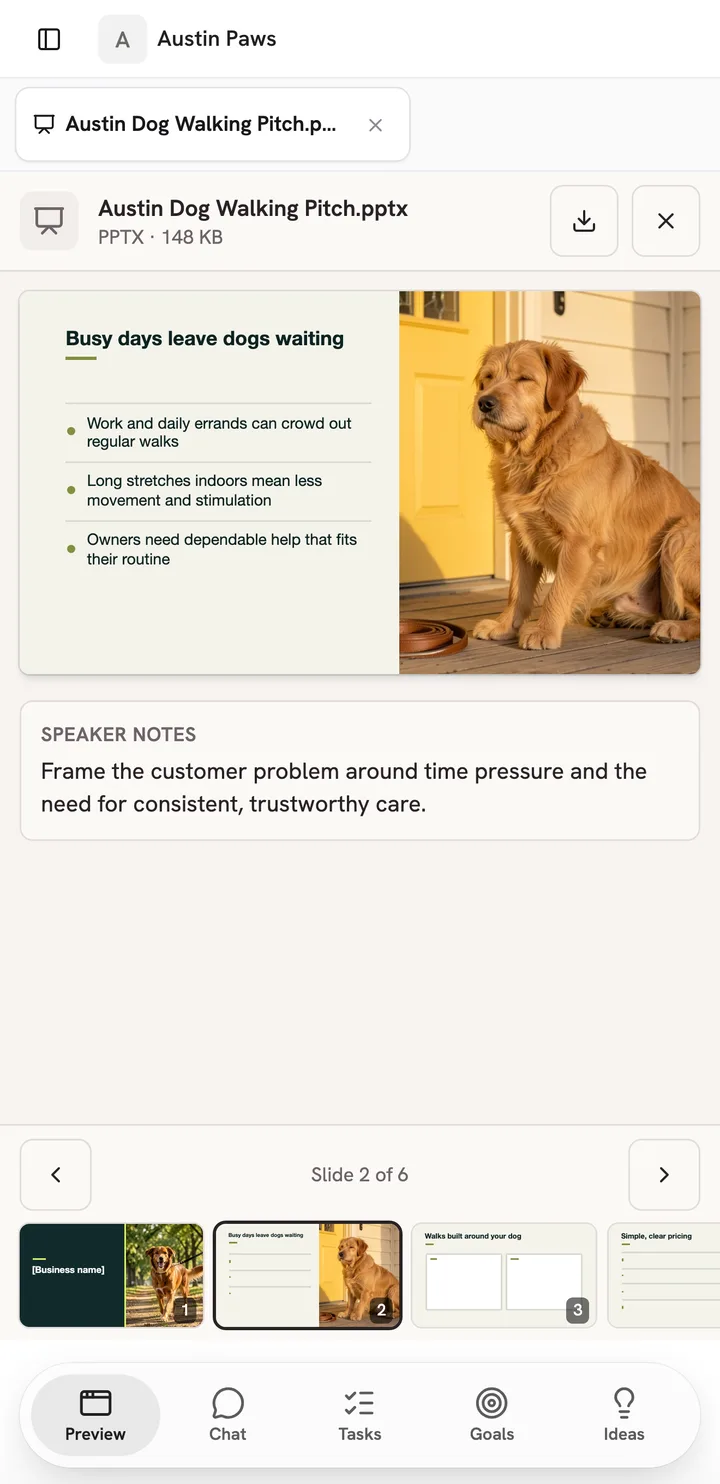
A pitch deck with speaker notes, ready to download as PowerPoint.
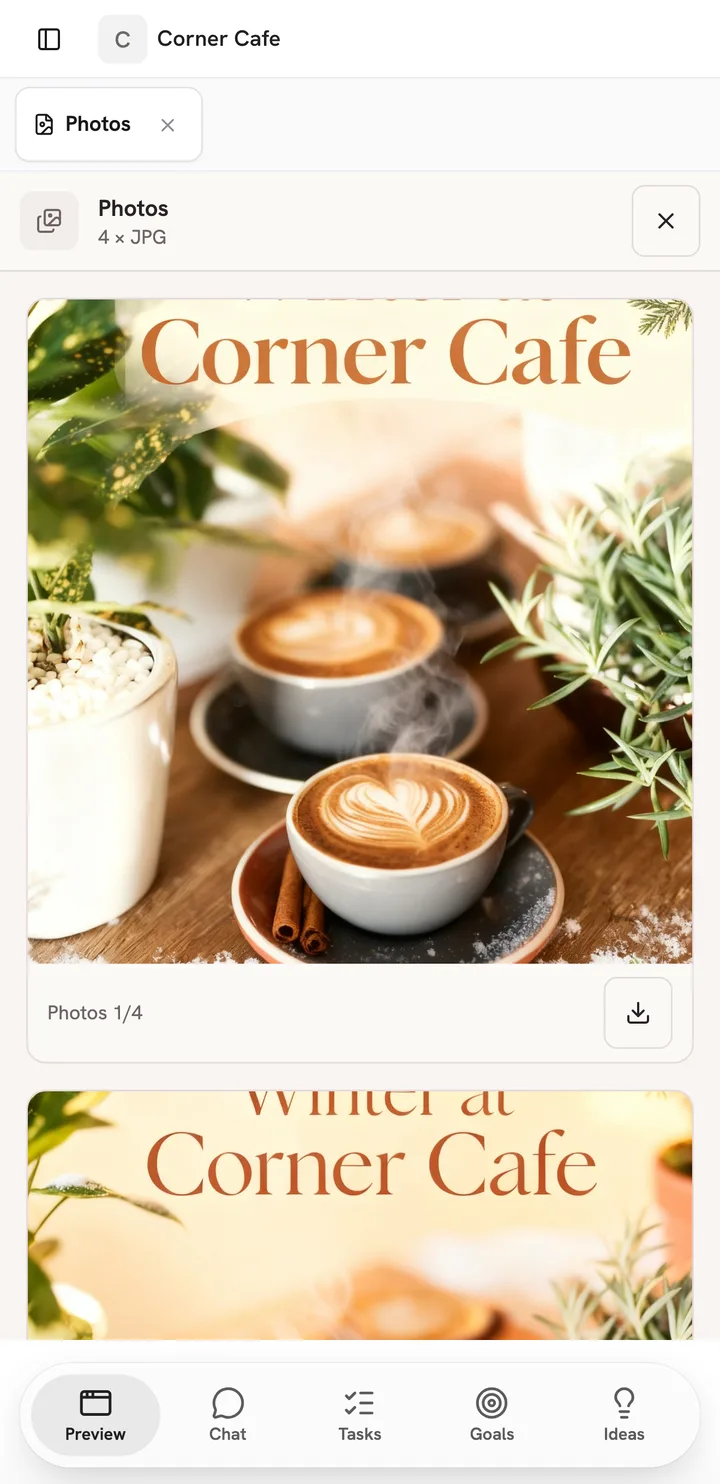
Turn one photo into posters for your menu, your shop or your socials.
On your phone
Buying a new domain isn't available in the iPhone app. You can buy one on kleap.co from any browser.
Made with Kleap
No mockups. Open one on your phone.
Yes, you can start for free. Kleap is free to download, new accounts get free credits to build with, and publishing on a .kleap.io address costs nothing. A paid plan adds more usage and your own domain.
No. You describe what you want in plain words and Kleap writes the pages. To change something, you ask in the chat.
Usually a few minutes for a first version. The dog-walking site on this page took about two minutes, and you can keep refining it after that.
Yes. On a paid plan you can connect a domain you already own from the app. Buying a new domain is done on kleap.co in a browser.
Yes. The Kleap app runs on iPhone and iPad.
Yes. Sign in on kleap.co with the same account and all your projects are there.
Web apps with sign-in, slide decks, documents, and images made from your own photos.
Download Kleap, describe your business, and publish from your phone.
Download on the App Store