Skip to content

Collect RSVPs

Make an RSVP website your guests will actually use

One link for the date, the place, the dress code and the RSVP form. Guests reply from their phone, and every answer lands in your project: who is coming, how many, what they eat.
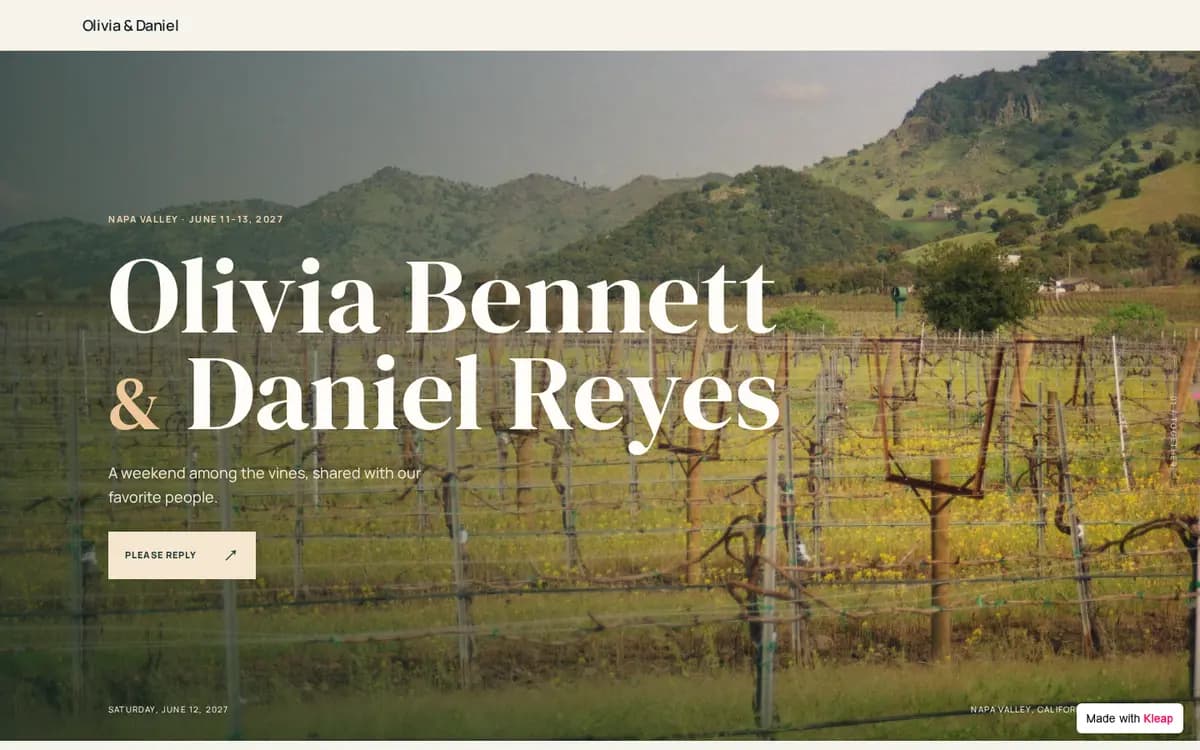
Vineyard Wedding example website built with Kleap
Vineyard Wedding, Napa Valley, California. A wedding weekend in wine country: your story, the Friday-to-Sunday schedule, hotels, dress code, registry and RSVP. The form asks for: name, email, attending, number of guests, meal, dietary notes, song request.

What to prepare before you start

  • The date, the time and the address of each part of the event
  • The schedule: ceremony, dinner, party, brunch, one line each
  • The dress code, in a few words
  • Travel and stay: hotels, parking, airport, shuttle
  • The questions you need answered: guests, meal choice, plus-ones, dietary needs
  • Two or three photos, and the RSVP deadline
  • Answers to the questions guests always ask: kids, gifts, photos

The brief behind this example

Build a wedding website with an RSVP form. Our story, the weekend schedule with times, the venue with directions, hotels and travel, dress code, registry and an FAQ. The RSVP form asks for name, email, attending or not, number of guests, meal choice, dietary notes and a song request, and saves every reply. Elegant, easy to read on a phone.

Start from this example and this brief opens in Kleap, ready for your changes. Nothing is sent until you press Send.

From example to your own site

  1. 1

    Start from this example

    Kleap opens with the brief behind this example already written. Change a word or two if you like, then press Send.

  2. 2

    Kleap builds your site

    You get your own site with the same pages and an RSVP form that sends you every reply.

  3. 3

    Make it yours, then publish

    Ask for your name, your photos and your colors in plain words. Send yourself a test reply, then publish.

More examples like this one

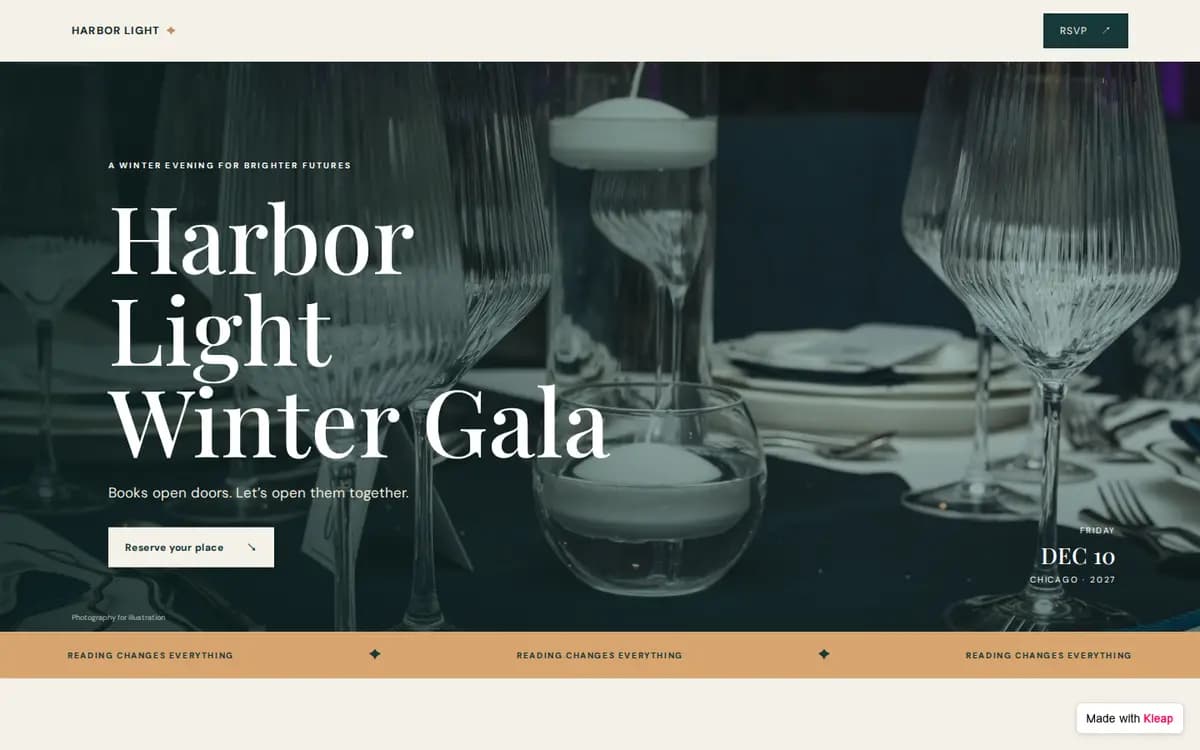
Charity Gala example website built with Kleap

Charity Gala

Chicago, Illinois

A black-tie fundraiser evening with a program, venue and parking details, and seat reservations.

Form asks for: name, email, company, attending, seats, meal, accessibility needs.
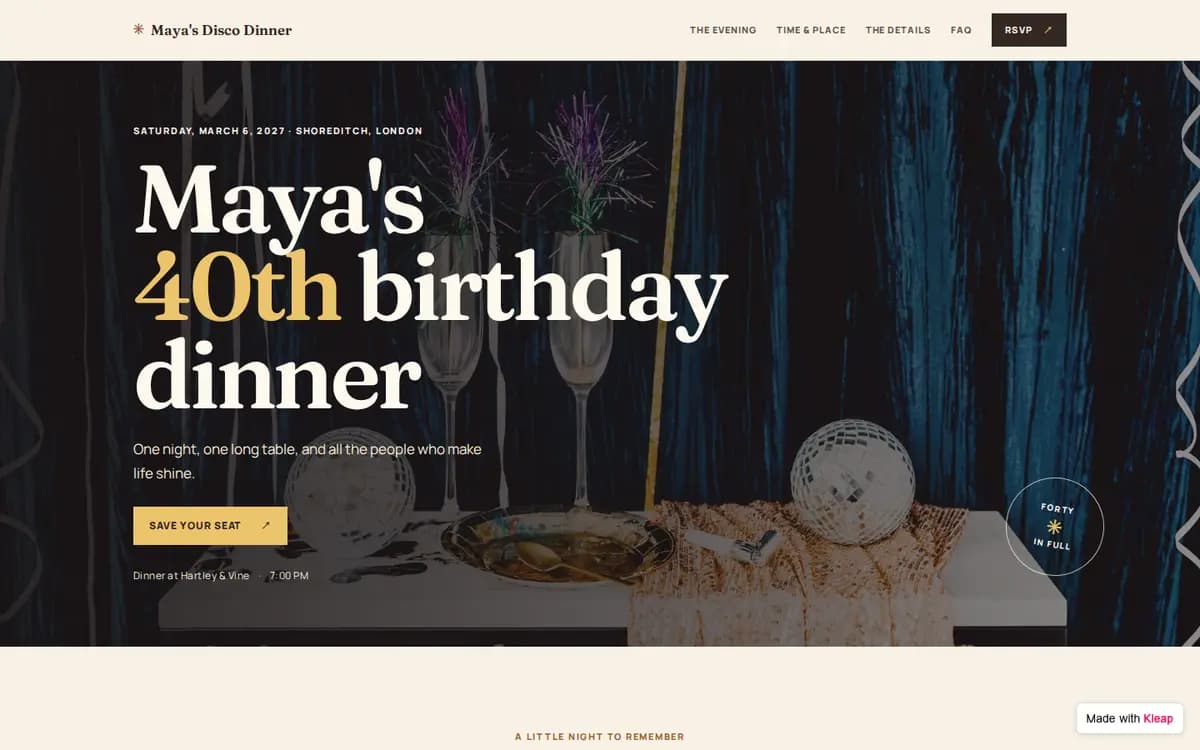
Birthday Dinner example website built with Kleap

Birthday Dinner

London, UK

A 40th birthday dinner with a dress code, a no-gifts note and a shared playlist.

Form asks for: name, email, coming, plus-one name, dietary needs, playlist song.

What goes on an RSVP website

  • The date, time and place

    With the address and directions, so nobody texts you for them.

  • The schedule

    Ceremony, dinner, after-party, brunch. One line each, with times.

  • What to wear

    Say “black tie” or “disco glam” once, on the page.

  • The RSVP form

    Attending or not, how many, meal choice, dietary needs, and anything else you need to plan.

Every reply in one place

Each RSVP is saved in your project with the time it came in. You see who said yes, who said no, the meal choices and the notes, without copying anything from texts or emails. Need a new question two weeks before the day? Ask Kleap to add it to the form.

Check these before you send the link

  • Who can see it

    A public link can be forwarded. If the details are private, ask Kleap to add a password or a guest sign-in.

  • The form

    Send one full test reply and check that it shows up.

  • Changes

    If the venue or the time moves, edit the page and publish again. The link stays the same.

Frequently asked questions

What is an RSVP website?
An RSVP website is a page for an event where guests read the details and reply on a form. You get one list of answers instead of replies scattered across texts and emails.
Is it free to start?
Yes. You can build your site from an example, edit it and publish it to a kleap.io address without paying. Paid plans add extras such as your own domain.
Can I ask for meal choices and plus-ones?
Yes. The examples ask for meal choice, number of guests or a plus-one name, and dietary needs. Ask Kleap to add, remove or rename any question.
Does Kleap send reminders to guests who haven't replied?
Reminders are not set up on these examples. You can see who has replied and follow up yourself.
Will it work on phones?
Yes. The example is built to work on phones, tablets and desktops. Check your own photos and long titles on a phone before you publish.
Can I use my own domain?
Yes, on a paid plan. You can publish on a free kleap.io address first.
Will my site look exactly like the example?
Kleap builds a new site from the same brief, so the pages and the form match the example but the design can differ. Ask for changes until it looks right.

Ready to start?

Start from this example, or see every template sorted by what your site needs to do.

Related: Wedding website builder