Skip to content

Get quote requests

A website that brings you quote requests

Show what you do, where you work and how it goes, then let the form ask the questions you need to price the job. Every request lands in your project, and phone visitors can call you in one tap.

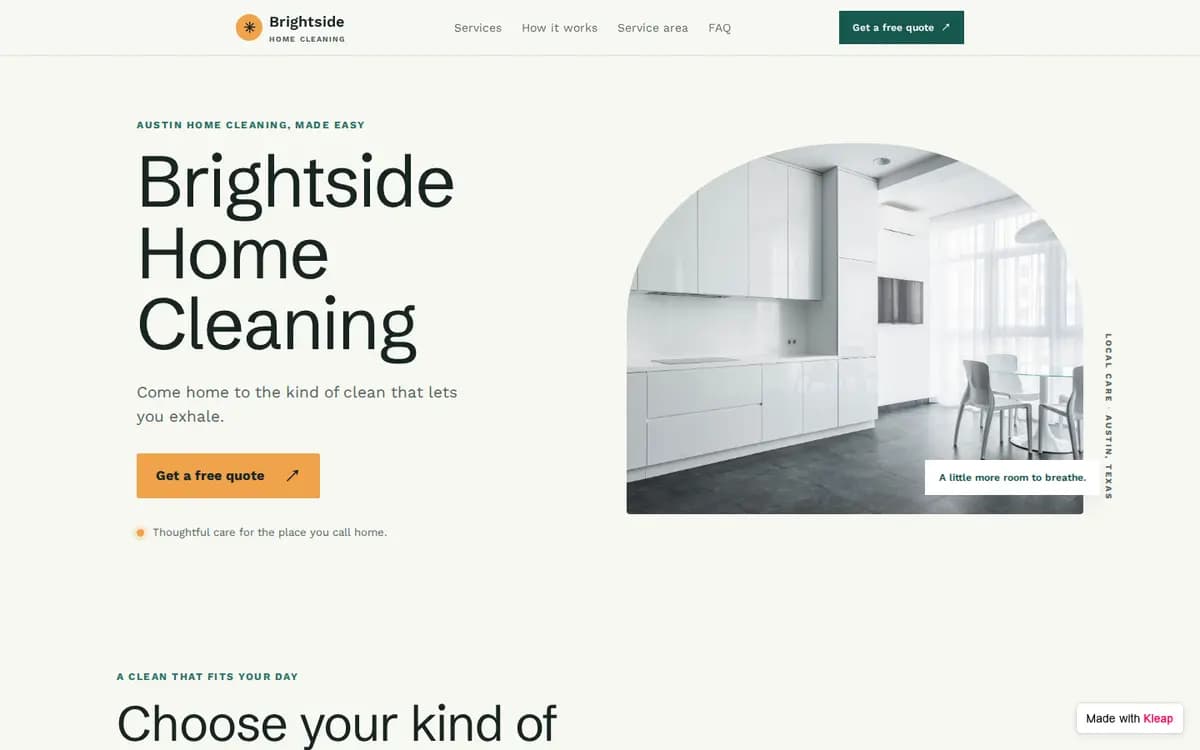
Home Cleaning Service example website built with Kleap
Home Cleaning Service, Austin, Texas. Three services with “starting at” prices, the neighborhoods served, how it works in three steps, a photo gallery, an FAQ and a tap-to-call button on phones. The form asks for: service, home type, bedrooms, bathrooms, frequency, preferred date, zip code, name, phone, email, notes.

What to prepare before you start

  • Your name, logo, phone, email and hours
  • Your services, each with a “starting at” price or “on quote”
  • The area you serve: cities, neighborhoods or zip codes
  • Four to ten photos of your work
  • What you need to know to give a quote (the form questions)
  • Insurance, licenses or guarantees you can show
  • Five frequent questions with their answers
  • Real customer reviews, if you have them (never invented)

The brief behind this example

Build a website for my local service business so customers can request a quote. Show my services with "starting at" prices, my service area, how it works in 3 steps, a before/after photo gallery and an FAQ. Add a quote request form (service, property size, preferred date, zip code, phone, email, notes) that sends me each request, and a tap-to-call button on mobile.

Start from this example and this brief opens in Kleap, ready for your changes. Nothing is sent until you press Send.

From example to your own site

  1. 1

    Start from this example

    Kleap opens with the brief behind this example already written. Change a word or two if you like, then press Send.

  2. 2

    Kleap builds your site

    You get your own site with the same pages and a quote request form that sends you every request.

  3. 3

    Make it yours, then publish

    Ask for your name, your photos and your colors in plain words. Send yourself a test reply, then publish.

More examples like this one

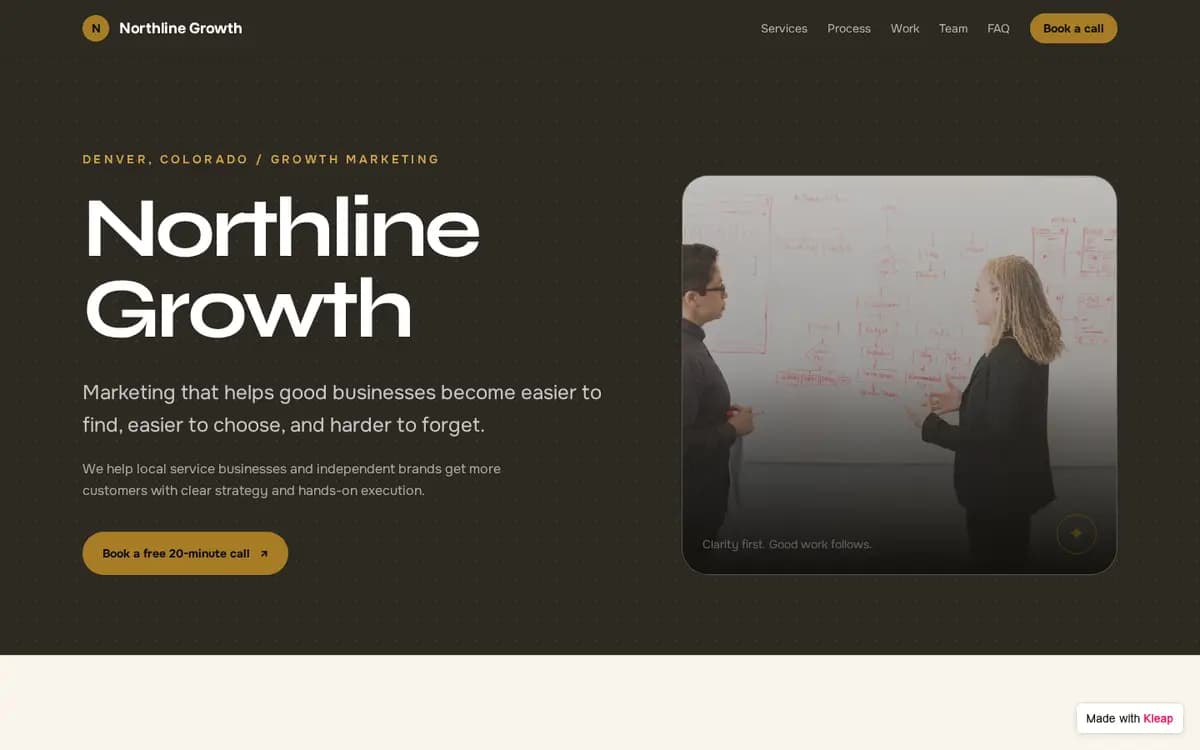
Marketing Agency example website built with Kleap

Marketing Agency

Denver, Colorado

Three services with what is included, a four-step process, case studies told in words, the team and a “Book a free 20-minute call” form.

Form asks for: name, company, website, monthly budget, main goal, preferred time, email, phone.

What a quote request page needs

  • Services with a starting price

    A “starting at” price filters out the wrong requests before they reach you.

  • Your service area

    List the neighborhoods or zip codes, so people know you come to them.

  • How it works, in three steps

    Request, quote, job done. People ask for a quote when they know what happens next.

  • A form that asks the right questions

    Size of the job, date, zip code and a phone number: everything you need to reply with a price.

Frequently asked questions

Is it free to start?
Yes. You can build your site from an example, edit it and publish it to a kleap.io address without paying. Paid plans add extras such as your own domain.
Does the form really work?
Yes. The form on the example saves every reply in the project, and we tested it on the live site. Your own site gets the same kind of form: send yourself a test reply before you share the link.
Can I change the questions on the form?
Yes. Ask Kleap to add, remove or rename any question, for example “add a question about pets”.
Will it work on phones?
Yes. The example is built to work on phones, tablets and desktops. Check your own photos and long titles on a phone before you publish.
Can I use my own domain?
Yes, on a paid plan. You can publish on a free kleap.io address first.
Will my site look exactly like the example?
Kleap builds a new site from the same brief, so the pages and the form match the example but the design can differ. Ask for changes until it looks right.

Ready to start?

Start from this example, or see every template sorted by what your site needs to do.