Skip to content

Take bookings

Booking website templates that fill your calendar

Real Kleap sites that take booking requests today. Start from one, swap in your services and hours, and connect your Calendly or Cal.com when you are ready. Until then, the booking request form collects every request.

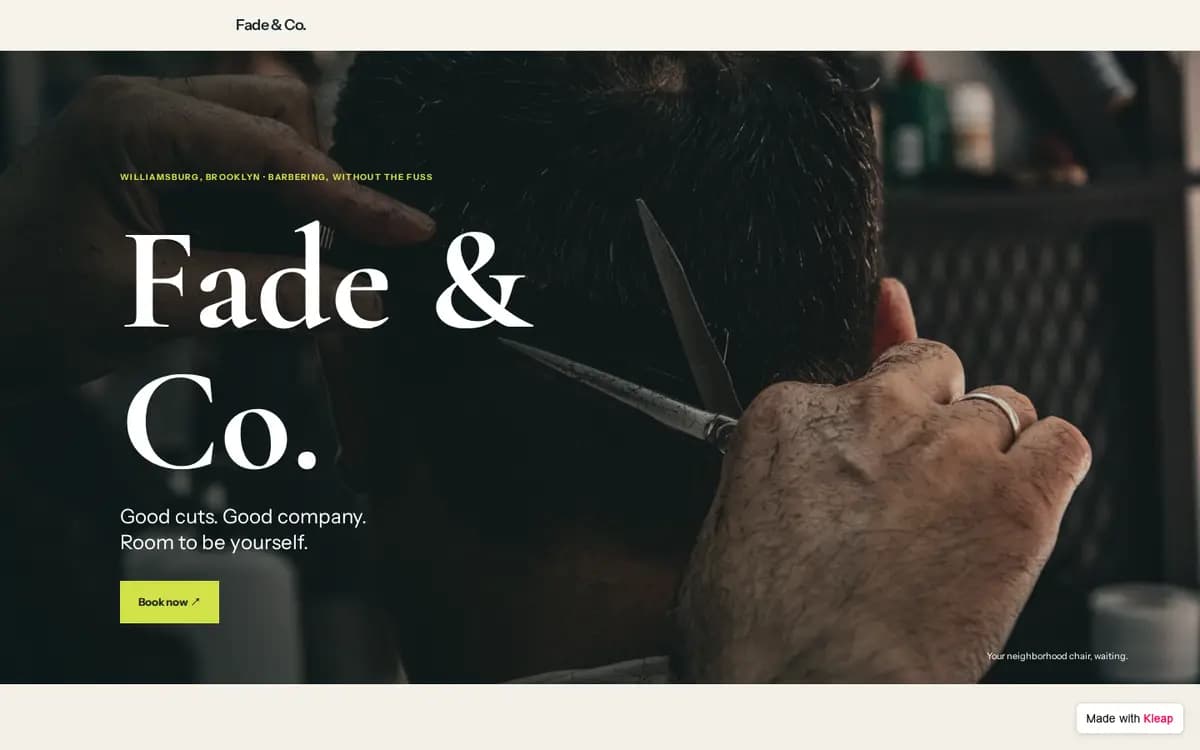
Barbershop example website built with Kleap
Barbershop, Brooklyn, New York. Five services with prices and durations, three barbers, hours and a Book now button on every screen. The form asks for: service, barber, date, time, name, phone, email, notes.

What to prepare before you start

  • Your services, each with a price and a length
  • Your hours and your address (or the area you cover)
  • Who takes the appointments: names and photos
  • Your rules: cancellation notice, late arrivals, what to bring
  • The questions you need answered to confirm a booking
  • A Calendly or Cal.com link if you already use one
  • Four to eight photos of your place and your work

The brief behind this example

Build a website for my barbershop where clients can book. Services with prices and durations, the team, opening hours, location and an FAQ, with a Book now button on every screen. The booking request form asks for service, barber, date, time, name, phone, email and notes, and sends me each request. Bold, modern, made for phones.

Start from this example and this brief opens in Kleap, ready for your changes. Nothing is sent until you press Send.

From example to your own site

  1. 1

    Start from this example

    Kleap opens with the brief behind this example already written. Change a word or two if you like, then press Send.

  2. 2

    Kleap builds your site

    You get your own site with the same pages and a booking form that sends you every booking request.

  3. 3

    Make it yours, then publish

    Ask for your name, your photos and your colors in plain words. Send yourself a test reply, then publish.

More examples like this one

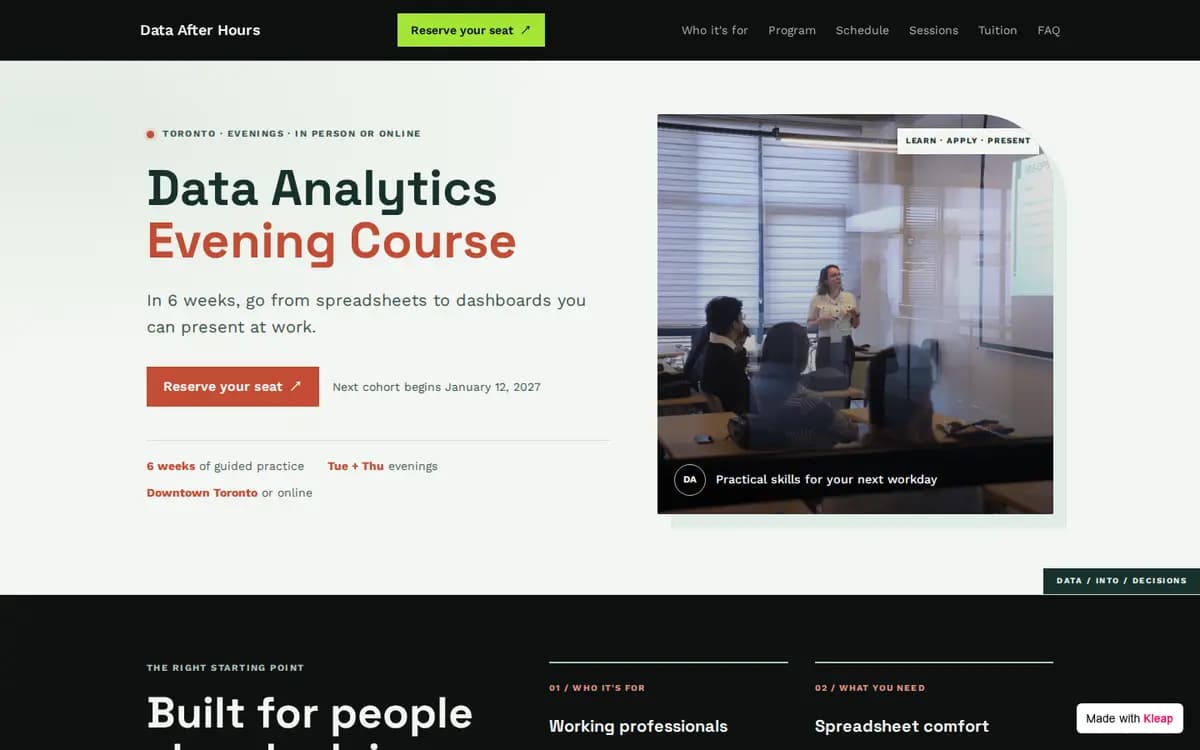
Evening Course example website built with Kleap

Evening Course

Toronto, Canada

A six-week data analytics course: the promise, who it is for, the program week by week, the trainer, three upcoming sessions, the price and what is included.

Form asks for: session, format, name, email, phone, current level, how they heard about the course.
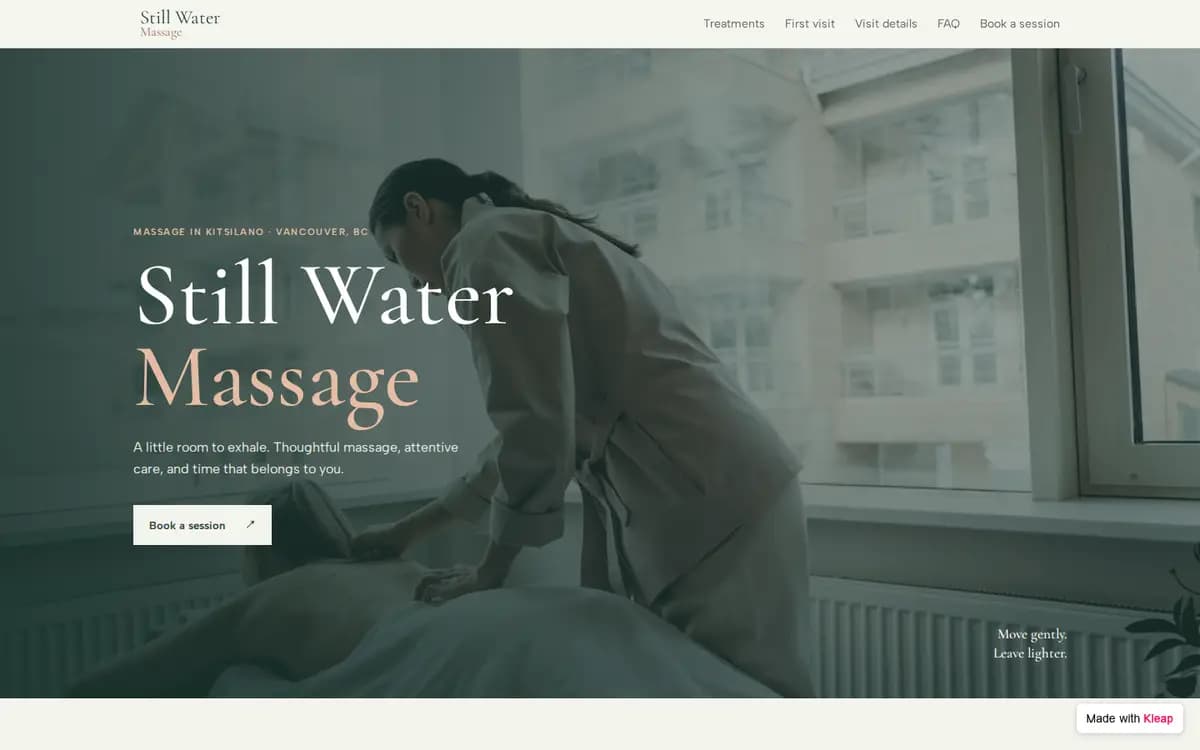
Massage Studio example website built with Kleap

Massage Studio

Vancouver, Canada

Treatments in 60 and 90 minutes, what to expect on a first visit and a 24-hour cancellation policy.

Form asks for: treatment, length, date, time, name, email, phone, health notes.

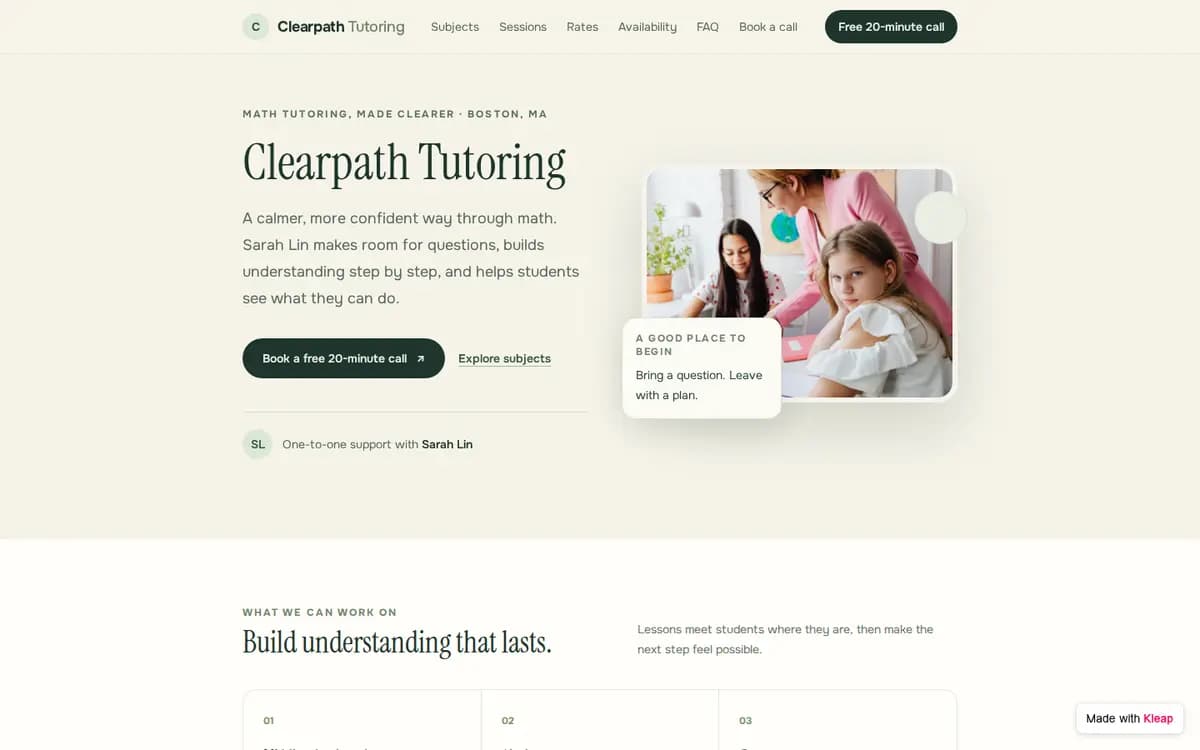
Private Tutor example website built with Kleap

Private Tutor

Boston, Massachusetts

One tutor, five subjects, hourly and package rates, and a free 20-minute intro call.

Form asks for: subject, grade, online or in person, day, time, parent name, email, phone, goals.

What an appointment booking website needs

  • Services with a price and a length

    Clients decide faster when they see the price and the time next to each service.

  • A Book button on every screen

    At the top, after the services and at the bottom.

  • Hours and location up front

    Before the client has to ask.

  • A booking step that stays on your site

    Your Calendly or Cal.com page on the page, or a booking request form you confirm yourself.

  • Your rules in writing

    Cancellation notice, late arrivals, what to bring.

Frequently asked questions

Is it free to start?
Yes. You can build your site from an example, edit it and publish it to a kleap.io address without paying. Paid plans add extras such as your own domain.
Can I use my own booking tool?
Yes. Connect Calendly or Cal.com from the chat and Kleap places your real booking links on the page. Without a booking tool, the booking request form stays: clients pick a service and a time, and you confirm.
Does the form really work?
Yes. The form on the example saves every reply in the project, and we tested it on the live site. Your own site gets the same kind of form: send yourself a test reply before you share the link.
Will it work on phones?
Yes. The example is built to work on phones, tablets and desktops. Check your own photos and long titles on a phone before you publish.
Can I use my own domain?
Yes, on a paid plan. You can publish on a free kleap.io address first.
Will my site look exactly like the example?
Kleap builds a new site from the same brief, so the pages and the form match the example but the design can differ. Ask for changes until it looks right.

Ready to start?

Start from this example, or see every template sorted by what your site needs to do.

Related: Booking website builder · Free booking page maker