Skip to content

Website cloner: clone any website in one click

Kleap builds your website and writes every page for Google.

1,300,000+ sites created with Kleap

See Kleap build a website

Describe your business in one sentence. Kleap writes every page, picks the images and puts your site online at its own address.

Everything Google needs, done for you

On every page of your site.

Written for Google

Every page gets its title, meta description and headings, written from what your business does.

Automatic sitemap

Your sitemap is generated and kept up to date, so Google finds every page you publish.

Fast pages

Your site is served as fast static pages, on mobile and desktop.

Search Console in one click

Connect Google Search Console in one click and see how people find you.

Edit it by talking

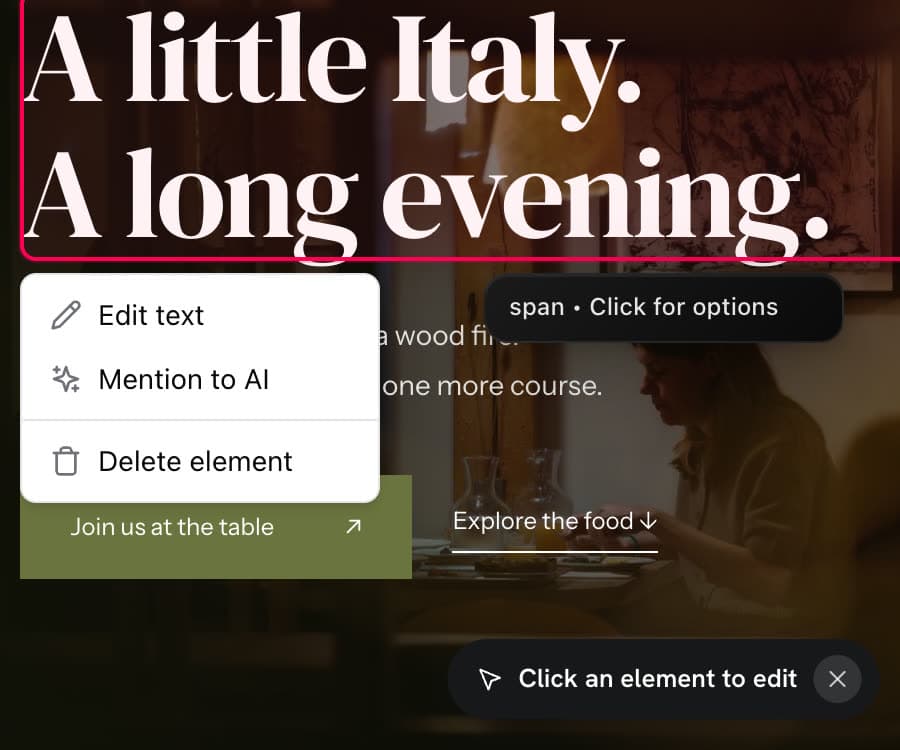
Click any text or image on your site and tell Kleap what to change. No editor to learn.

Your own domain

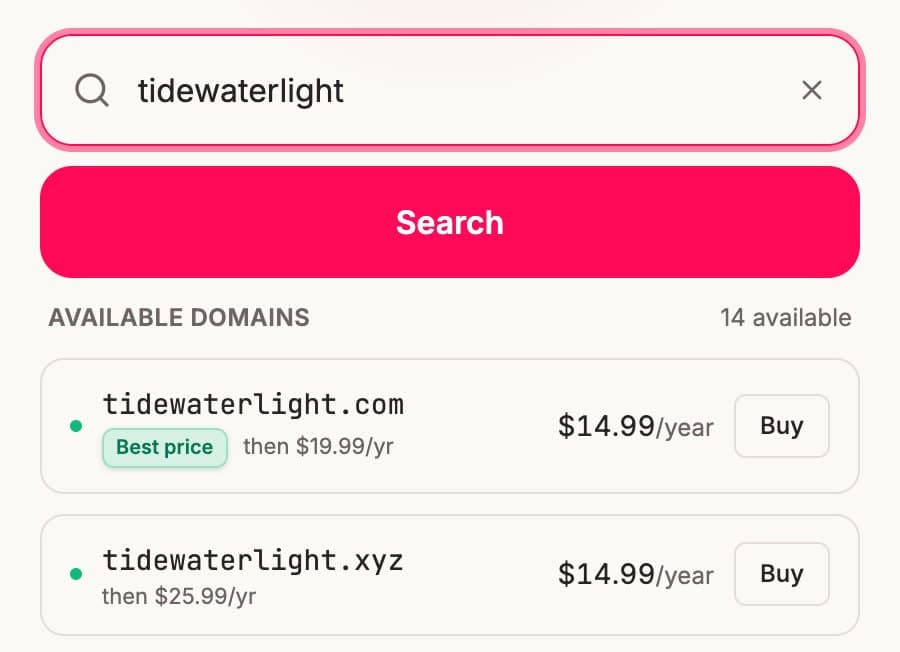
Publish on a kleap.io address, or connect your own domain, with HTTPS included.

SEO articles written for you

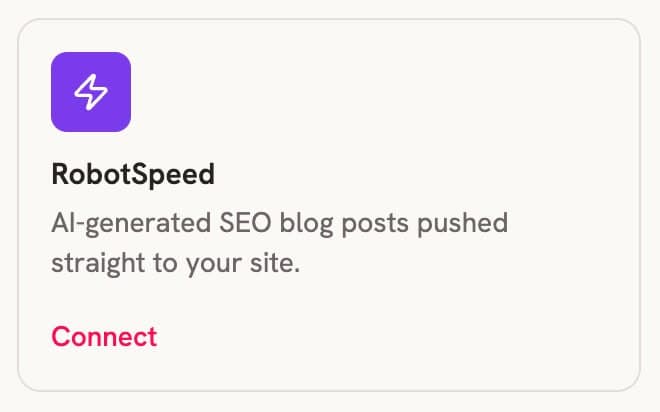
Connect Robot Speed and get SEO articles written and published on your site.

From a website you like to a website that's yours

Kleap copies the look. You bring the business.

An exact copy in one click

The Kleap extension for Chrome copies the page you're on: layout, colors, fonts, pictures, and the phone version too.

Or just paste a link

No extension? Paste the address in Kleap's chat. Kleap reads the page and rebuilds it as a new site in the same spirit.

Change it by asking

“Put my bakery's name here”, “use my photos”, “make it green”. Kleap edits the copy from plain sentences.

Publish when it's yours

Swap in your own words and pictures, publish on a free Kleap link, and add your own domain when you're ready.

Want an exact copy?

Add the free Kleap extension to Chrome. Open any website, click “Copy this page”, and the copy opens in Kleap, ready to edit.

Get the Chrome extension

Copy a page you like with Kleap's free Chrome extension, or paste its link in the chat. You get a copy you can change just by asking: your text, your photos, your colors. Then publish it under your own name.

Almost nobody starts a website from a blank page. You see a site you like, a restaurant, a studio, a shop, and you think: I want mine to look like that.

A website cloner turns that thought into a starting point. Instead of describing the design, you copy it, then change everything that should be yours: the name, the words, the photos, the colors.

Kleap gives you two ways to do it. The Chrome extension makes an exact copy of the page in one click. Pasting a link in the chat asks Kleap to read the page and rebuild it. Either way, you end up with a real website you can edit by simply asking.


Clone a whole page, or just one part

Sometimes you only like one block: a price list, a menu, a photo gallery. With the extension, choose “Recreate a section”, click the block you want, and Kleap adds it to a new site or to one you already have.

  • Copy a whole page as it is
  • Pick a single section and add it to your site
  • Clone your own old website to move it somewhere easier to edit

Is it legal to clone a website?

Copying the layout of a page to learn from it, or to rebuild your own site, is common practice. Copying someone else's words, photos, logo or brand and passing them off as yours is not, and can get you into trouble.

Use the copy as a starting point, then make it truly yours.

  • Clone your own website to give it a fresh start
  • Use a page you like as a model, then replace the text and photos
  • Never reuse another company's name, logo or photos

Good for

Anyone who would rather point at a design than describe it.

  • Small businesses that found a site they'd love to have
  • Freelancers and agencies starting a client site from an example
  • Owners moving an old website to something easier to edit
  • Anyone curious about how good websites are put together

How to clone a website

01

Open the site

Go to the website you like in Chrome.

02

Copy it

Click the Kleap extension, then “Copy this page”. Or paste the link in Kleap's chat.

03

Make it yours

Ask Kleap to change the text, photos and colors to fit your business.

04

Publish

Put it online on a free Kleap link or on your own domain.

Website cloner FAQ

Is the Kleap website cloner free?

Yes. The Chrome extension is free, and you can clone a page, edit it and publish it on a free Kleap link without paying.

Will the copy look exactly like the original?

With the extension, yes for what you see on screen: layout, colors, fonts and pictures, on computer and on phone. Things that move on their own, like sliders and animations, are copied as they look at that moment. Pasting a link rebuilds the page from its content, so the result looks close rather than identical.

Can I edit the cloned website?

Yes. Ask in plain words: change a title, swap a photo, add a page, change the colors. No code.

Can I clone a website from my phone?

Chrome extensions only work on a computer. On a phone, paste the website's link in Kleap's chat and Kleap rebuilds it.

Are there pages it can't copy?

Pages behind a login and Chrome's own pages can't be read by the extension. For those, describe what you want in one sentence and Kleap designs it for you.

Ready to put your business online?

Describe it in one sentence. Kleap does the rest.