Barcode to Text Conversion, The Essential Guide
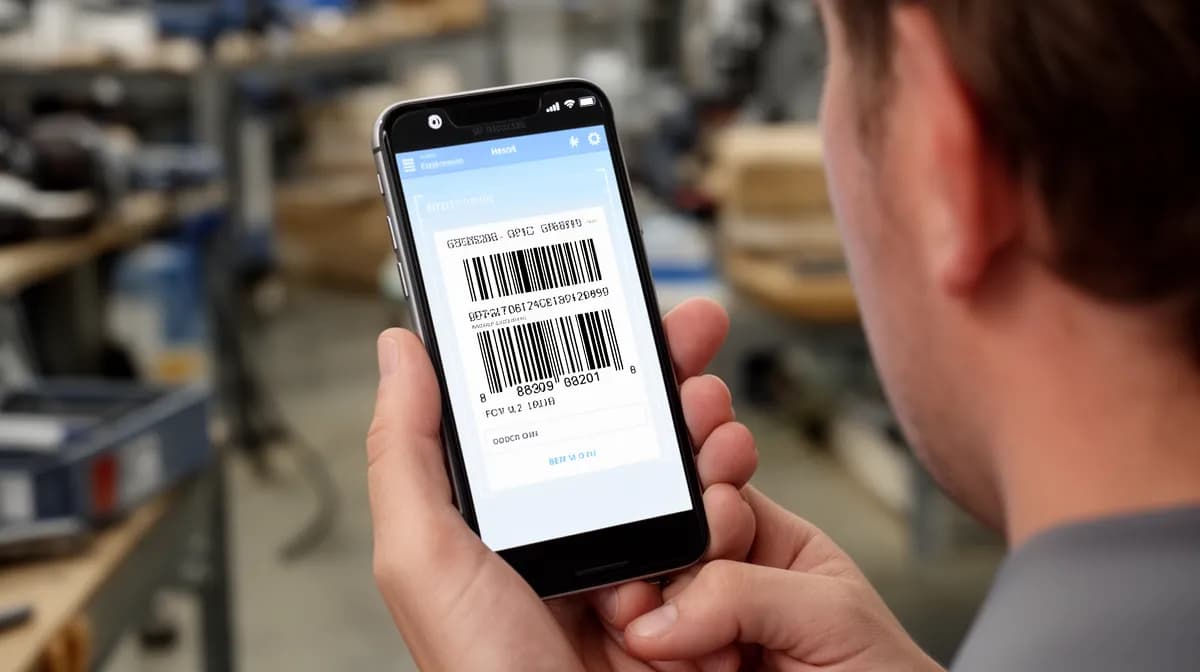
Barcode to text conversion decodes any 1D or 2D barcode into readable data in seconds, using mobile apps, desktop software, or APIs.
- Most smartphone apps and browser-based tools complete barcode to text decoding in under 3 seconds
- Choose API-based solutions when processing barcodes at scale across inventory, logistics, or e-commerce workflows
- Accurate decoding eliminates manual data entry errors, saving real time across supply chains and document processing
Somewhere in a warehouse, a shipping label gets misread. A product number entered by hand carries a typo.
One wrong digit, and an entire order goes to the wrong address, a small failure with a costly ripple effect that a simple barcode to text conversion would have prevented entirely.
For entrepreneurs managing inventory, developers building retail applications, and agencies automating document workflows, the ability to extract machine-readable barcode data into plain, usable text is no longer a niche technical skill, it's a core operational requirement.
Even so, most guides stop at "point your camera and scan." The real challenge lies in choosing the right method for your specific volume, format, and integration needs, and that distinction is what separates a workflow that scales from one that quietly breaks under pressure.
Key takeaways
- At its core, barcode to text conversion is the process of reading a barcode's visual pattern, whethe
- Upload a barcode image, point a webcam, or tap your phone camera, decoded text appears in under a se
- The wrong tool costs you more than time.
- Most failed barcode scans aren't a tool problem.
- Decoded text sitting in a browser window is useful.
What Barcode to Text Actually Means and Why It Matters
At its core, barcode to text conversion is the process of reading a barcode's visual pattern, whether parallel lines or a pixel grid, and translating it into the alphanumeric string it represents. A 1D barcode like UPC-A or EAN-13 decodes into a numeric product identifier.
A 2D format like QR Code or Data Matrix can decode into a URL, plain text, contact details, or even WiFi credentials. The decoder validates the result using a built-in check digit, then outputs clean, usable text in milliseconds.
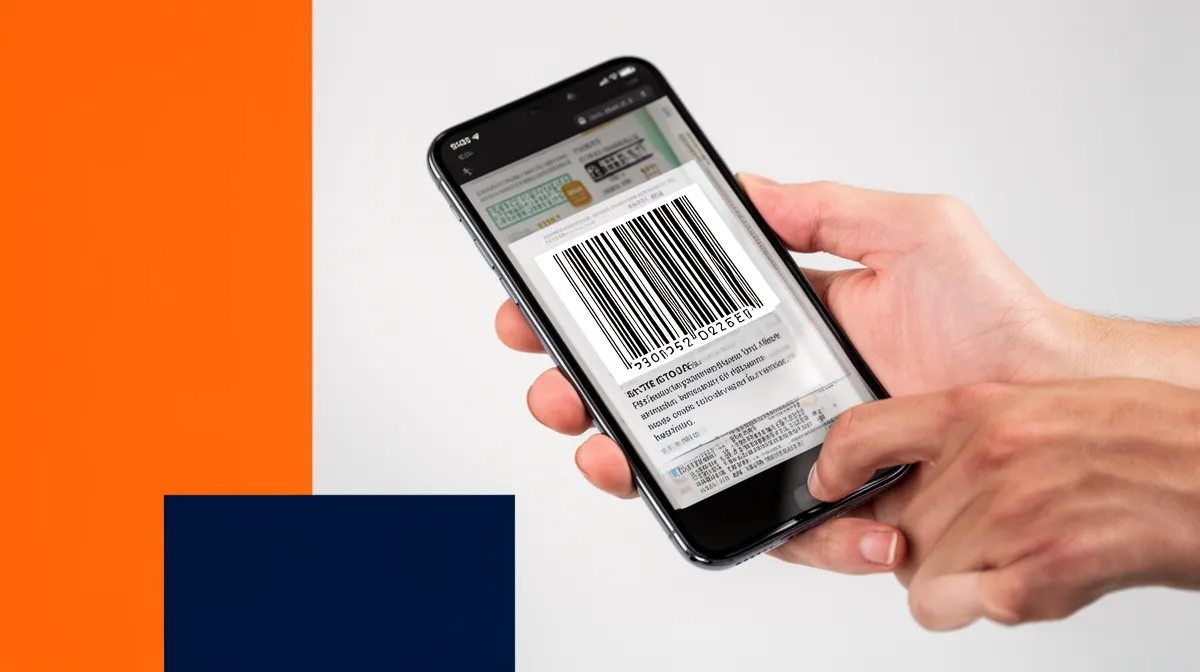
How a barcode stores human-readable data
Barcodes don't store images or rich content directly, they store a compact encoded string. When decoded, that string links to a database record or carries the data inline.
Modern mobile devices running Android 9+ or iOS 11+ can decode barcodes natively via the camera, no app required.
Real-world use cases across retail, logistics, healthcare, and more
The applications are broader than most people realize. Retail and logistics teams rely on barcode decoding for inventory accuracy.
Healthcare facilities scan medication labels to prevent administration errors. Event organizers validate tickets instantly at entry points.
- Retail: product lookup, price verification, stock management
- Logistics: shipment tracking, warehouse automation
- Healthcare: lab samples, pharmacy dispensing, patient wristbands
- Events: ticket validation, access control
The global auto-ID and data capture market, which barcode scanning anchors, was valued at approximately $25 billion in 2024. That scale reflects how foundational this technology has become across every industry that moves physical goods or manages records.
Try it — build your site while you read
Describe what you want and get a live, publishable site in seconds. Free to start, no code.
Join 200,000+ makers building real websites with Kleap.
How the Barcode to Text Conversion Process Works Step by Step
Upload a barcode image, point a webcam, or tap your phone camera, decoded text appears in under a second. That speed is real, and understanding the five-step pipeline behind it helps you get clean results every time.
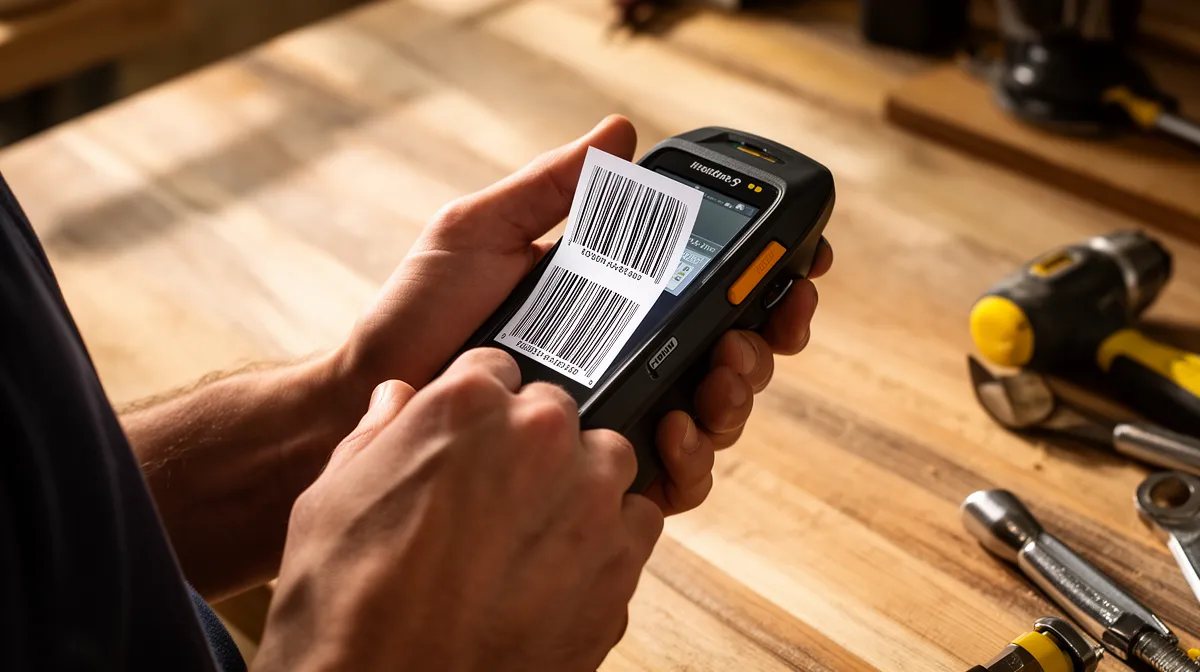
Image capture, webcam, upload, or mobile camera
Image quality is the single biggest factor determining whether a decode succeeds or fails. Modern decoders accept JPEG, PNG, PDF, TIFF, BMP, and GIF files up to 12 MB.
Since Android 9+ and iOS 11+, native phone cameras handle barcodes directly without any third-party app, a text string surfaces instantly on screen. For bulk workflows, image upload beats webcam every time.
Decoding algorithms, from pixel patterns to text output
Once the image is captured, the algorithm runs a precise sequence. Here is exactly what happens inside that sub-second window:
- Symbology identification, the decoder classifies the format (UPC-A, EAN-13, Code 128, QR Code, Data Matrix, PDF417, Aztec, and others)
- Pattern mapping, bars, spaces, or dot modules are translated against the format's character set
- Check digit validation, a built-in error check confirms the output is mathematically sound
- Text output, the decoded string (a product ID, URL, plain text, or contact data) is returned instantly
- Export or integration, the result can be copied, saved to a spreadsheet, or pushed to a database or API
AI-enrich decoders go further. Machine learning lets the system handle damaged, skewed, or low-contrast barcodes that would trip up traditional rule-based scanners, context-aware adjustment happens automatically, without manual configuration.
Google's ML Kit barcode scanning API even processes standard formats fully offline, no internet connection required.
For teams building digital products around barcode workflows, pairing this decode capability with a fast web interface matters. Kleap's AI builder lets you launch a barcode-integrated web app from a text prompt in minutes.
If you also need to generate scannable codes for your product pages, explore our 100 free qr code generator guide or browse the best free qr kode options available today.
How to Choose the Right Barcode Scanner Tool for Your Needs
The wrong tool costs you more than time. Pick a decoder that doesn't support your barcode format, and every scan fails, silently, frustratingly, repeatedly.
The right choice comes down to five criteria: format support, input flexibility, speed, export options, and privacy.

Key criteria: format support, speed, accuracy, and export options
Start with formats. A tool that only reads QR codes is useless in a warehouse running Code 128 or UPC-A inventory labels.
Verify the decoder explicitly supports both 1D formats (UPC-A, EAN-13, Code 39, Code 128) and 2D formats (QR Code, Data Matrix, PDF417, Aztec) before committing. Next, check export options, decoded text you can't extract is worthless.
CSV and JSON export matter for pipelines; clipboard copy works for one-off lookups. Finally, check privacy: client-side processing keeps your data local, while server-side tools upload your image, which is a real concern for sensitive inventory or healthcare barcodes.
Online tools vs. mobile apps vs. developer APIs, when to use each
The deployment context decides the format. Here's the practical framework:
- Online tools, best for occasional, one-off barcode to text conversions; free tiers widely available; no installation required
- Mobile apps, ideal for field workers; native camera scanning on Android 9+ and iOS 11+ works without extra apps
- Developer APIs, the only real choice for automated pipelines; tools like Google's ML Kit decode offline across UPC-A, EAN-13, QR Code, and more without a server round-trip
Free tiers cover most casual needs, but watch for daily scan caps and missing advanced formats like PDF417 or Data Matrix. If you're building a product that generates scannable codes alongside decoding them, understanding how to create a qr code and personalise qr code design will round out your workflow.
Kleap tip: If you're embedding a barcode scanner into a web app or product landing page, build the surrounding digital experience first, Kleap's AI builder lets you launch a fully functional site in minutes, so your scanning tool has a seasoned home from day one.
What Most Barcode Scanning Guides Won't Tell You
Most failed barcode scans aren't a tool problem. They're a resolution problem.
Images below 200 DPI consistently produce empty results, regardless of which decoder you use. Before blaming the software, check your source image first.
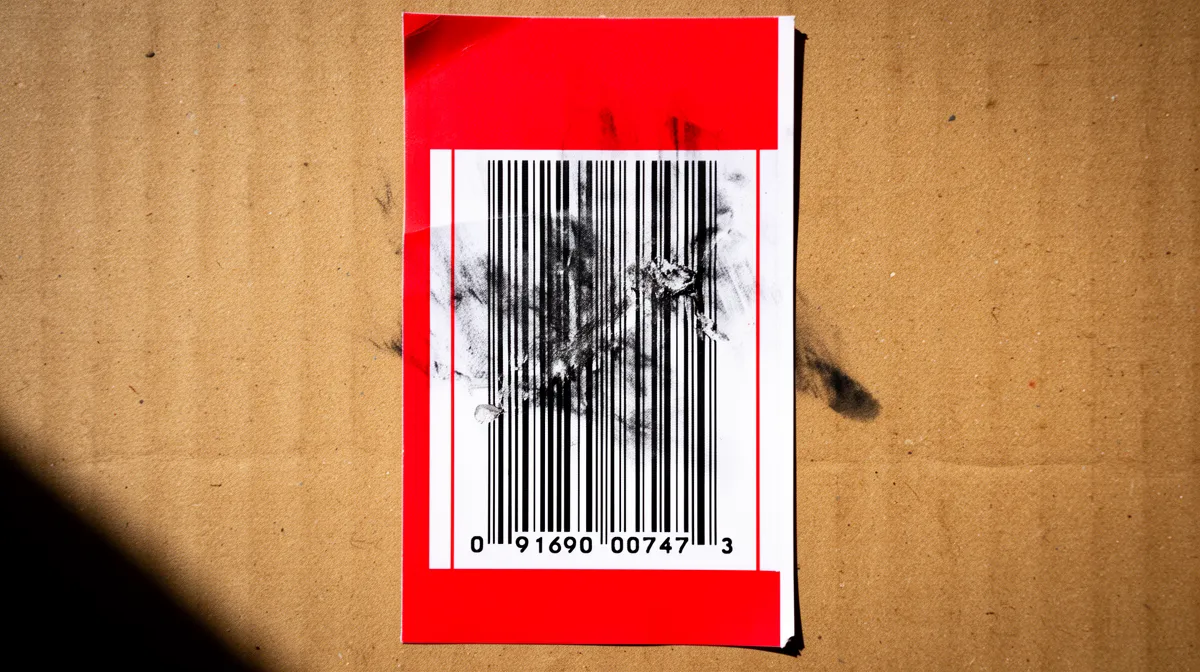
Why scans fail and how to fix them before you give up
Reflective surfaces are the silent killer of camera-based decoding. Foil packaging, glass labels, and glossy plastics scatter light in ways that confuse optical readers.
The fix is simpler than you'd expect: diffuse lighting eliminates the glare entirely. Meanwhile, damaged barcodes aren't necessarily dead.
QR codes carry built-in error correction that recovers data even when up to 30% of the code is obscured or torn. Traditional 1D formats offer no such safety net.
- Low resolution: Always use images at 200 DPI minimum for reliable decoding
- Reflective surfaces: Switch to diffuse or indirect lighting before re-scanning
- Partial damage: Try a QR-capable tool first, its redundancy often saves the scan
- Wrong symbology: Test your exact barcode format (PDF417, Aztec) before committing to any tool
Hidden limitations of free online barcode decoders
Free tools carry a cost most guides skip entirely. Many online barcode decoders silently retain uploaded images to train their machine learning models.
Check the privacy policy before uploading anything containing sensitive product codes, internal SKUs, or patient data. For barcode-heavy workflows, a locally installed decoder or an API with a clear data retention policy is the smarter call.
If you're building a product that needs to surface decoded data to users, learn how to criar um qrcode and integrate scanning as a complete data loop. Also, some free tools only support common formats like UPC-A or EAN-13, returning silent empty results on less common types.
Always test with your actual barcode format first.
Going Further, Building Barcode-Give access to Products and Workflows
Decoded text sitting in a browser window is useful. Decoded text flowing automatically into your inventory system, patient records, or event check-in dashboard is life-changing.
Once you have raw barcode to text output, the real question is where it goes next, and that pipeline is simpler to build than most teams expect.
Connecting decoded text to spreadsheets, databases, and apps
The most practical starting point is routing decoded strings directly into Google Sheets or Airtable via a tool like Zapier or a REST API call. Each scan triggers a row update in under a second.
From there, the use cases branch quickly:
- E-commerce teams scan incoming stock barcodes to auto-update product databases, eliminating manual entry errors entirely
- Event organizers decode QR codes against a live attendee list, validating tickets in real time without dedicated hardware
- Healthcare workflows match medication label barcodes to patient records automatically, a deployment pattern now standard across labs, pharmacies, and radiology units
The global automatic identification and data capture market, the infrastructure powering all of this, is a significant market per general industry tracking. That growth reflects one reality: businesses that treat decoded data as a live input, not a lookup, gain a serious operational edge.
How AI-powered platforms like Kleap help you build barcode-ready digital tools
Building a custom barcode-enabled web app used to mean hiring a developer. Kleap changes that equation.
Describe your tool in plain language, "an inventory tracker that accepts scanned barcodes and updates stock counts", and Kleap's AI generates the full-stack application, no coding required. Entrepreneurs and small teams can launch barcode-integrated products starting free, with Pro plans from $25/month, making a production-ready workflow accessible at any budget.
Frequently Asked Questions
What is the difference between a barcode and a QR code when converting to text?
Barcodes encode data in a single dimension, horizontal lines of varying widths that represent numbers or short alphanumeric strings, typically 8 to 13 characters for common retail formats.
QR codes are two-dimensional and can hold dramatically more information: URLs, full sentences, contact details, even small documents. When converting to text, QR codes return richer, more varied output, while traditional barcodes almost always return a clean numeric string.
Can I convert a barcode to text from a photo on my phone?
Yes, and it works better than most people expect. Your phone's camera combined with a barcode scanning app can decode most standard formats from a still photo, as long as the image is reasonably sharp and well-lit.
Blurry shots or extreme angles are where things break down. In practice, holding your phone steady in good lighting resolves the majority of failed scans before you even troubleshoot anything else.
Is it safe to use free online barcode to text tools?
It depends entirely on what you're scanning. For generic retail barcodes or public product codes, free online tools carry minimal risk.
However, if your barcodes contain sensitive business data, internal SKUs, or personal information, uploading images to a third-party server is a real exposure point. For anything confidential, use a local app or an enterprise-grade solution that processes data on-device.
What barcode formats are most commonly supported by free scanners?
Most free scanners handle the everyday standards without issue: UPC-A, UPC-E, EAN-8, EAN-13, Code 39, Code 128, and QR codes cover the vast majority of real-world use cases.
Where free tools start to struggle is with less common industrial formats like PDF417, DataMatrix, Aztec, or specialized GS1 variants. I've seen teams waste hours trying to decode logistics labels with a consumer-grade scanner, only to discover they needed a tool built for that specific symbology.
Know your format before you pick your tool.
Why does my barcode scan return empty or incorrect text?
Three culprits account for most failures: poor image quality, an unsupported barcode format, or a damaged/partially obscured code.
Incorrect text, rather than no text, usually points to a different problem: the scanner is misreading the symbology type and decoding it under the wrong format rules. Try forcing the scanner to detect the specific format manually rather than relying on auto-detect.
And the result? Often a clean, accurate read on the very next attempt.
Can I batch-convert multiple barcodes to text at once?
Free consumer tools rarely support true batch processing. Most require you to scan one barcode at a time, which becomes a bottleneck fast when you're dealing with inventory lists or large product catalogs.
For bulk conversion, you need either a dedicated batch scanning application or a platform with API access that can process multiple images programmatically. Enterprise-tier solutions are purpose-built for exactly this scenario, handling hundreds of conversions in a single workflow rather than forcing you through a one-by-one loop.
Barcode to Text Conversion Done Right Starts With One Decision
The tool you choose shapes everything, not just the scan, but the entire workflow that follows.
Your immediate next step: test your actual use case before committing. Scan the exact barcode format you work with most, under real lighting conditions, and verify the decoded text lands where you need it downstream.
If you're building a product that needs barcode to text functionality baked in, an inventory app, a client portal, a smart e-commerce flow, Kleap lets you go from idea to live without writing a single line of code. Start free, scale when ready.
The right infrastructure makes barcode scanning a feature, not a bottleneck. Build it once, build it properly.


