How to Create a qr code contatto rubrica gratis and Share Your Contact in Seconds
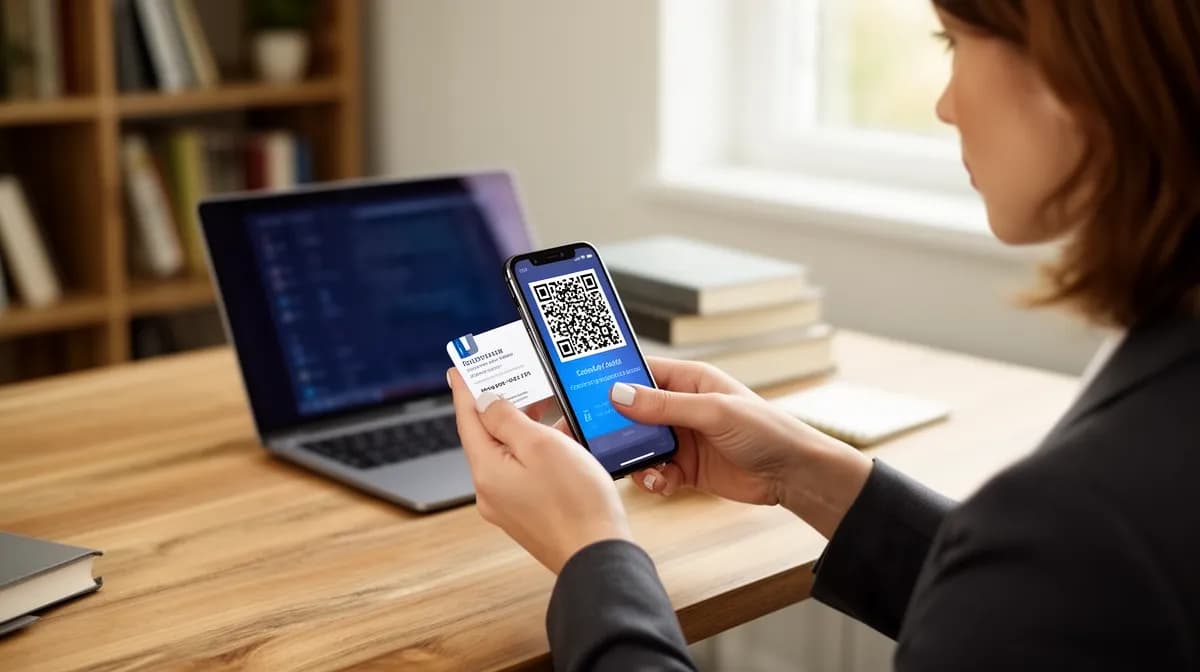
A qr code contatto rubrica gratis lets you share your full contact details instantly, for free, in under 3 minutes.
- Generate a vCard QR code at zero cost using free tools available today
- Anyone who scans it saves your contact directly to their phone's address book, no typing required
- Works for business cards, email signatures, event badges, and anywhere first impressions count
Most people still hand over a business card that ends up in a drawer. A qr code contatto rubrica gratis solves that problem in a single scan, pushing your name, number, email, and website straight into someone's contacts app.
For freelancers closing deals at conferences, small business owners at pop-up markets, or marketing teams running live campaigns, the gap between "nice to meet you" and "saved to phone" is where leads quietly disappear.
The real value here is not just convenience. It is control: you decide exactly what information transfers, how it looks, and whether it updates automatically when your details change.
By the end of this guide, you will have a working, scannable contact QR code ready to deploy, built without spending a single cent.
What a qr code contatto rubrica gratis Actually Does for You
Skip the manual typing entirely. A vCard QR code encodes your name, phone number, email, company, and website into a single scannable image.
When someone points their camera at it, their device instantly prompts them to save your details directly to their phone book, no app required, no registration, no friction. Since iOS and Android, this recognition is completely native.
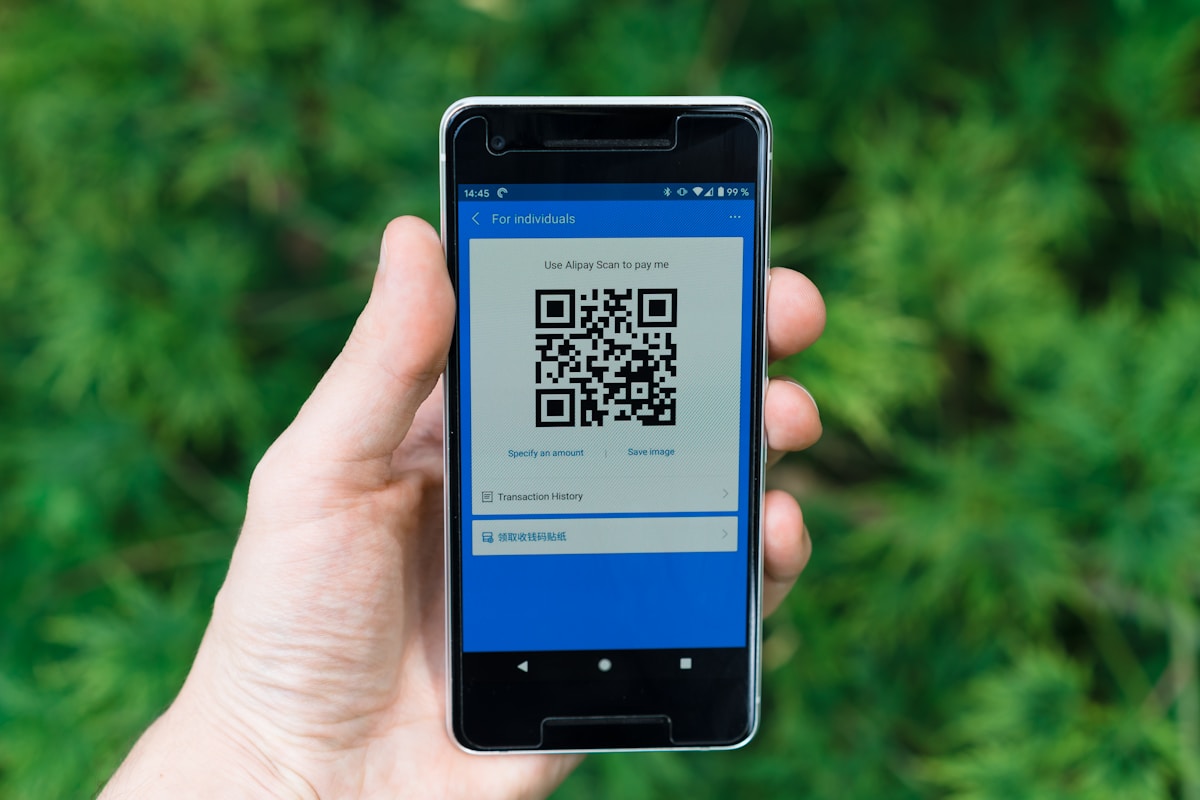
How a vCard QR code saves contacts in one scan
The technical backbone is the vCard standard (based on RFC 6350), a format iOS and Android read natively. One scan triggers an immediate prompt, the recipient taps to confirm, and your contact lands in their phone book.
Zero manual entry, zero typos.
Static vs. dynamic, which free option fits your needs
- Choose static for permanent, free use
Static vCard QR codes cost nothing and last forever. Tools like QRCode Monkey and TEC-IT generate them at no charge, with no subscription required to keep the code active. - Choose dynamic only if you need edits or tracking
Dynamic codes let you update contact data without reprinting, but tracking scan analytics typically requires a paid plan. - Pick your format for deployment
Download your code as PNG for digital use or SVG for print-ready business cards, email signatures, and event lanyards.
Try it — build your site while you read
Describe what you want and get a live, publishable site in seconds. Free to start, no code.
Join 200,000+ makers building real websites with Kleap.
Step 1, Choose the Right Free QR Code Generator for Contacts
Most people waste twenty minutes on the wrong tool before discovering that not every QR generator actually supports the vCard format. Pick the right platform upfront, and you'll have a scannable contacts qr code ready to share in under five minutes, with zero registration required for static codes.
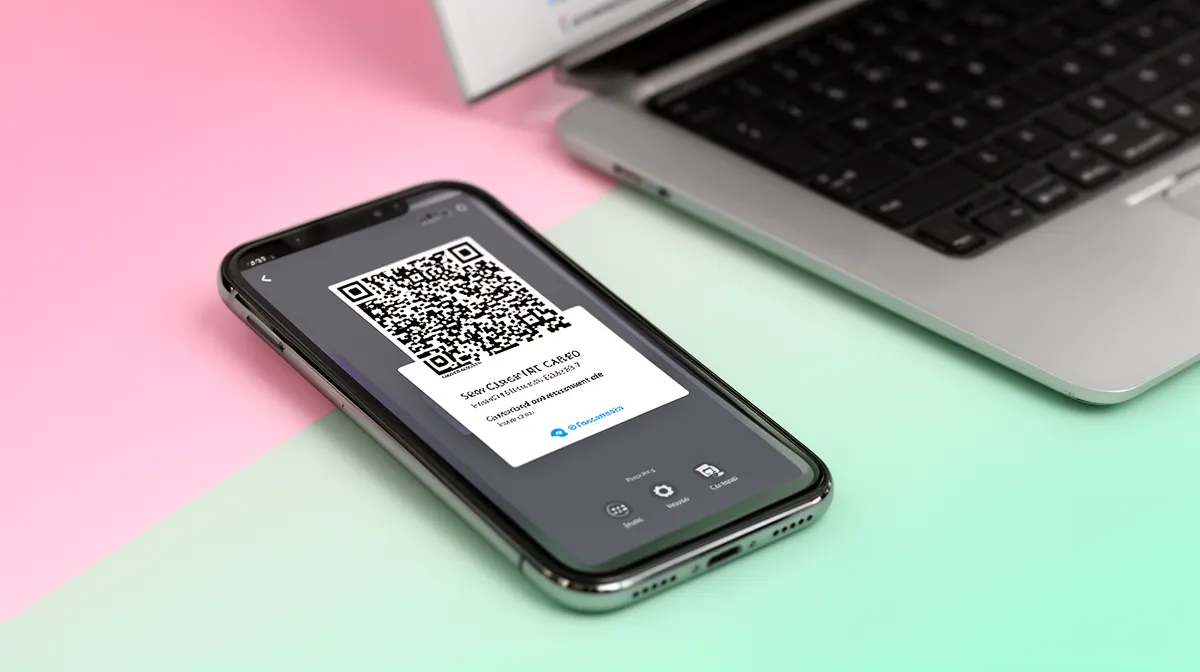
The top free platforms compared side by side
| Platform | vCard Support | File Formats | Logo/Color | Sign-up Required |
|---|---|---|---|---|
| QRCode Monkey | Yes | SVG, PNG HD | Yes, free | No |
| QR-Code-Generator.com | Yes | PNG HD | Yes, free | No |
| QRoot.app | Yes | PNG | Minimal | No |
| TEC-IT | Yes | PNG, SVG | Basic | No |
| QR TIGER | Yes (5 templates) | PNG | Yes, with CTA | Limited free tier |
What to look for before you commit to a tool
Three criteria separate genuinely useful free generators from frustrating dead ends. SVG format support matters the moment you print on business cards, a rasterized PNG at 72dpi looks blurry, while a vector SVG scales to any size without degradation.
No watermark on the free download is non-negotiable. And static codes, which are permanently free and never expire, suit most contact-sharing needs perfectly.
For a deeper dive into format options, the barcode wifi guide covers format compatibility in detail.
- Confirm vCard format availability
Before entering any data, verify the generator has a dedicated "vCard" or "Contact" option, not just a plain URL field. Platforms like QRCode Monkey and QR-Code-Generator.com label this explicitly. - Check the download format
Select a tool offering SVG or high-resolution PNG. SVG is ideal for print; PNG works for digital sharing. TEC-IT and QRCode Monkey both deliver vector-quality downloads at no cost. - Verify no forced sign-up for static codes
QRoot.app and TEC-IT generate fully functional static vCard QR codes without an account. Static codes last forever, since the contact data lives inside the code itself rather than on a third-party server.
The hidden mechanism most guides skip: iOS 15+ and Android 10+ recognize the vCard format natively, meaning the phone's built-in camera app handles the scan without any third-party scanner app. That makes tool selection straightforward, prioritize correct vCard formatting over flashy features.
Step 2, Fill In Your Contact Data and Customize the Design
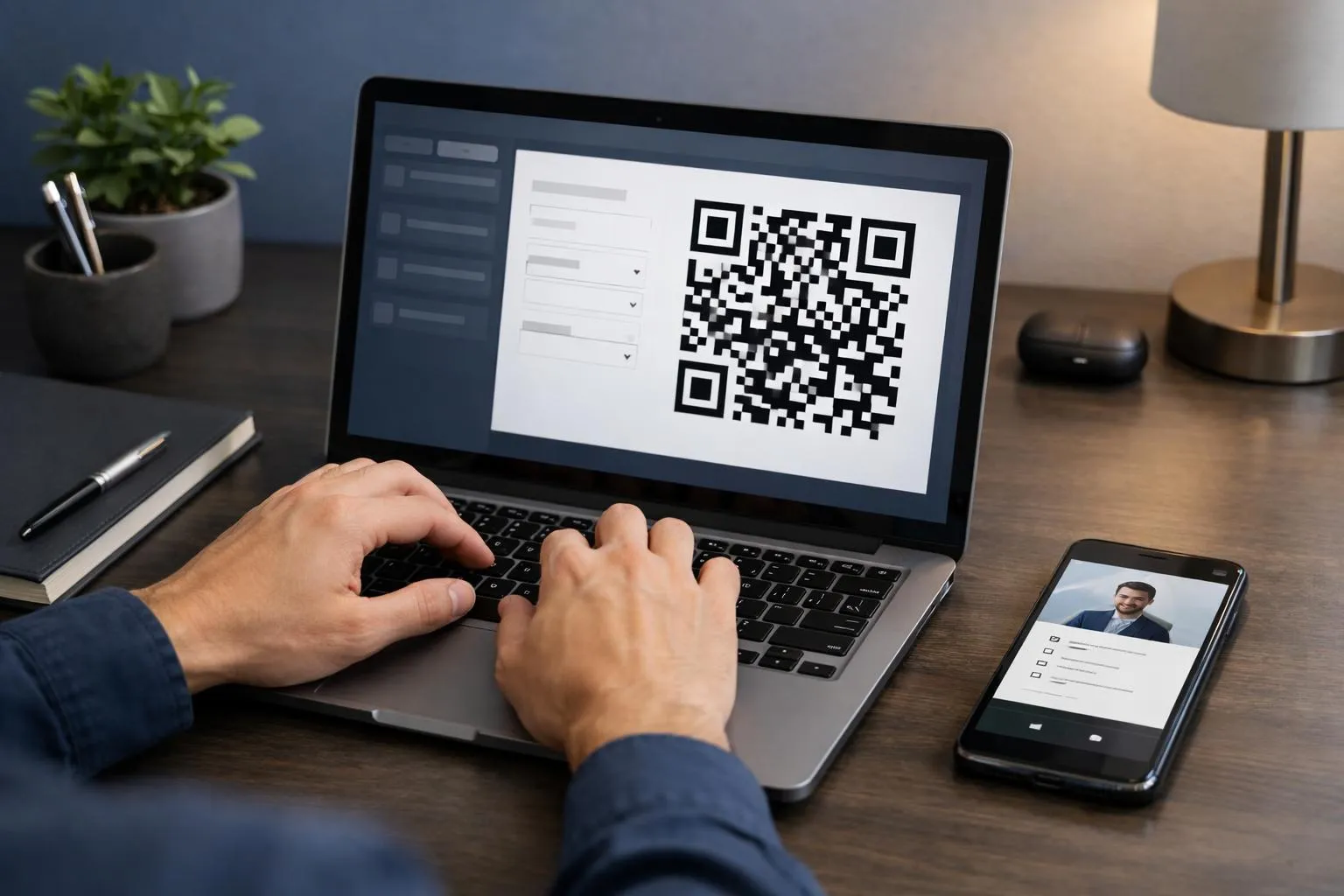
Most people rush this step and end up with a QR code that technically works but looks like it was built in five seconds. Four minutes of careful data entry and one design decision separates a forgettable code from one that actually gets scanned.
Here's the exact process: six fields to fill, three design choices to make, and one final check before you download.
Which contact fields to include for maximum impact
The vCard format supports far more than a name and phone number. Use every relevant field, because a scanned contact that arrives incomplete is almost as useless as no contact at all.
Here's what to enter, in priority order:
- Enter your core identity fields first
Full name, job title, and company name form the foundation. These appear on the contact preview screen the moment someone scans your code, so get them right. Skipping the job title is the most common omission, and it's the field that tells a new contact exactly why they should save you. - Add every communication channel you actually use
Mobile number, work phone, and email address should all go in. Include your website URL as well. The vCard standard handles multiple phone fields natively, so there's no reason to leave a number out. - Include optional but high-value fields
Physical address, social media handles, and your company logo round out a trained vCard. Since iOS and Android devices often recognize the vCard format natively, all these fields populate automatically in the phone's address book with zero friction for the recipient.
Colors, logos, and frames, making your QR code on-brand for free
Tools like QRCode Monkey let you upload a PNG or SVG logo directly into the center of the code without any subscription. One non-obvious rule: keep your contrast ratio high.
Dark finder patterns on a light background scan reliably at even 2cm print size. Swap those colors and you risk scan failures under poor lighting.
Add a frame with a call-to-action label, "Scan to save my contact" consistently outperforms blank codes in real-world use because it removes the hesitation of "what does this even do?"
Always preview at thumbnail size before downloading. If the inner modules blur together at small scale, reduce logo size to under 30% of the code area.
For a deeper look at how QR codes encode different data types, the Wikipedia overview of QR code standards explains the error-correction levels that make logos safe to embed. You can also explore como gerar qr code do wifi for a parallel walkthrough of another common QR use case, or check out 3 Critical Events That Defined Global Upheaval in September 2025 for broader context on digital adoption trends.
Kleap tip: Download your finished vCard QR code in SVG format, not just PNG. SVG scales to any print size without pixelation, which means the same file works on a business card, a banner, and an email signature, no regeneration needed.
What Free QR Code Tools Won't Tell You About Contact Sharing
Most free vCard QR generators do exactly what they promise, until they don't. Before you print 500 business cards or embed a contact QR code across your website, there are critical limitations that tool providers rarely surface upfront.
Understanding these gaps takes about five minutes and can save you a costly reprint or a broken contact experience.
Hidden limitations that can break your contact QR code
Static free codes are permanent in the worst possible way: once printed, they cannot be updated. Change your phone number or email, and every card, flyer, and PDF becomes instantly obsolete, you generate and redistribute from scratch.
Beyond that, inspect your downloaded file carefully. Some generators silently embed tracking redirects or add branding watermarks to the image, which can interfere with clean scanning.
Always verify the raw QR data before mass distribution.
Format choice matters more than most guides admit. Platforms that only export low-resolution PNG files will produce blurry results on physical business cards.
Demand SVG format for any print use, it scales infinitely without degrading. Finally, test your code on both iOS and Android before distributing widely.
Older Android devices can fail to parse vCard 4.0 syntax correctly, while vCard 3.0 remains universally compatible across both ecosystems.
The smarter way to future-proof your digital contact card
The real limitation of static QR codes disappears entirely when you build your contact presence on a live digital page. A ai page creator like Kleap lets you create a micro-site that serves as your dynamic digital business card, update your contact details live, and the QR code pointing to that page never needs regenerating or reprinting.
For professionals whose information evolves, that single advantage outweighs any free generator's feature list.
- Verify your download format: Always request SVG or high-resolution PNG (minimum 1000×1000px) before printing. Low-res files print blurry at business card dimensions.
- Test cross-platform compatibility: Scan your vCard QR on both an iPhone (iOS 15+) and an Android device before distributing. Catch parsing failures before they reach your contacts.
- Choose dynamic over static if your details change: Static codes are free forever but inflexible. A Kleap-hosted contact page gives you live editability with zero regeneration needed.
Step 3, Download, Test, and Share Your qr code contatto rubrica gratis
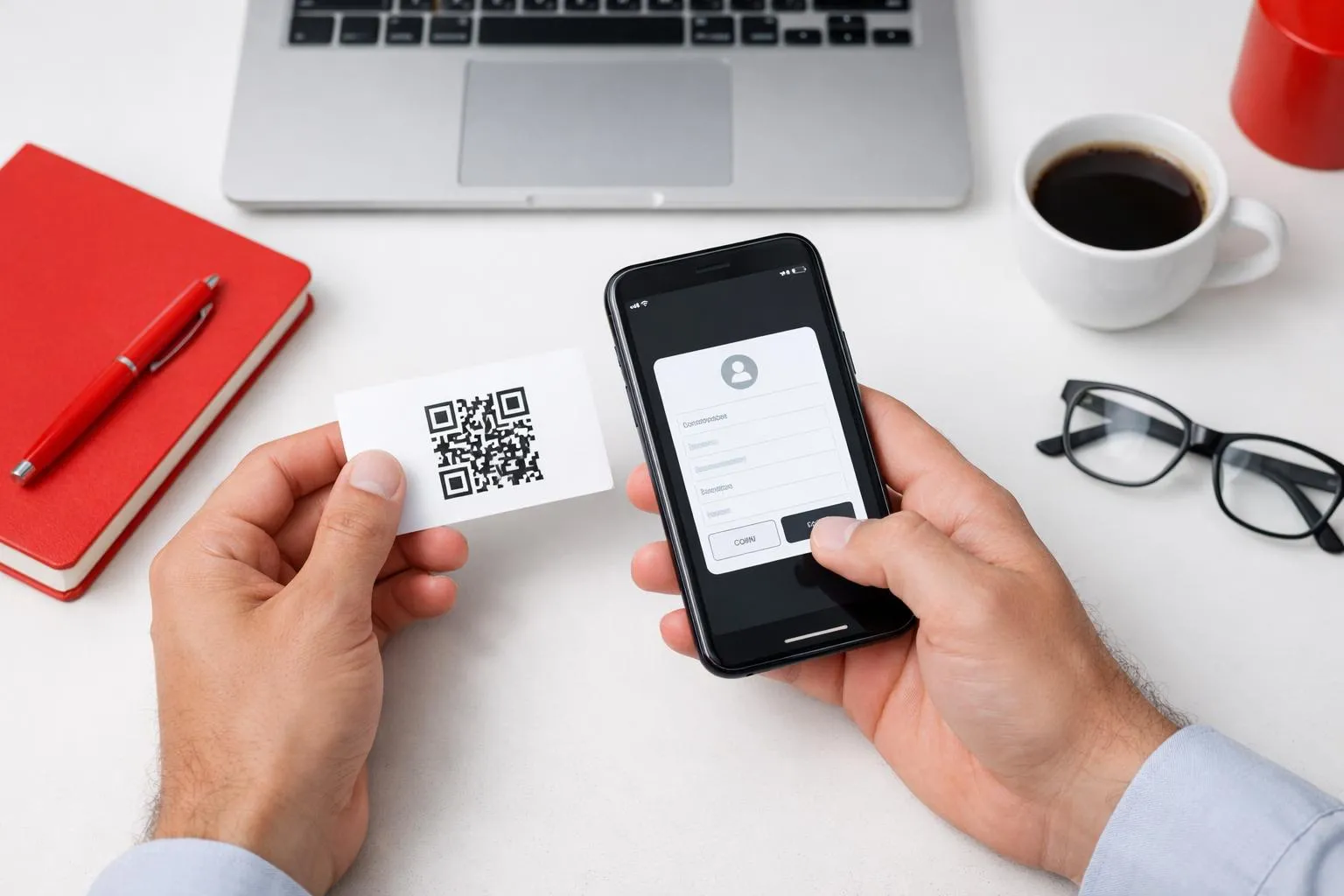
Three actions, under ten minutes, one live contact QR code ready to deploy. Once your vCard design is finalized, the difference between a code that works flawlessly and one that fails at a conference table comes down to format choice and pre-launch testing, two steps most people skip entirely.
- Download in the correct format for your use case
Choose SVG for anything printed, business cards, flyers, event badges, because vector files scale without pixelation at any size. Use PNG for digital placements like email signatures, LinkedIn, or website footers. Most free generators including QRCode Monkey offer both formats at no cost. - Test on two devices before committing to print
Scan with one iOS device and one Android device using each phone's native camera app, not a third-party scanner. iOS 15+ and Android 10+ recognize vCard format natively and instantly. Verify the contact save prompt appears and that every field, name, phone, email, company, populates correctly. - Deploy across five high-impact touchpoints
Physical and digital placements compound your reach significantly.
5 smart places to deploy your free contact QR code
- Business cards (front or back)
- Email signature block
- LinkedIn "About" section
- Website footer
- Event name badges
How to test your QR code before sharing it anywhere
Printed codes degrade over time, folding, sunlight exposure, and low-contrast printing all reduce scan reliability. Re-test quarterly.
For a fully future-proof setup, pair your QR code with a Kleap-built digital business card page: always-current contact details, free to start, and no reprint required when your information changes.
Frequently Asked Questions
Is a qr code contatto rubrica gratis really free forever, or does it expire?
The short answer: it depends entirely on which platform generated it. Static QR codes, where the contact data is encoded directly into the image itself, are genuinely free forever with no expiration.
Dynamic QR codes are a different story. Many free-tier plans expire after 30 to 90 days or cap the number of scans.
Always check whether you're generating a static or dynamic code before printing anything at scale.
What information can I include in a vCard QR code?
Quite a lot, actually. A standard vCard QR code supports your full name, job title, company, mobile and office phone numbers, email address, website URL, physical address, and even a profile photo depending on the vCard version used.
VCard 3.0 covers the essentials cleanly. vCard 4.0 adds support for richer fields like social media handles and anniversary dates. For most business use cases, vCard 3.0 is the reliable, universally compatible choice.
Can I update my contact QR code after printing it?
Only if you used a dynamic QR code. With dynamic codes, the QR image itself stays the same while the destination data can be edited anytime through your platform dashboard.
Print a thousand business cards, update your phone number six months later, and every scan still pulls the correct details.
Static codes are permanent. Once printed, the encoded data cannot change.
If your contact details shift frequently, dynamic is the smarter investment from day one.
Which smartphones can scan a vCard QR code without a special app?
Most modern devices handle it natively. iPhones running iOS 11 or later scan QR codes directly through the built-in Camera app, no download required. Android devices running Android 9 and above typically do the same through Google Lens or the native camera.
Older Android phones, particularly those running Android 7 or 8, often need a dedicated scanner app. I've personally seen Samsung devices from that era struggle with native scanning, while a free app like Google Lens resolves it instantly.
The coverage across current devices is strong enough that the vast majority of your contacts will scan without friction.
What file format should I download my contact QR code in for business cards?
SVG or high-resolution PNG, full stop. SVG is a vector format, which means it scales to any print size without losing sharpness, making it the professional printer's preference for business cards.
PNG at 300 DPI or above works well if your print shop doesn't accept vector files. Avoid JPEG entirely for QR codes since compression artifacts can distort the pattern and cause scan failures, especially at smaller sizes.
When in doubt, ask your printer what they recommend and provide both formats.
Your qr code contatto rubrica gratis Is Ready, Now Make It Work Harder
A free vCard QR code gets your contact into someone's phone in seconds, but the professionals who stand out don't stop there.
Take that same momentum and build something that actually represents you: a full digital contact page where your name, role, links, and brand all live in one scannable destination.
Start right now by opening Kleap, describing your contact page in plain language, and going live in minutes, no code, no designer, no waiting.
Kleap's AI builder turns your contact details into a professional digital presence that goes far beyond what any basic qr code contatto rubrica gratis tool can offer, and the free tier gets you started without spending a cent.
Your next contact doesn't just need your number. They need to understand who you are the moment they scan.