Freeaiwebsite, 6 Free AI Website Builders to Launch Projects

Free AI website builders now deliver expert sites in under 10 minutes, offering capabilities that once cost thousands in agency fees.
- Launch a complete site with AI-generated content, images, and layout in 5-10 minutes.
- Free tiers provide genuine functionality, not just landing pages, with real hosting but do not include custom domains and may have branding until you upgrade.
- Limitations kick in around 5-10 pages or 1,000 monthly visitors, requiring paid upgrades for growth.
Three years ago, building a website meant choosing between expensive developers or wrestling with WordPress templates for days. Now, type three sentences about your business into a free AI website builder, wait 90 seconds, and watch a complete site materialize: hero section, contact forms, SEO metadata, and mobile optimization included.
The shift matters because speed determines survival for most projects. Entrepreneurs launching side hustles can't afford $5,000 agency quotes or two-week DIY learning curves.
Freelancers pitching clients need portfolio sites live before the meeting ends. Marketing agencies testing campaign ideas require throwaway prototypes that cost nothing but minutes.
The real question isn't whether free AI builders work; they do. It's identifying which tool matches your actual constraints: the one that exports clean code for developer handoff, the one that scales to 50 pages without forcing an upgrade, or the one that generates content in your industry's specific vocabulary instead of generic marketing fluff.
Why AI Website Builders Changed Everything in 2026
The 180,000-hour barrier has just collapsed. Traditional website development, where a single landing page required 40+ hours of coding, design mockups, and deployment setup, now takes under 15 minutes with prompt-based AI systems.
Kleap's own process data shows the shift: 30 seconds to describe your site, 2 minutes for AI generation, 5 minutes to customize, 3 minutes to add features, and 1 minute to publish. Although that's not an incremental improvement, it's a category reset.
The catch? Most entrepreneurs still treat AI builders like glorified template libraries, missing the core mechanism: these systems generate unique layouts from natural language, not pre-fabricated blocks you rearrange.

What makes a free AI website builder actually useful?
The word 'free' hides three monetization traps. According to freemium industry patterns, free tiers typically impose subdomain branding (yoursite.kleap.co instead of yoursite.com), visible platform logos, and transaction fees.
What you get without paying: 750 AI credits monthly, unlimited pages, full e-commerce functionality, SSL security, and built-in analytics.
Yes, if you accept the fee and subdomain. Three user types benefit most: entrepreneurs validating product-market fit before committing to infrastructure costs, freelancers building portfolio sites to land their first three clients, and small businesses launching seasonal campaigns where speed beats brand polish.
Try it — build your site while you read
Describe what you want and get a live, publishable site in seconds. Free to start, no code.
Join 200,000+ makers building real websites with Kleap.
Kleap, Full-Stack AI That Builds While You Sleep
That fee, applied to every Stripe sale, means a $1,000 product launch costs you $90 per transaction.
The trade-off? You get 750 AI credits monthly, unlimited pages, full e-commerce infrastructure, hosting, SSL, and analytics without paying Shopify's $29/month base fee.
For early-stage products testing market fit, that math flips conventional wisdom: you pay only when you earn.
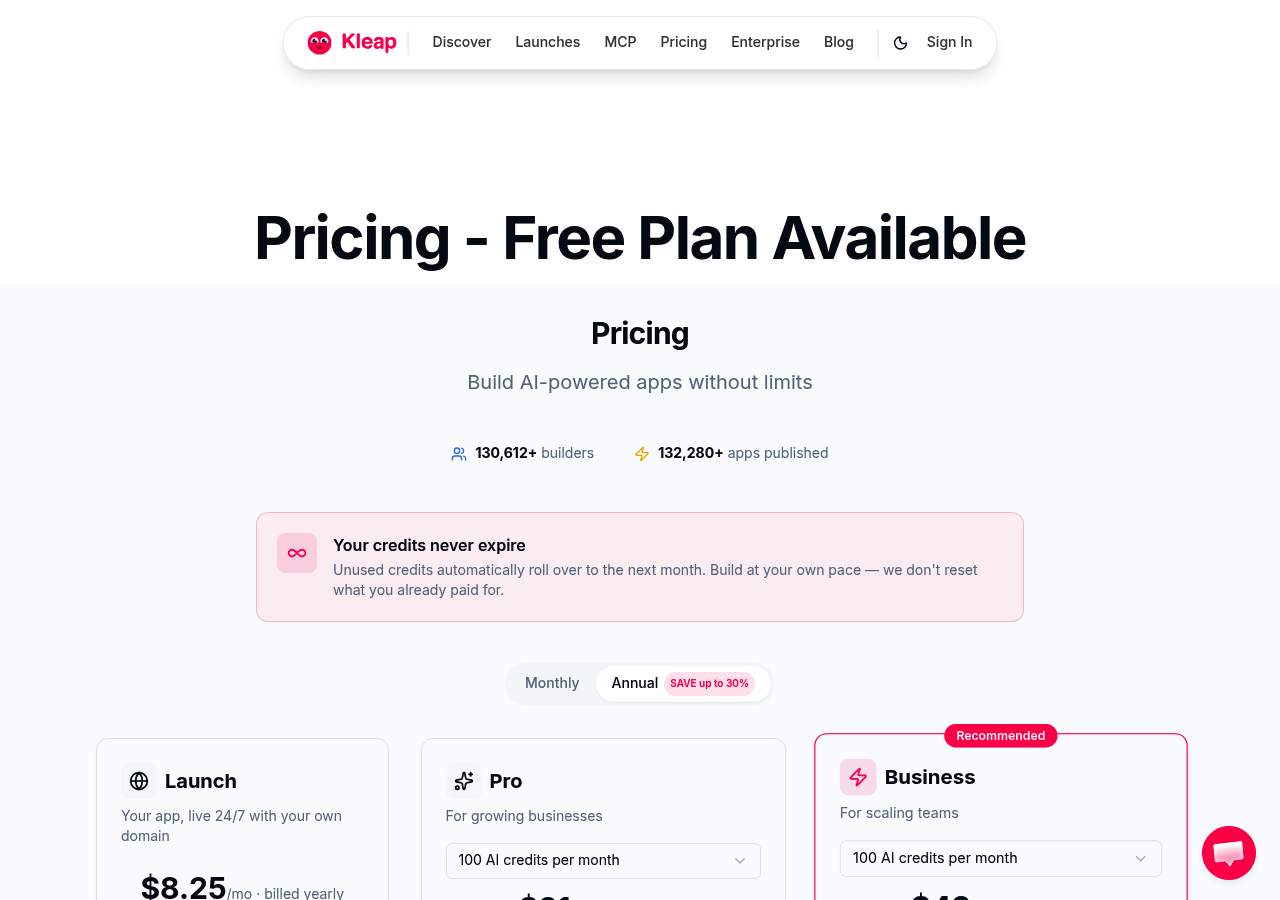
What separates Kleap from template-based AI website erstellen kostenlos tools is full-stack ownership: you describe your site in plain English, and one AI agent generates the layout, copy, forms, and checkout in under 15 minutes based on internal estimates. The catch?
Thus, the free plan locks you to a kleap.co subdomain and visible Kleap branding, which is acceptable for prototypes but a deal-breaker for client-facing storefronts.
What Actually Matters
Finally, what actually trips people up?
The 750 AI credits monthly sound generous until you realize each major layout change burns 50-100 credits. Most users hit the ceiling by week three, not month twelve.
Additionally, design control separates real tools from demos. Kleap lets you override every AI decision through natural language ('make the header navy, move testimonials below pricing'), with no wrestling with locked templates.
The catch: free-tier sites carry Kleap branding and a kleap.co subdomain. Meanwhile, for testing?
Perfect. For a client pitch?
You'll upgrade to Pro at $19/month within 48 hours.
The hidden costs nobody mentions upfront.
SEO on free tiers works, SSL, fast load times, and clean code, but the subdomain handicaps you.
Export? Full code ownership means you can leave at any time.
For a deeper comparison of AI site builders, see our creer site web avec ia guide.
Kleap tip: Test your highest-traffic page design on the free tier first; burn credits there, not on throwaway experiments.
Wix ADI, the Mass-Market AI Pioneer
Wix ADI launched in 2016 when 'AI website builder' meant answering ten style questions and watching the platform reassemble existing templates. A decade later, that questionnaire-driven approach feels dated. However, the 300+ app integrations keep millions of users locked in.
The AI doesn't generate layouts from scratch; it pulls from Wix's library and swaps colors based on your answers. You get predictable results, never surprising ones.
The trade-off? Day-one access to Mailchimp, Zapier, and booking systems that pure-generative tools like criador de site com inteligencia artificial platforms are still building.
When the ecosystem becomes the selling point
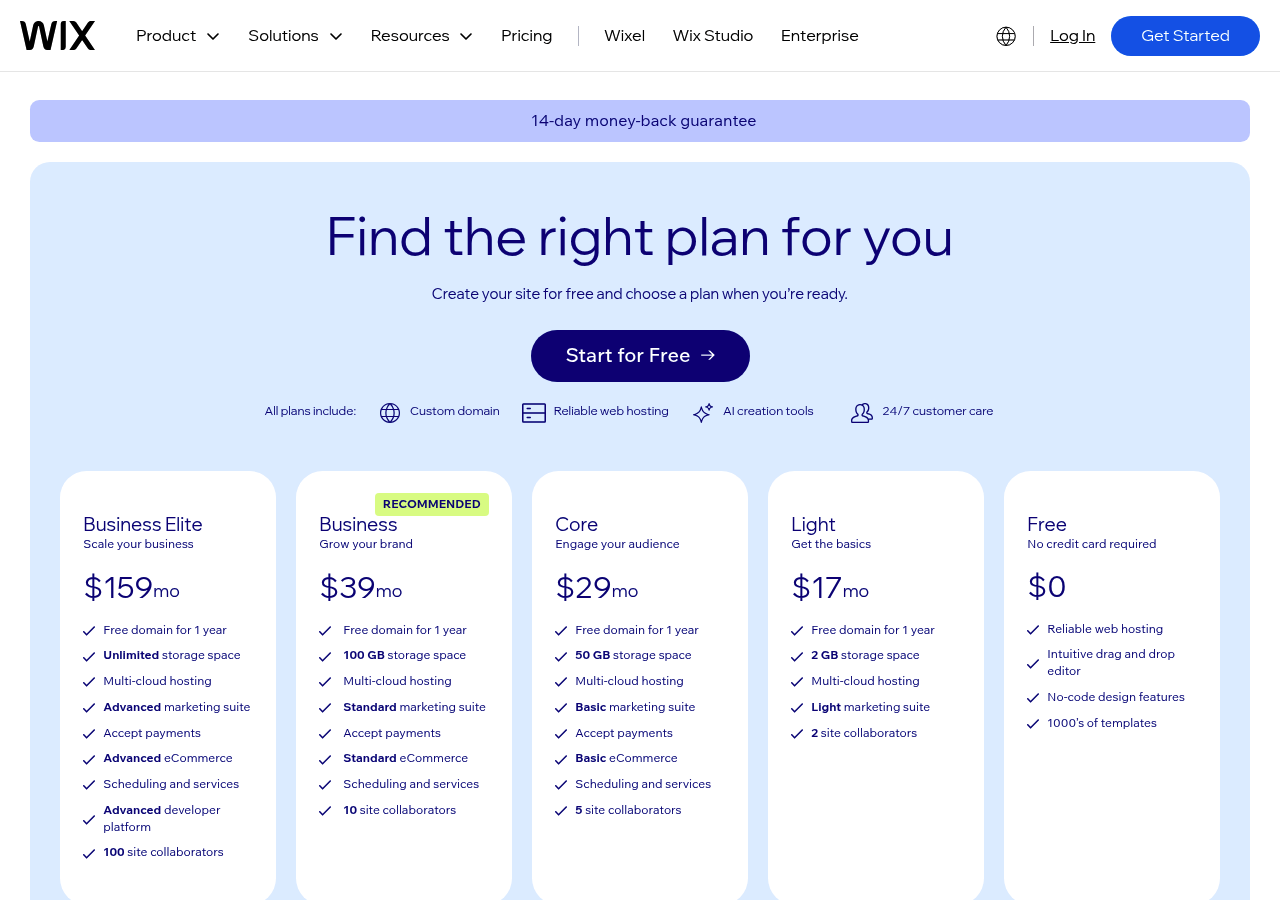
For example, the free tier is a marketing funnel. It includes Wix branding on every page, 500MB of storage, 1GB of bandwidth, and ads you cannot remove without paying $17/month. Most users upgrade within thirty days, not because the AI impressed them, but because the app marketplace solved a CRM or scheduling problem their business needed yesterday.
If your priority is third-party tool compatibility over bleeding-edge AI, Wix ADI remains the safe bet.
Hostinger AI Website Builder, Speed Meets Simplicity
Hostinger flips the script. Instead of bolting hosting onto an AI builder, it embedded AI into its hosting infrastructure. Above all, the result?
Most pure-play AI builders hand you a site, then make you figure out hosting.
Hostinger gives you both, and the performance delta shows the instant your first visitor lands.
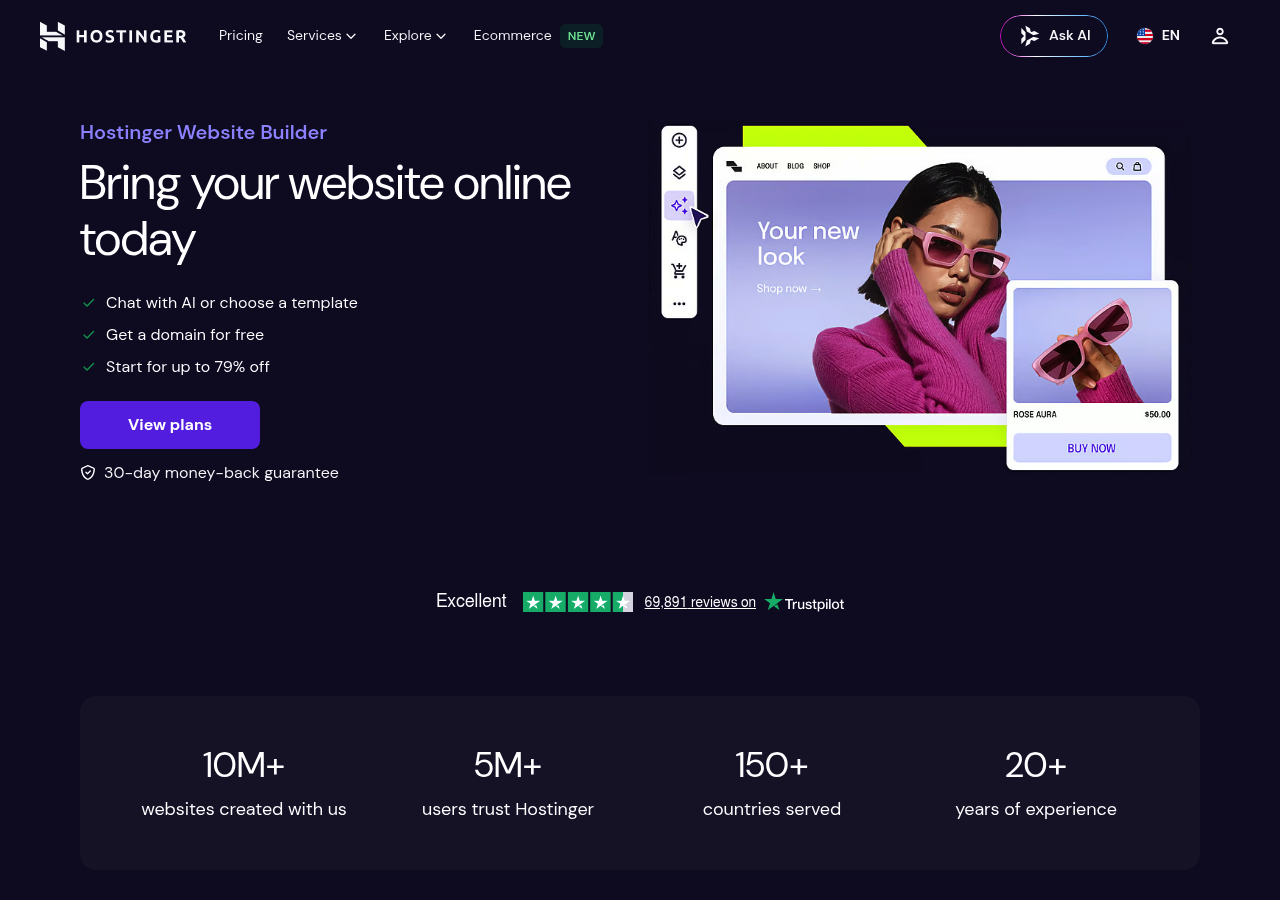
Nonetheless, the AI itself is less ambitious than Kleap's full-stack agent; think template assembly rather than generative design. Three steps: describe your business, pick a layout, and watch the AI populate content.
Subsequently, Trade-off?
You sacrifice design creativity for infrastructure reliability. Best fit: users who need a fast site with crear web gratis con ia functionality but prioritize load times over layout experimentation.
Webador, the European Privacy-First Alternative
However, most AI builders race to add features. Webador went the opposite direction: strip complexity, lock down privacy, and ship a tool that works without a legal team.
The result? A platform where GDPR compliance isn't a checkbox buried in settings; it's the architecture.
EU-hosted servers, automatic cookie consent, and zero data leakage to third-party trackers matter for European small businesses or anyone who can't afford a compliance audit. This is more significant than generative AI magic.
When simpler AI actually serves beginners better
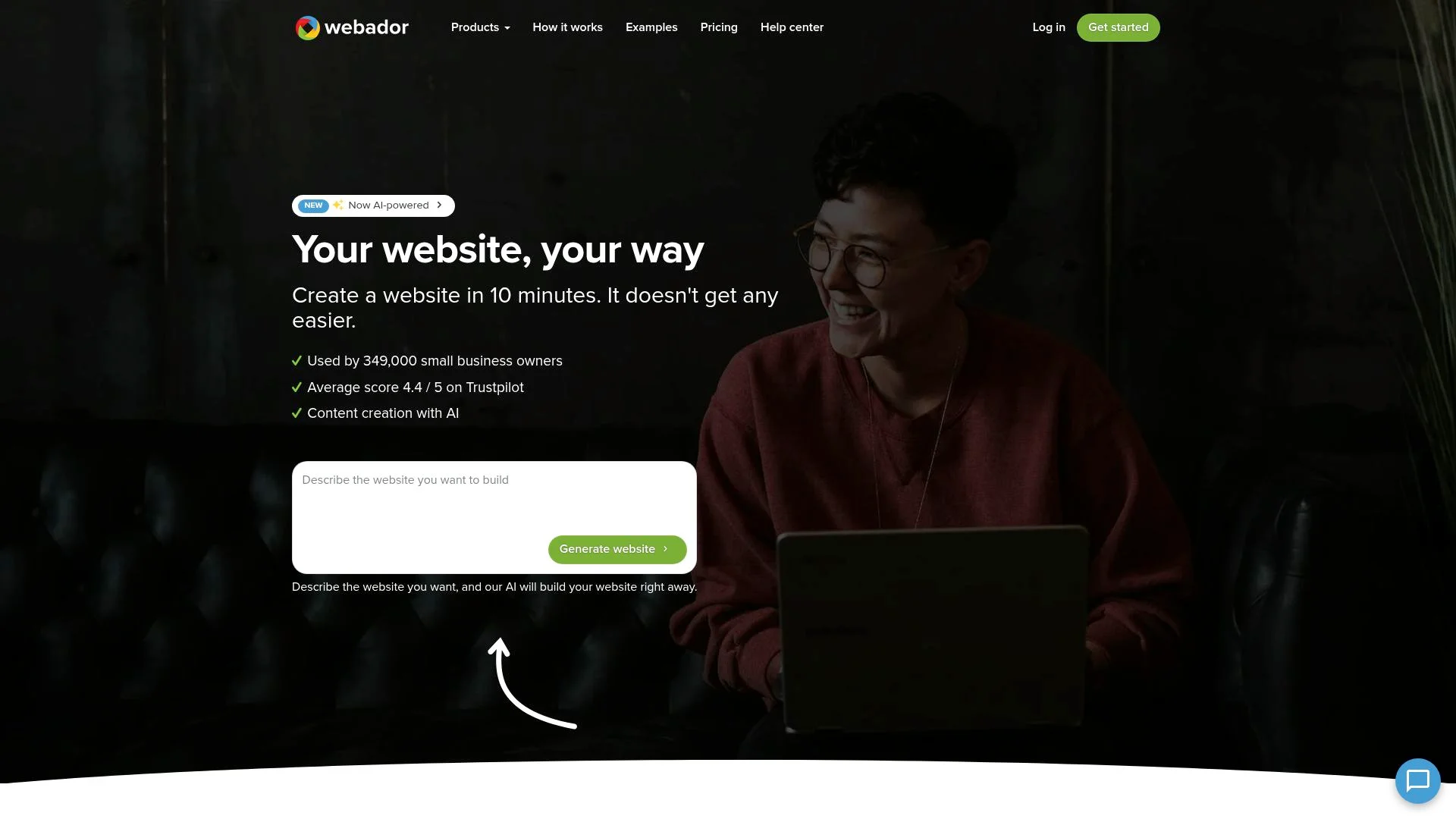
Webador's AI doesn't generate full sites from prompts; it guides setup with smart suggestions. Less impressive in demos, it is more effective for users who freeze when handed a blank canvas.
The forever-free tier includes a Webador subdomain with no time limits and no forced upgrades. Built-in multilingual tools let you launch in German, French, and Dutch without plugins.
Compare this to platforms overloaded with features in our AI website builder features comparison. The trade-off is fewer AI bells, but also less to break.
Kleap tip: If your business handles EU customer data, start with privacy architecture first; retrofitting GDPR compliance into a US-hosted platform costs more than the subscription savings.
10Web, WordPress Power With AI Guardrails
10Web does the opposite: it imports your existing WordPress site from a URL and recreates it with AI optimization intact. The migration takes minutes, not weeks, and you keep the full WordPress plugin ecosystem that closed platforms strip away.
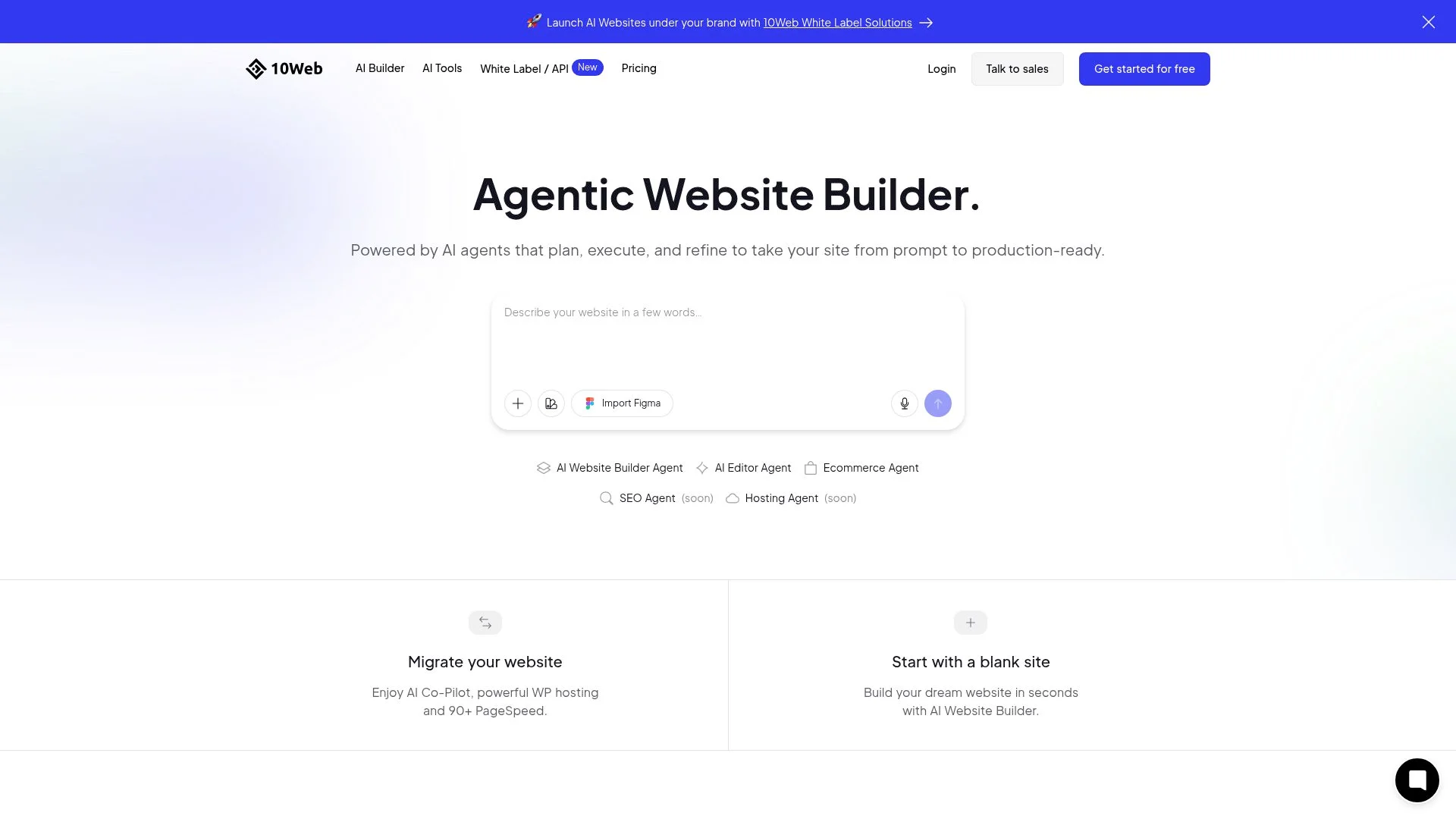
The real advantage appears after launch. While Kleap generates sites from prompts, 10Web runs continuous AI monitoring on speed, image compression, and caching. This is the maintenance layer most builders skip entirely.
Agencies managing client portfolios see this immediately: one dashboard, automated performance tuning, and actual WordPress under the hood. The trade-off?
Absolute beginners hit the learning curve hard.
Why migrating existing WordPress sites changes everything
Traditional migration means exporting databases, reconfiguring plugins, and fixing broken links. 10Web's AI reads your live site and rebuilds it with optimization baked in. For teams with years of WordPress content, this eliminates the rebuild-from-scratch barrier that keeps them locked into manual workflows.
Durable, the 30-Second Business Website Challenge
Durable makes one aggressive promise: a live business site in 30 seconds from three prompts. No design decisions are needed.
Thus, there is no template browsing. You type your business name, industry, and location. The AI generates service descriptions, pricing structures, contact forms, and even testimonial placeholders before you finish your coffee.
For a Houston plumber who needs to exist online by lunchtime, that speed eliminates the paralysis that kills most website projects. Finally, the catch?
You sacrifice design control for velocity. Durable's AI prioritizes function over form, delivering layouts that work but rarely surprise.
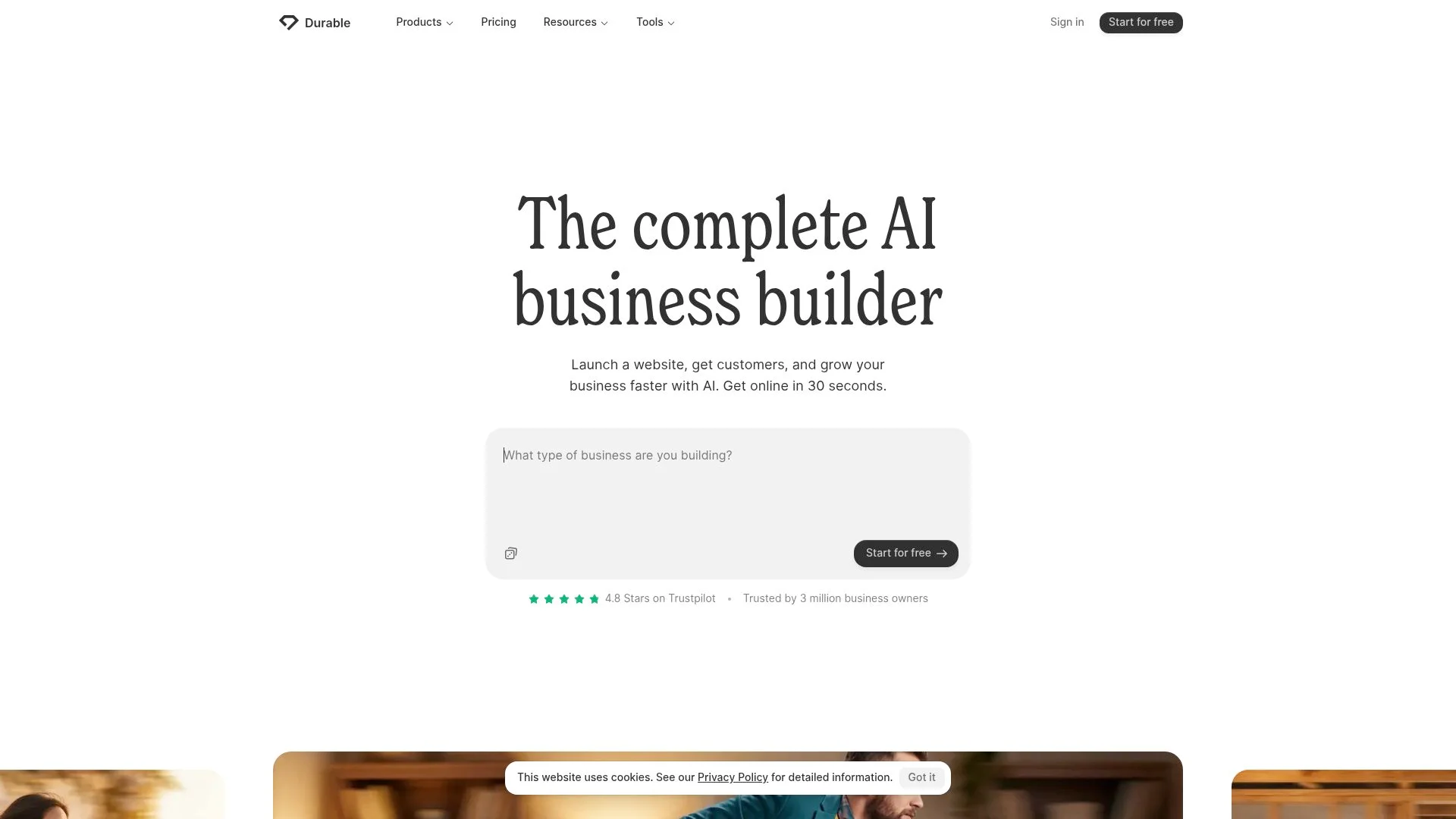
How Durable's AI prioritizes launch speed above all else
Additionally, the free tier includes three pages, basic analytics, and a built-in CRM with invoicing tools—features that service businesses need immediately. The constraint is no custom domain, and Durable branding remains visible until you upgrade to the $12/month tier.
Most users hit the three-page limit within their first week, creating natural upgrade pressure. Meanwhile, the platform targets consultants, tutors, and tradespeople who measure success by asking, "Did I get a contact form live today?" rather than, "Does this match my brand vision perfectly?"
What Industry Insiders Won't Tell You About Free AI Builders
The uncomfortable truth is that free tiers exist to bleed you dry, just slowly enough that you don't notice until month three.
The model works because most people abandon their projects before hitting limits, subsidizing the power users who actually build something.
The business model reality behind 'free forever' promises
As a result, AI credits are the industry's favorite psychological lever. Kleap's free tier gives you 750 monthly credits, which sounds generous until you realize one complex page edit burns 50-100 credits.
Power users hit the wall within 60 days, exactly when they're too invested to migrate. On the other hand, the export lock completes the trap: your content lives in proprietary formats, making departure expensive enough that upgrading feels cheaper than rebuilding elsewhere.
How These 6 AI Builders Actually Compare
Most comparison charts hide the numbers that matter. Here's what separates contenders from pretenders: Kleap and Durable deliver the most sophisticated AI generation; they understand context, not just keywords.
For example, Wix ADI and Hostinger sit mid-tier, producing clean layouts but requiring heavy manual refinement. 10Web inherits WordPress flexibility but sacrifices speed. Webador's AI feels like 2019 technology wrapped in a 2026 interface.
The feature matrix that reveals true differences
Total cost of ownership over 12 months
The "free forever" promise collapses under real-world use.
Durable forces most users to the $25/month tier by month two when page limits bite. 10Web's WordPress foundation means zero lock-in but demands plugin budgets. Migration difficulty?
Nonetheless, WordPress-based 10Web exports cleanly. Proprietary platforms like Kleap and Durable trap your content behind paywalls, requiring you to rebuild from scratch if you leave.
Your Questions About Free AI Website Builders Answered
Technical questions newcomers always ask
Can free AI websites rank in Google? Yes, but performance throttling on free tiers creates a hidden SEO penalty.
Google's Core Web Vitals punish that lag directly.
The real ranking limit isn't the AI builder itself but the technical constraints free plans impose: limited custom domain support, restricted schema markup options, and sometimes forced subdomains that dilute link equity.
Do I own the content AI generates? Most platforms grant full ownership, but export capability varies wildly.
Because Kleap gives you complete code ownership with one-click export, your site survives even if the company vanishes tomorrow. Contrast that with builders that lock content behind proprietary formats: if they shut down, your site disappears overnight.
Check the terms for 'export' and 'data portability' before you build anything mission-critical.
Business questions experienced users wish they had asked first
How long can I realistically stay on a free plan? Static sites run indefinitely, but growing businesses hit walls fast.
Which AI Website Builder Deserves Your Next 15 Minutes
The verdict depends on what breaks first: your patience or your budget. If you need a site live before lunch, Durable and Kleap both clock under 30 minutes from signup to publish.
While Wix ADI gives you the biggest feature set on the free tier, you'll wear their branding like a billboard. Webador is the rare platform that won't force an upgrade after 14 days; basic plans stay free indefinitely, which matters when you're bootstrapping.
A testing strategy that actually works is to sign up for three builders, build the same landing page concept in each, and compare the editing experience.
The tool that feels intuitive at midnight when you're tweaking copy is the one you'll still use six months later. Start with the platform that matches your priority, whether it's speed, features, or compliance, then migrate only if the limitations become deal-breakers, not hypotheticals.
The Free AI Website Era: Pick One and Start Building
The best free AI website builder is the one you'll actually finish building with, not the one with the longest feature list or the most impressive demo video.
The difference lies in philosophy.
Kleap improves speed and full-stack automation. Thus, Wix offers maximum control through a visual editor.
Framer targets designers who want precision without touching code. Durable strips everything down to pure velocity. 10Web bridges WordPress and AI.
Hostinger gives you hosting and a builder in one package.
Finally, your decision comes down to one priority: speed, control, simplicity, power, privacy, or ecosystem. Pick the tool that matches your top constraint and start building today.
You can switch later if needed; the 2026 reality is that migration between platforms takes hours, not weeks.
The barrier to an online presence is no longer technical skill. Additionally, it's about deciding to start.
Need a free AI website builder that handles design, hosting, and deployment in one workflow? Kleap's AI builds full-stack sites from a single prompt, no templates, no page builders, just describe what you need and launch.
Begin your journey at kleap.co, and when you're ready for custom domains and advanced features, upgrade to Pro for just $25/month.
The website you need is one prompt away.