5 Ways to Creer Site Avec AI for Building Online Business

Creating a website with AI takes 10-30 minutes using platforms like Wix ADI, Framer AI, or 10Web, with no coding required.
- AI builders generate complete designs from text prompts in under 5 minutes.
- Drag-and-drop editors let you customize layouts without touching code.
- Most platforms offer free trials before committing to monthly subscriptions.
You stare at the screen. Another quote from a web agency: six weeks, $8,000, "pending approval of wireframes." For a five-page site.
However, traditional web development punishes non-technical founders. You either pay agencies thousands of dollars and wait months, or you wrestle with WordPress plugins until 2 a.m. (only to discover your contact form doesn't work).
The barrier isn't just money; it's the assumption that building online requires a computer science degree.
AI website builders flip that assumption. Tools like Wix ADI and Framer AI enable you to describe your business in plain language (such as "boutique coffee roastery in Portland"). You can watch as algorithms generate layouts, select fonts, write copy, and improve mobile responsiveness in minutes.
No HTML, no design experience, no developer retainer.
The shift matters because speed now determines survival. A freelance consultant who launches a portfolio site on Monday books clients by Friday.
An e-commerce founder who tests three product pages in a weekend identifies the winner before burning ad budget. When you can iterate in hours instead of months, creating a website with AI stops being a technical project and becomes a competitive advantage.
This guide walks you through five proven methods, from no-code AI platforms to hybrid approaches that blend automation with custom control, so you can choose the path that matches your technical comfort and business timeline.
Why AI Website Builders Are Changing Everything in 2026
Traditional website development demanded 2-6 months and $5,000-$50,000+ for custom builds. Although templates promised relief, they delivered cookie-cutter designs that screamed 'generic.' Then AI arrived, and the entire game changed.
Modern AI builders like Kleap generate complete sites from natural language prompts in minutes, not months, with full-stack functionality that templates never offered.

The breakthrough? AI understands intent.
While you describe 'a portfolio site for a freelance photographer with booking forms,' the system generates custom layouts. It writes copy, creates image galleries, and builds functional forms. All of this happens without touching a single line of code and without rigid templates.
No developer fees. Just one AI agent delivers design, hosting, and custom domains in a single workflow, starting free.
Try it — build your site while you read
Describe what you want and get a live, publishable site in seconds. Free to start, no code.
Join 200,000+ makers building real websites with Kleap.
Step 1: Define Your Website's Purpose and Core Message
Before you type a single prompt into any AI builder, answer this: what's the one action you want visitors to take? Most users skip this step and feed vague instructions to tools like criador de site com inteligencia artificial, then wonder why the generated site feels generic.
The difference between 'create a business site' and 'create a site that converts freelance designers into paying clients within 3 clicks' is the difference between 10 revisions and one that works immediately.

The 3-Minute Clarity Exercise That Shapes Everything
Write down five answers: Who visits? (entrepreneurs, not 'everyone'). What must they do? (book a call, buy now, download).
(full-stack code ownership, not 'quality service'). What tone fits your brand? (original and reliable, not corporate-stiff).
What pages do you need? (homepage, pricing, contact, not 15 vague sections). Thus, Kleap's AI agent builds from idea to live site because it interprets structured input, not guesswork.
Step 2: Choose Your AI Website Builder Platform
The market splits into three distinct tiers, and picking wrong costs you months of rework. While Hostinger advertises plans at $2.99/month and Wix starts free with upgrades from $14/month, the real question isn't price; it's what happens when you outgrow the platform.
Finally, most builders trap you with proprietary systems. You build and scale, but you discover you can't export your code or migrate without starting over.
That's the $50,000 mistake.

The critical differentiator nobody mentions is code ownership. Additionally, Kleap gives you complete code from day one, not a locked template, but actual exportable assets.
When your startup hits Series A funding and needs custom integrations, you're not rebuilding. When your agency lands an enterprise client with strict security requirements, you already have enterprise-grade infrastructure in place.
Meanwhile, compare that to platforms where 'export' means a static HTML dump with broken functionality. For serious builders exploring AI website erstellen kostenlos, the free tier test reveals everything: can you add custom domains, remove branding, and access real support?
Most can't.
Kleap tip: Test code ownership before committing; request a site export on day one of any free trial to verify you're not building on rented land.
Step 3: Generate Your Initial Website with AI
Click 'Generate' and watch Kleap's AI agent assemble your site in under 90 seconds. As a result, the platform structures layouts, drafts copy, selects visuals, and optimizes for mobile, all based on your initial prompt.
Most builders deliver a first draft within 30 seconds to 3 minutes, depending on complexity, with Kleap's full-stack approach handling everything from navigation hierarchy to form integration in one pass. The catch?
The Two-Minute Reality Check
Review navigation logic first: does the menu structure match your customer journey? Then scan for content accuracy: AI pulls from your prompt, but product specs, pricing tiers, and legal disclaimers require manual verification.
Check mobile responsiveness by toggling viewport sizes; most generador de sitios web con ia platforms auto-generate breakpoints, but custom spacing often needs adjustment. On the other hand, if one section misses the mark, regenerate that block instead of starting over. Kleap lets you iterate specific components while preserving the rest, cutting revision time from hours to minutes.
Step 4: Customize and Refine Your AI-Generated Design
The AI draft is live. Most users panic and start tweaking fonts, colors, and spacing, wasting three hours on changes that nobody notices.
For example, this is the wrong approach.
These five changes remake a generic AI output into a recognizable brand presence in under 20 minutes.

The trap is over-customization.
Breaking responsive layouts by forcing desktop-only spacing, creating color schemes with 2.1:1 contrast ratios that fail accessibility standards, or mixing four different font families because 'variety feels creative.' Kleap's AI already solved mobile responsiveness and visual hierarchy; work with that intelligence, not against it. Above all, test every change on mobile preview immediately.
If you're considering a customization that requires CSS knowledge or involves phrases like 'pixel-perfect alignment,' you've crossed into diminishing returns. For advanced visual needs, explore tools like crear web gratis con ia to compare builder capabilities before committing hours to manual adjustments.
Step 5: Configure Settings and Launch Your Website Live
Nonetheless, the 15-minute pre-launch window separates abandoned drafts from live sites generating traffic. While competitors force you through 47-step DNS tutorials and cryptic nameserver configurations, modern AI builders automate the technical complexity that used to require developer support.
The catch is that most users skip the three settings that determine whether Google indexes your site correctly and discover the oversight six months later when organic traffic flatlines at zero.
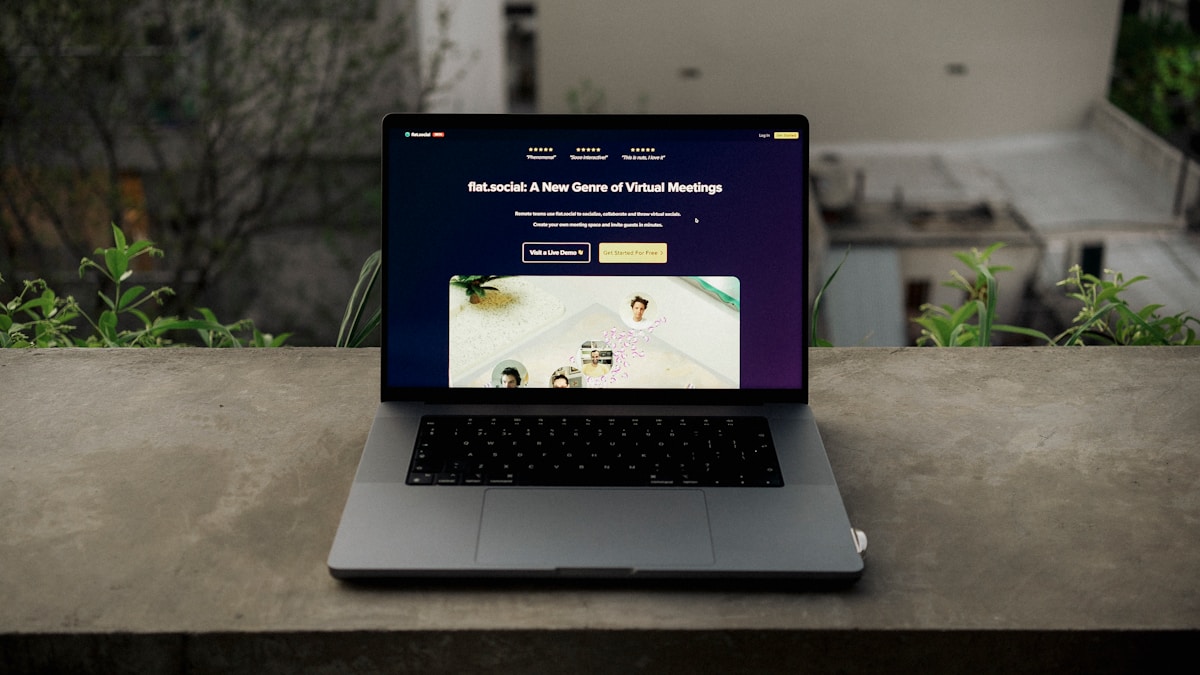
Domain connection triggers the invisible 24-48 hour DNS propagation period that catches first-time builders off guard. Subsequently, the process involves purchasing through your platform for instant setup or connecting an existing domain via four nameserver entries provided by your registrar.
Skip the "www" versus "non-www" decision at your peril. Search engines treat them as separate sites, which splits your authority. Must-have pre-launch checklist: test every form submission, verify that mobile tap targets exceed 48 pixels, confirm that page load is under 2.5 seconds, and check cross-browser rendering in Chrome and Safari.
However, Analytics integration takes 90 seconds; paste your Google Analytics tracking ID or let the platform handle it automatically.
Post-launch, submit your sitemap to Google Search Console within the first hour. Indexing begins immediately, giving you the 2-week head start that most sites waste. For deeper strategies on AI-powered launches, explore our criar sites com ia guide.
Kleap tip: Allow the platform's built-in SEO analyzer to run before publishing; it flags missing meta descriptions and broken internal links that can tank your rankings before launch day arrives.
What Other AI Website Platforms Won't Tell You
Most AI website builders advertise speed and simplicity. They don't mention the hidden costs that emerge 12 months in, when your traffic grows and the platform suddenly demands triple the monthly fee for features you assumed were included.
Or the moment you realize that migrating away means rebuilding from scratch because you never owned the code.
Free tiers intentionally throttle performance to force upgrades; your site loads fast during the trial, then crawls once you publish.
Many platforms retain rights to your designs and content, complicating true ownership if you ever want to leave. Migration is nearly impossible: closed ecosystems trap your data in proprietary formats that no other tool can import.
AI-generated code quality varies wildly; some platforms produce bloated, non-standard markup that breaks the second you try to customize it. Support quality collapses after the initial sale on lower-tier plans, leaving you with chatbot responses when you need real help.
Kleap's approach differs: complete code ownership from day one, transparent pricing without hidden fees, and enterprise-grade security regardless of plan tier. Before committing anywhere, ask three questions: Can I export my full codebase?
Who owns the content? What happens to my site if I cancel?
Common Mistakes That Sabotage AI Website Projects
Most teams assume AI website builders deliver perfect results on the first try.
Here are the specific errors that kill AI website projects, along with fixes you can deploy in minutes.
Why Over-Prompting Creates Worse Results
The sweet spot is 2-3 sentences describing your core purpose, target audience, and one specific action you want visitors to take.
Example: "Create a portfolio site for a freelance photographer targeting wedding clients in Miami. Thus, the primary CTA is to book a consultation call." That's it.
The AI generates a focused draft; you refine from there.
The Content Mistake That Kills Conversions
Publishing AI-generated copy verbatim strips your brand voice. The fix: replace generic phrases with specifics.
Instead of "high-quality service," write "same-day delivery in Chicago" or "$500 starter packages." Concrete details build trust. Vague claims trigger skepticism.
Add your differentiation; the AI can't invent what makes you different from competitors.
Frequently Asked Questions About Creating Websites with AI
The biggest question people ask: "Do I need coding knowledge?" No. Additionally, platforms like Kleap handle the entire technical stack, design, hosting, forms, and custom domains through natural language prompts. You describe what you want, and the AI builds it.
The second question: "How long does it take?" Initial generation happens in minutes. Meanwhile, refinement and launch take time.
One to three hours total, not weeks.
Cost concerns dominate commercial searches. Reality: Kleap starts free, with skilled plans at $25/month (Pro) or $25/month (Business).
As a result, add a domain ($10-20/year), and you're live for under $50 monthly. Can you sell products?
Yes, most AI builders now bundle ecommerce capabilities. On the other hand, will your site look generic?
Modern AI creates custom layouts, not recycled templates. The critical question most miss: "What happens if I want to switch platforms?" Kleap provides complete code ownership, eliminating lock-in risk entirely, a differentiator that vendor lock-in makes essential for serious businesses.
What Comes Next
For example, the finish line isn't the end; it's mile zero. You went from being overwhelmed by technical complexity to being a live website owner in hours, not months.
Now the real work starts: content refinement based on user feedback, traffic building, and conversion rate monitoring. Above all, the first 30 days separate projects that stall from businesses that scale.
Kleap eliminates the traditional barriers between idea and execution. Complete code ownership means you're never locked in.
Enterprise-grade security from day one protects your data without configuration overhead. Full-stack capabilities let you add features, forms, payments, and app-like interactions without switching platforms.
One AI agent handles everything from prototype to production, enabling rapid iteration that would take traditional developers weeks.
AI handles layout and hosting; you handle vision and market fit. Start your free Kleap project today and transform your idea into a live website by this afternoon.
Your Site Lives in Minutes, Not Months
The barrier between "I have an idea" and "my site is live" has collapsed to the time it takes to describe what you want.
Start now. Open Kleap, type your vision in plain English, and watch your site materialize in real-time. There are no tutorials, no templates to wrestle with, and no code to debug.
Ready to create a website with AI without the usual friction? Kleap provides full code ownership, enterprise-grade infrastructure, and a free tier that allows you to build without any commitment.
However, your audience isn't waiting for you to learn CSS. They're waiting for you to launch.


