Skip to content

Show my work

Portfolio website templates that put your work first

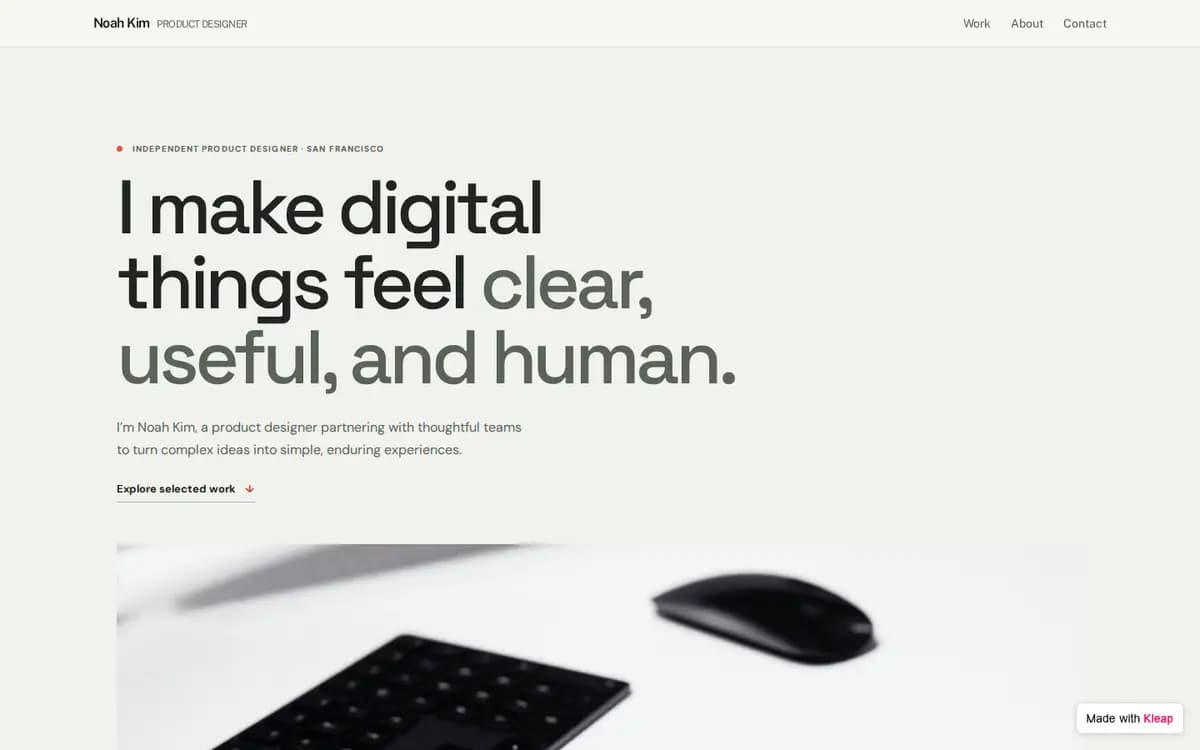
Real portfolio sites built in Kleap: a photographer, a product designer and an architecture studio. Start from one, drop in your own work, and change anything by asking.
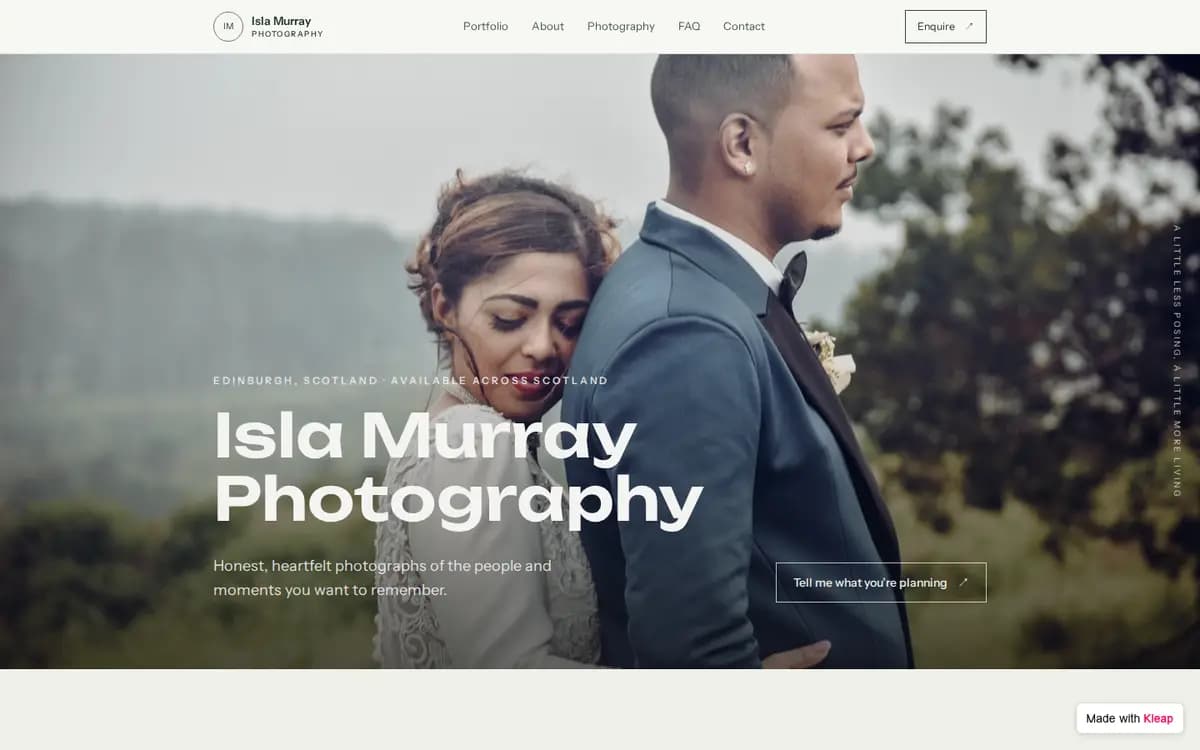
Photographer example website built with Kleap
Photographer, Edinburgh, Scotland. Weddings, portraits and elopements in a gallery you can filter. Photos open full screen. The form asks for: name, email, event date, location, message.

What to prepare before you start

  • Your name and what you do, in one line
  • Six to twelve pieces you are proud of, with their images
  • For each project: the brief, what you did, the result
  • A short about: who you are, where you work, what you take on
  • Links: Instagram, LinkedIn, Behance, Dribbble, GitHub
  • What you want to receive: job offers, commissions, quote requests

The brief behind this example

Build my photography portfolio website. A full-width hero, a gallery I can filter by category where photos open full screen, my packages, an about section, an FAQ and an enquiry form that asks for name, email, event date, location and a message, and sends me each enquiry. Let the photos do the talking.

Start from this example and this brief opens in Kleap, ready for your changes. Nothing is sent until you press Send.

From example to your own site

  1. 1

    Start from this example

    Kleap opens with the brief behind this example already written. Change a word or two if you like, then press Send.

  2. 2

    Kleap builds your site

    You get your own site with the same pages and a contact form that sends you every inquiry.

  3. 3

    Make it yours, then publish

    Ask for your name, your photos and your colors in plain words. Send yourself a test reply, then publish.

More examples like this one

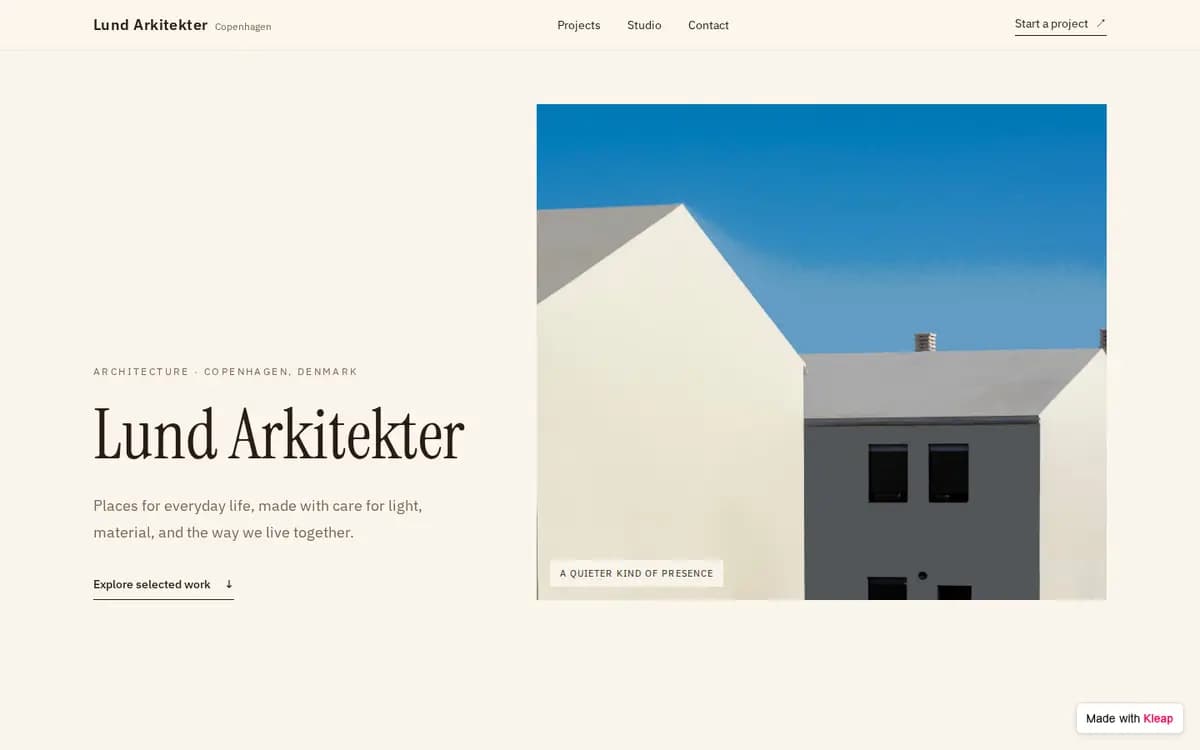
Architecture Studio example website built with Kleap

Architecture Studio

Copenhagen, Denmark

Eight projects, from a summer house to a library, each with its own gallery page.

Form asks for: name, email, project type, location, budget range, message.

What to put on your portfolio website

  • Your best work, first

    Six to twelve pieces you are proud of beat fifty you are not.

  • One page per project

    The brief, what you did, the images. Clients read this before they write to you.

  • A short about

    Who you are, where you work, what you take on.

  • A way to reach you

    A form that asks for the details you need to reply, like a date or a budget range.

  • Your own photos

    Replace every example image with your work before you publish.

Frequently asked questions

Is it free to start?
Yes. You can build your site from an example, edit it and publish it to a kleap.io address without paying. Paid plans add extras such as your own domain.
Are these real client websites?
No. They are example sites the Kleap team built in Kleap for invented businesses, so you can see a working portfolio before you start yours.
Can I upload my own photos?
Yes. Add your images in the chat and ask Kleap to put them in the gallery or on a project page.
Does the form really work?
Yes. The form on the example saves every reply in the project, and we tested it on the live site. Your own site gets the same kind of form: send yourself a test reply before you share the link.
Will it work on phones?
Yes. The example is built to work on phones, tablets and desktops. Check your own photos and long titles on a phone before you publish.
Can I use my own domain?
Yes, on a paid plan. You can publish on a free kleap.io address first.
Do I need to code?
No. You change everything by asking in plain words. If you want the code, you keep access to it and can connect GitHub.
Will my site look exactly like the example?
Kleap builds a new site from the same brief, so the pages and the form match the example but the design can differ. Ask for changes until it looks right.

Ready to start?

Start from this example, or see every template sorted by what your site needs to do.

Related: More portfolio directions · Portfolio builder