How to Create a QR Code for a URL Free and Make It Actually Work
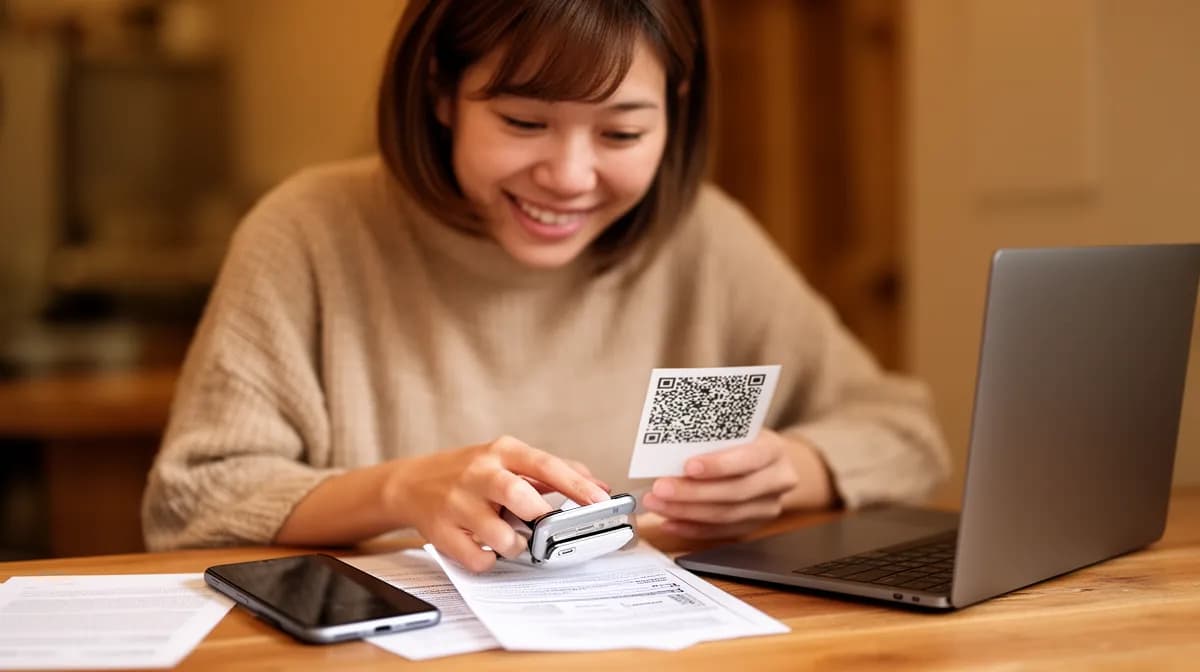
You can create a QR code for a URL for free in under 2 minutes using several no-cost online tools that require zero technical skills.
- Most free QR code generators produce a working, scannable code instantly with no account required.
- Choose a tool that lets you download in SVG or PNG format for print and digital use.
- Static QR codes for URLs are free forever, with no subscription, no expiry, and no catch.
Print is back, and it brought a camera shortcut with it. QR codes have quietly become the fastest bridge between physical touchpoints and digital destinations, such as menus, business cards, packaging, and event flyers, yet most people still assume generating one costs money.
It doesn't. When you need to create a QR code for a URL for free, the options are genuinely good in 2026: several reputable tools produce high-resolution, scan-ready codes at no cost, with no watermark and no forced sign-up.
The real challenge isn't finding a free tool. It's knowing which ones actually deliver a reliable, print-quality file versus the ones that lock the useful features behind a paywall the moment you need them most.
This guide cuts straight to what works, detailing the exact steps and format decisions that determine whether your QR code scans cleanly at 3 cm or fails on a billboard, along with the one setting most first-timers miss entirely.
Why Every Business Needs a Free QR Code Linked to a URL Right Now
Most businesses are still leaving offline traffic completely disconnected from their digital presence. A printed flyer, business card, or product label with no scannable link is a dead end.
When you create a QR code for a URL for free, you instantly bridge that gap, turning any physical surface into a clickable destination, with zero cost and no registration required.
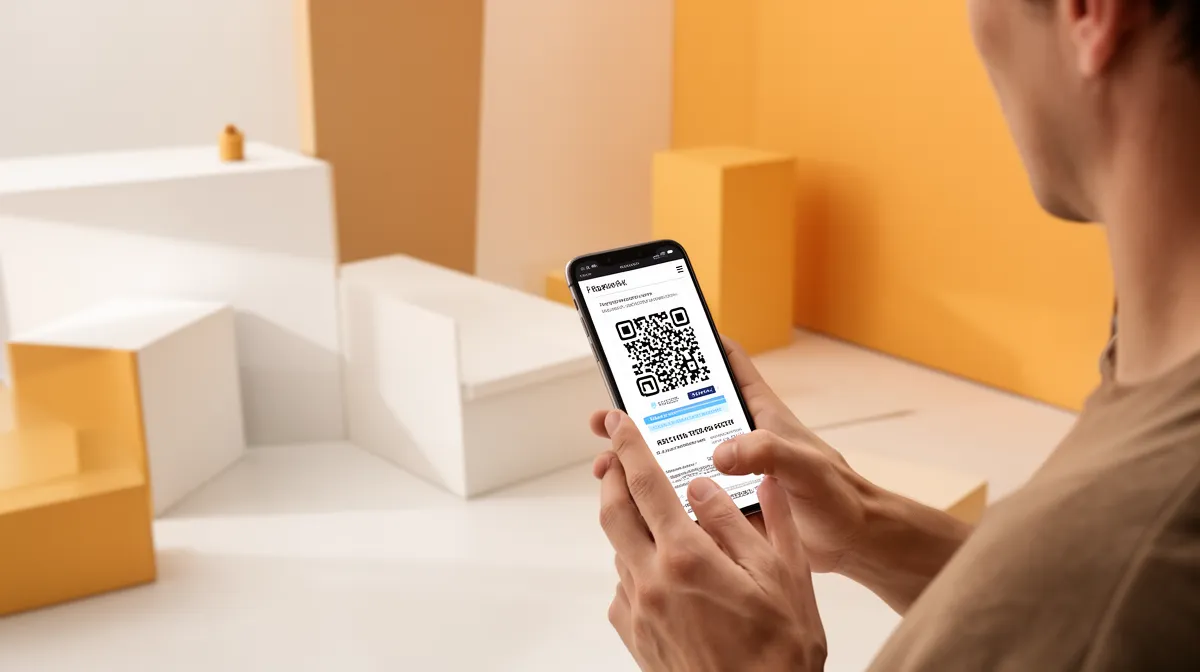
The Real-World Impact of URL-Based QR Codes
Over 95% of modern smartphones scan QR codes natively through their camera app, with no third-party app needed. The usage grew over 300% between 2020 and 2024.
From New York restaurants linking menus to Miami event planners driving registrations, URL-based QR codes have become standard operating infrastructure, not a novelty.
Static vs. Dynamic: Which Free Option Is Right for You?
The distinction matters more than most guides admit. Static QR codes are free forever, never expire, and require no account.
Dynamic codes allow link editing and scan tracking but typically sit behind paid plans. For most use cases, static codes win.
The critical caveat: once printed, a static code is permanent, so verify your URL before generating it.
- Static codes: free, permanent, and ideal for business cards and packaging.
- Dynamic codes: editable and trackable, but require paid subscriptions.
- Vector formats (SVG, PDF) are essential for print quality at any size.
- A minimum print size of 2×2 cm ensures reliable scannability.
Try it — build your site while you read
Describe what you want and get a live, publishable site in seconds. Free to start, no code.
Join 200,000+ makers building real websites with Kleap.
How to Create a QR Code for a URL Free in Under 60 Seconds
Skip the signup forms. The fastest way to create a QR code for a URL free takes under a minute, requires zero registration, and produces a scannable result that you can download immediately.
Manage to a tool like 100 free qr code generator with options reviewed by various tools, paste your destination URL into the input field, and click Generate. That's the entire process for a static code.
No credit card, no account, no waiting.
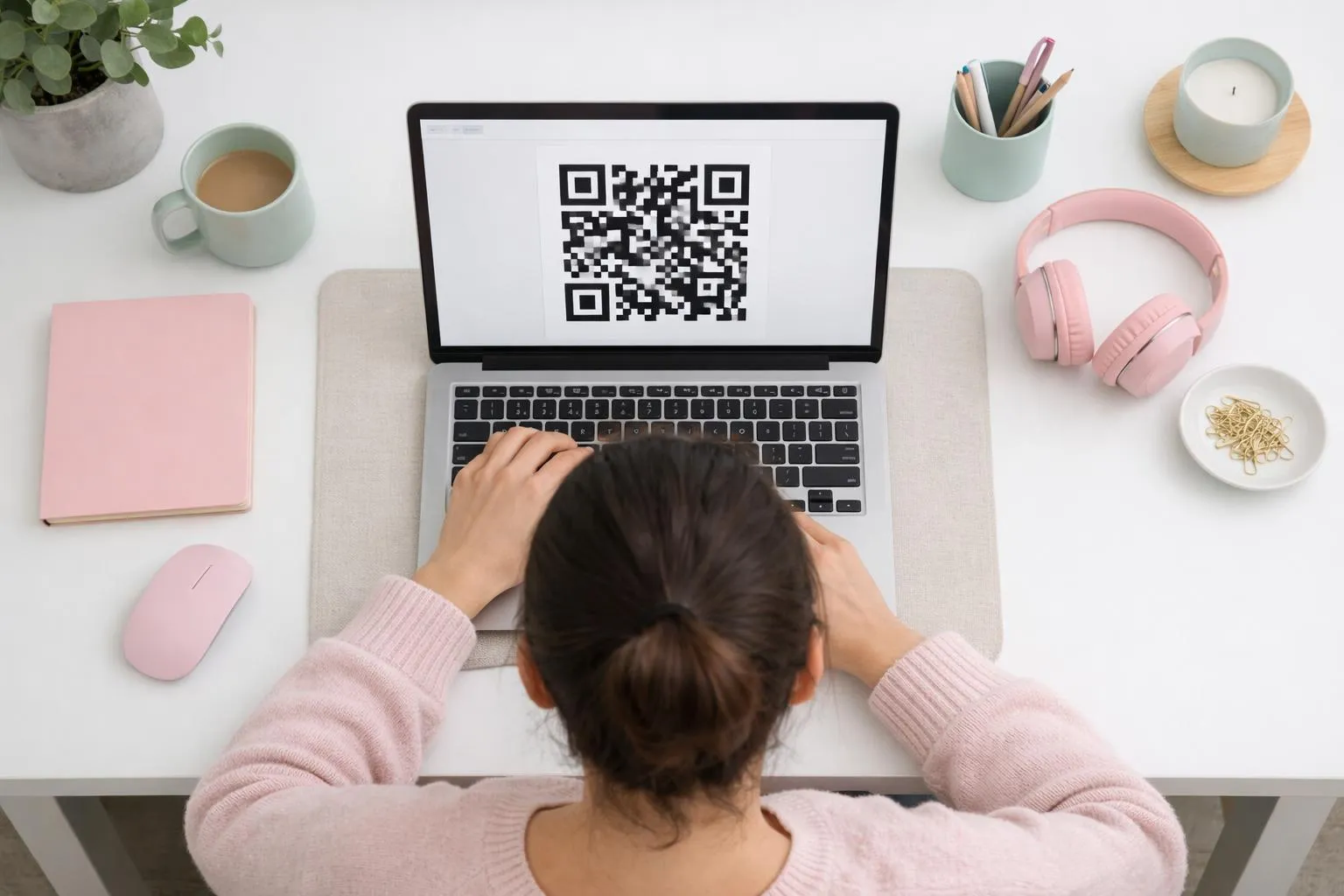
Step-by-Step, Using Browser-Based QR Code Tools
- Open Canva, ME-QR, or QRCode Monkey in any browser, with no registration required.
- Paste your target URL into the designated input field.
- Customize colors and insert a logo if your brand demands it (logo insertion is available in free tools like Canva, Adobe Express, and QRCode Monkey)/li>
- Select your download format: PNG for digital use, SVG or PDF for print
- Click Download; your file is ready instantly.
Print quality is a detail most guides skip entirely. For physical materials, experts recommend a minimum print size of 2×2 cm and a resolution of at least 3,000 px.
QRCode Monkey and Adobe Express both provide free vector formats (SVG, EPS, PDF) that scale without blurring. Download PNG only when the code remains digital.
Chrome's Built-In QR Code Generator, the Hidden Shortcut
Chrome users already have a native generator sitting in the address bar. Right-click any open page and select "Create QR code for this page"; no third-party tool is needed, no file upload, instant output.
Firefox users can replicate this with a free extension. Both methods produce static codes tied permanently to the URL entered, so verify the destination before generating.
One trained habit worth adopting before you generate: embed UTM parameters in your destination URL first. This lets Google Analytics distinguish scan-driven traffic from organic visits, a small step that pays off significantly in campaign reporting.
Explore your full range of options with our guide to free qr kode tools to find the format that fits your workflow.
5 Best Free Tools to Create QR Codes for Any URL
Most comparison lists bury the one detail that actually matters: not every free tool gives you a print-ready file. Choosing the wrong generator means a pixelated QR code on your business cards, and that mistake is permanent with static codes.
Here are the five tools worth your time, each with a distinct edge.
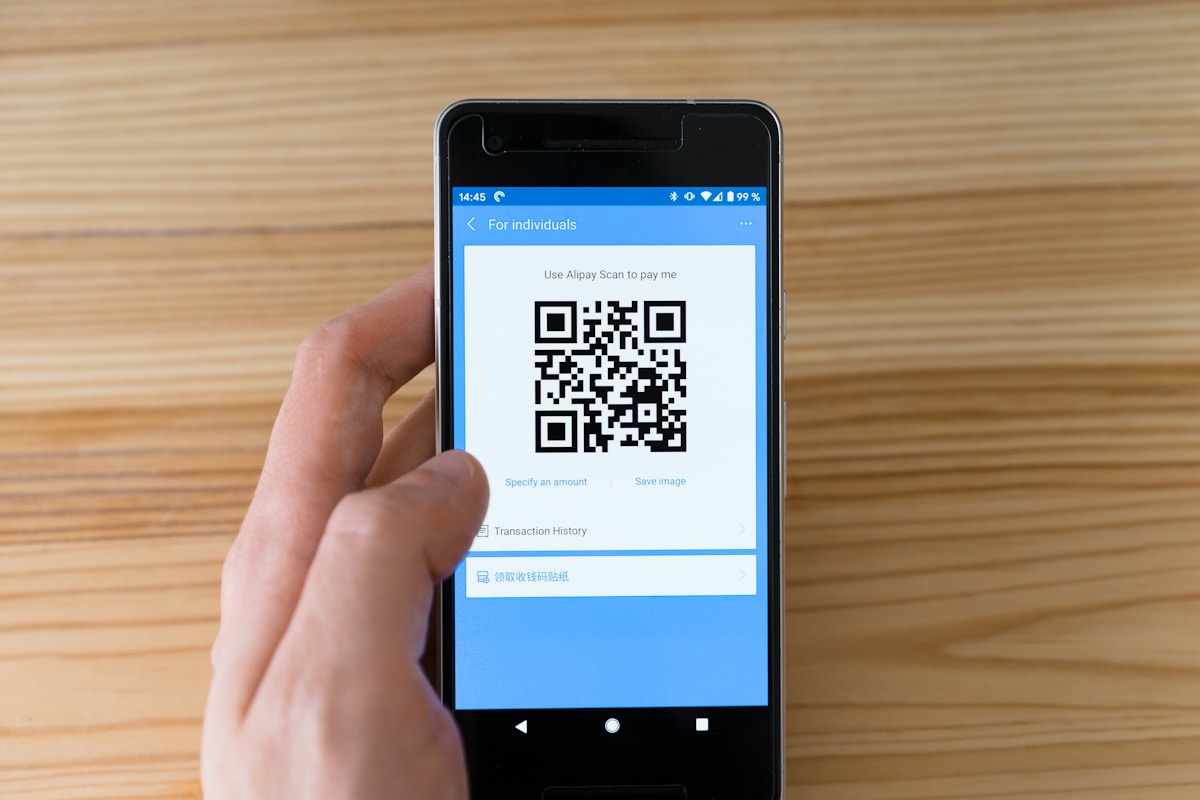
- Canva: Unlimited free QR codes, zero registration, shareable links built in. The go-to for marketers who need to embed codes directly into flyers or social templates.
- ME-QR: High-resolution downloads with unlimited creation and no sign-up. Solid for teams generating codes at scale.
- QRCode Monkey: The print designer's choice. Free vector formats (SVG, EPS, PDF) that scale to billboard size without blurring.
- Adobe Express, logo insertion and brand color matching on the free tier. The strongest option when you need to personalise qr code without a paid subscription.
- Chrome's native generator, right-click any open page, select "Create QR code," and you're done. No third-party dependency, no upload, no account.
Which Tool Fits Your Use Case?
Print shop work demands vector output, so QRCode Monkey wins. Digital-only campaigns where branding matters point to Adobe Express or Canva.
Speed above all else? Chrome delivers in under five seconds.
For contact-sharing workflows, pairing your URL code with a vcf qr code covers both digital and physical touchpoints efficiently.
File Formats That Actually Matter for Print and Digital
Experts recommend a minimum resolution of 3,000px for physical printing, and PNG rarely meets that threshold at large format. SVG and PDF are non-negotiable for anything beyond a phone screen.
None of these free tools offer scan tracking; that requires a paid dynamic plan.
Kleap tip: Before downloading, embed UTM parameters directly in your destination URL. This lets Google Analytics distinguish scan-driven traffic from organic visits without needing a dynamic code or paid upgrade.
What QR Code Generators Won't Tell You Before You Hit Download
Most free QR code tools hand you a PNG and call it a job done. That works fine on a website or social post.
Print it on a 24-inch poster, though, and you get a pixelated mess that no camera can read. The fix is simple: always download in SVG or PDF format when your code is headed for physical print.
Experts recommend a minimum resolution of 3,000px for raster formats, and vector files eliminate the problem entirely by scaling to any size without quality loss.
Why Free QR Codes Fail on Posters and Menus
Two technical details that free tools almost never surface upfront can kill a print run. First, the quiet zone: the mandatory white border surrounding every QR code.
Crop it even slightly when dropping the code into a design template, and most smartphone cameras will fail to lock on. Second, the error correction level matters more than people realize.
If you plan to overlay a logo on your code, you must select level H (High) during generation, which allows up to 30% of the code's surface to be obscured while remaining scannable. Most generators default to level M, which tolerates only 15%.
- Minimum scannable print size: 2x2 cm; smaller and older devices struggle.
- Quiet zone: never crop the white border, even by a few pixels.
- Error correction: choose H-level when adding a logo overlay.
- Format: SVG or PDF for print; PNG only for digital screens.
The Redirection Workaround Smart Marketers Use
Static QR codes are permanent by design. Change the destination URL after printing, and the code becomes a dead link with no recovery option.
The workaround professionals rely on is to point your free static code at a redirect URL on a domain you control, not the final destination directly. Update the redirect whenever needed, and your printed materials stay functional indefinitely.
Before any of this, learn how to create a qr code correctly the first time, and test the final result on at least three devices before committing to print.
How Kleap Fits Into Your QR Code and Digital Presence Strategy
A QR code is only as powerful as the page it leads to. Generate a free code, point it at a broken link or a poorly designed page, and every scan becomes a lost conversion.
That's the gap most guides ignore entirely; they help you create a QR code for a URL free in seconds, then leave you stranded with a destination URL that undermines the whole effort.
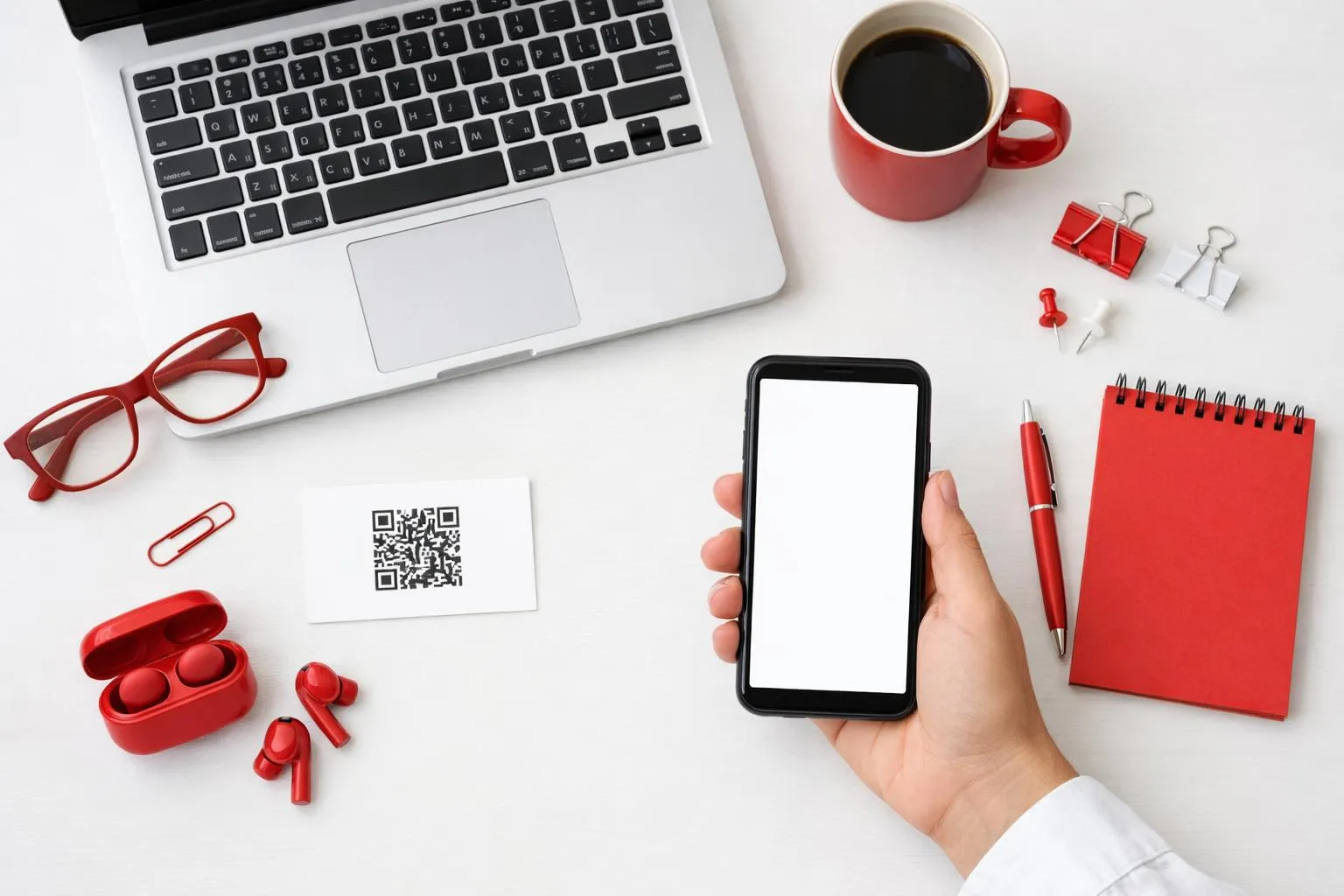
Build the URL Behind Your QR Code in Minutes
Kleap's AI builder lets you describe your product, service, or campaign in plain language and get a live, professional landing page in minutes, with no coding or designer required. Consider a Chicago-based startup launching a new product: they create a QR code for a URL free, then use Kleap to build the destination page on the same afternoon.
The free tier covers both, meaning zero dollars spent before the first scan.
From QR Code to Fully Functional Website Without Coding
For businesses in Los Angeles, New York, or Houston scaling quickly, Kleap's Pro plan at $25/month releases custom domains, advanced features, and removes friction from the offline-to-online funnel entirely. The complete stack looks like this:
- Generate a free static QR code pointing to your Kleap URL
- Build or update the destination page using natural language prompts
- Add e-commerce, forms, or blog features without touching code
- Upgrade to Pro for a branded custom domain that reinforces trust at every scan
Pairing a free URL QR code with a Kleap-built page gives entrepreneurs a complete offline-to-online funnel at minimal cost, one that actually converts when someone points their camera at it.
Frequently Asked Questions
Can I create a QR code for a URL completely free with no registration?
Yes, and you don't need an account to get started. Several tools, including Kleap, let you paste a URL and generate a scannable QR code in seconds without signing up.
The catch with fully anonymous generators is that you typically get a static QR code, meaning you can't edit the destination URL later. For basic, one-time use cases, that's perfectly fine.
Do free QR codes for URLs expire or stop working?
Static QR codes never expire. They encode the URL directly into the pattern itself, so as long as the destination URL is live, the code works indefinitely.
Dynamic QR codes are different. They route through a redirect service, and free-tier dynamic codes from some platforms can be deactivated if you don't maintain an active account.
If permanence matters, static is the safer choice for simple URL sharing.
What is the best file format to download a free QR code for printing?
SVG, without question. It scales to any size, from a business card to a billboard, without losing sharpness.
PNG works well for digital use and smaller print runs, but avoid JPG entirely since its compression introduces artifacts that can confuse scanners. When in doubt, download SVG and convert it to whatever format your printer needs.
Can I change the URL a QR code points to after I've already printed it?
Not with a static QR code. Once printed, the destination is locked into the pattern permanently.
This is the single most common frustration I've seen from people who generate a free static code, print 500 flyers, and then realize they need to update the link.
Dynamic QR codes solve this entirely since they use a short redirect URL that you can update anytime through a dashboard. The printed code never changes, but the destination does.
If there's any chance the URL will shift, go dynamic from the start.
How do I add my logo to a free QR code?
Most basic free generators don't offer logo embedding natively. However, QR codes are designed with built-in error correction, which means up to roughly 30% of the pattern can be obscured and the code still scans correctly.
In practice, you can overlay a small logo in the center using a design tool after downloading the QR image. Keep the logo under 20% of the total code area to stay safe.
Test the result on multiple devices before printing anything at scale.
Does Google Chrome let you generate a QR code for any webpage for free?
Yes. Chrome has a built-in QR code generator accessible directly from the address bar.
Click the share icon on the right side of the URL bar and select 'Create QR Code.' It's instant, free, and requires zero third-party tools.
The limitation is that it only generates a PNG, offers no customization, and doesn't support logo embedding or color changes. For anything beyond a quick personal share, a dedicated builder gives you far more control over the final result.
Create a QR Code for a URL for Free, Then Give It a Destination Worth Scanning
The QR code is only as powerful as the page waiting on the other side.
You now have everything you need: the 60-second generation workflow, the static-vs-dynamic distinction that determines whether your code is a dead end or a living asset, and the three details most guides skip: quiet zone margins, vector formats for print, and the redirect workaround that future-proofs any free static code.
Your next move is concrete: generate your code today using one of the tools covered above, then point it at a page that actually converts. A raw URL is a missed opportunity.
That's where Kleap comes in. Build the landing page, portfolio, or storefront that your QR code deserves, with no coding, no waiting, and live in minutes.
Kleap's AI handles design, hosting, and custom domains so your code leads somewhere that works as hard as you do.
Start free at Kleap and turn every scan into a real outcome.