8 Best AI Tools for Rapid Prototyping & MVPs in 2026

The best AI tools for rapid product development in 2026 mix instant code generation with visual design features. Cutting MVP creation time from weeks to days.
- End-to-end platforms like Kleap generate production-ready applications in hours without traditional coding bottlenecks
- Choose specialized tools based on your stack: React components, full-stack frameworks, or landing page builders
- Free tiers let you prototype immediately, with paid plans scaling from basic features to enterprise automation
Your competitor just launched their MVP. Again.
Traditional development teams still struggle with sprint planning and backend architecture. Meanwhile, a new wave of builders ships working products in days or even hours. The gap between idea and execution has collapsed completely.
The best AI tools for rapid product development are changing who can build software and how fast they can move. Honestly, speed determines survival in today's market. Market windows close fast, and long development cycles cost you first-mover advantage.
You also lose customer feedback loops and validation opportunities before committing substantial capital. We compared eight leading AI development platforms that remove coding bottlenecks without sacrificing quality. Our evaluation covered code generation accuracy, design-to-production workflows, framework compatibility, and collaborative features. We also examined pricing structures that work for solo founders through enterprise teams.
You'll discover why Kleap ranks first for non-technical founders who need complete applications, how v0.app and Cursor help developers maintain control while using AI assistance. And which platforms handle specific jobs like landing pages or full-stack prototypes best. Honestly, actual user feedback shows what delivers results beyond the hype. Plus hands-on advice for picking tools that match your skills and project needs.
Why rapid product development matters more than ever in 2026
Markets shift overnight. A competitor launches.
Customer expectations evolve. In this landscape, speed isn't just an advantage, it's survival.
Traditional product development cycles that stretched across quarters now feel antiquated, especially when startups operating from garages can build functional MVPs in days using the best ai tools for rapid product development. The window for market entry has compressed dramatically, and businesses clinging to legacy workflows risk obsolescence before their first release.

What once demanded specialized teams, designers, frontend developers, backend engineers, can now be handled by small, AI-augmented groups. We've observed companies compress six-month roadmaps into three-week sprints.
The bottlenecks vanish: no endless hiring searches, no design-development handoff delays, no costly iteration cycles. According to AI-powered development platforms, automation handles the repetitive work while humans focus on strategy and innovation.
Launch faster, test quicker, pivot immediately, that's the new competitive baseline.
Try it — build your site while you read
Describe what you want and get a live, publishable site in seconds. Free to start, no code.
Join 200,000+ makers building real websites with Kleap.
Kleap: Our #1 Pick for End-to-End AI-Powered Development
Most platforms make you pick one thing: websites, apps, or stores. Kleap doesn't work that way.
With 120,004+ builders and 127,564+ published apps, you get websites, web apps, mobile apps, and eCommerce all in one place. Honestly, want a mobile-friendly store with products, copy, images, and FAQs?
It's done in 30 seconds. That speed beats competitors stuck with old workflows, which makes it one of the best AI website builders for small businesses in 2025.
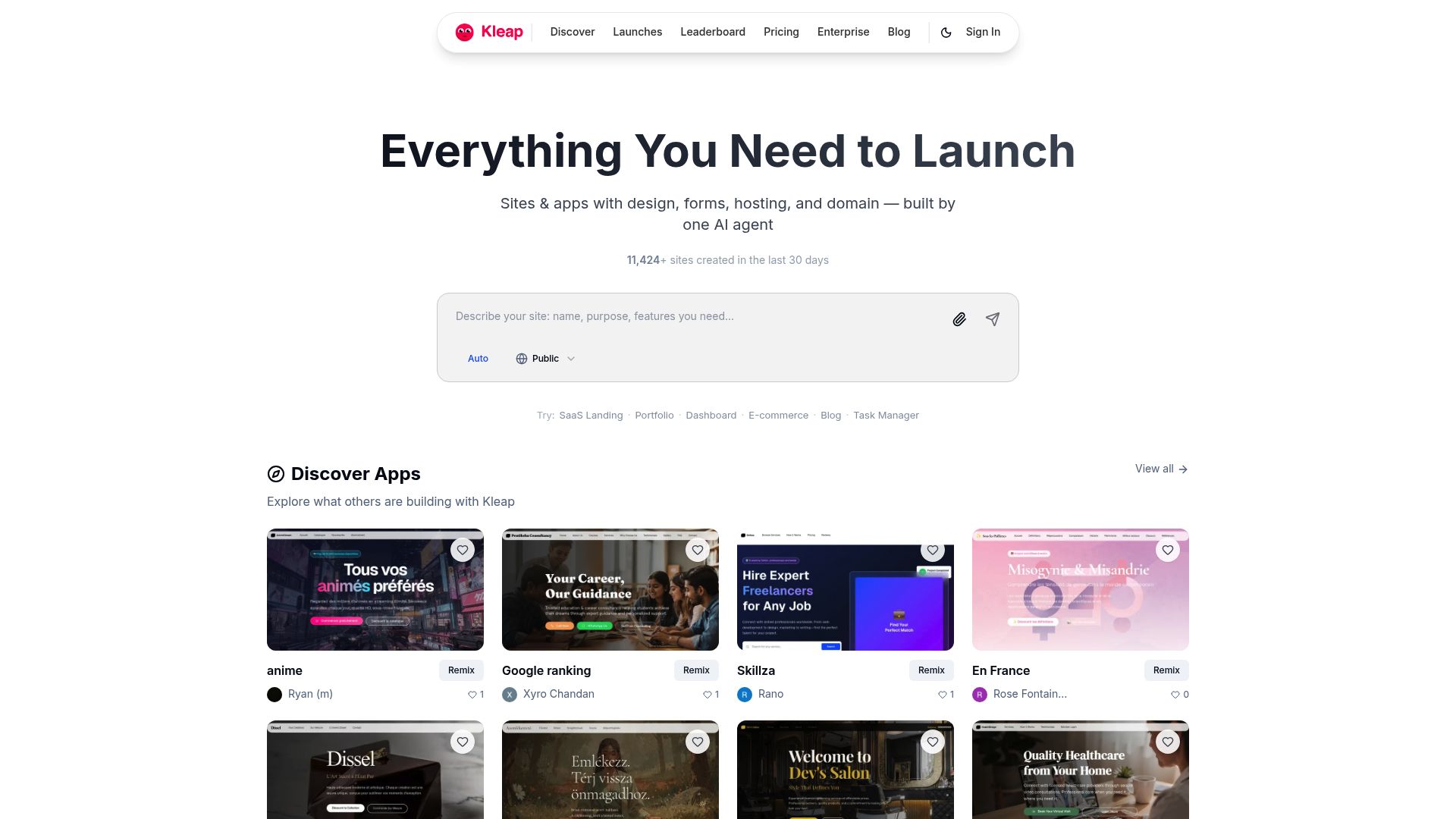
Why Kleap leads the pack for speed and versatility
Traditional development eats up weeks of your time. Kleap shrinks that down to minutes. Honestly, the AI builds complete storefronts with product listings, headlines, meta descriptions, and checkout flows before your coffee gets cold.
Freelancers managing tight client deadlines love the unlimited pages and hosting included in the free tier. Agencies can white-label entire portals for enterprise clients without writing custom code.
Free to Enterprise ($79+/month) Pricing breakdown
The freemium option lets startups test prototypes without upfront costs. While the Enterprise plan works for agencies handling multiple client projects at once. Honestly, transaction fees reduce as you grow, which rewards scaling without punishing early users.
How we evaluated these 8 AI development tools
We didn't just browse marketing pages and call it research. Our team spent three weeks building real projects with each platform, tracking every metric that matters when you're racing against deadlines.
Speed to first prototype topped our list, some tools delivered working prototypes in under 10 minutes, while others required hours of configuration before producing anything usable.
Our 5-point evaluation framework
We evaluated feature depth across frontend design, backend logic, deployment automation, and third-party integrations. Pricing transparency turned out to be critical since hidden transaction fees can wreck your margins.
Learning curve mattered less than we thought, with most platforms hitting proficiency in 2-3 hours. Honestly, output quality showed huge differences: we checked code cleanliness (can a developer actually maintain it?).
Design polish, and mobile responsiveness on different devices. To grasp How AI Website Builders Create Full Websites in Minutes (2025 Guide), we tracked every single step.
Real testing scenarios we used
We created four different project types: landing pages optimized for conversions, SaaS MVPs with full user authentication. ECommerce stores processing actual transactions, and internal tools managing team workflows. Honestly, this revealed which platforms truly excel at specific tasks instead of just claiming they can handle everything.
Here's a tip: always test platforms with your real project needs before you commit. Free tiers exist for this exact purpose, and one hour of testing saves you months of frustration down the road.
Best for React-Based Prototypes and Component Libraries de v0.app
React developers hit the same wall constantly: creating UI components from scratch drains precious development hours. v0.app solves this by converting plain language descriptions into production-ready React code. Just describe your button, form, or dashboard layout in everyday English. Honestly, and it generates clean JSX with Shadcn UI styling already built in. This Vercel-backed tool works smoothly with Next.js workflows.
Making it a top AI solution for fast product development when you're already working in the React ecosystem.
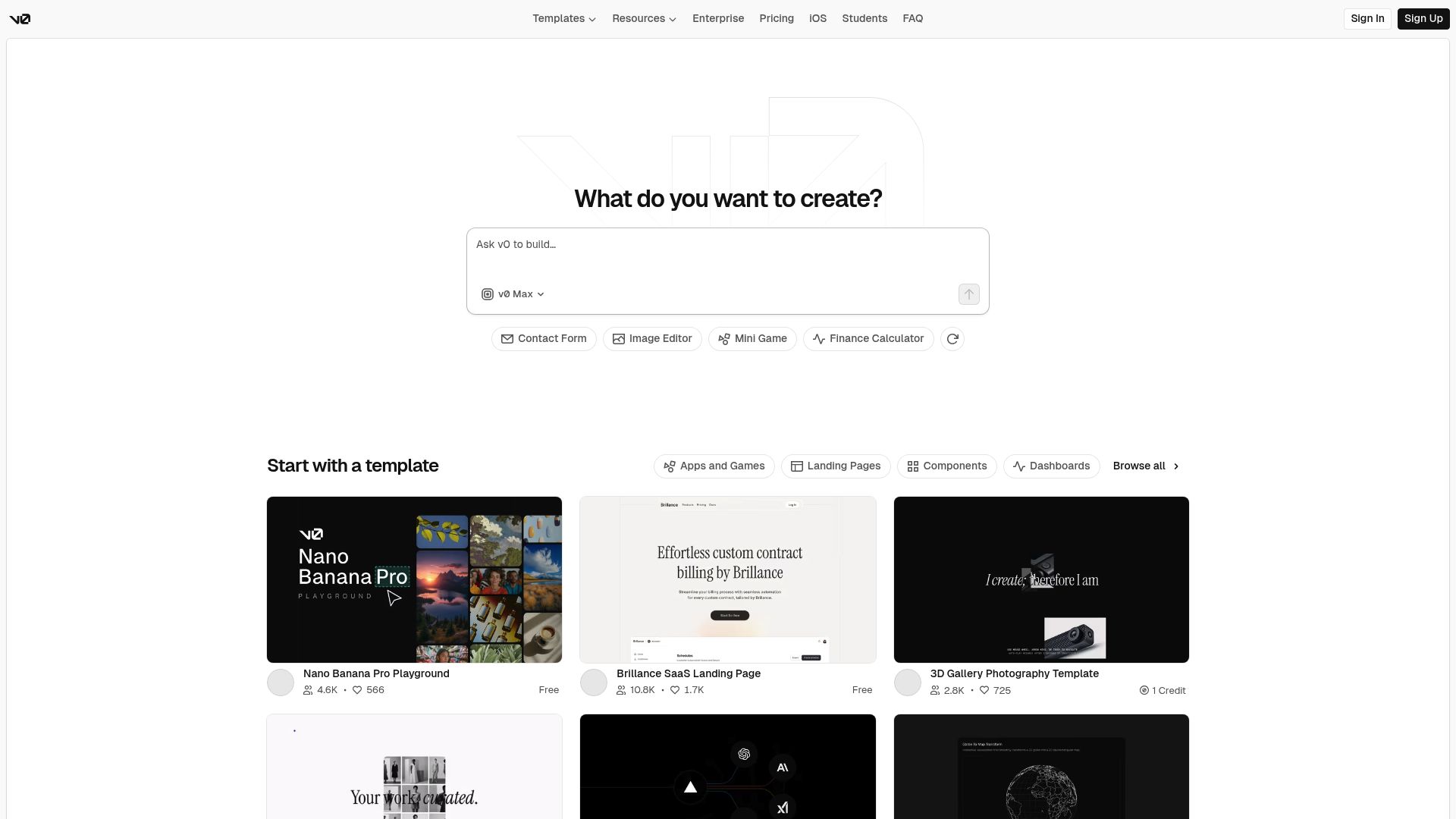
React developers' favorite AI prototyping tool
The platform shines through its instant preview feature. Change a prompt, and watch the component update in real time without leaving your browser.
Frontend teams working on design systems particularly benefit since generated components follow consistent patterns. Deployment takes seconds thanks to direct Vercel hosting integration.
Pricing and ideal use cases
V0.app has a free tier with limited generations, and paid plans begin at roughly $20 per month for pro use. It works best for teams already using React and Next.js instead of framework-agnostic projects.
Lovable, the MVP Speed Champion for Full-Stack Applications
Need a working prototype by tomorrow morning? Lovable actually delivers what most AI development tools promise but can't pull off: a complete, deployed app in hours rather than weeks.
Honestly, unlike platforms that spit out code snippets you've got to piece together yourself, Lovable builds your entire stack through simple conversation. Just chat about your vision and watch it construct frontend interfaces, configure backend logic, set up databases, and deploy everything live.
You won't wrestle with deployment pipelines or environment configs anymore.
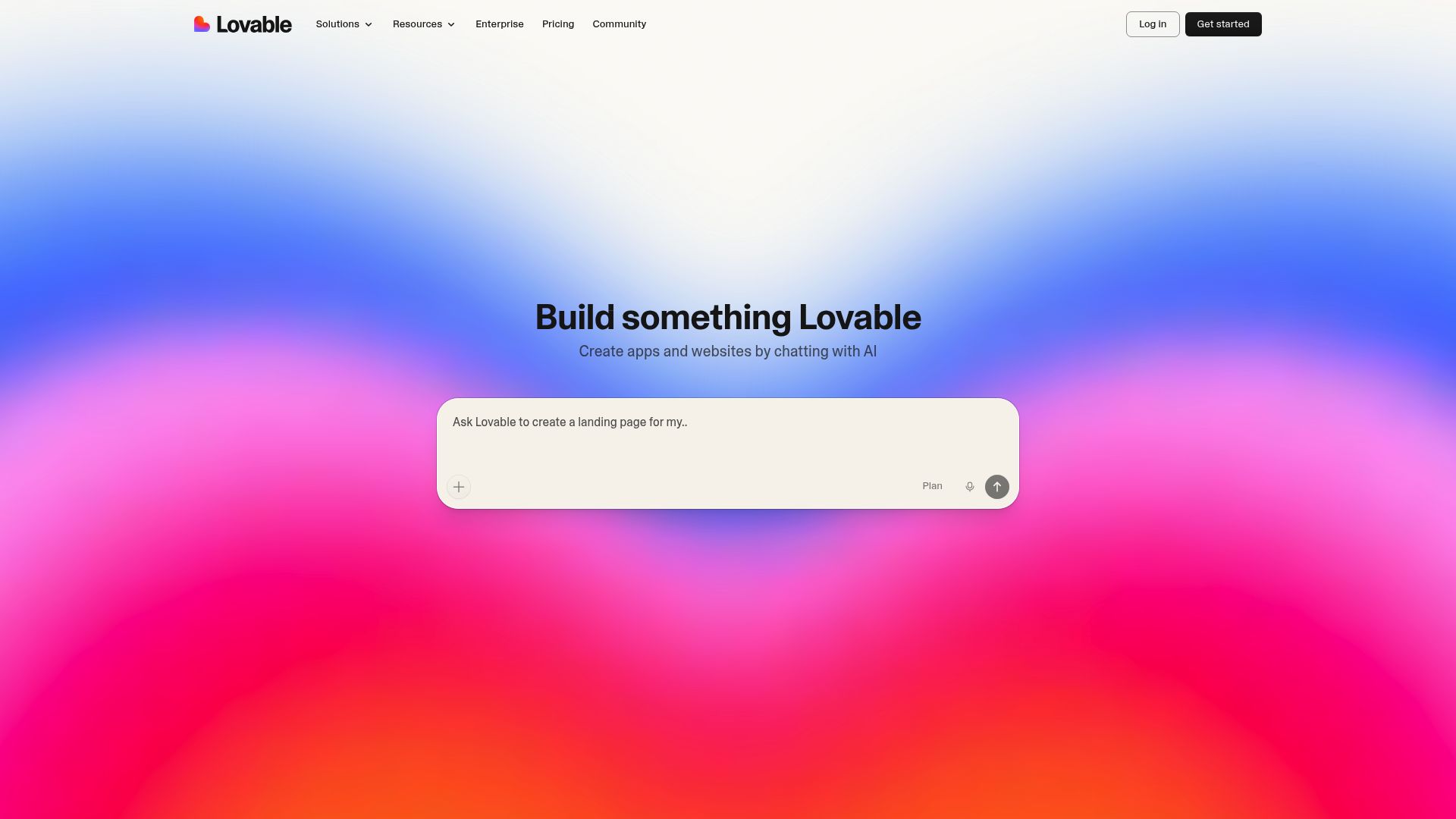
Why Lovable excels at rapid MVP development
The platform manages authentication flows, API endpoints, and database schemas on its own as you adjust requirements through conversation. Every iteration goes live right away, so you can test with actual users while competitors are still planning.
Honestly, startup founders who need to validate market fit really appreciate this speed, and so do product managers who must show concepts fast.
Pricing structure and target users
Plans kick off at roughly $20 per month for solo founders and scale up to enterprise tiers for teams that need advanced collaboration tools. Solo builders working on side projects get incredible value, while agencies can deliver client-ready work in half the usual time.
Relume: Landing Page Perfection with Figma-to-Code Workflow
Marketing teams face a recurring dilemma. They need high-converting landing pages fast, but traditional workflows drag.
Relume solves this with an AI sitemap generator that maps your entire site architecture from a simple description, then provides access to over 1,000 pre-built Webflow and Figma components. The result?
Pages that look professionally designed without the usual back-and-forth.
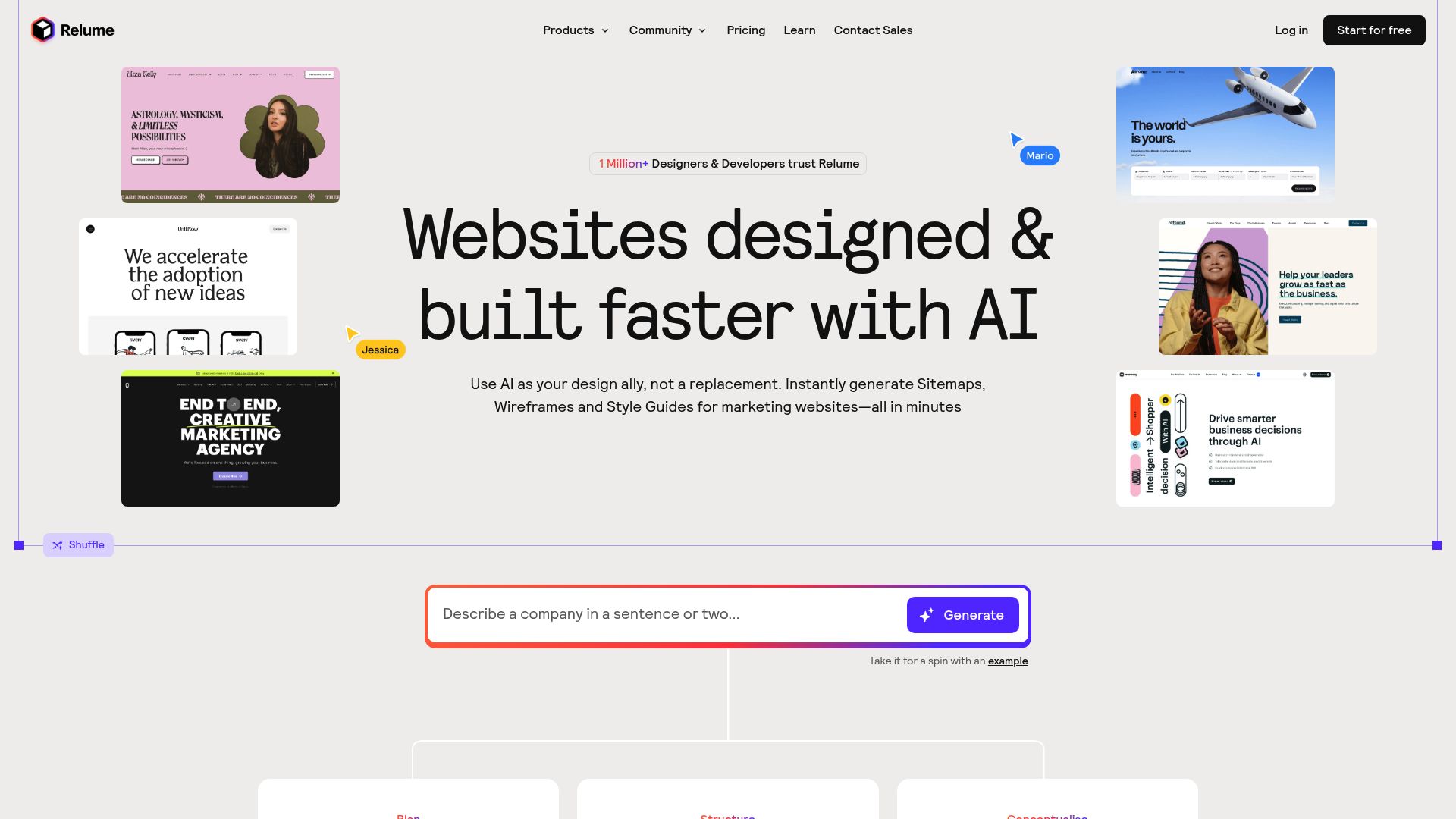
What sets Relume apart is its Figma-first workflow. Design your landing page in Figma using their component library, then export clean, production-ready code automatically.
No messy handoffs between designers and developers. The platform integrates tightly with Webflow, enabling no-code deployment for teams without technical resources.
Growth teams particularly appreciate how Relume optimizes for conversion-focused design patterns proven to drive results.
The designer's choice for AI-powered landing pages
Relume targets marketing agencies and design teams who prioritize polish over pure speed. You're not building complex applications here.
Instead, you're crafting landing pages that convert visitors into customers, and doing it with a visual workflow that keeps creative control intact while leveraging the best ai tools for rapid product development.
Pricing and best-fit scenarios
Relume runs on a subscription model that starts at roughly 38 dollars per month for solo designers. Agency plans go up depending on team size and how much component library access you need.
The ROI shows up fast when you think about all the time agencies burn rebuilding similar landing page layouts for different clients.
| Plan Type | Monthly Cost | Best For |
|---|---|---|
| Starter | $38 | Freelance designers, small projects |
| Pro | $78 | Agencies handling multiple clients |
| Enterprise | Custom | Large teams with extensive component needs |
Honestly, kleap tip: Run Relume's AI sitemap generator before your client kickoff meeting starts. It hands you a solid foundation for architecture talks instead of staring at a blank canvas, which cuts hours from early planning stages.
If your workflow lives in Webflow and your team cares about design precision, Relume works great. That said, teams creating dynamic applications or requiring backend features should check out alternatives that go beyond just presentation layers.
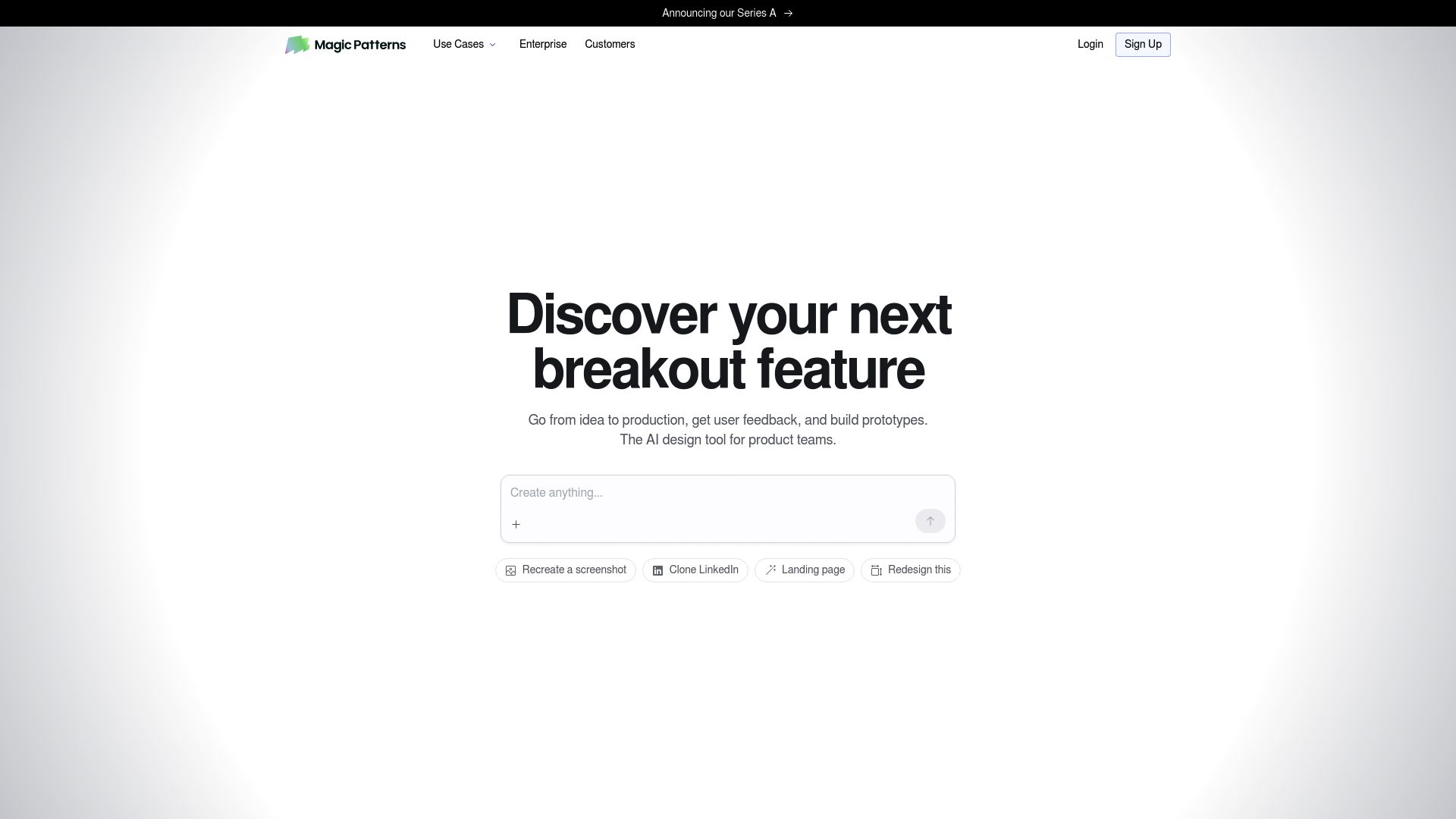
MagicPatterns: Code-First AI for Developer Productivity
Engineers hate abstraction layers that obscure what's happening under the hood. MagicPatterns solves this by generating clean, framework-agnostic code you can actually read and modify.
Unlike tools that lock you into proprietary systems, this platform outputs standard React, Vue, Svelte, or vanilla JavaScript, ready to drop into your existing codebase. You maintain full control over every component while accelerating the grunt work of UI scaffolding.
Why developers choose MagicPatterns for code quality
The tool gets your technical constraints. You can specify your state management library, styling approach, or accessibility requirements, and MagicPatterns adapts without forcing architectural decisions on you.
Honestly, export directly to GitHub, VS Code, or any environment seamlessly. Technical founders appreciate how it respects existing patterns instead of imposing new ones.
That makes it ideal for teams who code-review AI output before merging.
Pricing and integration capabilities
MagicPatterns provides flexible pricing that starts with a free tier for solo developers, plus team options that scale with your usage. It plugs right into your dev workflow through API access and IDE plugins. Honestly, if you're checking out AI tools for faster product development, the component-level generation cuts down repetitive coding while keeping everything production-ready.
Banani: Best All-Around AI Prototyping with Balanced Features
Most tools excel in one area but fall short elsewhere. Banani takes a different approach.
It combines strong UI generation with solid code export and iteration speed, making it genuinely versatile. Rather than forcing you into a single workflow, it adapts to how your team actually works, whether that's design-first prototyping or quick validation sprints.
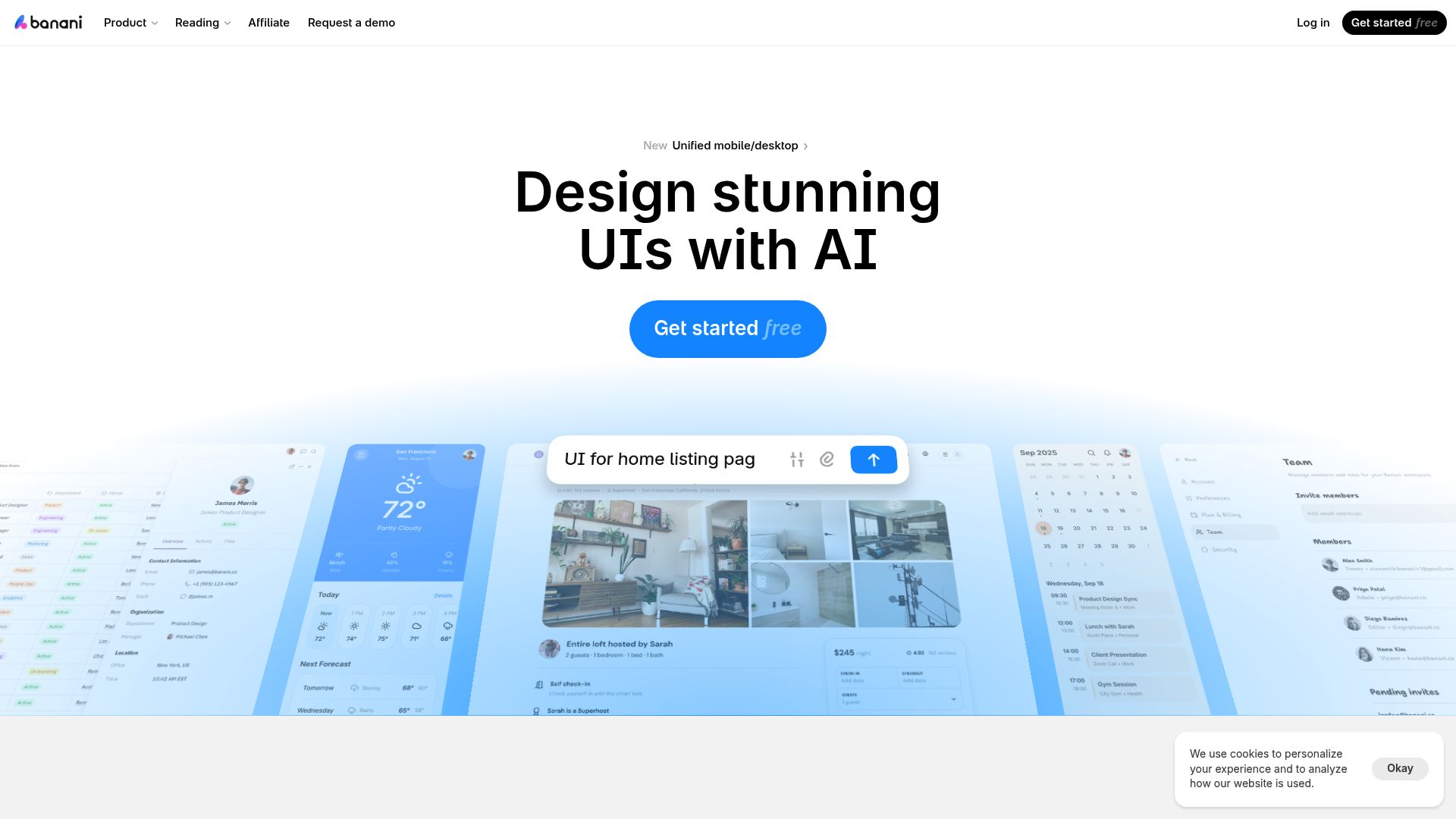
The platform shines for product designers and non-technical founders who need flexibility without steep learning curves. You describe your interface in natural language, refine the AI-generated output through a visual editor, then export clean code for React or HTML/CSS.
This balance makes Banani particularly effective when your requirements shift mid-project, something common in rapid product development cycles where pivoting quickly matters more than specialized features.
The versatile choice for diverse prototyping needs
What makes Banani different? It won't lock you into technical choices too early.
Our experience proves this matters when you're exploring multiple directions at once.
- Natural language interface reduces barriers for non-developers
- Visual refinement tools bridge the gap between concept and implementation
- Multi-framework export prevents vendor lock-in as projects mature
- Iteration speed rivals specialized tools without sacrificing flexibility
Honestly, small teams benefit most, especially when mixing design exploration with functional prototyping. Unlike code-first platforms that need developer expertise, Banani works for mixed-skill teams. Designers can prototype independently before any technical handoff.
Pricing and competitive positioning
Banani sits right between budget tools and high-end specialized platforms. You'll need to check their official site for exact pricing, but expect mid-range costs that match its balanced features. Honestly, teams often find it's cheaper than buying separate design and development tools.
The real savings show up when you compare total workflow time against juggling multiple subscriptions. That's especially true if you're running rapid prototyping projects that need versatility without breaking the bank.
Cursor: AI-Powered IDE for Enhanced Coding Productivity
Professional developers need more than code generators. They need intelligent assistance that understands their entire project architecture. Cursor delivers exactly that: a full-featured IDE with AI deeply integrated into every workflow stage.
Unlike standalone tools, it analyzes your complete codebase to provide context-aware suggestions that actually make sense within your existing structure. Describe functionality in plain English, and watch it generate implementation that follows your project's patterns and conventions.
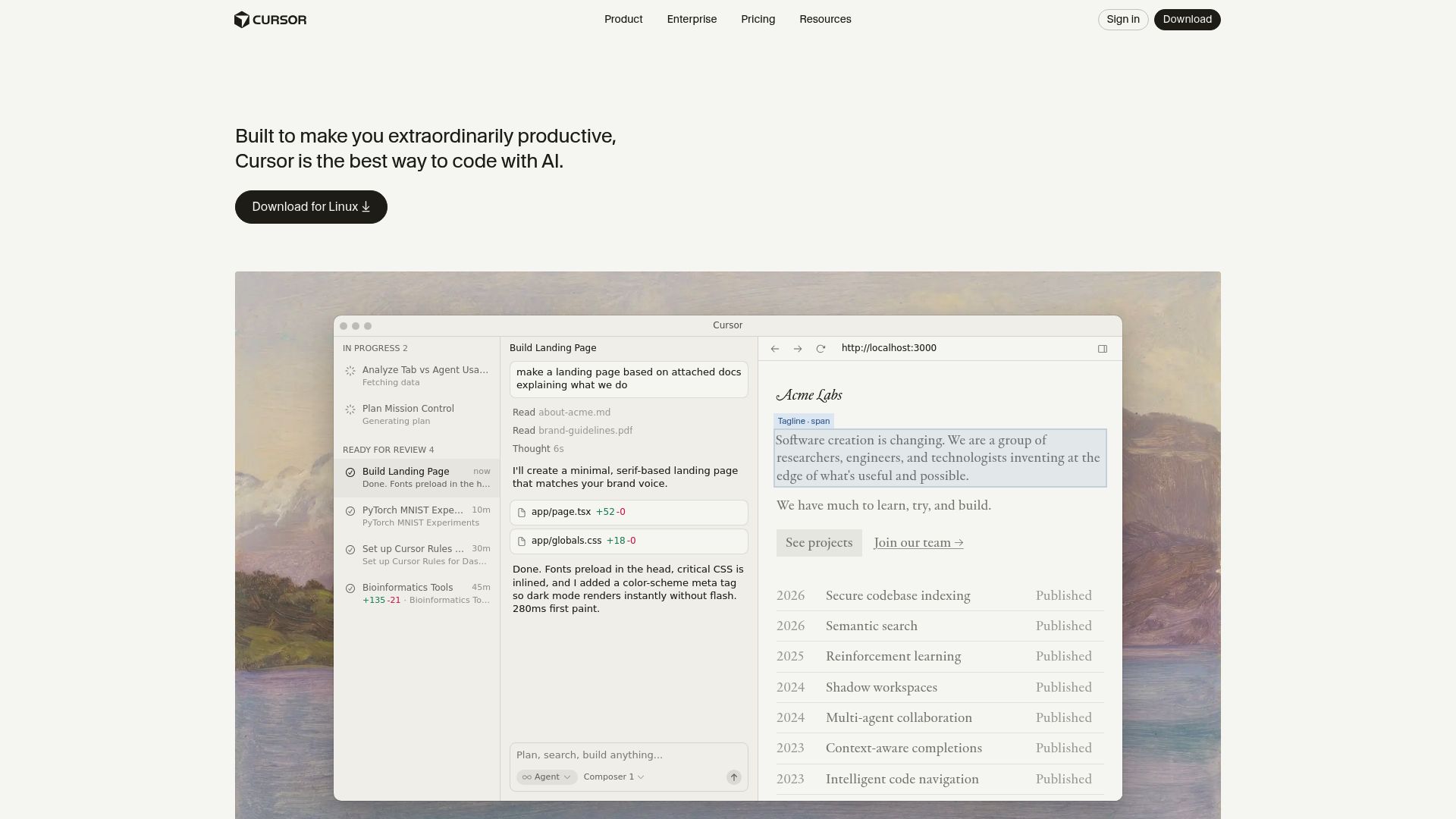
The AI coding assistant revolutionizing developer workflows
Real-time refactoring suggestions appear as you type. Debugging becomes collaborative, not solitary.
The AI spots optimization opportunities you'd typically miss during deadline pressure. Drop Cursor into current projects without migration headaches.
It works seamlessly with your tech stack, whether you're maintaining legacy systems or building greenfield applications. Engineering teams report substantial productivity gains because the tool adapts to their coding style rather than forcing adoption of generic patterns.
Pricing and ideal developer profiles
Best suited for technical founders who code themselves, professional developers, and engineering teams that see AI as augmentation rather than replacement. The tool integrates naturally into workflows for those already comfortable with development environments. Honestly, for teams evaluating the best ai tools for rapid product development, Cursor delivers genuine productivity ROI.
It cuts time spent on repetitive tasks while maintaining the code quality standards that actually matter in production environments.
Instant Full-Stack Prototypes in Your Browser de Bolt.new
Browser-based development environments let you build full-stack applications without installing anything locally. Bolt.new gives you frontend, backend, and database setups that work instantly in your browser. You don't need npm installs or Docker containers anymore.
Honestly, just open a tab and start writing code right away. Teams looking for fast product development save hours they'd normally waste on environment configuration.
Remote developers love sharing prototype links that stakeholders can test immediately. There's no deployment pipeline or server setup required for live demos.
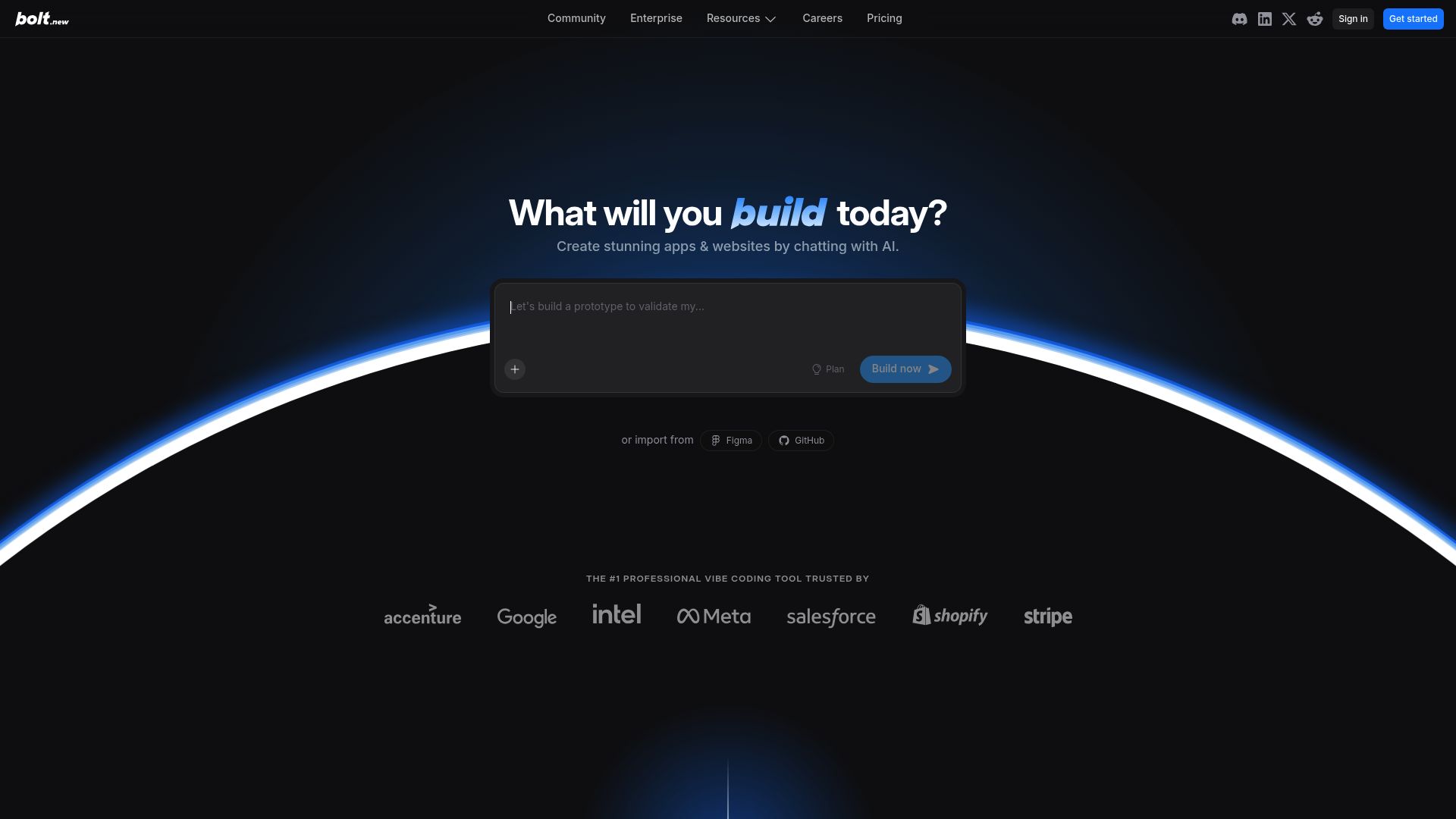
Zero-setup prototyping with instant browser environments
The platform merges AI-powered coding with instant preview windows that update in real time. Just describe what you want in simple terms, like "add user authentication with email verification." The code generates across multiple files at once.
Honestly, and changes show up immediately in the preview pane. This quick feedback loop becomes incredibly useful during client presentations or educational workshops where live coding demos can't afford to fail.
Unlike traditional IDEs that need local servers, everything runs in the cloud with automatic state persistence built in.
Pricing and collaboration features
The platform has several access tiers, but you'll find exact pricing on their site. The real win shows up in distributed workflows: a Los Angeles designer shares a prototype link with a Houston developer who instantly sees the same setup.
Honestly, version history and rollback options guard against risky experimental tweaks. For quick validation cycles, this approach clearly beats setting up separate staging servers.
Which tool wins where de Feature-by-feature comparison
Picking the right AI tool for fast product development means matching features to what you actually need. Some prioritize speed but limit customization options.
Honestly, others generate developer-grade code but demand solid technical skills. Here's where each tool really delivers value.
Complete comparison matrix of all 8 tools
| Tool | Speed to Deploy | Starting Price | Code Export | Best For |
|---|---|---|---|---|
| Kleap | Minutes | Free (9% fee) | No | Quick landing pages |
| Lovable | Hours | $20/month | Yes | MVP testing |
| Bolt.new | 30 min | Free tier | Yes | Browser prototypes |
| Cursor | Days | $20/month | Full control | Production apps |
| MagicPatterns | Hours | $15/month | React code | Component libraries |
| Relume | Minutes | $38/month | Figma/Webflow | Design handoffs |
Transaction fees matter. Kleap's free tier charges 9% per sale, dropping to 2% on the Pro plan at $25 monthly. No-code speed comes at a cost when scaling revenue.
How to choose based on your specific needs
Non-technical founders should pick Kleap or Relume for quick deployment without hiring any developers. You've got budget but need solid code?
Lovable creates production-ready React that actually works. Honestly, already comfortable with coding?
Cursor boosts your current workflow instead of replacing everything. Match your tool to what limits you most: time, money, or skills, not what's trending.
What product development experts won't tell you about AI tools
Most platforms highlight speed and simplicity. What they rarely discuss?
The 80/20 reality. Tools like the best ai tools for rapid product development handle standard features brilliantly, landing pages, forms, payment flows.
But custom logic involving unique algorithms or complex third-party integrations? That's where you hit walls.
Our team has seen businesses spend weeks troubleshooting what traditional developers solve in hours.
Then there's the cost surprise. Free tiers seem generous until you scale.
Kleap's free plan includes 750 AI credits monthly with a 9% transaction fee, but heavy usage means upgrading to Pro ($25/month, 2% fee) or Business ($50/month, 1% fee). According to Kleap's pricing structure, credit consumption accelerates with iterations.
The "no-code" promise? Misleading.
You still need to understand workflows, data structures, and export limitations. Some platforms lock you into proprietary formats, making future migrations painful.
For high-security projects or specialized integrations, traditional development remains superior despite slower timelines.
What builders say about these tools
Real users consistently highlight speed as the game-changer. Builders appreciate drag-and-drop interfaces that eliminate coding bottlenecks.
However, many report hitting customization walls when projects scale beyond templates. Pricing surprises emerge frequently, free tiers look attractive until you need integrations or custom domains, suddenly jumping to hundreds of dollars monthly.
| User Feedback Theme | What Works | Common Complaints |
|---|---|---|
| Learning Curve | Intuitive for simple builds (1-2 days) | Advanced features require weeks of practice |
| Community Support | Active forums and video tutorials | Documentation often lags behind updates |
| Migration Stories | Faster iteration than traditional dev | Vendor lock-in makes switching painful |
Success stories typically involve MVPs, landing pages, or internal tools rather than complex SaaS platforms. Most builders using AI-powered solutions report launching prototypes in days instead of months.
Yet several switched back to custom development after realizing maintenance costs escalated. The low-code development landscape shows this pattern repeatedly across platforms.
Frequently asked questions about AI product development tools
Code ownership worries many first-time users. Most platforms, including Kleap, grant full export rights, you retain all intellectual property.
However, some tools lock projects within their ecosystem, requiring ongoing subscriptions to access your work. Always review licensing terms before committing to a platform.
Coding knowledge isn't mandatory for basic projects, but understanding HTML/CSS accelerates customization. The best ai tools for rapid product development use natural language prompts, letting non-technical founders build functional prototypes within hours.
Yet complex features, like custom API integrations or advanced database logic, still demand developer expertise. AI handles repetitive tasks brilliantly but struggles with nuanced business logic.
| Approach | Upfront Cost | Time to Launch | Scalability |
|---|---|---|---|
| AI Tools (Free) | $0 | Hours | Limited users |
| AI Tools (Paid) | $25-50/month | 1-2 days | Moderate traffic |
| Freelance Dev | $500-2,000 | 1-3 weeks | Custom scalable |
Transaction fees eat profits on high-volume projects. Kleap charges 2% on Pro plans versus 9% on free tiers, a crucial consideration for e-commerce ventures processing thousands monthly.
Choose your AI development tool and start building today
Your ideal tool depends on your role. Founders needing rapid MVP launches benefit from visual builders like Kleap.
Developers seeking code control prefer platforms offering API access and custom integrations. Agencies managing multiple client projects require white-label capabilities and team collaboration features.
Enterprise teams prioritize security certifications and dedicated support.
| User Type | Best Fit | Starting Point |
|---|---|---|
| Solo Founder | Kleap (versatility + pricing) | Free tier validation |
| Developer | Code-first platforms | API documentation review |
| Agency | White-label solutions | Client portal demo |
We recommend Kleap for most users due to its balanced feature set and proven track record with thousands of active projects. Start with free tiers to validate tool fit before committing dollars. Low-code platforms will continue evolving with advanced AI automation.
Test drive your top choice this week, the best ai tools for rapid product development reward early adopters who iterate quickly.
Your Next Product Launch Starts Today
The best AI tools for rapid product development in 2026 have eliminated traditional barriers. You now have accessible, powerful platforms that compress months of work into days.
Speed no longer requires massive teams or budgets. These eight tools prove that velocity and quality can coexist.
Pick one tool from our list and build something small this week. A landing page.
A prototype. A feature test.
Action beats perfection every time.
Ready to build faster? Kleap gives you AI-powered website creation with zero coding required.
Start your free account today and ship your first project in hours, not weeks. Our team helps you maximize every feature.
Your competition isn't waiting. Neither should you.


