Create a Portfolio Website with AI No Code in 5 Steps
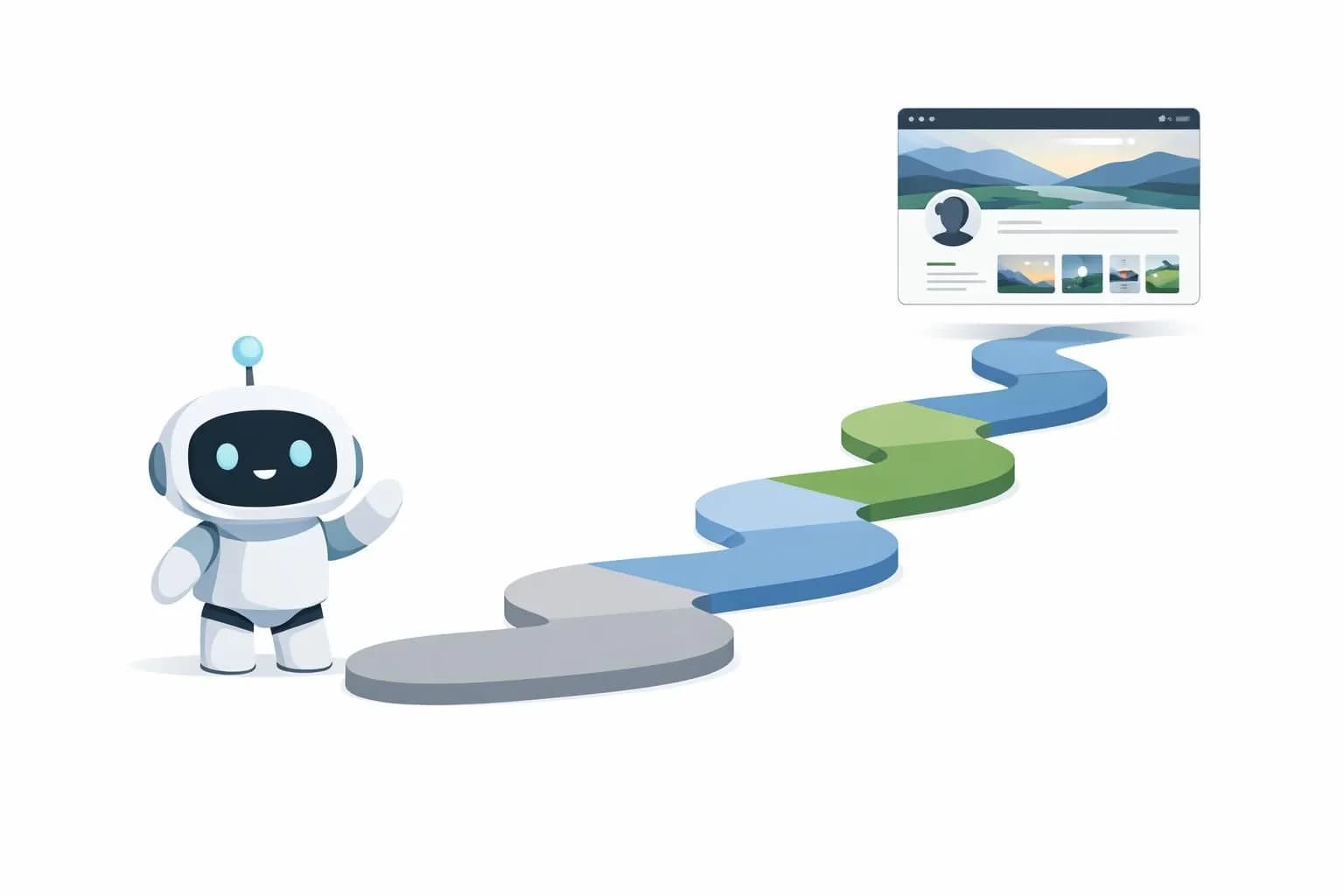
You can create a portfolio website with AI no code in under 2 hours using platforms like Kleap, which automate design and content generation without coding skills.
- AI tools generate professional layouts and copy in minutes, eliminating weeks of manual work
- Choose platforms with built-in SEO and mobile optimization to maximize visibility
- No-code builders reduce costs significantly compared to hiring developers or agencies
Still paying developers thousands for a portfolio that takes months to build? That approach died sometime around 2022.
Artificial intelligence has dismantled the technical barriers that once made portfolio creation the exclusive domain of coders and designers. What used to require HTML fluency, CSS mastery, and JavaScript debugging now happens through conversational interfaces where you describe what you want and algorithms handle the implementation.
The ability to create a portfolio website with AI no code matters intensely for freelancers racing to land clients, entrepreneurs building personal brands, and agencies managing multiple portfolios simultaneously (and juggling tight deadlines). These tools don't just save time.
They eliminate the friction between creative vision and technical execution.
We'll walk through AI-powered platform selection, intelligent layout generation, automated content population, multimedia integration, and launch optimization. You'll also discover the limitations traditional no-code platforms conceal and the conversion-killing mistakes most builders make without realizing it.
By the end, you'll have a deployment-ready portfolio that positions you as a credible professional in your field.
What you'll learn
- Why AI No-Code Changes Everything for Portfolio Creation
- What You Need Before Building Your AI Portfolio
- Select Your AI No-Code Platform and Initialize Step 1
- Design Your Portfolio Layout with AI Assistance
- Populate Content Using AI Writing Tools
Why AI No-Code Changes Everything for Portfolio Creation
Building a portfolio used to mean weeks of development time. You'd hire a designer for $2,000, then a developer for another $3,500.
Waiting. Revisions.
More waiting. For freelancers and small agencies, this timeline killed momentum before the launch.
Time, Cost, and Technical Skills, The Traditional Barrier
Traditional website builders demand technical knowledge most creatives don't possess. WordPress requires plugin management.
Custom coding needs HTML and CSS expertise. Even drag-and-drop platforms involve design decisions that paralyze non-designers.
According to industry research, the primary website barrier for 64% of small businesses is technical complexity. The result?
Abandoned projects and lost opportunities.
How AI Automation Eliminates Creative Bottlenecks
AI no-code platforms flip this equation entirely. You describe your work: upload samples, and intelligent systems generate professional layouts instantly.
No coding. No design paralysis.
Try it — build your site while you read
Describe what you want and get a live, publishable site in seconds. Free to start, no code.
Join 200,000+ makers building real websites with Kleap.
What You Need Before Building Your AI Portfolio
Jumping straight into AI builders without preparation? Bad move.
Before you create a portfolio website with AI no code, gather your essential assets. You will need high-resolution images of your work (minimum 1920px wide), project descriptions that explain your process and results, client testimonials (if available), and a polished headshot.
Think of it like packing for a trip. You can't build the suitcase on the plane.
Essential Content Assets to Gather First
Create a dedicated folder with these components before touching any platform. Your collection should include case studies with measurable outcomes (not vague claims), brand colors in hex codes, logo files in PNG and SVG formats, and a concise bio of under 150 words.
Many professionals overlook font preferences, specify these now. If you're comparing options, check our Top 6 AI Portfolio Website Builders for Creatives in 2025, Expert Picks to understand which platforms handle different asset types best.
Choosing Your Portfolio Goals and Target Audience
Define your audience before writing a single headline. Are you targeting startups needing branding work: enterprises seeking consultants, or agencies looking for freelancers?
Your goal dictates everything, lead generation requires contact forms and clear calls-to-action, while thought leadership needs blog integration. Write down three specific outcomes you want: "book five discovery calls monthly" beats "get more clients" every time.
Select Your AI No-Code Platform and Initialize Step 1
Choosing the right platform sets the tone for your entire portfolio journey. Not every AI builder handles creative portfolios equally well.
Some excel at business sites but struggle with image-heavy layouts. Others lack the flexibility you need for custom branding.
Kleap stands out by combining intuitive AI with robust design control, letting you create a portfolio website with AI no code while maintaining creative freedom. The platform's intelligent algorithms analyze your content and suggest layouts that actually showcase your work, not generic templates.

Evaluating Platform Capabilities for Portfolio Needs
Your platform choice hinges on three critical factors. First, assess how it handles visual content.
Can it optimize large image files without quality loss? Does it support video embeds: project galleries, and interactive elements?
Second, examine customization depth. You need enough control to match your brand without wrestling with code.
Test several platforms with sample projects before committing.
Look for AI features that actually save time: automatic image cropping, smart layout suggestions, SEO optimization. Our Essential Guide to AI No-Code Website Builders for Entrepreneur Success provides detailed comparisons.
Setting Up Your Account and Project Foundation
Registration takes minutes but deserves attention. Use a professional email address, not personal accounts, for credibility when sharing your portfolio.
During Kleap's onboarding, select "Portfolio" as your site type to unlock specialized templates. The AI will prompt you for key details: your industry, target audience, and content volume.
Be specific here. "Graphic designer targeting tech startups" generates better results than just "designer." Connect your domain immediately if you own one.
Kleap tip: Before finalizing your account setup, gather five of your best work samples and client testimonials in a single folder. Having this content ready during initialization lets Kleap's AI generate more accurate layout recommendations tailored to your actual portfolio pieces rather than placeholder content.
Design Your Portfolio Layout with AI Assistance
Modern AI platforms analyze your content and suggest layouts that actually work for portfolio presentation. Skip the blank canvas paralysis.
When you create a portfolio website with AI no-code tools, the system examines your project descriptions, images, and goals to recommend grid arrangements, gallery styles, and navigation structures. These aren't random templates, they're data-driven suggestions based on conversion patterns from thousands of live portfolios.
Using AI Prompts to Generate Layout Options
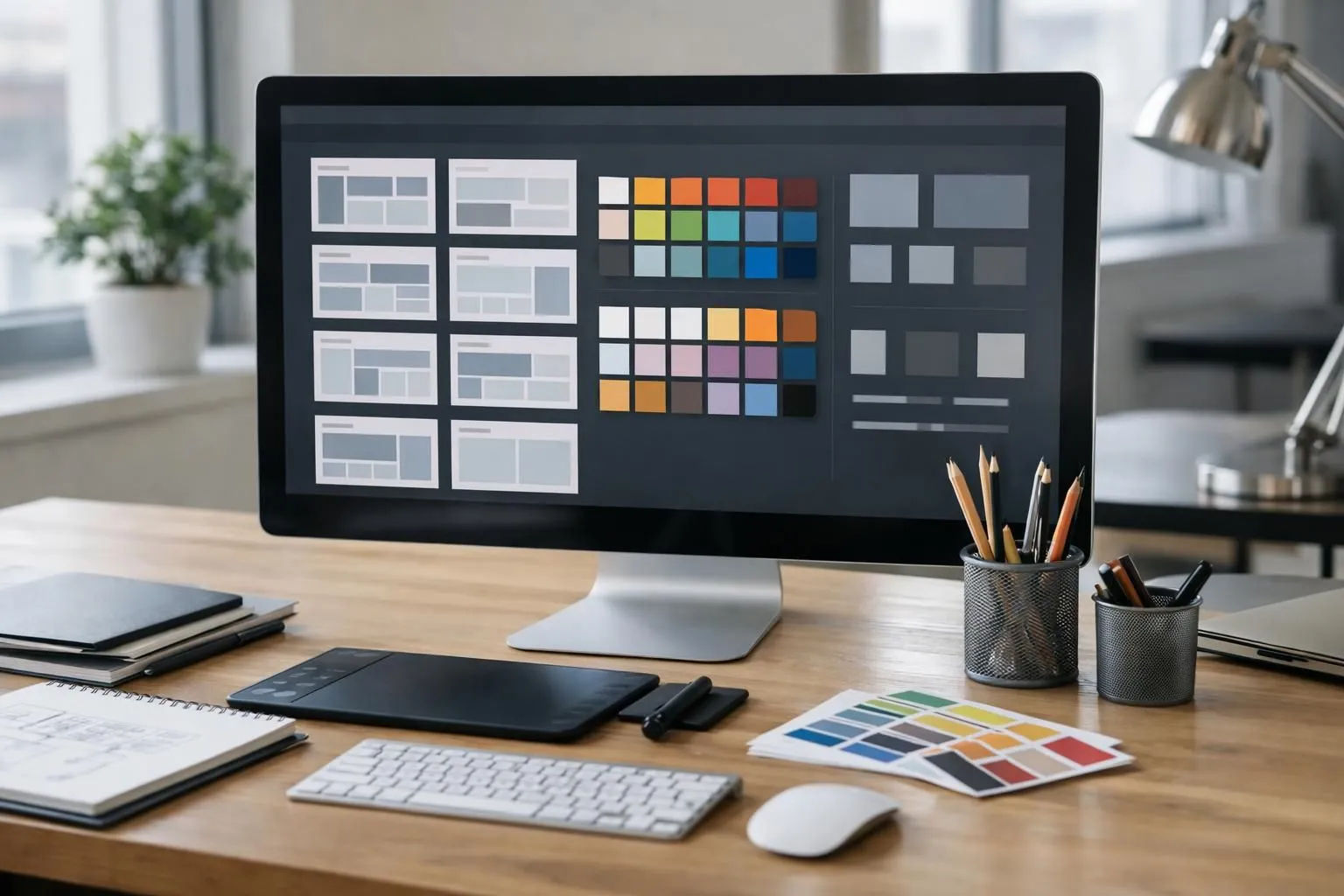
Describe your ideal portfolio in plain language. Try "minimalist photography showcase with bold typography" or "corporate case study layout with metric callouts." The AI generates three to five variations instantly.
Each option includes different header placements: project card arrangements, and scroll behaviors. Test them with actual content, not placeholder text, to see which layout emphasizes your strongest work.
Most platforms let you regenerate options until one clicks, typically within five iterations.
Customizing Templates to Match Your Brand Identity
Upload your logo and the AI extracts your color palette automatically. It applies these hues across buttons, backgrounds, and accent elements while ensuring a cohesive design with WCAG contrast standards.
Adjust typography by selecting from curated font pairings, the system prevents clashing combinations. Spacing, corner radius, and shadow depth remain consistent across every page without manual tweaking.
Your brand looks cohesive even when you add new sections months later.
Populate Content Using AI Writing Tools
Content creation used to take weeks. Not anymore.
AI writing assistants let you generate professional portfolio copy in minutes, transforming blank pages into polished narratives without hiring writers. The key lies in crafting precise prompts that capture your unique value proposition while maintaining an authentic voice that resonates with potential clients.

Generating Compelling Portfolio Copy with AI
Feed your AI tool with raw project details: client goals, challenges faced, solutions implemented, and measurable outcomes. Most platforms require structured input to produce quality output.
You might provide bullet points about a web redesign project, and the AI transforms these into engaging narrative copy that highlights your problem-solving abilities while keeping readers engaged through varied sentence structure and strategic keyword placement.
Optimizing Project Descriptions for Impact and SEO
Balance human appeal with search visibility. Include target keywords naturally within your descriptions, but prioritize readability over keyword density.
Strong portfolio copy addresses client pain points directly: "Reduced load time by 40%" resonates more than generic phrases like "improved performance." To create a portfolio website with AI no code solutions, review Google's SEO fundamentals to understand how search engines evaluate content quality and relevance.
Add Interactive Elements and Multimedia
Static portfolios rarely convert visitors into clients. You need interactive features that engage users and demonstrate professionalism.
Modern no-code platforms let you embed galleries, videos, contact forms, and testimonials without touching a single line of code. This transforms your portfolio from a digital brochure into a conversion machine.
Embedding Project Galleries and Case Studies
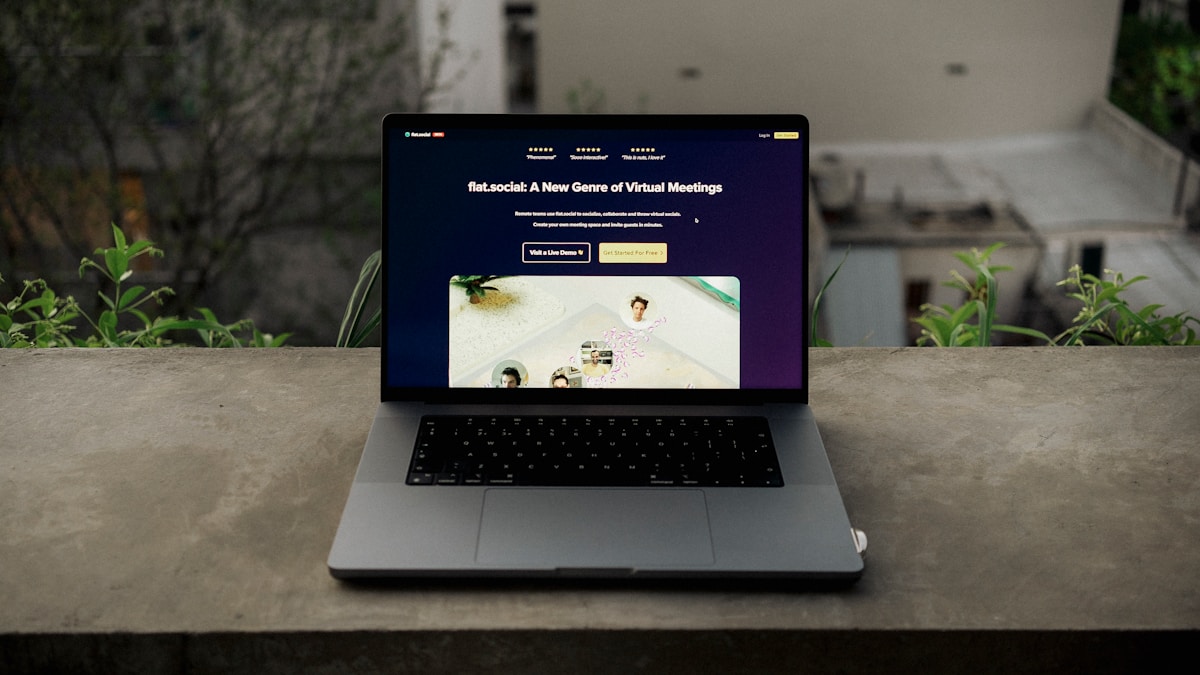
Image galleries showcase your work more effectively than single photos. Drag-and-drop builders allow grid layouts: lightbox popups, and automatic image optimization.
For video content, paste YouTube or Vimeo URLs directly; the platform handles embedding. Case studies become compelling when you combine before/after images with brief results summaries.
According to portfolio best practices, visual proof dramatically increases credibility compared to text descriptions alone.
Integrating Contact Forms and Social Proof
Contact forms eliminate email friction. Most builders include form templates with spam protection and instant notifications.
Social proof matters equally, embed testimonial sections with client photos and quotes. Link your LinkedIn, Instagram, or Behance profiles through icon widgets. Kleap tip: Place your contact form above the fold on a dedicated page, and sprinkle testimonials throughout your portfolio rather than grouping them in one section.
Optimize, Test, and Launch Your Portfolio
Your portfolio looks stunning on desktop.
Testing across screen sizes isn't optional anymore. Pull up your site on your phone right now.
Does text remain readable? Do images load quickly?
Navigation should work smoothly with just a thumb. Kleap's AI automatically adjusts layouts, but you still need to verify every element displays correctly on tablets and smartphones before going live.

Mobile Responsiveness and Performance Optimization
Speed kills conversions. If your portfolio takes more than three seconds to load, potential clients vanish.
Compress images without sacrificing quality (aim for under 200KB per photo). Enable browser caching through your platform settings.
Check your PageSpeed Insights score and address any red flags. When you create a portfolio website with AI no code tools, optimization features come built-in, but confirming performance metrics ensures nothing slips through.
Publishing Your Site and Setting Up Analytics
Connect your custom domain (yourname.com beats generic subdomains for credibility). Install Google Analytics to track visitor behavior, popular projects, and traffic sources.
This data reveals which work resonates most with your audience. Set up goals for contact form submissions.
Now hit publish and share your portfolio across professional networks.
What Other No-Code Platforms Won't Tell You
Most platforms advertise "free forever" plans with flashy features. What they don't mention?
Storage caps hit fast when you create a portfolio website with AI no code tools, especially with high-res images. You'll upgrade within weeks, not months.
Export restrictions are another trap: your content stays hostage unless you pay for premium tiers. Some providers even throttle site speed on free plans, hurting your professional image when clients visit.
Hidden Limitations of 'Free Forever' Plans
Free plans often include:
- Platform branding you can't remove (looks unprofessional)
- Limited custom domains (stuck with "yourname.platform.com")
- Bandwidth restrictions that crash during traffic spikes
- No SSL certificates (browsers flag your site as "Not Secure")
The Real Cost of Template Lock-In and Migration
Switching platforms later? Brace yourself.
Custom code doesn't transfer between proprietary systems. According to vendor lock-in patterns, rebuilding from scratch often costs more than hiring developers initially.
Your SEO rankings reset completely, and contact forms break mid-migration, losing leads while you scramble to fix integrations.
Common Portfolio Building Mistakes That Kill Conversions
Most people sabotage their own portfolios without realizing it. The errors aren't always obvious, sometimes a site looks fine at first glance but fails to convert visitors into clients.
When you create a portfolio website with AI no code tools, these mistakes become even easier to make because the technology handles so much automatically. You might assume everything's optimized when it's not.
Design Errors That Make Portfolios Look Unprofessional
Overcomplicated navigation ruins user experience fast. Visitors shouldn't need a map to find your contact page.
Another common issue: inconsistent fonts and colors that make your brand feel scattered. Stick to two fonts maximum and a cohesive palette.
Image quality matters more than most realize, low-resolution screenshots scream amateur, even if your actual work is stellar.
Content Mistakes That Fail to Showcase Your Value
Generic project descriptions kill credibility. "Worked on a website redesign" tells prospects nothing. Instead, quantify results wherever possible.
Missing case studies represent another missed opportunity, clients want proof you've solved problems similar to theirs before committing budget.
FAQ - Frequently Asked Questions
How long does it take to create a portfolio website with AI no code tools?
You can have a working portfolio live in 30 minutes to 2 hours. The speed depends on how much content you already have prepared.
If your text, images, and project descriptions are ready, most AI platforms generate the initial design in under 10 minutes. The rest of the time goes into tweaking layouts and adding your personal touch.
Do I need any coding or design experience to build an AI portfolio?
No experience required whatsoever.
These platforms handle the technical work automatically. You focus on describing your work and choosing colors you like.
The AI translates your content into a professional layout without touching a single line of code. Between us, some of the best portfolios I've seen came from people who had never built a website before.
Can I use my own custom domain with an AI no-code portfolio?
Yes, virtually all serious platforms support custom domains. You buy your domain separately (typically $10-15 per year), then connect it through your platform's settings.
The process usually involves updating DNS records, which sounds technical but most platforms provide step-by-step instructions. Some even offer one-click domain connection if you purchase through their recommended registrars.
How much does it cost to create a portfolio website with AI no code platforms?
Free plans let you start immediately with basic features and a platform subdomain. Paid plans offering custom domains and advanced features typically range from $10 to $30 monthly.
The price variation depends on factors like storage limits, the number of projects you can showcase, and whether you need e-commerce capabilities.
What matters most is matching the plan to your actual needs rather than paying for features you won't use.
Will my AI-built portfolio be mobile-responsive automatically?
Absolutely.
The platform automatically adjusts layouts, image sizes, and navigation menus for smaller screens. You can preview how your site looks on different devices before publishing, and most tools let you make mobile-specific adjustments if needed.
Can I migrate my portfolio to another platform later if needed?
Possible, but rarely straightforward. You can always export your content (text, images, project descriptions), but recreating the exact design on a new platform requires manual work.
Most platforms don't provide direct migration tools to competitors for obvious reasons. However, your domain stays with you regardless of which builder you use.
I've seen people successfully move portfolios by rebuilding on the new platform while keeping their old site live during the transition.
Your Portfolio Is 5 Steps Away
You now have the complete roadmap to create a portfolio website with AI no code. From selecting the right platform to customizing your design, each step removes traditional barriers that once made portfolio building time-consuming and expensive.
The best way to learn? Start building.
Pick your platform today and set up your first page, you'll be surprised how quickly the pieces fall into place.
Ready to launch your portfolio without touching a single line of code? Kleap's AI-powered platform handles the technical heavy lifting while you focus on showcasing your best work.
Visit kleap.co to start building your professional portfolio in minutes. Our intelligent design system adapts to your content automatically.
Your work deserves a showcase that matches its quality.


