8 Best Free AI Portfolio Website Builders That Deliver Professional Results
The best portfolio website builder AI free options include Kleap, Wix AI, and Canva.
- AI-driven builders generate professional layouts in seconds without coding knowledge.
- Free tiers provide enough features for freelancers and creatives to launch immediately.
- Choose platforms with mobile optimization and SEO tools built into the AI workflow.
Kleap offers the fastest setup at under 5 minutes through conversational AI design. Building a portfolio used to mean hiring developers or dealing with complex website builders for weeks. That's changed completely now.
AI-powered platforms handle the design thinking, layout decisions, and technical setup that once required professional expertise or endless YouTube tutorials. For creative professionals who need results fast, this shift makes a real difference. You might be a freelance designer showcasing recent projects, a photographer building client trust, or an agency managing multiple brand portfolios.
Finding the right portfolio website builder AI free tool determines how quickly you can go live. Speed matters when opportunities don't wait around. We compared eight platforms that combine artificial intelligence with genuinely free access.
Here's what you'll find: Kleap's conversational design approach and why it outpaces traditional builders, enterprise features from Wix AI that cost nothing upfront, how Canva simplifies portfolio creation for non-designers, Butternut's chat-based building experience, WebWave's drag-and-drop intelligence, Framer's developer-friendly AI tools, Hostinger's hosting integration advantage, and 10Web's WordPress automation.
You'll also see real user experiences, side-by-side comparisons, and expert answers to the questions that actually matter when choosing your platform.
The goal? Get your portfolio live this week, not next month.
Why AI-Powered Portfolio Builders Are Reshaping Creative Careers
Building a portfolio used to consume entire weekends. Designers spent hours wrestling with code, photographers struggled with WordPress templates, and illustrators paid developers hundreds of dollars for basic sites.
That barrier just collapsed. Modern AI design technology now analyzes your work samples, whether photography, writing, or graphic design, and generates complete, professionally structured sites in under ten minutes.
You upload your best pieces, answer three quick questions about your style preferences, and receive a live portfolio that actually showcases your talent instead of your coding skills.

The democratization runs deeper than speed. Tools offering portfolio website builder AI free tiers have eliminated the traditional choice between expensive custom development and cookie-cutter templates.
We're comparing eight platforms where intelligent systems adapt layouts to your specific medium; a filmmaker gets video-optimized grids while a copywriter receives text-focused presentation. Most free versions include custom domains and mobile optimization, features that previously required paid subscriptions.
Try it — build your site while you read
Describe what you want and get a live, publishable site in seconds. Free to start, no code.
Join 200,000+ makers building real websites with Kleap.
Kleap, the AI Portfolio Builder That Thinks Like a Designer
Most portfolio website builder AI free tools just slap AI onto basic templates. Kleap actually works differently. You upload your work samples, photographs, design mockups, and code repositories.
The AI then analyzes your content type, color palette, and project complexity. It generates a fully structured portfolio without any block dragging. The system builds case study pages and positions testimonials strategically.
It injects SEO metadata without manual tagging. Over 35,000 creatives already rely on this approach. They trust Kleap's intelligence to handle layout decisions they'd normally stress over for days.
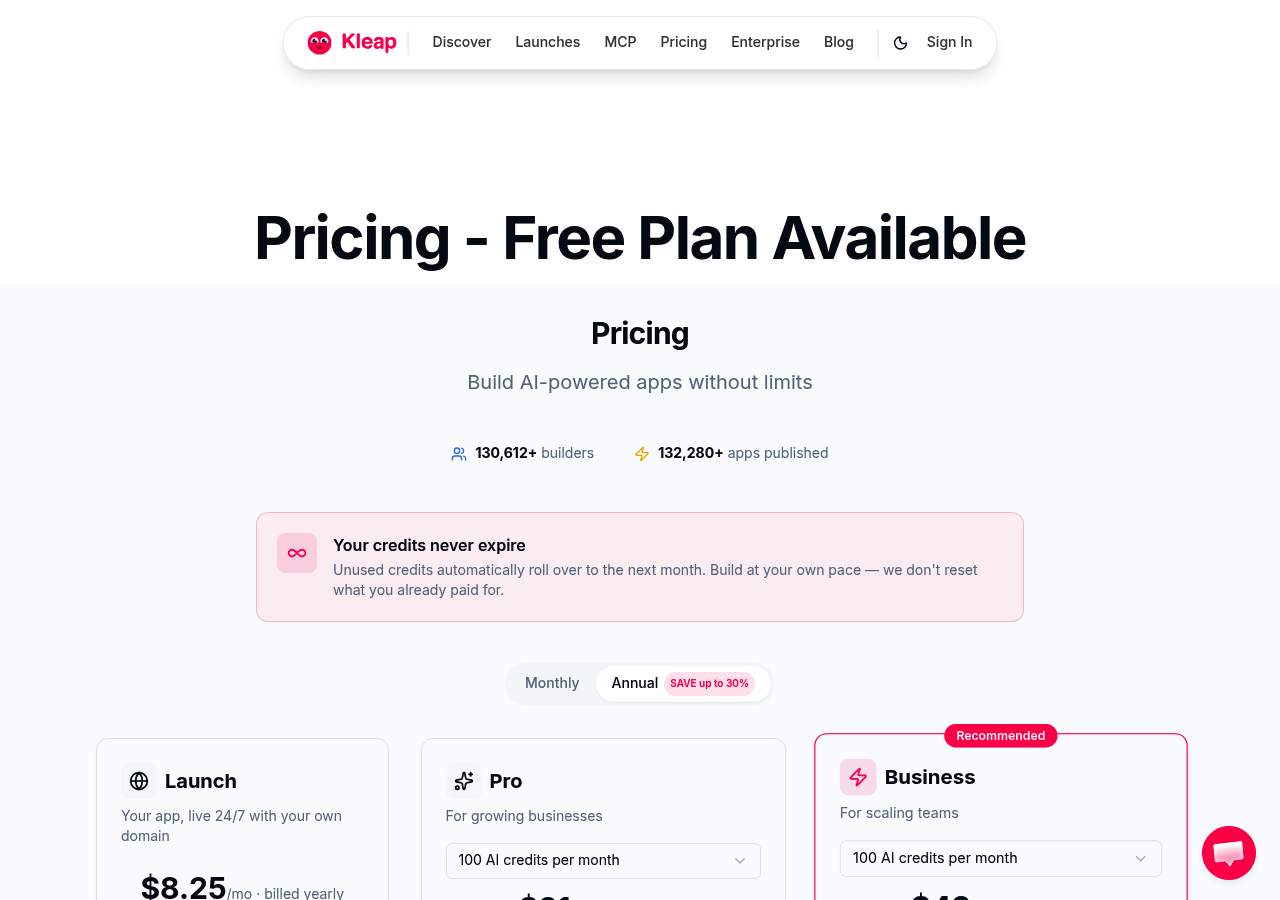
How Kleap's AI Understands Your Creative Work
The platform analyzes your uploaded content to spot dominant visual styles automatically. Clean portfolios get minimalist grids, while colorful work triggers dynamic layouts instead. Photographers benefit from optimized galleries with lazy loading built in.
Developers get syntax highlighting and direct GitHub integration that actually works. This smart adaptation solves the generic template problem most builders can't fix. Check out our Top 6 AI Portfolio Website Builders for Creatives in 2025, Expert Picks for detailed comparisons.
What 35,000+ Creatives Have Built
Real-world use cases show what Kleap can actually do. Fashion photographers build image-heavy portfolios in less than 20 minutes. UX designers display interactive prototypes using embedded Figma frames.
Freelance developers share technical case studies that include performance metrics tables. The free tier comes with AI generation, mobile-responsive templates, and custom domain publishing. Premium plans cost $29 monthly and add advanced analytics plus CMS features.
Most solo creatives don't upgrade.
How We Evaluated These AI Portfolio Builders
We didn't just browse marketing pages. Our team spent two weeks building actual portfolios on each platform, measuring everything from first click to final publish.
Claims about 'instant AI portfolios' often crumble when you actually need to showcase your work to potential clients.
Real Portfolios, Real Results Testing Methodology
Each tool tackled the same task: building a designer portfolio with case studies, image galleries, and contact forms from their free tier. We measured time-to-publish, AI design smarts, and mobile responsiveness across different devices.
Some platforms cranked out beautiful layouts in minutes. Others needed manual tweaks that completely undermined the whole 'AI' concept.
For more context on AI website builders, check out our Best Website Builder AI Free 2025: Top 8 Tools Compared for Entrepreneurs.
The 7 Criteria That Matter Most
Our evaluation focused on practical needs: AI quality (layout adaptation, content generation), free tier limitations, customization flexibility, portfolio-specific features (testimonials, project showcases), loading speed, SEO capabilities, and export options. Domain ownership and platform lock-in proved critical; nobody wants their portfolio held hostage.
Kleap tip: Test a platform's AI by uploading your worst project first; if it makes that look good, it'll handle everything else.
Wix AI Website Builder: Enterprise-Grade Features With Free Access
Wix ADI offers something rare in the portfolio website builder free space: genuinely powerful tools without upfront payment. The platform generates multi-page portfolios through a brief questionnaire, then populates galleries, project pages, and testimonials automatically.
You get access to over 800 templates, with dozens specifically designed for photographers, agencies, and creatives. The catch?
Wix branding appears on every page, storage caps at 500MB, and you're stuck with a clunky subdomain.
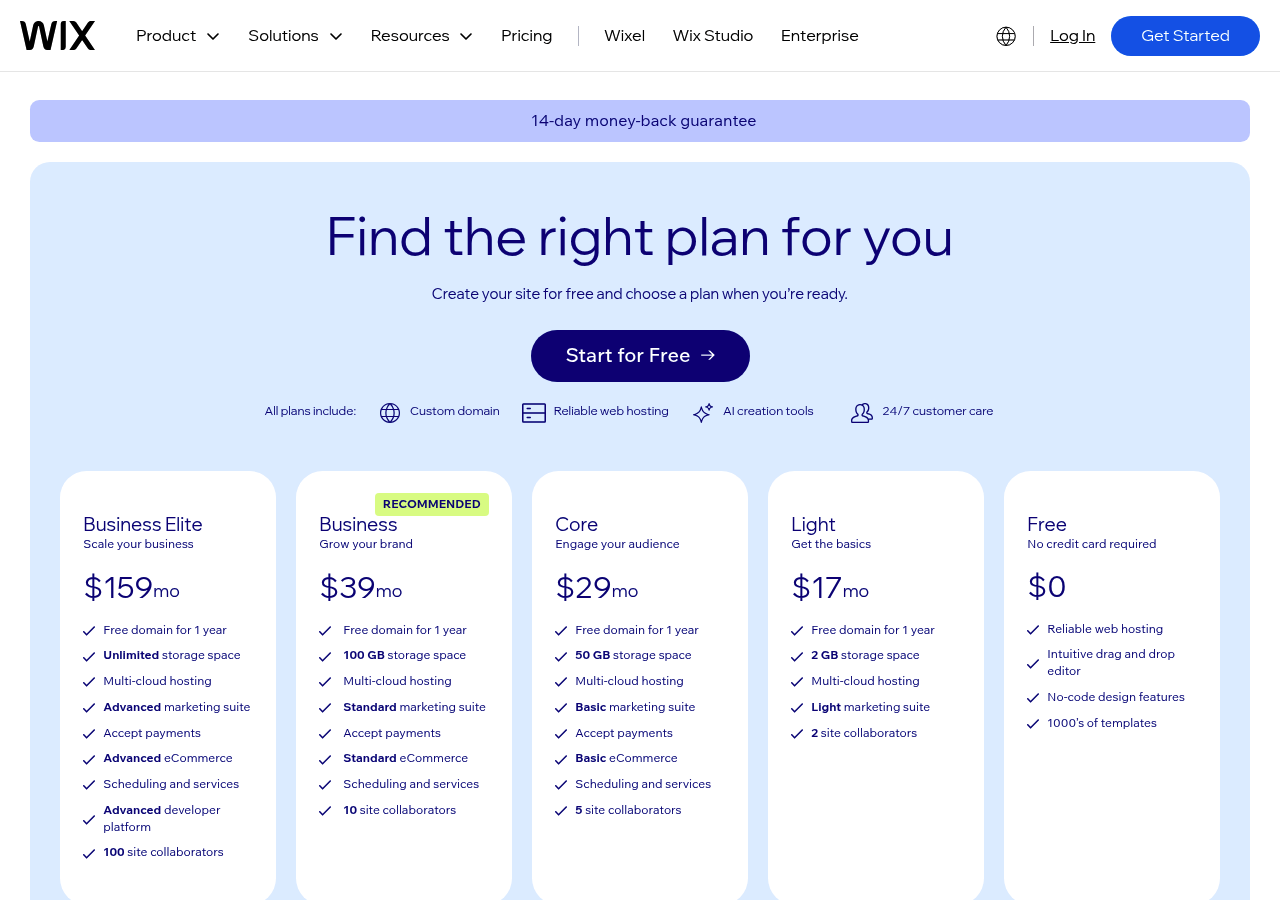
Wix ADI's Approach to Portfolio Intelligence
The platform reviews your uploaded samples and recommends specific layouts and color options. It creates case study frameworks automatically, handles SEO metadata, and connects marketplace apps for forms or booking tools.
Free plans can't handle much traffic, and sites drag because of ad scripts. Most serious professionals upgrade to paid versions pretty quickly.
Creatives Who Want Maximum Flexibility are Best For
Wix works great for agencies handling multiple disciplines that need sophisticated portfolios with client portals, large galleries, and built-in e-commerce features. Photographers love the lightbox feature and unlimited project pages that come with paid plans.
Canva Portfolio Website Maker: Design Simplicity Meets AI Assistance
Canva evolved from a simple graphics tool into a serious portfolio website builder with a free option. Shocking?
Not really, especially when you check out Magic Studio's integration capabilities. The platform provides background removal, image enhancement, and AI-generated content that designers already use daily.
This familiarity slashes your learning curve significantly. You can create mockups in Canva and then turn them into actual live pages.
No export headaches.
Magic Studio's Role in Portfolio Creation
Magic Studio tackles repetitive work by removing backgrounds from product shots, creating hero image variations, and suggesting better layouts. The free tier gives you basic templates and hosting.
Canva Pro costs about $13 monthly and unlocks custom domains with premium assets. Canva's ecosystem means your brand kit automatically fills new portfolio pages. It's perfect for freelancers who want speed over complexity.
Trade-off? Less control than dedicated builders.
You can publish in minutes, but SEO customization remains limited compared to specialized platforms.
Integration With Canva's Design Ecosystem
Canva really stands out here because your design library turns into portfolio content right away. Made a client presentation?
It's now a case study page. This workflow fits visual professionals, photographers, illustrators, and UX designers who already keep their work in Canva.
You'll need Pro for custom domain setup, but free hosting works great for testing. It's perfect for creators who want quick deployment without learning new software.
Butternut AI, the Conversational Portfolio Builder
Butternut AI flips the traditional portfolio website builder approach on its head. Instead of selecting templates, you describe your portfolio needs in plain English.
The platform claims to generate a complete site in roughly 20 seconds, with no design decisions required upfront. For freelancers who'd rather focus on landing clients than wrestling with layout options, this conversational method eliminates decision fatigue.
The Starter Plan lets you test the AI's interpretation skills without paying a dime.
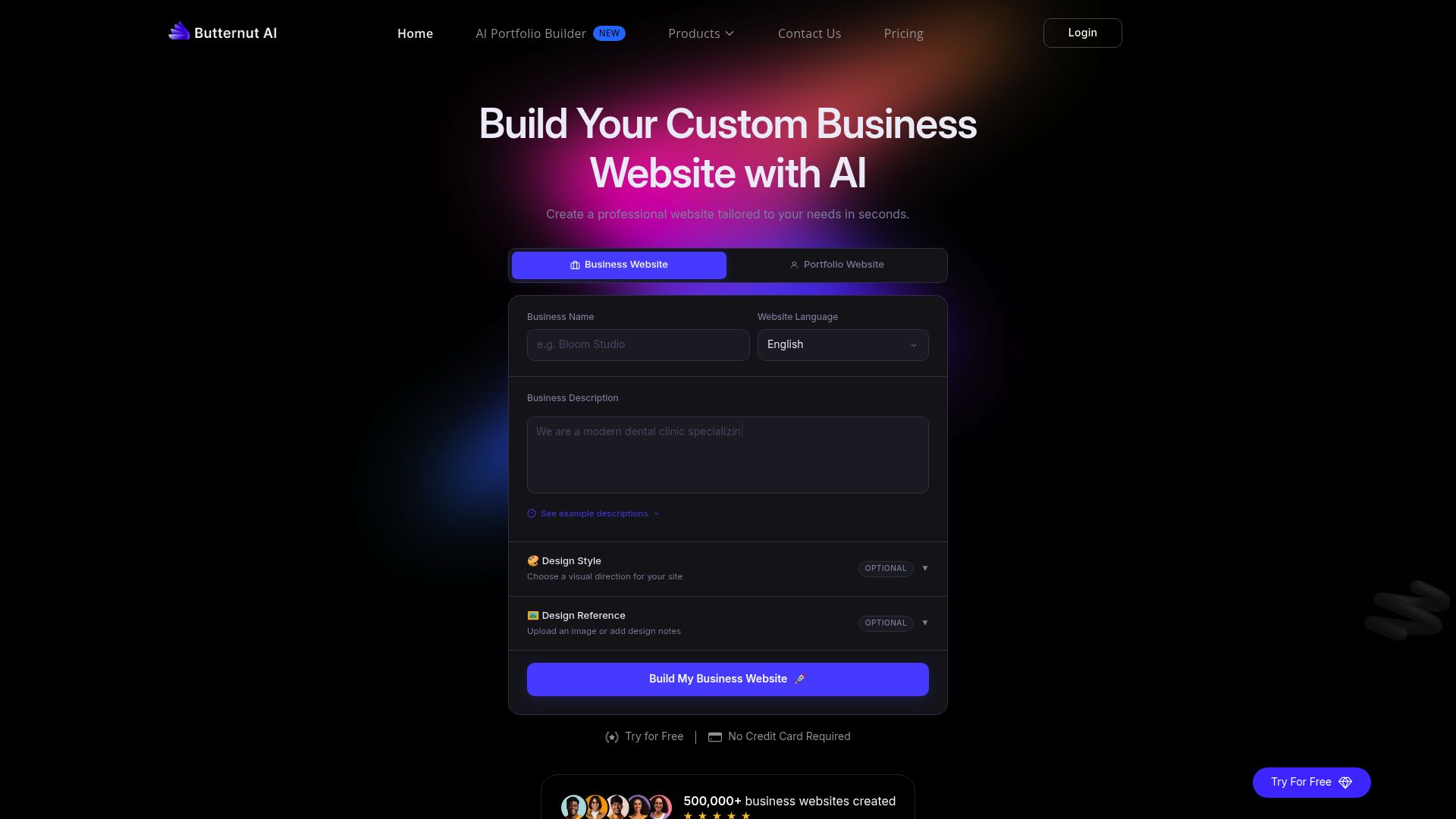
Prompt-Based Portfolio Generation Explained
You type a description, "photographer portfolio with a minimalist aesthetic and case study pages," and the AI constructs layouts, selects color schemes, and drafts content sections. It tailors case studies, testimonials, and resume blocks based on your input.
However, vague prompts yield generic results. Specificity matters when you rely on natural language instead of visual controls.
Speed vs Customization Trade-offs
The twenty-second generation looks impressive at first, but you'll notice post-generation edits feel pretty constrained. The AI nails broad strokes well, though tweaking fonts or moving elements gets awkward compared to drag-and-drop builders.
Designers and developers benefit most since they appreciate quick scaffolding, then they export code for deeper customization.
Kleap tip: Test Butternut's free tier with multiple prompts to see how prompt phrasing impacts output quality before you commit to paid plans.
WebWave AI Website Builder: Drag-and-Drop Meets Artificial Intelligence
WebWave bridges automation with creative freedom. Its AI assistant generates portfolio layouts from uploaded work samples, then steps back.
You get suggestions for case study structures, testimonial placements, and project galleries, but the drag-and-drop editor lets you override every detail. There are no rigid templates.
This hybrid approach suits designers who want speed without sacrificing pixel-perfect control, especially those building client portfolios where brand consistency matters.
AI Suggestions With Manual Control of Hybrid Approach
The platform examines your uploads like design mockups, photography, and illustrations, then suggests sections automatically. You'll see before/after sliders for renovation projects, grid showcases for graphic work, and video embeds for motion designers. You can adjust spacing, swap fonts, or rebuild entire sections from scratch if needed.
The free plan gives you one published site with five pages and 500MB of storage, which works well for freelancers launching their first portfolio website. Responsive previews display mobile layouts instantly, and that's critical since many clients browse portfolios on phones during their commutes.
Portfolio Templates and Customization Depth
White-label features let you remove WebWave branding even on free accounts, which is pretty rare for no-cost portfolio builders. Non-technical users love the visual editor's easy learning curve: just click an element, style it, and publish.
Advanced users can inject CSS for custom animations. It's perfect for photographers who need quick galleries and designers who want control over every hover state.
Framer AI: Developer-Friendly Portfolios With Design Intelligence
Framer sits in a pretty unique spot in the market. Most portfolio website builder AI free options make you pick between design flexibility and build speed, but this one actually handles both. Front-end developers like that it creates component-based portfolios with sections you can reuse.
You just upload project samples, and the AI builds out full case studies with SEO metadata and testimonial blocks included. The free version lets you publish with custom domains, though you can't access the CMS without upgrading to a paid plan.
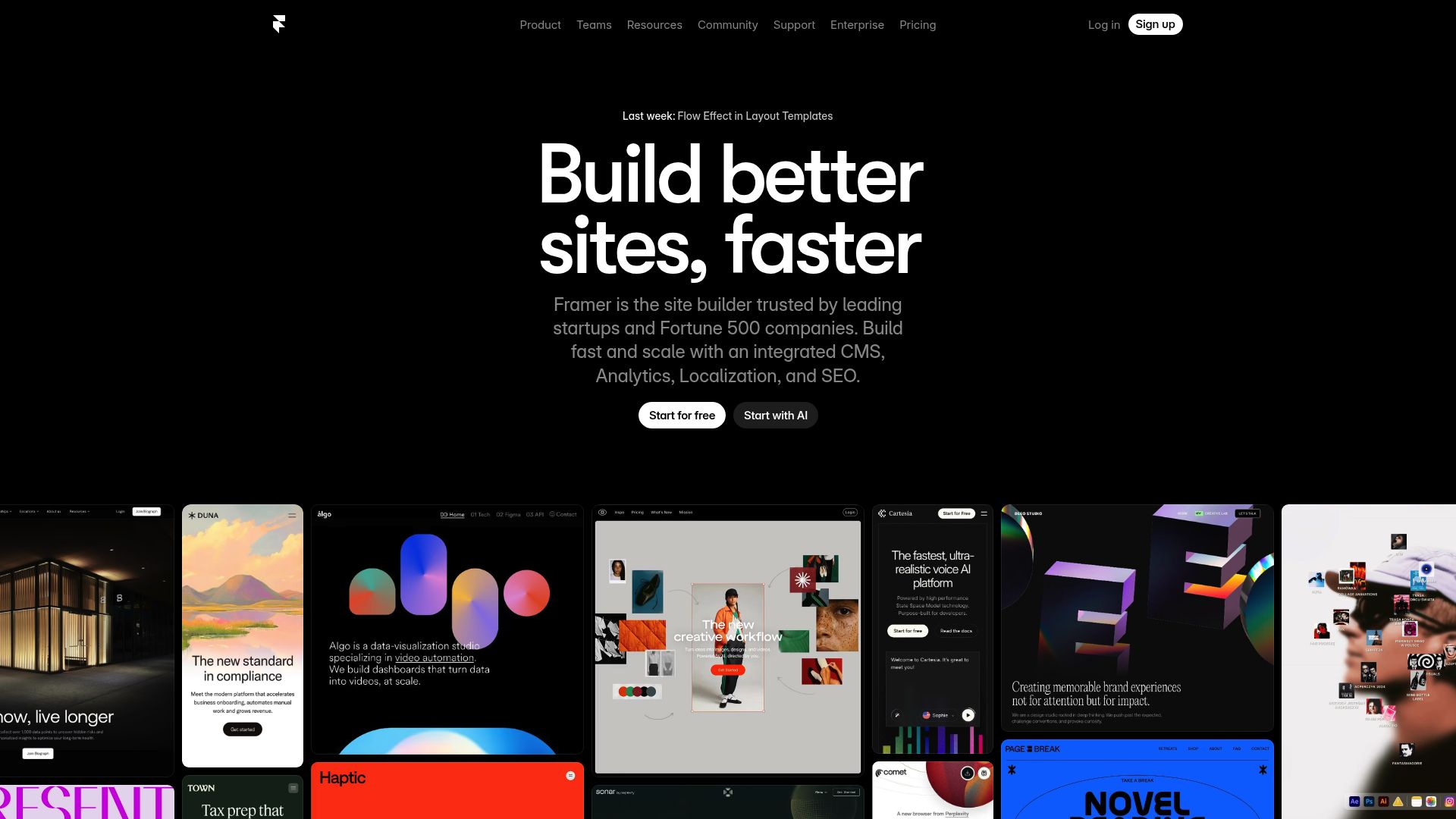
Code-Optional Portfolio Creation for Technical Creatives
The learning process takes time, so plan for four to six hours to nail interactive prototypes and micro-interactions that set standout portfolios apart from basic ones. UI/UX designers use Framer's animation engine to display motion design skills right in their portfolio pieces.
When visual builders can't do everything, you can add custom code for GitHub repository embeds or live demo integrations. Product designers especially appreciate how the platform turns static mockups into clickable prototypes without needing JavaScript.
Advanced Animation and Interaction Capabilities
Interactive features make the upfront time worth it. Hover effects, scroll animations, and smooth transitions showcase your technical skills in ways static images just can't match.
One drawback becomes clear fast: really complex portfolios needing backend work still call for traditional development tools.
Hostinger AI Website Builder: Hosting-Integrated Portfolio Solution
Hostinger bundles AI website creation with hosting infrastructure, a practical combination for freelancers who want portfolio hosting resolved upfront. Unlike standalone builders, you're paying for server resources alongside the design tools.
Their AI generates portfolio layouts through a brief questionnaire about your work and style preferences, then populates sections with placeholder content you'll customize. The 'free' aspect misleads slightly: while the builder tool costs nothing, publishing requires a hosting plan starting around $2.99 monthly (promotional pricing for annual commitment).
That's transparent enough once you dig past the marketing.
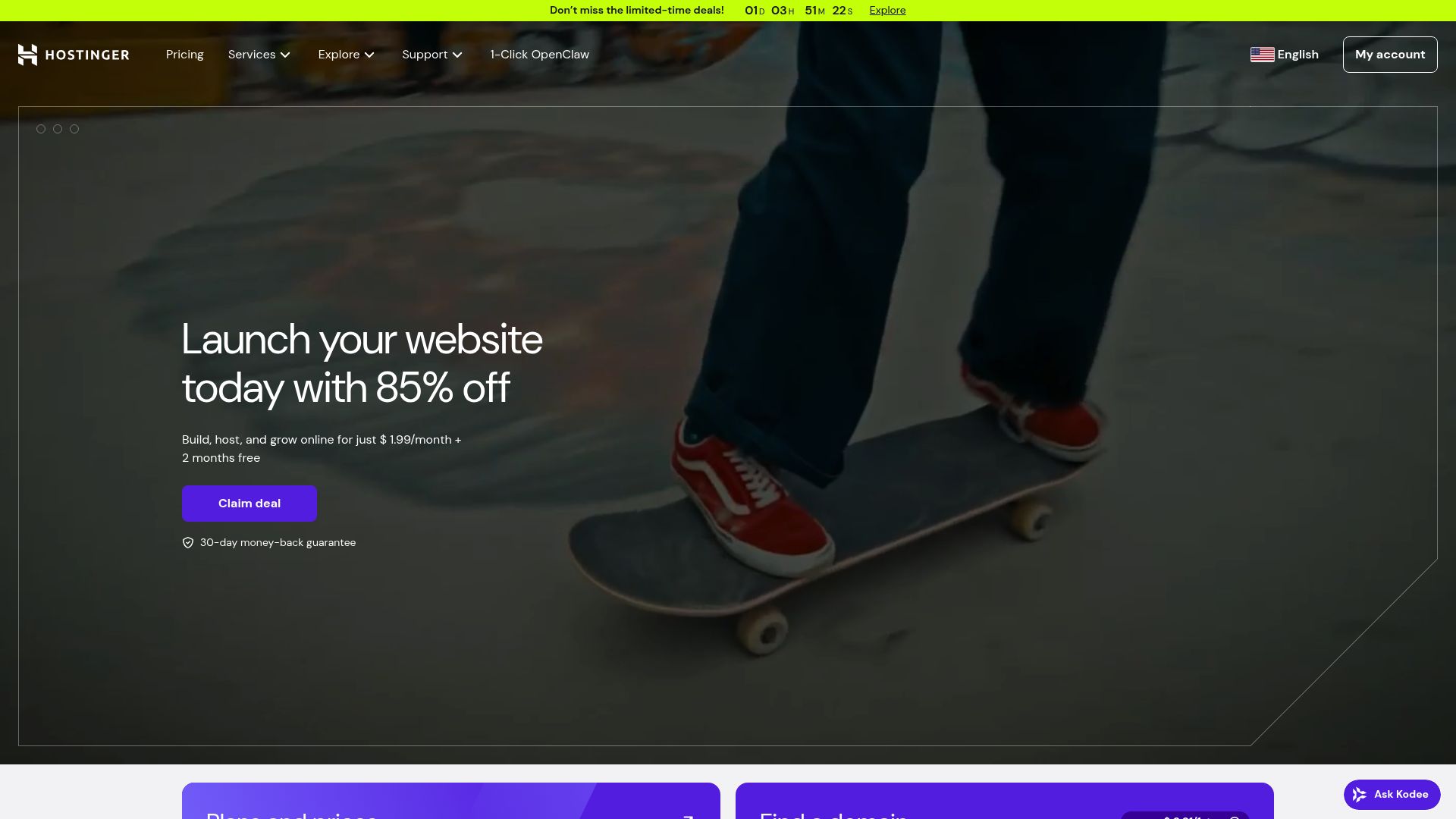
Domain, Hosting, and AI Building All-in-One Approach
The integrated model shines when you lack technical setup experience. Domain registration, SSL certificates, and email accounts get configured through one dashboard, with no juggling of multiple vendors.
Hostinger's global CDN improves loading speed for international portfolio visitors, and their performance optimization tools handles caching automatically. Built-in SEO modules guide metadata configuration, though they're basic compared to dedicated SEO platforms.
Support responds quickly via live chat, which is helpful when troubleshooting domain propagation or email authentication. This bundled approach makes financial sense if you're building your first portfolio and value simplicity over granular control.
Performance Advantages of Integrated Hosting
Server-level integration cuts down compatibility problems compared to linking third-party builders with separate hosting. Uptime holds steady at roughly 99.9% according to monitoring data.
Analytics capture visitor behavior without needing external plugins, and mobile responsiveness adjusts automatically across all devices. Templates deliver decent customization options that work well for standard portfolios but feel restrictive for experimental designs.
The actual value shows up when you compare $36 yearly for hosting plus domain against $144 for premium standalone builders plus their separate hosting fees.
WordPress Power With AI Simplicity of 10Web AI Builder
10Web merges WordPress flexibility with AI generation, promising both simplicity and customization. The platform generates a complete WordPress site in minutes; you answer prompts about your portfolio's purpose, AI drafts layouts, and then you inherit full WordPress control.
Sounds ideal. But here's the catch: you're managing WordPress whether you want to or not.
The 'free' trial lasts seven days, after which hosting starts at $10 monthly for basic plans. You get plugin access and theme customization, yet many portfolio builders accomplish similar results without WordPress overhead.
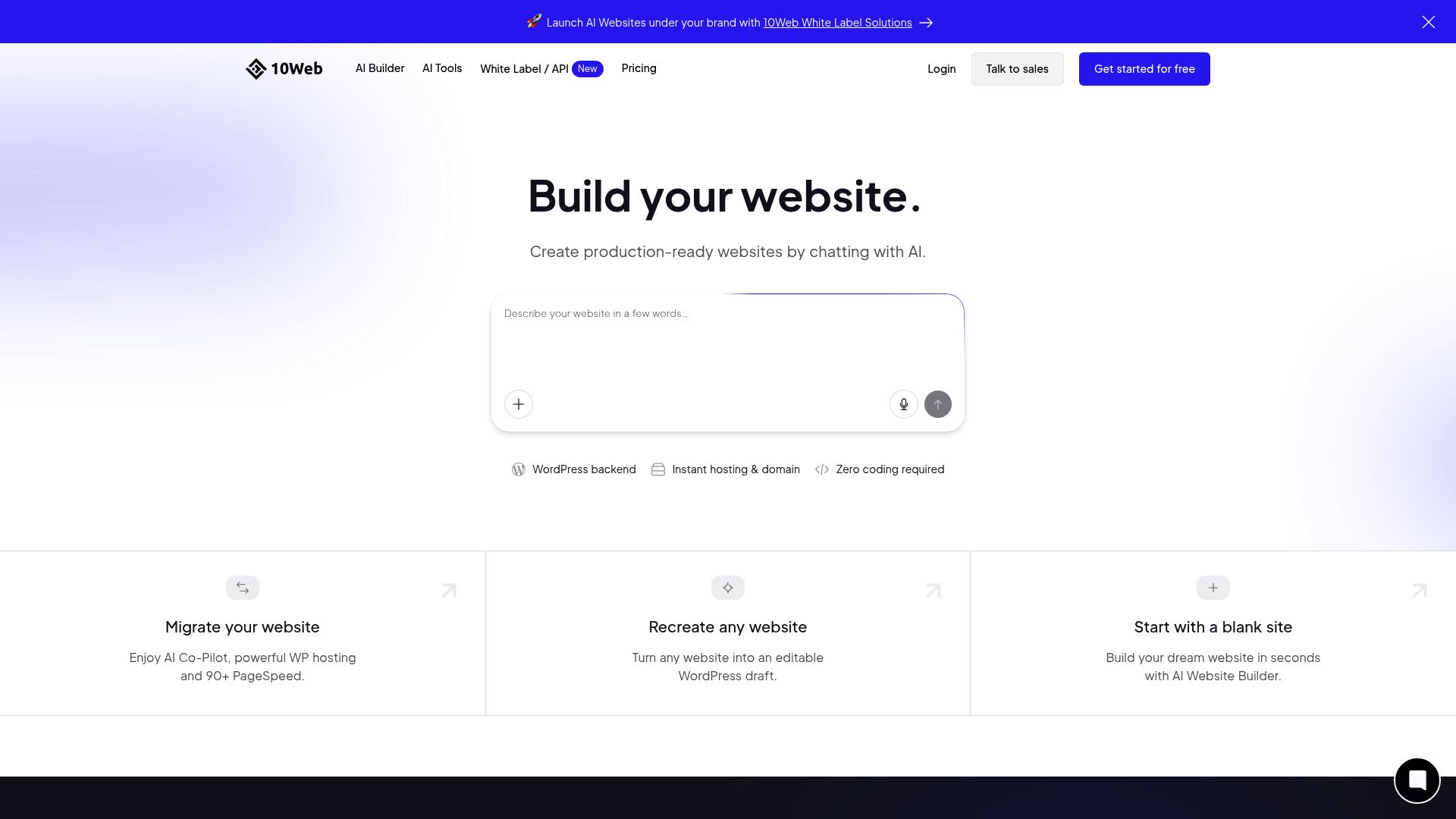
Automated WordPress Portfolio Generation
The AI workflow builds case study pages, testimonial sections, and resume layouts without manual work. You upload work samples, answer industry questions, and 10Web structures everything with WordPress-standard formatting.
Performance optimization includes built-in caching and CDN, which matters for image-heavy portfolios. The real advantage is long-term content ownership.
You can migrate your site, scale with plugins, or switch themes without starting over. This matters most for users planning beyond simple portfolios, agencies needing client management tools, or developers requiring custom functionality.
This matters most for users planning beyond simple portfolios, agencies needing client management tools, or developers requiring custom functionality.
Plugin Ecosystem Advantages for Portfolio Features
WordPress plugin access sets 10Web apart from locked-down platforms. You can install Envira or NextGEN for appointment booking without restrictions.
Add Calendly integration. Want advanced galleries?
But this flexibility comes with a trade-off in maintenance requirements. You'll need to update plugins, check compatibility, and troubleshoot issues sometimes.
Users who don't mind minor technical tasks will get real value here. If you want zero-maintenance solutions, 10Web isn't for you.
It assumes you'll learn basic WordPress operations even though AI handles the initial setup.
Side-by-Side Comparison: Which AI Portfolio Builder Wins Your Use Case?
Picking from eight free AI portfolio builders can feel overwhelming. Each one works best for different needs, though.
We ran the same portfolio through all platforms to find the real differences their marketing doesn't show.
Free Tier Capabilities Compared to Feature Matrix
| Tool | Free Storage | Gallery Limit | Custom Domain | Mobile Speed |
|---|---|---|---|---|
| Kleap | 2GB | Unlimited | $25/mo | Fast |
| Wix ADI | 500MB | 50 images | $17/mo | Moderate |
| 10Web | 1GB | 100 images | Yes (paid) | Fast |
| Durable | Unlimited | 20 images | $22/mo | Slow |
Photographers want plenty of storage space and quick load times. Developers care most about deep customization options.
According to W3C accessibility guidelines, mobile optimization beats desktop perfection for portfolio discovery.
Matching Tools to Creative Professions in Decision Framework
Freelance designers love Kleap's flexible templates that don't require any coding skills. Agency teams lean toward 10Web's WordPress setup since it makes client handoffs smoother.
Your migration options actually shape long-term expenses, and platforms using proprietary formats lock your content in when you need to scale up.
What Creatives Actually Say About These AI Portfolio Builders
Real feedback reveals a split. Photographers praise gallery automation and image compression; one professional noted their 200-image portfolio loaded in under two seconds after AI optimization.
Designers appreciate the speed but wrestle with brand expression limits. A freelance illustrator mentioned: "The templates look polished, yet my quirky style felt flattened." Developers value quick deployment for client prototypes, though some cite frustrations with backend access restrictions.

Speed and Professional Results: Common Praise
Users keep mentioning the time they save, with most getting portfolios live in 30-90 minutes instead of spending days coding manually. The AI takes care of responsive layouts and SEO metadata on its own, which really works for solopreneurs managing several projects at once.
Photographers especially love the client presentation features when they need quick turnarounds on project showcases.
Where AI Still Falls Short: Frequent Complaints
Template stiffness ranks as the biggest user complaint. AI often misreads creative intent, forcing you to find workarounds for corrections.
Premium prompts needed for deeper customization hit budget-conscious teams hard. Real talk?
Tap free AI builders for quick launches or portfolio tests. For standout branding that needs precise control, hiring a designer still makes more sense.
Your Portfolio Questions Answered by Industry Experts
Most free AI portfolio builders operate on a freemium model. You get core features at no cost, but premium templates, custom domains, or removing platform branding typically require paid upgrades starting around $10-15 monthly.
Some platforms limit projects or storage on free tiers. Always check what 'free forever' actually includes before committing your time.
Creation speed? Roughly 15-30 minutes for a basic portfolio.
AI handles layout and content suggestions instantly, but you'll spend time refining copy and uploading your best work samples. Custom-coded portfolios still offer more flexibility for complex interactions, though AI builders now support custom CSS and integrations that narrow this gap significantly.
For SEO, AI portfolios perform adequately if you optimize meta descriptions and alt text manually; the platform itself matters less than your content quality and structure. Most free builders allow custom domain connection, though DNS setup requires their paid plan.
Export options vary wildly, so verify you can download HTML files before investing heavily in one platform.
Start Building Your AI-Powered Portfolio Today
You've compared options. Now what?
Most professionals waste days debating tools instead of launching. Here's what actually matters: pick a free AI portfolio website builder, upload three portfolio pieces, and hit publish within 48 hours.
Perfection kills momentum.
Kleap dominates because it eliminates decision paralysis. Over 35,000 creatives chose it for one reason: you're designing in minutes, not wrestling with templates for weeks.
The AI handles layout decisions you'd normally agonize over. Alternative?
Carrd works if you prefer manual control and don't mind limited customization. Wix suits agencies needing client management tools.
But for solo creatives launching fast, Kleap's speed advantage remains unmatched.
Your Next Steps
Launch Kleap's builder, pick your industry template, and drop in work samples. Done.
Upgrade once traffic hits free tier limits, typically around month three. Stop researching now.
Start building.
Your Professional Portfolio Is Just Minutes Away
You've seen how AI has eliminated the traditional barriers to creating stunning portfolio websites. These eight builders prove you don't need coding skills or a design degree anymore.
The gap between free and paid tools keeps narrowing. What matters now?
Speed, quality, and whether the platform grows with your career.
Start with Kleap if you want designer-quality results without the learning curve. Its AI understands portfolio structure intuitively.
Pick Wix Studio for maximum customization freedom. Choose Framer when animation matters most to your work.
Here's what works: spend 30 minutes building your first version today. Perfect it later.
Your work deserves to be seen, not trapped in 'someday' planning.
Looking for guidance on choosing the right portfolio website builder that is free for your specific needs? Our team at Kleap helps creators launch professional portfolios every day.
Your next opportunity won't wait for the perfect website. A good-enough site launched today beats a perfect one that stays in draft mode forever.


