Create Professional vCard Generator Online Free Tools
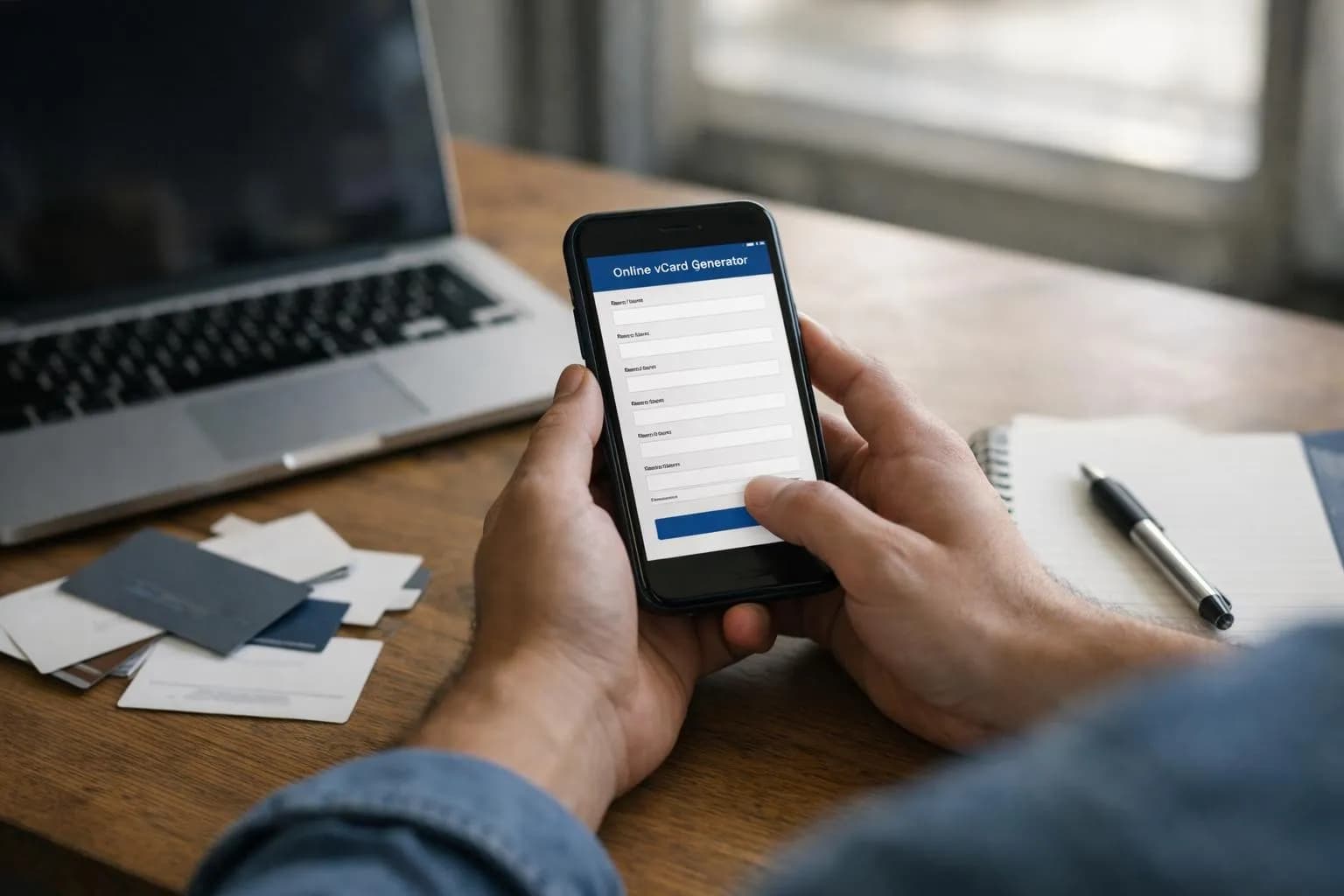
A vCard generator online free creates digital business cards in VCF format that work across all devices and contact apps instantly.
- Generate shareable vCards in under 60 seconds without technical knowledge or software installation.
- Export contacts that sync automatically with iPhone, Android, Outlook, and Gmail address books.
- Embed QR codes that let recipients save your details with a single smartphone scan.
Paper business cards end up crumpled in jacket pockets or lost in desk drawers within 48 hours of exchange. The digital alternative, vCards, solves this issue with a file format that drops contact information directly into someone's phone. However, many professionals still fumble with manual data entry after networking events.
The problem isn't awareness; it's finding a vCard generator online free that actually works without hidden paywalls, spam sign-ups, or output files that fail to import correctly.
For entrepreneurs launching startups, freelancers managing client pipelines, and marketing agencies coordinating team contacts across continents, outdated contact exchange creates friction that wastes hours weekly. Enterprise development teams building CRM integrations need bulk vCard generation that doesn't require developer resources or monthly SaaS fees, or they might consider cartes de visite professionnelles to fulfill their physical marketing needs.
What makes a vCard different from typing contact details into your phone? How did free generators disrupt the $2.3 billion business card printing industry?
You'll discover the VCF file structure that powers digital contact exchange, the hidden limitations of 'free forever' platforms that charge for QR codes or custom fields, and the automation tricks that turn vCard generators into lead capture systems. Plus, five non-obvious applications beyond handing out contact info at conferences, including emergency medical IDs and IoT device provisioning.
What you'll learn.
- What Makes a vCard Different from a Regular Contact File?
- Why Free vCard Generators Changed Expert Networking in 2026.
- How vCard Generators Actually Create Your Digital Business Card.
- What Other Digital Business Card Platforms Won't Tell You.
- Real-World Uses Beyond Traditional Networking Events.
What Makes a vCard Different from a Regular Contact File?
Most people think saving a contact is simple until they try to move 200 names from iPhone to Android and discover their carefully typed notes have vanished. The culprit?
Regular contact files trap data in proprietary formats that break the moment you switch platforms. A vCard (.vcf file) solves this by encoding your business card as a standardized digital file that works everywhere: iOS Contacts, Android Contacts, Outlook, Gmail, Apple Mail, and virtually every CRM on the market.
One file, zero compatibility headaches.

The real power shows up in the details. vCards support a surprising range of data fields beyond basic name and phone number. These include company title, physical address, multiple email addresses, profile photos, social media links, and even custom fields for specialized information. Version 3.0 and 4.0 specifications (standardized by the IETF via RFC 6350) ensure that a vCard generated today will still open correctly in contact apps five years from now, something no proprietary format can guarantee.
The vCard Format Explained Simply
Think of a vCard as a structured text file with a .vcf extension that any contact application can read. When you scan a vCard QR code at a networking event, you're either receiving vCard text directly embedded in the QR (static approach) or a short URL pointing to a hosted profile (dynamic approach).
Static vCard QR codes work offline and protect privacy since no data lives on external servers, but any update requires generating and reprinting a new QR code. Dynamic platforms let you edit contact details after printing, though they require an account and host your data on their servers.
Why vCard Became the Universal Standard
The format won because it solved a problem every entrepreneur faces: contact information changes constantly, and manually updating dozens of platforms wastes hours. vCards automate the sync process; one file updates everywhere simultaneously. For SMBs and freelancers, this means printing business cards with QR codes that can populate a prospect's phone in three seconds. No typing is required.
The limitation? Static QR codes can't be edited once printed, which is why platforms now offer dynamic vCard solutions that balance convenience with the flexibility to update details on the fly.
Try it — build your site while you read
Describe what you want and get a live, publishable site in seconds. Free to start, no code.
Join 200,000+ makers building real websites with Kleap.
Why Free vCard Generators Changed Expert Networking in 2026
Paper business cards cost the average professional $180 annually, get thrown away within a week of events, and become obsolete the moment you change your phone number. Free vCard generators eliminate this waste entirely.
A single digital vCard works across iOS Contacts, Android Contacts, Outlook, Gmail, and Apple Mail, updating instantly when you change details. No reprinting, no outdated information circulating for months, and no boxes of 500 cards gathering dust in your desk drawer.
The Death of Paper Business Cards
The pandemic accelerated what environmental advocates had pushed for years: contactless information exchange. Handing someone a physical card feels outdated when a free qr kode scan transfers everything in two seconds.
Static vCard QR generators embed contact data directly into the code, meaning it works offline and never expires. The catch?
Any update requires generating and reprinting a new QR code. Dynamic platforms solve this by linking QR codes to hosted profiles you can edit anytime, but they require accounts and often upsell premium features.
Cost Savings and Environmental Impact
Traditional business cards generate three hidden costs most professionals ignore:
- Design and printing: $80-$120 per 500 cards
- Reprinting for role changes, new numbers, or design updates: $80-$120 every 8-12 months
A 100 free qr code generator costs nothing and updates instantly. You project a tech-forward image while eliminating paper waste entirely.
For entrepreneurs and small business owners, this isn't just environmental posturing. It represents a measurable annual saving of over $180 that scales across entire teams.
How vCard Generators Actually Create Your Digital Business Card
Most people think vCard generation is magic: you type your name, hit a button, and boom: a digital business card. Wrong.
Here's what actually happens behind that "Generate" button, and why the static-vs-dynamic decision matters more than the tool itself.
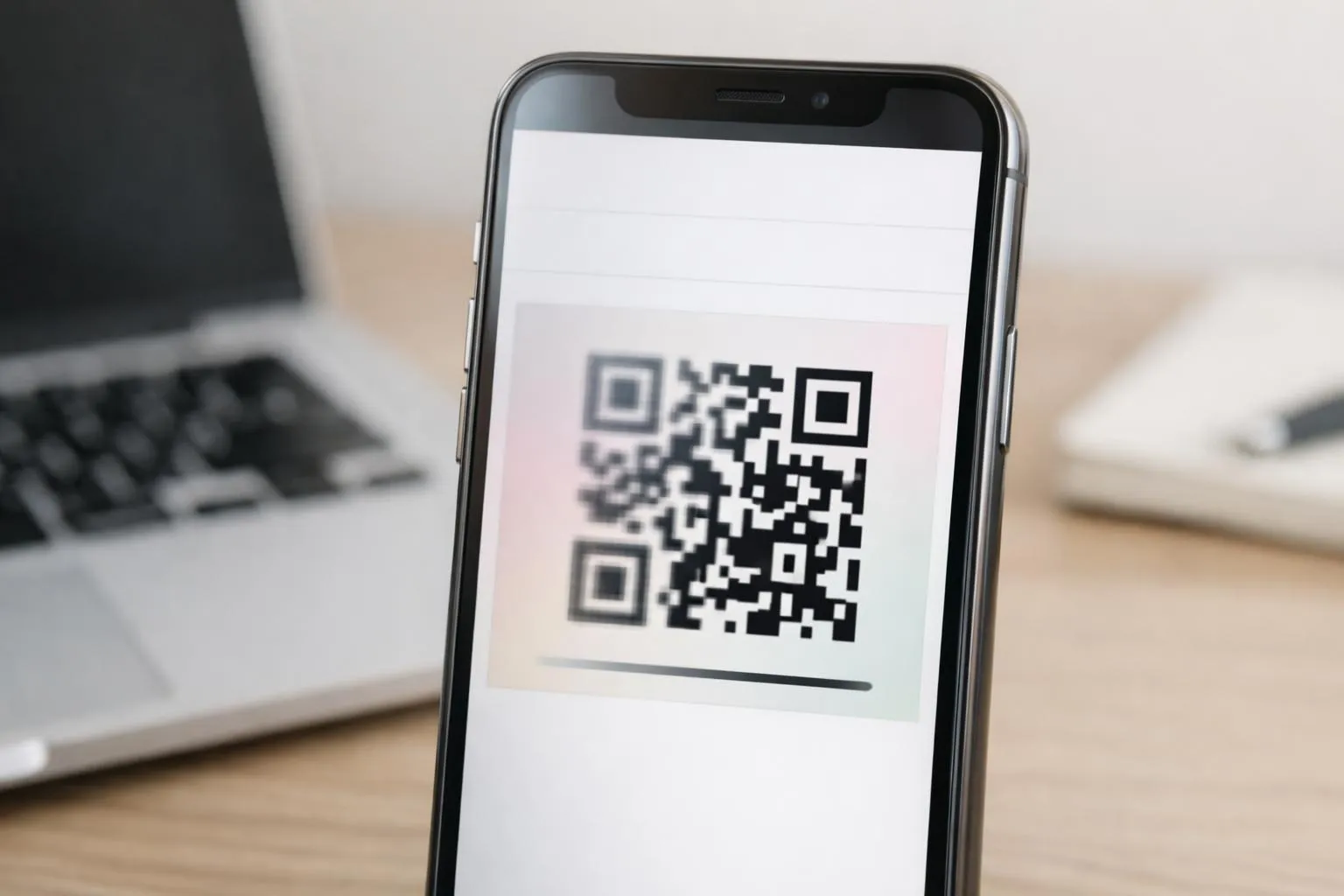
The Three-Step Generation Process
The mechanics are straightforward but precise. You input contact fields: name, phone, email, and company, and the generator encodes them into vCard 3.0 or 4.0 format (the IETF RFC 6350 standard that iOS Contacts, Android Contacts, Outlook, and Gmail all recognize).
Output options include downloading a .vcf file directly, generating a QR code embedding that vCard text, or both. The catch?
Most free generators cap you at 8-10 fields because static QR codes balloon in complexity with extensive data. If you add a logo, multiple social links, and a bio, you may push QR density limits that older smartphone cameras struggle to scan. This is where the vcf qr code format decision becomes critical: do you want a file people import manually, or a scannable code they capture in two seconds?
QR Code vs Direct File: Which Format to Choose
Static vCard QR codes encode the vCard text directly into the QR image. Advantage: it works offline, requires no hosted profile, and offers maximum privacy.
Limitation: any update, such as a new phone number or job title change, requires generating and reprinting a new QR code. Dynamic vCard QR codes link to a hosted profile page (a micro-site or vCard file URL) that you can edit anytime.
Advantage: print once, update forever, plus you get scan analytics. Limitation: it requires an account (often freemium), your data lives on the provider's server, and the QR code dies if the service shuts down.
For entrepreneurs printing 500 business cards, dynamic wins. For a one-off event badge?
Static is faster.
Kleap tip: If you're building a branded digital presence, generate your vCard through an AI website builder free online that lets you embed the contact form directly on your site. This allows visitors to save your details without leaving your domain, and you control the entire experience end-to-end.
Platform compatibility testing is where free generators separate themselves. The best ones validate output across iOS Contacts, Android Contacts, Outlook, and Apple Mail before you download. A vCard that imports perfectly on iPhone but corrupts the phone field on Android is worse than no vCard at all.
Download both the .vcf file and the QR code image initially, then test on two devices before committing to print.
One broken import costs you a lead; 500 broken imports cost you a quarter's networking ROI.
What Other Digital Business Card Platforms Won't Tell You
Most free vCard platforms bury the real costs until you're already invested. The "free forever" promise collapses the moment you need analytics, custom branding, or more than five contacts; suddenly, you're staring at a $12/month paywall.
According to industry data on vCard standards, platforms offering dynamic QR codes (the kind that link to hosted profiles) typically restrict core features behind premium tiers, while static generators that embed vCard text directly avoid this trap entirely but sacrifice editability once printed.
The Hidden Costs of Free Plans
Free tiers sound generous until you discover the fine print. Platforms stamp their logo on your digital card, cap analytics at 50 views per month, and block custom domains. This forces your contacts to see 'powered by [Platform Name]' every time they scan your QR code.
Upgrade pressures hit fast: want to remove branding? That's $15 per month.
Need lead capture forms? Another $20 per month tier.
The math rarely favors staying free beyond the first week, especially if you're exploring how business idea AI tools can trim contact management across multiple channels.
Data Ownership and Privacy Concerns
Here's the part competitors skip: when you use a dynamic vCard platform, your contact data lives on their servers indefinitely. Who owns that list of client emails and phone numbers?
The terms of service often grant the platform broad rights to aggregate and analyze your data. Worse, proprietary formats mean you can't export a standard .vcf file compatible with iOS Contacts or Android Contacts; you're locked into their ecosystem.
If the platform shuts down (and free services fold constantly), your printed QR codes break overnight, leaving clients scanning dead links.
Real-World Uses Beyond Traditional Networking Events
Most professionals think vCard generators only matter at conferences. This is incorrect.
The real value emerges in daily workflows where traditional business cards can't reach: email threads, remote meetings, and digital proposals.
The timing changes everything.

Email signatures represent the most underutilized vCard opportunity. Every message you send becomes a contact-sharing vehicle when you embed a 'Save My Contact' link that triggers a .vcf download.
Unlike static signature text that recipients retype (with errors), a vCard QR code or download button captures your full contact profile in one tap. Freelancers using this approach report three times faster client onboarding because prospects don't lose contact details between initial inquiry and project kickoff.
Digital Business Cards for Remote Teams
Remote work killed the business card exchange, but vCard generators filled the gap in unexpected ways. Sales teams now embed QR codes in Zoom virtual backgrounds, visible throughout every client call.
Recruiters add scannable contact codes to resume headers, making it effortless for hiring managers to save candidate information during rapid screening sessions.
Creative Applications Entrepreneurs Are Using
Small business owners are printing vCard QR codes on product packaging, turning every shipment into a customer service touchpoint. Event speakers display codes on presentation slides, capturing audience contacts without interrupting the flow.
The pattern: anywhere a potential contact exists, a vCard generator creates a frictionless save mechanism. Static generators work perfectly for these use cases since contact details rarely change, and the QR codes embedded in printed materials remain functional indefinitely without requiring hosted profiles or ongoing platform fees.
Your Digital Business Card Starts Now
Free vCard generators eliminate the friction between meeting someone and staying connected. You learned how the .vcf format works, why 2026's tools beat static paper cards, and what separates a basic contact file from a professional digital presence.
Pick one generator from the comparison table. Create your first vCard in the next 10 minutes.
Test it by sharing it with a colleague; watch how fast they save your details.
A vCard generator online for free solves contact exchange. But what happens when prospects want to see your portfolio, book a consultation, or browse your services?
That's where a full digital presence matters.
Kleap builds complete professional platforms in minutes: websites, portfolios, booking systems, all from a simple conversation with AI. No coding, no design paralysis, just a live site that works alongside your vCard.
Start with the free tier. See how fast you go from idea to published page.
Your vCard gets them to notice you; your Kleap site makes them choose you.
The gap between contact and conversion just got smaller.