4 Best AI Page Creator Tools That Build Websites in Minutes

An AI page creator uses artificial intelligence to generate complete websites from text prompts in under 10 minutes, eliminating the need for coding skills or design expertise.
- Leading platforms like Kleap and Wix AI can launch functional sites in 3 to 5 minutes with mobile-first responsive design.
- Choose tools based on your primary need: speed (Kleap), customization depth (Wix), design control (Figma), or component libraries (Relume).
- Most platforms offer free trials, allowing you to test AI generation quality before committing to paid plans.
Building a website used to mean weeks of back-and-forth with developers. Now?
Modern AI page creator tools generate professional sites while you finish your coffee, transforming how entrepreneurs and agencies approach web development. Once you've experienced this speed, it's hard to go back.
For business owners juggling limited budgets and tight deadlines, these platforms remove the technical gatekeepers between your vision and a live website. Marketing agencies benefit from rapid prototyping capabilities that allow them to present multiple design directions to clients within hours instead of days.
We will examine four standout platforms that represent different approaches to AI-powered web building: Kleap's mobile-first speed, Wix's enterprise-grade features, Figma's design-centric workflow, and Relume's component-based system for developers. You'll see how we compared each tool, what real users report about their experiences, and which solution aligns with your specific project requirements.
By the end, you'll know exactly which AI page creator matches your technical comfort level and business goals.
How We Evaluated These AI Page Creator Tools
We compared each AI website builder with a systematic approach that mirrors actual business scenarios. Our team built identical landing pages across all platforms while measuring generation speed, design quality, and customization depth.
Speed matters, but accuracy and flexibility matter more for long-term success. In practice, our evaluation framework focused on five core dimensions that really count.
Kleap tip: Test any AI page creator with a real project before committing.
- AI output quality: We assessed text coherence, visual hierarchy, and mobile responsiveness across generated pages.
- Design flexibility: Testing custom branding, layout modifications, and element positioning capabilities
- Pricing transparency: Analyzing cost-per-feature ratios and hidden fees beyond advertised rates
- Learning curve: Tracking time-to-first-publish for users with varying technical literacy levels
- Integration ecosystem: Verifying compatibility with analytics tools, payment processors, and marketing platforms
Free tiers reveal limitations that marketing pages often hide from you.
Try it — build your site while you read
Describe what you want and get a live, publishable site in seconds. Free to start, no code.
Join 200,000+ makers building real websites with Kleap.
Why AI Page Creators Are Revolutionizing Web Development in 2026
Traditional website builders demand hours of manual configuration. Drag elements.
Adjust layouts. Tweak CSS.
An AI page creator changes this completely by generating functional pages in minutes through natural language prompts. Instead of wrestling with template libraries, you can describe what you need. You watch the system build it.

This shift matters because time equals money. A freelancer who previously spent three days building client sites now delivers in hours.
Small businesses launch without hiring developers. The tools we're comparing, including specialized solutions and general-purpose platforms, approach this problem differently.
Some prioritize speed, others focus on customization depth. What separates useful tools from gimmicks?
Real-world performance under pressure, actual template variety, and whether the AI truly understands business context rather than just shuffling generic blocks.
Kleap
Speed matters when you're racing against competitors. Kleap's AI-powered generator produces complete, mobile-optimized websites from minimal prompts, no coding expertise required.
Unlike traditional builders that require hours of template customization, this platform delivers structured pages, headlines, and metadata. It does so in minutes. The mobile-first architecture ensures your site looks sharp on smartphones before desktops, a critical advantage when over half of web traffic comes from handheld devices.
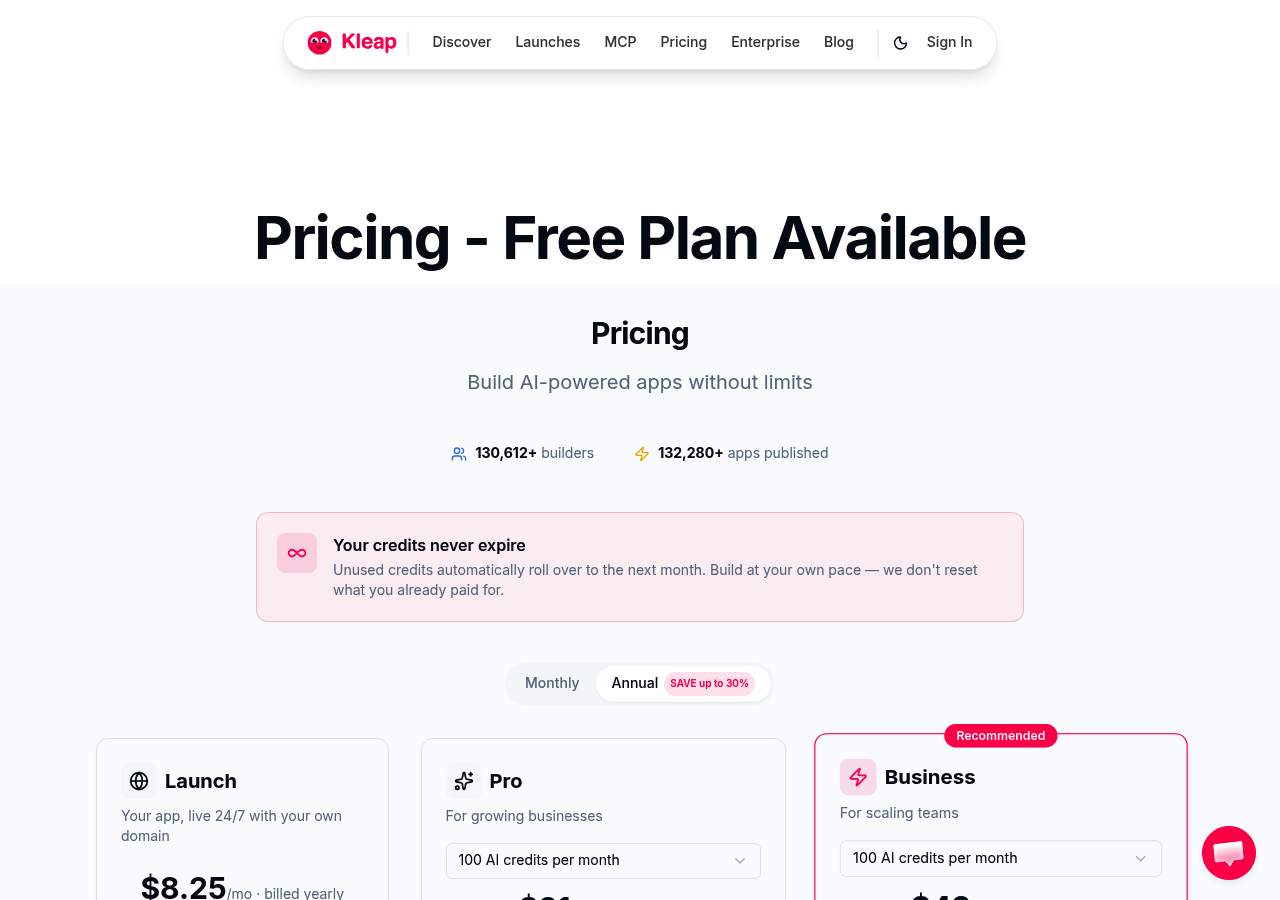
What Makes Kleap Stand Out as an AI Page Creator
Integration separates amateurs from professionals. Kleap bundles e-commerce, blog management, form builders, and analytics into one dashboard; this eliminates the plugin chaos that slows most AI website page builders.
SSL encryption comes standard, alongside newsletter tools and social media connectors. The system tracks form entries automatically and optimizes pages for search engines without manual intervention. (Many competitors charge extra for these features.) The AI doesn't just generate content; it structures it for conversions.
From Free to Enterprise: Kleap Pricing
The free tier gives you 750 AI credits each month for testing ideas without entering payment info. Paid plans scale up smartly:
- START at 12 dollars monthly, which adds custom domains and video uploads.
- GROW at 39 dollars unlocks custom code and removes platform branding.
- SCALE at 99 dollars delivers priority support for growing teams.
- ENTERPRISE offers tailored solutions for large operations.
Transparent pricing beats hidden fees every time.
Wix AI Website Generator: Enterprise-Grade AI for All Business Sizes.
Wix stands out with strong brand recognition and a conversational AI that outperforms simpler tools. The platform asks specific questions about your business goals, industry details, and design preferences before building your site.
In practice, this question-based approach allows the AI page creator to produce layouts that match real business needs instead of generic templates. However, you'll face a steeper learning curve since Wix's massive feature set can overwhelm newcomers who are used to minimalist interfaces.
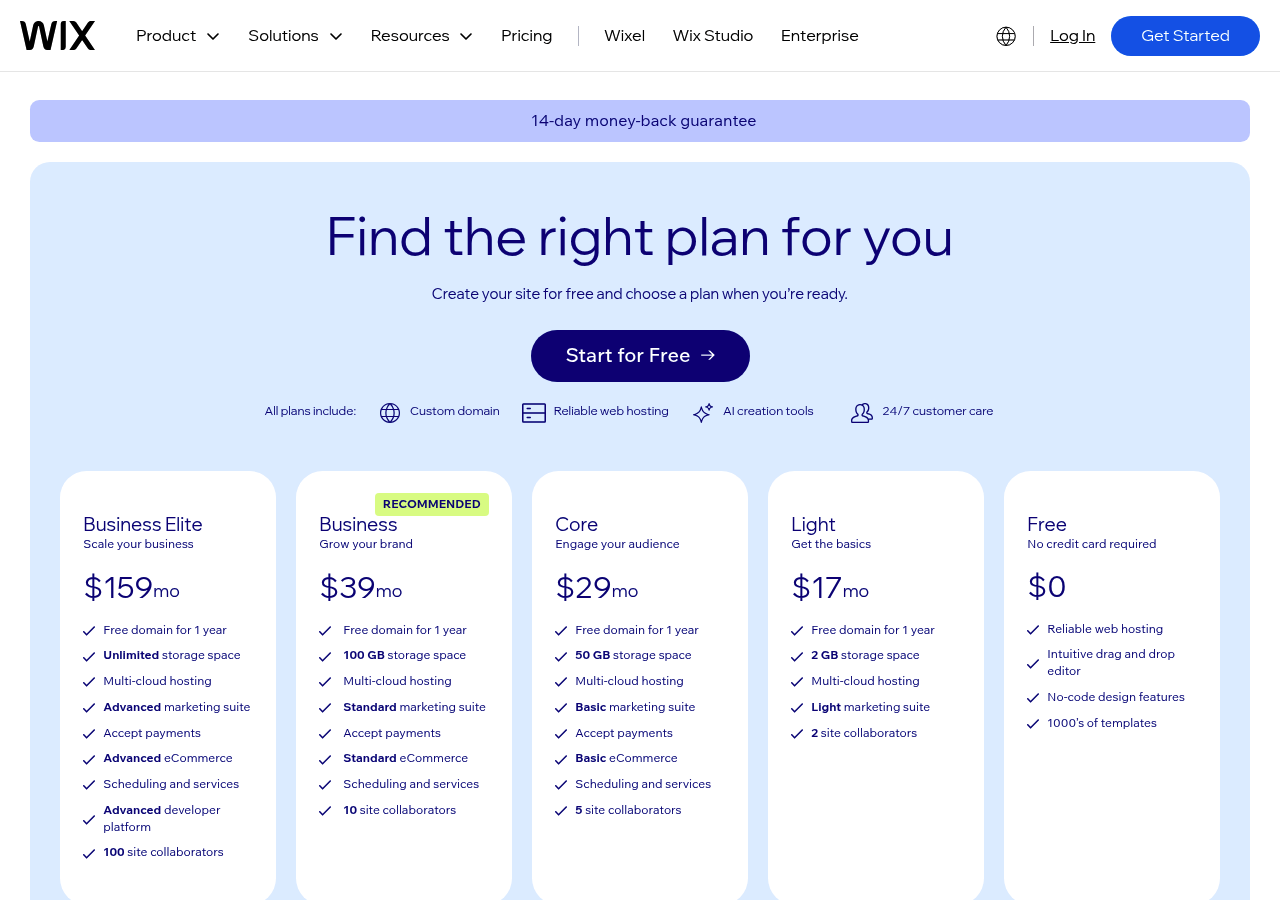
Wix AI Generation Process and Capabilities
The system pairs natural language processing with over 800 templates to choose from. It handles inventory tracking, recovers abandoned carts, and supports multiple currencies for international growth. The App Market adds booking tools, live chat, and marketing automation through integrations.
Basic plans start at $16 per month, while enterprise e-commerce features cost $159 monthly. That's solid value for established businesses but might be too much for solo entrepreneurs just testing their ideas.
Who Should Choose Wix Over Other Options
Choose Wix when you value a complete ecosystem more than basic simplicity. It's perfect for growing businesses that need strong e-commerce features, content creators who want solid blogging tools, and agencies handling several client sites.
Don't pick it if you're after super-fast setup, though. The configuration options take real time, which doesn't match the instant website promise that some competitors actually deliver.
Figma AI Website Generator: Design-First Approach for Creative Teams
Figma's AI tools work differently than standalone website builders. They don't create complete sites but act as smart design assistants inside Figma's collaborative interface. Teams that already use Figma get a natural workflow extension.
The tools generate page layouts that pull from existing brand guidelines and component libraries. It's not exactly a full AI page creator, but it's powerful for visual exploration.
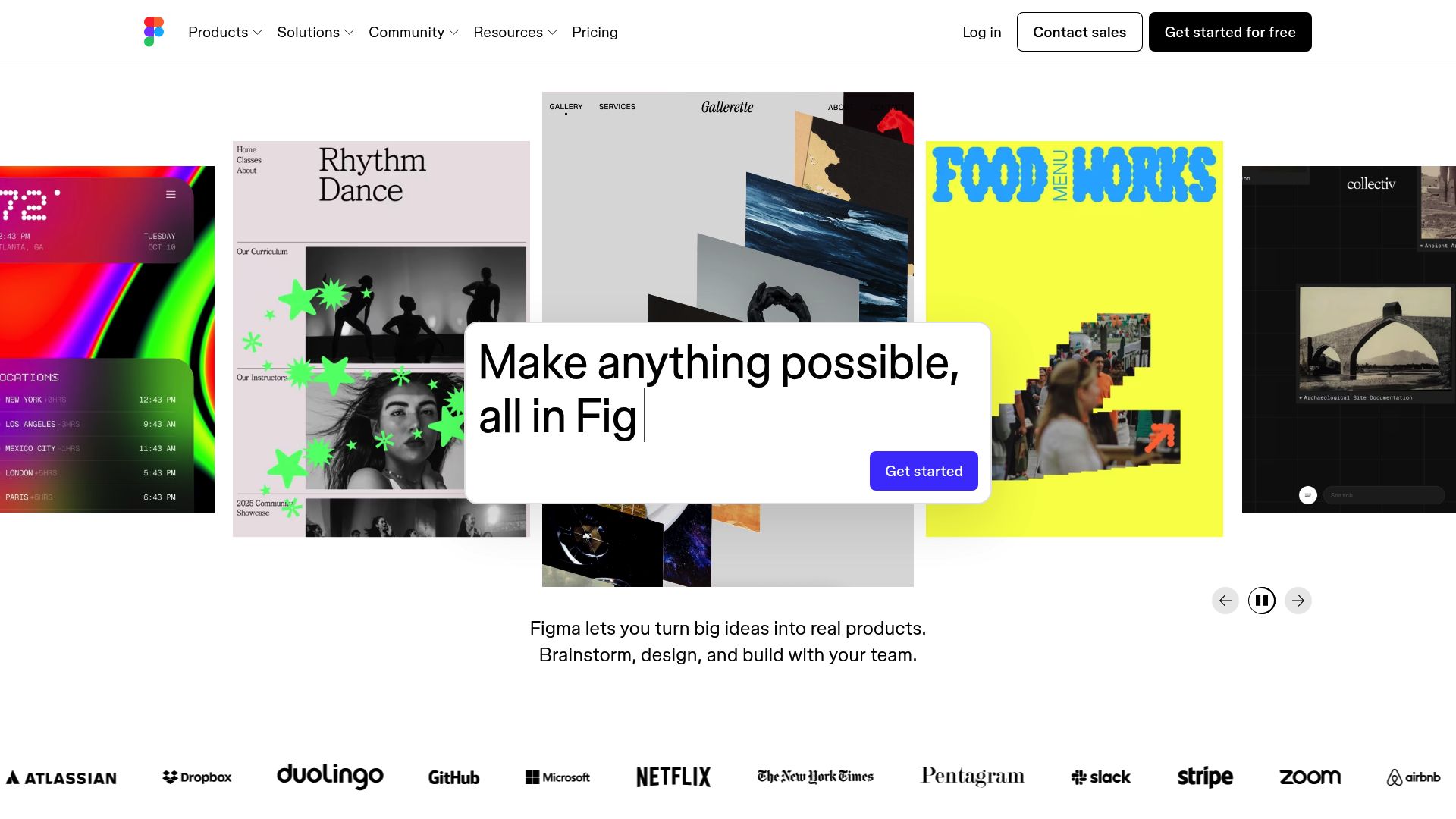
How Figma's AI Generator Works with Design Systems
The integration works with your existing design tokens and component setup. When Figma's AI builds layouts, it pulls from your color palettes, typography scales, and reusable components instead of making random mockups.
This keeps everything consistent across projects while speeding up early concept work.
Best Use Cases for Figma's AI Page Creator
Perfect scenarios include fast prototyping where designers create multiple layout versions in minutes, onboarding sessions where newcomers get AI-powered starting templates, and developer handoff processes that demand exact specifications. The free version supports team collaboration features, but export options remain limited compared to dedicated website platforms.
Think of Figma as a complement to your deployment tools, not a replacement for them.
Relume: Component-Based AI Website Building for Developers
Developers who are fed up with drag-and-drop constraints now have a real option. Relume stands out as the technical leader in AI page creation tools. It targets agencies and development teams who need wireframe-level control with AI speed.
Most visual builders trap you in their platforms, but this tool creates component-based structures that export cleanly to whatever environment you prefer working in.
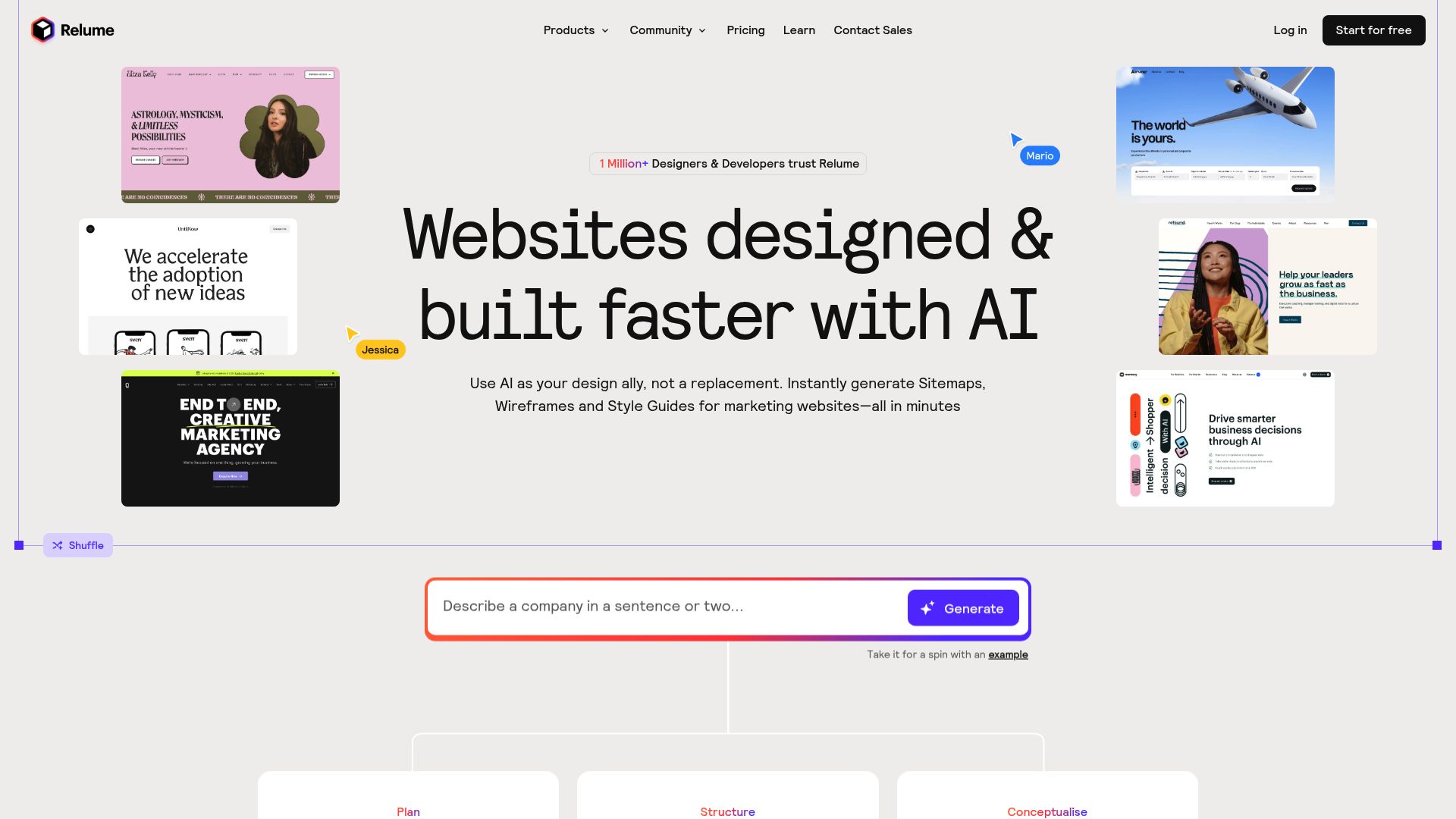
Relume's Unique Position in the AI Page Creator Market
Where most builders prioritize simplicity, Relume doubles down on flexibility. The platform generates entire sitemaps with AI-written content, then lets you manipulate individual components before export.
Development teams appreciate the structured approach: define your site architecture, let AI populate sections, then refine in Figma or directly in code. Pricing starts around industry-standard tiers for professional tools, with team collaboration features included at higher levels.
Integration Capabilities and Export Options
The real differentiator is multi-format exports that keep your design integrity intact.
You can push layouts straight to Webflow, export design files to Figma for client sign-off, or grab clean HTML/CSS for custom builds. This workflow works great for agencies juggling multiple client projects at once.
Kleap tip: If you want faster iteration without losing developer control, stack Relume's component library against Kleap's end-to-end AI generation. Sometimes full automation beats modular assembly when you're racing to market.
Side-by-Side: Which AI Page Creator Fits Your Needs
Your workflow determines which tool fits best. 10Web works great for agencies handling multiple WordPress clients, while Wix Studio suits designers who want drag-and-drop control with AI support. Relume targets developers using Figma-to-Webflow workflows, and Kleap helps entrepreneurs launch quickly without coding.
Export options differ quite a bit. Relume gives you Figma and Webflow handoffs, while Kleap delivers hosted solutions with built-in analytics.
Think about whether you need portable code or want an all-in-one setup before you decide.
Your Questions About AI Page Creators Answered
How do these tools compare to traditional website builders? Simple.
Speed wins. An AI page creator generates layouts in minutes using machine learning, while conventional platforms require manual drag-and-drop work.
However, customization depth varies. Most AI builders offer fewer design elements than mature platforms like WordPress, though they compensate with intuitive interfaces that don't demand technical knowledge.
Are AI-generated sites truly SEO-friendly? Generally, yes.
Modern tools output clean HTML and include meta tag controls, but verify each platform's capabilities. Watch for these cost factors:
- Custom domain requirements on paid tiers.
- Analytics access locked behind premium plans.
Data ownership matters. Most platforms let you export content, though format limitations exist.
When do you need custom code?
Start Building Your AI-Powered Website Today.
Ready to launch? The path forward depends on your specific situation.
Freelancers and solopreneurs benefit most from Kleap's free tier; it's genuinely capable, not a stripped-down teaser. Small businesses with moderate budgets should consider the paid plans for custom domains and advanced features.
Agencies managing multiple clients need platforms with white-label options and team collaboration tools.
Why Kleap wins for most users: you can test the full AI capabilities without payment details. No credit card trap.
Build a complete site, evaluate the AI page creator workflow, then decide if premium features justify the cost. The learning curve?
Nearly flat. Most users publish within an hour.
Take action now:
- Sign up for Kleap's free account and explore templates.
- Draft your site structure on paper first; this saves iteration time.
- Let AI generate the initial content, then refine it manually.
- Test on mobile before publishing.
The website development landscape shifts monthly. AI tools improve constantly.
Starting today means you're ahead, not catching up.
Choose Your AI Page Creator and Start Building Today.
You've seen how AI page creators transform web development, from Kleap's mobile-first speed to 10Web's WordPress power and Durable's instant business sites. Each tool solves specific needs, but the core truth remains: you no longer need coding skills or weeks of work to launch a professional website.
Pick the platform that matches your priorities. Need a portfolio live by tonight?
Kleap launches in under 10 minutes. Are you managing client sites at scale?
Running a local service business? Durable generates industry-specific content instantly.
The best choice? Start with Kleap if you value speed and mobile performance, as most visitors browse on phones anyway.
Test the free plan, build your first page, and see how AI handles the design work you would otherwise spend days perfecting.
Ready to launch your site without the technical headaches? The Kleap team can show you exactly how the AI page creator fits your specific project.
Book a quick demo and we'll have you publishing live pages within the hour.
Your audience isn't waiting; why should your website?