8 Ways a Free AI Website Generator Works Behind the Scenes

A kostenloser KI-Website-Generator is an AI website builder that creates a site from a short prompt or business description, typically offering a free plan or trial for initial creation and publishing on a provider subdomain. Free creation, however, is not the same as free professional operation: custom domains, online payments, and advanced features require a paid plan.
The practical difference lies in what "kostenlos" includes. Wix AI Website Builder and Kleap both allow free creation and publishing, but Wix reserves custom domains and payments for paid plans, while Kleap publishes free sites at a Kleap address.
Figma AI Website Generator offers AI features on its free Starter plan, though those features may be credit-limited. Hostinger AI Website Builder, Jotform AI Website Builder, Renderforest AI Website Builder, Framer AI, and Dorik AI each balance free access differently, with common restrictions on branding, forms, ecommerce, and analytics in their free tiers.
- Free plans often support concept validation and quick drafts, while business sites typically need paid plans for domains, SEO tools, and payment integration.
- Free-forever publishing on a subdomain differs from time-limited trials; check whether the free tier expires or includes ongoing hosting.

Try it — build your site while you read
Describe what you want and get a live, publishable site in seconds. Free to start, no code.
Join 200,000+ makers building real websites with Kleap.
Kleap: Full-Stack Speed From Idea to Live Website
Kleap positions one AI agent to handle the full journey from concept to live platform, building websites and applications through natural-language prompts without requiring code. The tool creates AI-designed layouts, includes hosting and forms, and offers complete code ownership, giving it a broader scope than builders focused solely on simple brochure sites.
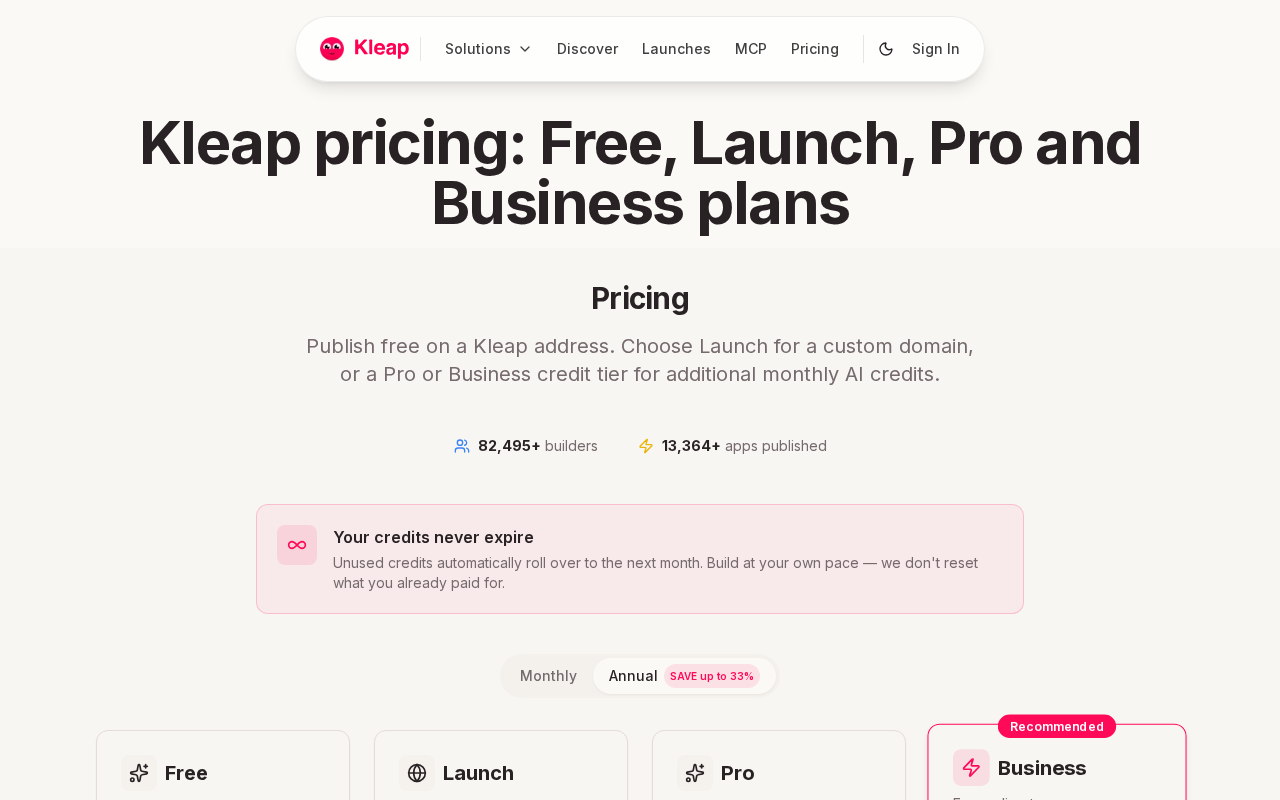
The free account publishes on a Kleap handle at no cost. Custom domains and business-grade features move to paid plans: Pro at $8.25/moyearly, Business at $8.25/moyearly, and Enterprise with custom pricing.
This structure mirrors the free-to-start model common across AI builders, where core creation stays accessible and professional operation requires payment.
Kleap suits entrepreneurs, freelancers, agencies, developers, and enterprise teams who need rapid product development and full-stack capabilities. The trade-off is that teams building a single static page may find the platform's application scope and feature set more than necessary.
Verify feature limits for your launch requirements before committing to any tier.
Wix AI Website Builder
Wix pairs an AI setup flow with its long-standing visual editor, making it a fit for anyone who wants a guided start but still expects to click around and adjust the layout by hand. The process begins with a prompt describing the business, then gives you a draft site built on Wix's own design system for manual refinement.
Wix AI Website Builder
Because Wix keeps its familiar drag-and-drop editor underneath the AI layer, first-time site builders get a starting layout without needing design skills. They can then adjust sections, fonts, and images without touching code. This suits local service businesses, freelancer portfolios, and early marketing pages that need a working draft fast.
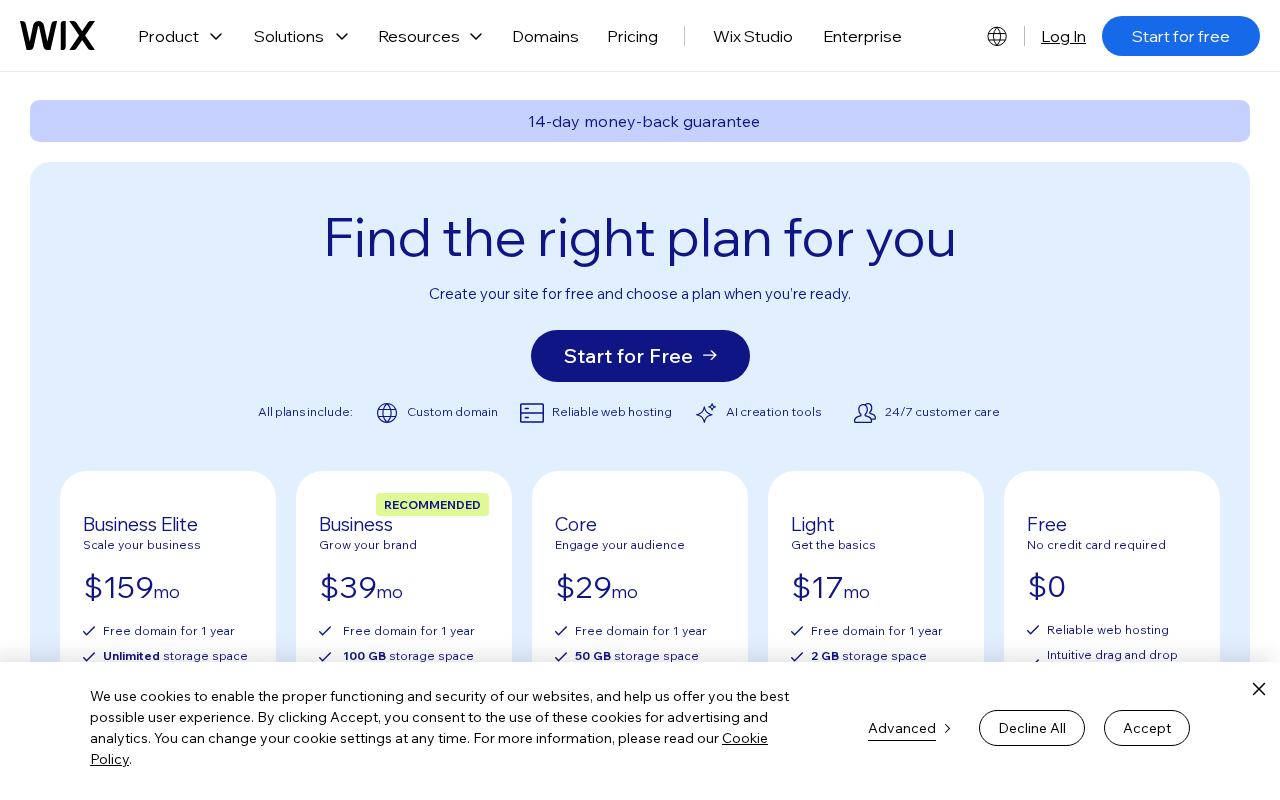
Wix advertises free access to its AI website builder, but a custom domain, online payment collection, and some additional features sit behind a Premium plan. That is the practical line between a free draft and a site ready to represent a business publicly.
For a closer look at how that boundary plays out among free builders generally, see this guide to free AI website builders with custom domain support.
Figma AI Website Generator: From Concept to Interactive Prototype
Figma's AI website generator turns prompts into responsive, interactive prototypes that teams can review and refine together before committing to development. This approach works for product teams, designers, and agencies validating concepts through quick iteration rather than immediate publishing.
Figma AI: Interactive prototypes for design validation
Figma generates site layouts from text descriptions, letting teams test navigation, interactions, and responsive behavior in the browser without writing code. The focus is exploration and stakeholder feedback rather than turnkey hosting.
AI features on the free Starter plan may depend on credits, so free access is not unlimited. Organizations needing a live site with forms, payments, and custom domains will still require a separate publishing platform after the design phase.
Jotform AI Website Builder: When Forms Drive the Website
Jotform AI Website Builder generates a site from your business prompt, organizing it around the forms you need for registrations, inquiries, or lead capture. If your primary conversion action is collecting structured information rather than selling products or publishing content, this approach aligns the site structure with your workflow from the start.
The free plan lets you build and publish on a Jotform subdomain, but form submissions, file storage, and branding removal sit behind paid tiers. Before committing to this platform, check whether the free-tier submission cap meets your expected volume and whether you need immediate custom-domain publishing.
Organizations running high-volume applications or requiring payment collection should verify that those features are included at their chosen plan level.
Jotform suits teams whose site exists to feed a form-based process. For users who need layout flexibility, ecommerce, or a full marketing site alongside form collection, compare its template options and editing controls with broader builders like Kleap or Wix to confirm the tool matches your publishing and design requirements.
Renderforest AI Website Builder
Renderforest positions itself as an accessible entry point for users who need a presentable site quickly, particularly for portfolios, promotional pages, and early brand concepts. The platform lets you describe your project and then generates a draft with a layout and placeholder content.

Renderforest: Fast visual output with verified free-plan limits
The AI-assisted creation works well for users with minimal design experience who need a starting point without writing code. But, free plans often include platform branding or a provider subdomain, which affects how professional the published site looks.
Before committing to the free tier, check whether it supports custom domains, analytics, forms, and SEO tools, features typically required for business websites.
The trade-off is speed versus control: you get quick visual output, but deeper customization needed for complex sites or applications may demand a paid upgrade or a different platform altogether.
Framer AI: Polished Design Without Starting From Scratch
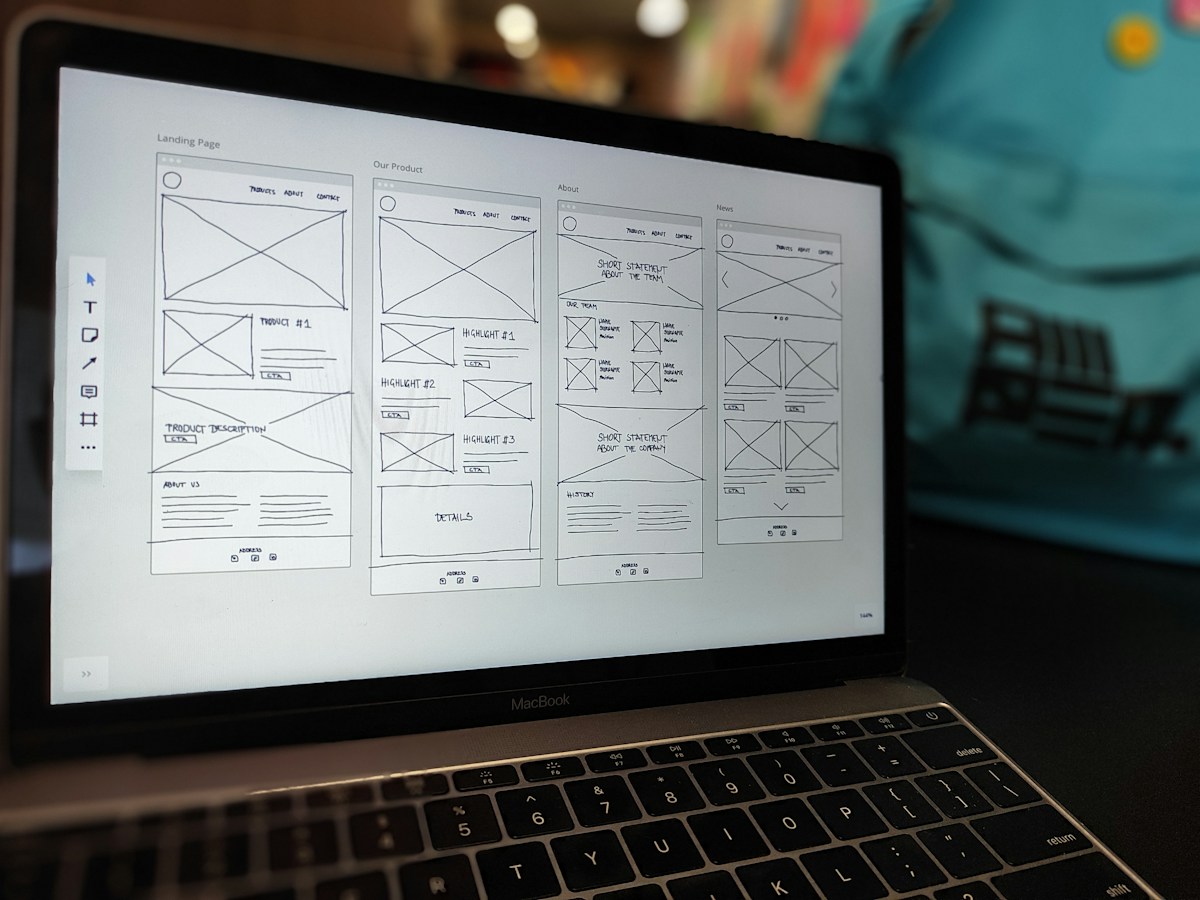
Framer AI creates visually polished site layouts from a prompt, targeting design-conscious users who want an attractive starting point without manual wireframing. The tool focuses on responsive design and animation control, making it suitable for landing pages, portfolios, and product marketing sites where visual presentation matters.
The initial generation delivers polished aesthetics, but users should verify how the free plan handles custom domains, page limits, and publishing restrictions before committing to a launch. Framer's editing interface gives more precise control over spacing, breakpoints, and interactions than typical drag-and-drop builders. This means a steeper learning curve when you move beyond the AI draft.
That trade-off works well for creative professionals comfortable with design tools but creates friction for users expecting one-click publishing.
Test responsive behavior across devices and confirm SEO settings are accessible in the free tier. For businesses requiring immediate professional presentation, check whether platform branding appears on the published site and whether forms, analytics, or payment integration need a paid upgrade.
Hostinger AI Website Builder: An All-in-One Launch Path
Hostinger bundles AI-powered website creation with hosting in a single package, simplifying the path from generated draft to live site. This matters when you want fewer accounts to manage and prefer a provider that handles domain registration, storage, and bandwidth alongside the builder itself.

Hostinger: Integrated Hosting and Domain Management
Hostinger's AI website builder creates layouts from prompts while keeping hosting, email, and domain services under one roof. That integration works for small businesses and personal sites that need a published website without coordinating multiple vendors.
The practical question is whether the initial offer is a permanently free plan or an evaluation period. Before committing, check renewal terms, storage limits, bandwidth caps, and whether SEO tools, forms, and ecommerce features stay available after any trial ends.
The trade-off is convenience against the need to understand long-term subscription conditions, since promotional pricing and trial access aren't the same as ongoing free operation.
Dorik AI, a Low-Barrier Option for Straightforward Sites
Dorik AI sits among free AI website builders that promise quick site creation from prompts, appealing to users who want a straightforward workflow without technical overhead. Because research for this specific builder doesn't establish which features stay free versus paid, verify before committing whether the free plan allows custom domain publishing, form collection, analytics access, and SEO controls, which are the tools a business site typically needs.
Dorik AI: Simple Starting Point With Upgrade-Path Uncertainty
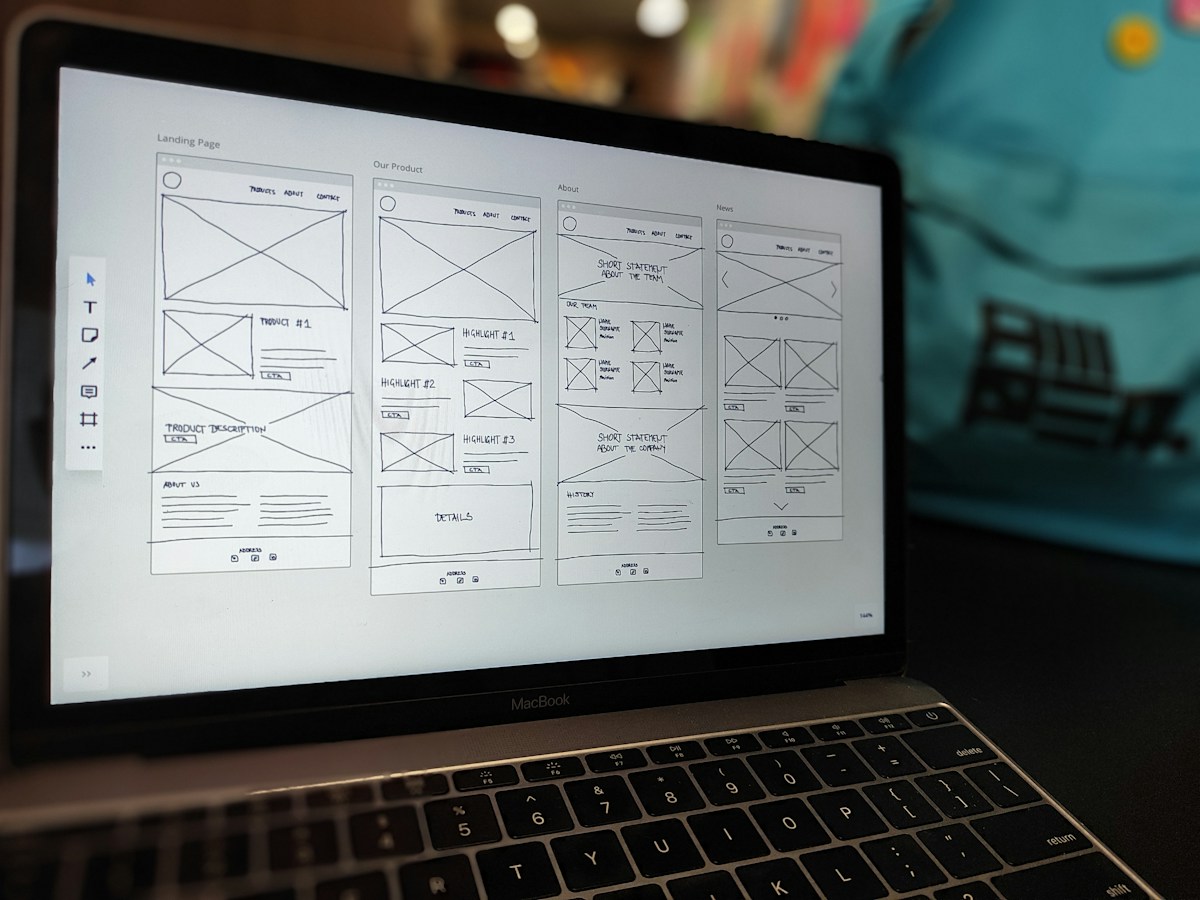
The tool targets beginners building brochure sites, portfolios, or landing pages where speed matters more than advanced application logic. The trade-off mirrors other free builders: low entry friction in exchange for possible feature limits as requirements grow.
If your project needs payment collection, complex forms, or deeper customization down the line, confirm upgrade costs and capabilities early rather than rebuilding later on a different platform.
The Verdict: Which Free AI Builder Fits Your Launch Goal?
We compared eight AI website builders based on AI generation quality, free-plan boundaries, and business feature access. The ranking below reflects editorial assessment of use-case fit, not market share or independent testing scores.
Kleap: Full-Stack Build and Instant Publishing
Kleap generates complete sites from prompts and includes hosting, forms, and custom domains within its free-to-start tier, making it a strong match for users who want rapid launches without assembling separate tools. Pro plans start at $8.25/moyearly when advanced features are needed.
Wix: Broad Beginner-Friendly Ecosystem
Wix AI offers accessible creation with extensive template support, though custom domains and payment collection need paid plans. Ideal for users prioritizing design variety over immediate professional publishing.
Jotform: Form-Centered Site Generation
Best when lead capture or data collection drives the site's purpose. AI builds layouts around form functionality, with publishing limits similar to other free tiers.
If testing an idea, most free plans work fine. For a business site, confirm your builder includes custom domains, analytics, SEO tools, and payment support before committing.
What Users Should Check Before Publishing
Before launching a site created with a free AI website builder, confirm five practical details that free-tier marketing often skips:
Generated Content Accuracy
Review every AI-written sentence, heading, and image caption. AI drafts often contain placeholder text, outdated business details, or generic phrasing that doesn't reflect your actual offer.
Mobile layout and navigation
Test the site on a phone. Free builders sometimes generate desktop-first layouts where menus, forms, or images break on smaller screens.
Forms and calls to action
Check that contact forms route to the correct email and that buttons link to working pages. Some free plans disable form submissions or require a paid upgrade to collect leads.
Custom domain requirements
Publishing on a provider subdomain is free, but a custom domain typically requires a paid plan. Confirm the upgrade cost if your business identity depends on a professional URL.
Code and content ownership
Platforms like Kleap provide full code access, allowing you to export or migrate your site. Others lock content to their system, limiting portability if you later switch providers.
Choose the Builder That Matches Your Next Launch
Select a builder by defining your minimum launch requirement first. If you need only a test page or portfolio, free tiers that publish under a subdomain work well.
For business use, custom domains, payment collection, analytics, or SEO control, verify which features remain free before committing.
Kleap: natural-language prompts to functional platforms
Kleap converts conversational descriptions into live websites and applications, handling design, hosting, forms, and domains in a single workflow. The free tier lets you start immediately; Pro ($8.25/moyearlynth) and Business ($8.25/moyearlynth) plans unlock custom domains and advanced business tools.
Best for users who value rapid deployment and full-stack capability without learning separate design or development tools.
Wix AI: visual editor with free publishing limits
Wix generates layouts from prompts and offers a permanently free plan that publishes on a Wix subdomain. Custom domains, payment processing, and feature unlocks require a paid plan.
Suitable for users who want visual editing control and accept platform branding during the test phase.
Test your chosen builder with a realistic project brief, inspect mobile output, and upgrade only when a specific business need justifies it.
Choosing the Right Free AI Website Builder
The practical boundary in free AI website builders is between tools that publish on a provider subdomain at no cost and those that call for payment for custom domains or business features. Kleap, Wix AI Website Builder, and Jotform AI Website Builder each offer free publishing on their own subdomains, while platforms like Figma AI Website Generator focus on prototyping rather than live hosting.
Before committing to a platform, check whether the free tier supports your publishing needs, form submission volume, and branding preferences. If you need full-stack capabilities with code ownership and enterprise hosting included in the free tier, create your site with Kleap → is worth considering.