How to Access Your Kleap AI Login in 5 Simple Steps and Solve Common Issues

Kleap AI login requires visiting app.kleap.co, entering your email and password, and completing any two-factor authentication if it is enabled.
- Access takes under 60 seconds when credentials are saved correctly.
- Enable two-factor authentication to protect your AI-powered website projects.
- Bookmark the official login page to avoid phishing sites that steal account data.
Have you ever lost 20 minutes trying to access a platform, only to realize you were on the wrong login page?
For entrepreneurs and marketing agencies building websites with AI tools, every minute counts. A smooth Kleap AI login process means less frustration and more time actually creating landing pages, prototypes, and applications that convert visitors into customers.
We will walk through the complete login process: finding the official Kleap portal, handling authentication steps, navigating common security prompts, and fixing the errors that trip up most users. These errors include password resets, browser compatibility issues, and account verification problems. You'll also learn security practices that other website builders rarely mention, along with mistakes that could lock you out of your projects.
By the end, you'll access your Kleap dashboard confidently and know exactly what to do when something goes wrong.
What you'll learn
- Why Kleap AI Login Matters for Your Digital Success
- What You Need Before Starting Your Kleap AI Login
- Navigate to the Official Kleap Login Page
- Enter Your Kleap Account Credentials Correctly
- Complete Two-Factor Authentication If It Is Enabled
Why Kleap AI Login Matters for Your Digital Success
Speed decides who survives in digital markets today. Traditional website builders lock users into hours of template hunting and endless manual tweaks.
Kleap changes this approach by using artificial intelligence to create unique layouts from scratch instead of recycled templates. Your Kleap AI login gives you instant access to AI-designed pages, built-in payment processing through Stripe, and database features without touching code.
This matters because every hour you save on development means faster market entry and quicker revenue generation for your business.

The Power of AI-Driven Website Building
Beyond basic page creation, the platform offers multilingual AI translation, QR code generation, and analytics dashboards. The infrastructure operates on global CDN delivery with automated SSL certificates and hardened security protocols.
Your Kleap AI login credentials secure access to enterprise-grade hosting that manages traffic spikes without any manual intervention needed.
Who Needs Kleap AI Login Access
Marketing agencies handling multiple client sites get real value from centralized dashboard control. Freelancers building membership platforms can use the built-in Stripe integration without hassle.
Enterprise teams needing custom domains and advanced analytics discover scalable solutions that start at hundreds monthly and scale with traffic and features.
Try it — build your site while you read
Describe what you want and get a live, publishable site in seconds. Free to start, no code.
Join 200,000+ makers building real websites with Kleap.
What You Need Before Starting Your Kleap AI Login
Before you access your Kleap dashboard, grab your registered email and password. Sounds simple enough, but here's what many users miss: if you turned on two-factor authentication during setup, you'll need your authentication device handy.
We suggest using Chrome, Firefox, Safari, or Edge for the best performance. These browsers work perfectly with Kleap's enterprise-grade infrastructure, including SSL certificates and advanced security protocols that keep your data safe.
Essential Account Information Checklist
Your Kleap AI login needs three essential things: a verified email, strong password, and stable internet connection. We recommend at least 5 Mbps for smooth editing. Check your inbox for the confirmation email with your verification link.
Can't find your credentials? The password reset feature restores access in roughly 90 seconds.
Browser and Device Requirements
Kleap works across desktop, tablet, and mobile devices without compatibility issues. Unlike traditional shopify AI website builder tools that limit mobile functionality, Kleap's responsive interface adapts to any screen size.
Just ensure your browser version isn't more than two years old; outdated software can interfere with AI-powered features and real-time collaboration tools.
Navigate to the Official Kleap Login Page
You can access the official Kleap AI login at app.kleap.co/login directly. Check for the padlock icon in your browser's address bar first. That confirms SSL encryption keeps your credentials safe during login.
Bookmark this page right after your first successful login to prevent typos. Those mistakes could send you to fake sites instead. Chrome and Safari users just press Ctrl+D or Cmd+D on Mac.
It saves the bookmark instantly without extra steps needed.
Finding the Correct Login URL
Head to Kleap's homepage and click the 'Login' button in the top-right corner. You can also check out no code website builder comparison platforms and jump straight to your favorite tool.
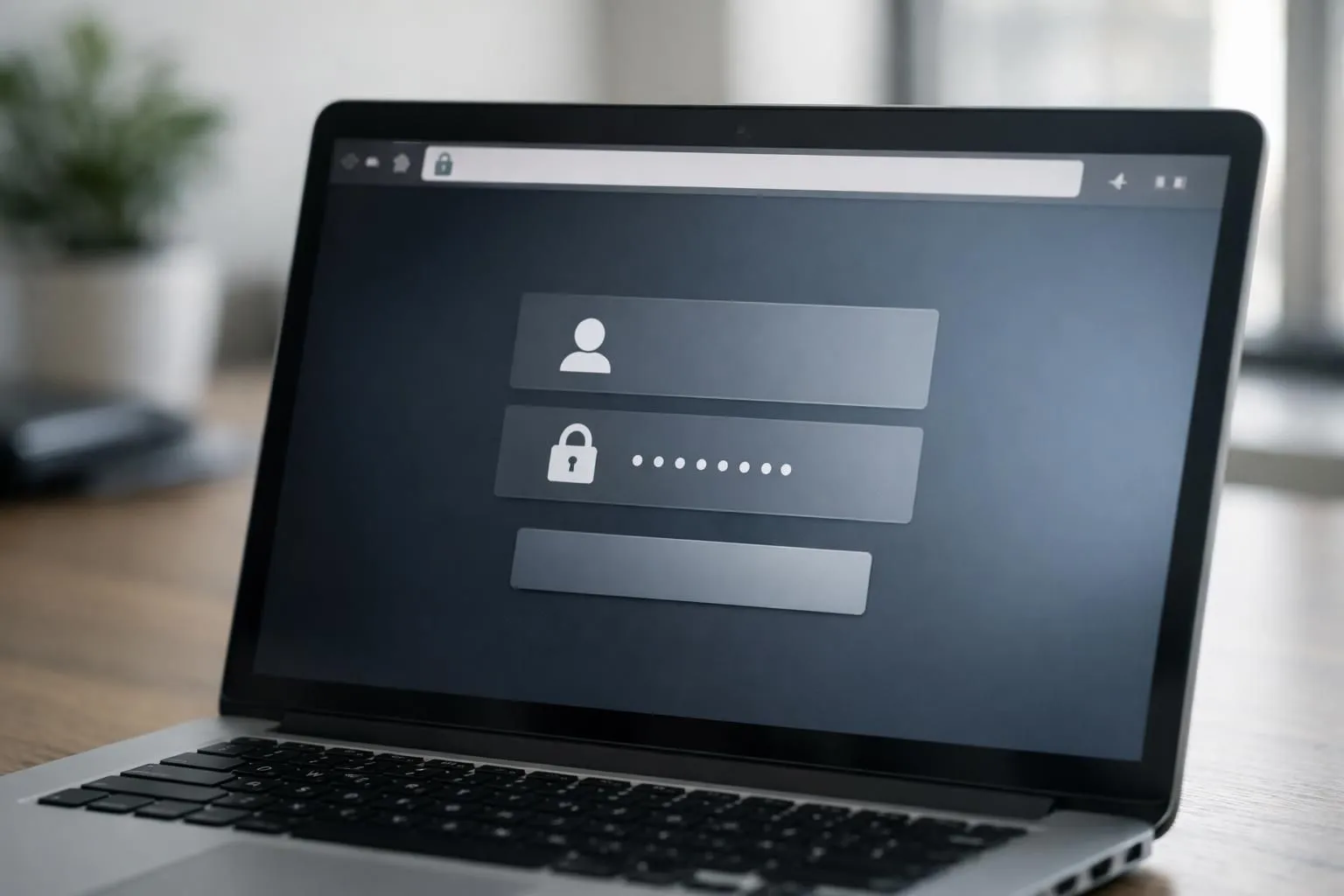
The real login page shows Kleap's clean interface with email and password fields right in the center. You won't see any ads or annoying pop-ups. GDPR compliance notices sit at the bottom, which is standard for legitimate platforms managing European user data.
Avoiding Phishing Sites and Security Threats
Cybercriminals design fake login pages that look exactly like Kleap's interface. What should raise concerns? Always check the domain name carefully before entering credentials.
Sites like 'kleap-login.com' or 'kleap-secure.net' are complete scams targeting users. The real domain only uses 'kleap.co' without any extra words or characters. Don't click login links from random emails that claim your account needs urgent verification. If you're unsure about a link, just type the URL manually or use your saved bookmark instead.
Here's a solid Kleap tip: turn on two-factor authentication right after your first Kleap AI login.
This step adds a verification code requirement even when attackers manage to steal your password.
Enter Your Kleap Account Credentials Correctly
Getting your credentials right saves you from unnecessary headaches down the road. Start by entering your registered email in the field, and make sure no extra spaces slip in.
Most Kleap AI login problems come from basic typos like '[email protected]' instead of 'gmail.com'. That simple mistake trips up tons of users.
Don't forget to check your caps lock. Passwords are case-sensitive, so 'MyPassword123' isn't the same as 'mypassword123'.

Email Address Input Best Practices
Double-check that your email format follows the standard conventions we all know. Valid addresses need an '@' symbol between your username and domain.
Most password managers work seamlessly with Kleap's credential fields and auto-fill your saved info securely. Don't retype manually if your browser offers autofill, since it cuts out human error.
Password Entry and Visibility Options
Click the eye icon next to your password field to show or hide what you typed. It's perfect for catching typos before you hit submit.
The "Remember Me" option keeps you logged in between sessions, but don't use it on shared computers. Kleap uses strong security to protect against typical platform threats, but your own password habits matter just as much.
Complete Two-Factor Authentication If Enabled
Two-factor authentication adds a critical security layer to your Kleap AI login process. When enabled, you'll need both your password and a time-sensitive code to access your account.
This prevents unauthorized access even if someone obtains your credentials. Kleap integrates with major authenticator apps like Google Authenticator and Authy, which generate six-digit codes that refresh every 30 seconds.
Alternatively, you can receive codes via SMS or email if you have not configured an app-based method yet.

Understanding 2FA Security Benefits
Enterprise-grade platforms depend on multi-factor authentication to keep sensitive data secure. Agencies managing client projects or businesses processing payments through Stripe need this protection.
The system generates time-sensitive verification codes that expire in minutes, which makes stolen credentials practically worthless to attackers trying to break in.
Entering Your Verification Code
Open your authenticator app and find the Kleap entry there. The code refreshes automatically.
Type it in quickly since most codes expire after just 30 seconds. If your code doesn't work, wait for the next refresh instead of trying those same digits again.
Didn't get an SMS code? Check your phone's message filters or request a new one after 60 seconds pass.
Kleap gives you backup recovery codes during initial setup, so store these securely for emergency access situations.
Verify Your Identity and Accept Security Prompts
Sometimes security gets in the way. But not here.
When you try the Kleap AI login from a new device or location, the platform triggers extra verification to block unauthorized access. You'll get an email confirmation link that you need to click to authorize the session.
This multi-factor authentication approach meets GDPR compliance standards. It keeps your data protected across Kleap's enterprise-grade infrastructure with a 99% uptime SLA.
New Device Recognition Alerts
First login from a tablet? Kleap flags it.
The system fires off an instant alert to your registered email, asking you to confirm whether you started the session. You can approve trusted devices through your account settings to skip this step for future logins, which is super helpful for teams managing multiple workstations.
Location-Based Security Checks
IP verification triggers when you log in from Dallas after your last session in New York. Got an unauthorized login alert? Reset your password right away and check your recent account activity. Kleap tip: Turn on location-based notifications in your security settings to track access patterns and catch suspicious login attempts fast.
Access Your Kleap Dashboard and Start Building
After you finish the Kleap AI login process, you'll see a workspace that's built for getting things done fast. Your active projects show up right in the center, and you can start new sites instantly with AI-powered design tools.
The left sidebar handles all navigation, so templates, databases, forms, and commerce settings are just one click away. You won't waste time digging through complicated menus.

Navigating Your Account Dashboard
The top bar holds your account settings and notification alerts. You'll find analytics under 'Insights,' where visitor behavior patterns and conversion metrics appear.
Payment processing works through Stripe integration, which you can access via 'Commerce.' Membership management sits next to blog and knowledge base tools. The QR code generator lives in the utilities menu.
Multilingual support runs on AI translation. Just select any page, pick your target languages, and the system handles localization on its own.
Quick Start Actions After Login
Start by exploring available templates or launching the AI builder for custom layouts. Check platform updates in the notification panel; new features roll out monthly.
Configure your Stripe account early if you are selling products or services.
What Other Website Builders Won't Tell You About Login Security
Most website builders promote sleek templates and simple drag-and-drop features. But they don't talk openly about security gaps hiding beneath the surface. Template platforms often use shared hosting, where vulnerabilities in one site can compromise thousands of others.
SSL certificate management gets left to users, so many small businesses operate without proper encryption. That exposes customer data during every Kleap AI login attempt. Even worse, some platforms lack solid protections against common exploits like SQL injection or cross-site scripting attacks.
Kleap takes a different approach with enterprise-grade infrastructure built into every account. Managed hosting includes automatic SSL certificates and global CDN delivery that blocks malicious traffic. Plus, automated backups preserve your data even after attempted breaches.

The platform's GDPR compliance and 99% uptime SLA aren't just marketing terms. They're contractual guarantees you can actually count on. Custom domain support comes with built-in security features that monitor login attempts and flag suspicious activity.
That's protection that would typically cost hundreds of dollars monthly on other platforms.
Hidden Vulnerabilities in Competitor Platforms
Standard website builders often rely on outdated authentication methods. Your login credentials share databases with thousands of other accounts, so one breach can expose everyone's data.
Kleap's Enterprise-Grade Protection Advantages
Isolated hosting setups, ongoing security updates, and AI-tracked traffic patterns build defense layers that adapt as new threats emerge.
Troubleshooting Common Kleap Login Problems
Can't access your account? Login issues happen to everyone, and they're usually fixable in minutes.
The most frequent culprits are browser cache conflicts, expired sessions, or simple typos in credentials. Before panicking, check if your Caps Lock is on; this is surprisingly common.
If that's not it, clear your browser cookies and try again. Still stuck?
Let's walk through the two main scenarios users face.

Forgotten Password Recovery Process
Click the 'Forgot Password' link on the Kleap AI login page. You'll receive a reset email within 2-3 minutes (check spam folders if it doesn't appear).
The recovery link expires after 24 hours for security reasons, so use it promptly. If emails aren't arriving, verify the address associated with your account or contact support at [email protected]; our team typically responds within 4-6 business hours.
Account Locked or Access Denied Solutions
After five wrong login attempts, you'll face a 15-minute lockout automatically. Just wait, then try again. If you keep seeing 'Access Denied' errors, it's usually a browser problem.
Switch to Chrome or Firefox. Sessions expire after 30 minutes of being idle, so you'll need to log back in.
Mistakes to Avoid When Logging Into Kleap
Login looks simple enough, but basic mistakes can expose your account to breaches or lock you out.
Most users don't realize they're compromising security, while others trigger lockouts through oversights that are totally preventable.
Security Errors That Compromise Your Account
Using public WiFi without a VPN is one of the riskiest things you can do. Coffee shop networks let attackers grab your credentials without breaking a sweat.
Just as dangerous is storing passwords on shared computers or hitting 'Remember Me' on public devices. This gives anyone using that machine direct access to your Kleap workspace.
Reusing passwords across platforms creates a domino effect where one breach takes down everything. Keep your recovery email updated because outdated addresses can lock you out permanently when emergencies hit.
Time-Wasting Login Mistakes
Typos lock you out faster than most people realize. Just three wrong attempts can freeze your account for hours.
Skipping verification emails slows things down when Kleap spots weird activity. Old browsers or messed-up cache create ghost errors that vanish once you clear stored data.
Prevention beats dealing with recovery headaches every single time.
Frequently Asked Questions About Kleap AI Login
Have questions about getting into your account? Many users do.
We've gathered answers to frequent questions about the Kleap AI login process, from initial setup through advanced security options.
Account Access and Security Questions
Creating a new account takes just a few seconds to complete. Visit the Kleap homepage and click signup to start with email verification.
Password requirements follow industry-standard security guidelines with a minimum of eight characters, combining uppercase, lowercase, and numbers. Multi-device access works seamlessly, so you can stay logged in on your laptop while checking projects on your phone.
Sessions stay active for 30 days unless you log out manually. Payment data uses encryption protocols, which means your financial information stays protected through secure channels.
Need to update your login email? Just navigate to account settings and request the change through verification steps.
Technical and Troubleshooting FAQs
Think someone got into your account? Reset your password right away and turn on two-factor authentication in security settings.
Enterprise teams can ask support about single sign-on options, since SSO access varies by subscription level and what your organization needs.
Start Building with Kleap's AI-Powered Platform Today
You've walked through the five straightforward steps to access your workspace. Simple, right?
Now comes the exciting part: leveraging Kleap's artificial intelligence capabilities to build sites faster than traditional platforms allow. Whether you're a freelancer managing client projects or an enterprise team coordinating complex deployments, the Kleap AI login gateway unlocks tools designed for efficiency.
Think AI-generated layouts that adapt to your content, integrated Stripe payment processing, multilingual support for global reach, and built-in analytics dashboards.
Next Steps After Successful Login
Once you're in, check out the dashboard step by step. Start with the template library, but remember Kleap creates unique designs instead of generic templates.
Try the QR code generator for your offline campaigns. Set up your custom domain and check SSL certificates, which Kleap's content delivery network infrastructure handles automatically.
Maximizing Your Kleap Experience
Don't just build stuff, optimize it. Test different membership tiers, knowledge base layouts, and form automations.
Pricing ranges from free trials to enterprise plans costing thousands per month, so pick features that fit your growth stage. Want to change how you create digital properties?
Log in now or sign up to see what modern development actually looks like.
Your Kleap AI Login Journey Starts Now
You've walked through the complete Kleap AI login process, from understanding why secure access matters to preparing your credentials and navigating to the official portal. These aren't just steps.
They're your gateway to AI-powered website building that actually works.
Don't wait to transform your digital presence. Open your browser, head to the Kleap login page, and experience the platform's intuitive interface yourself.
Ready to build something extraordinary? The Kleap platform is waiting for you to log in and start creating.
Whether you're launching your first AI-powered site or managing multiple projects, your dashboard has everything you need.
Visit kleap.co today and see why thousands of creators trust Kleap for their digital projects. Your next breakthrough website is just a login away.
Your digital future deserves the best tools available.


