Cosmic nebula painting, deep space, swirling galaxies, stars and planets, sci-fi art
🖼️
Impressionist garden scene, Monet style, water lilies, soft brushstrokes, pastel colors
An AI image generator turns a written description into a picture. Kleap's free AI image generator draws a square 768×768 image from your text in about 5 to 10 seconds, using the FLUX.2 model on Cloudflare. Your first image is free with a free account, and you can put it straight on a website.
Not the right tool if you need to edit a photo you already have, a transparent PNG, or a vector SVG file.
Real images made with this generator
Each picture below came out of the same model this page uses (FLUX.2 [klein] 9B on Cloudflare Workers AI), first try, no retouching. We ran them on November 28, 2026: each took between 5 and 9.3 seconds. The prompt is printed under each image so you can reuse it.
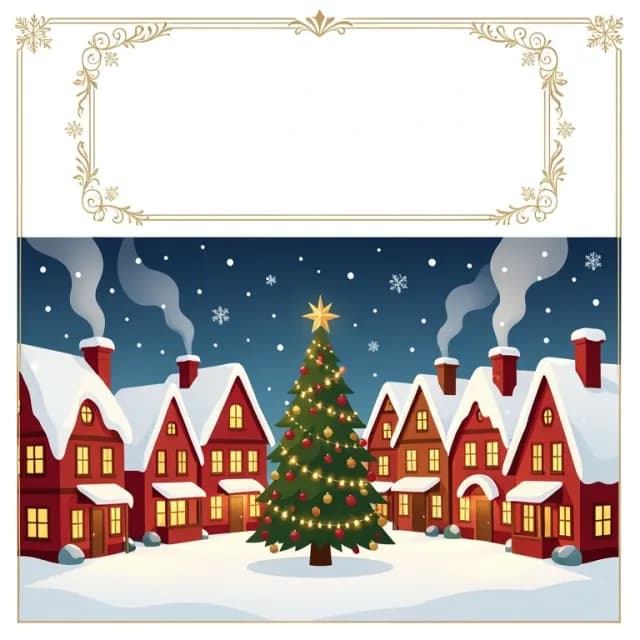
Holiday card
Prompt:Festive holiday greeting card illustration, cozy snowy village at night with warm lit windows, a decorated pine tree, soft falling snow, red and gold palette, space at the top for a message, flat vector style
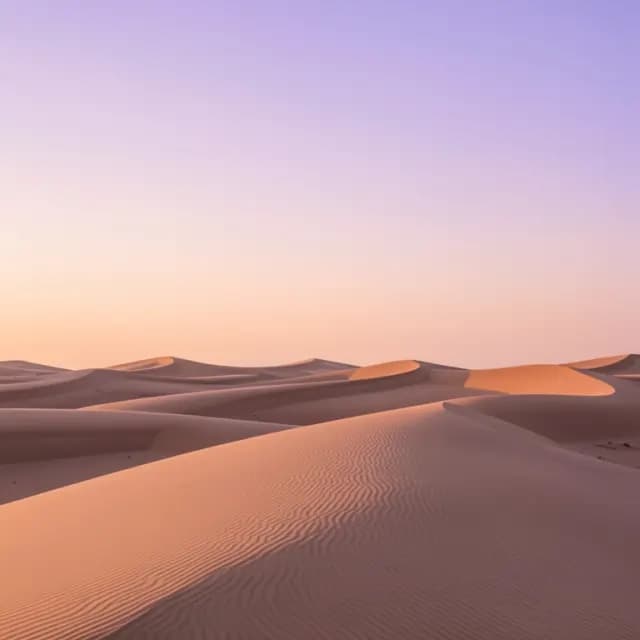
Wallpaper
Prompt:Minimal phone wallpaper, calm desert dunes at sunrise, soft peach and lavender gradient sky, smooth shapes, no text, high detail
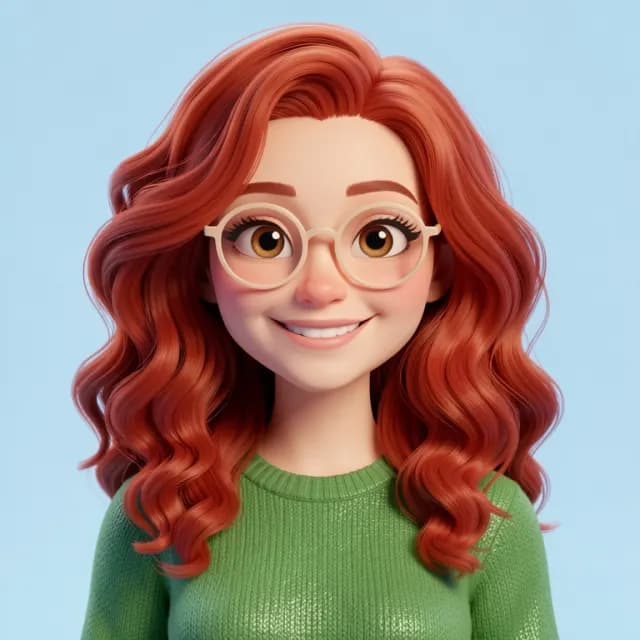
Avatar
Prompt:Friendly cartoon avatar of a smiling woman with curly red hair and round glasses, wearing a green sweater, plain light blue background, 3D Pixar-like style, head and shoulders
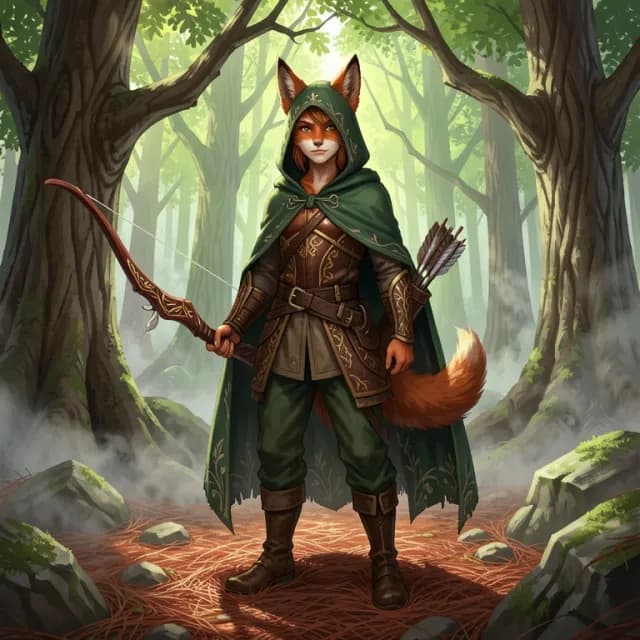
Character
Prompt:Full-body fantasy character concept art, a young fox-eared ranger in a hooded forest-green cloak holding a wooden bow, standing in a misty forest, detailed painterly style
Logo icon
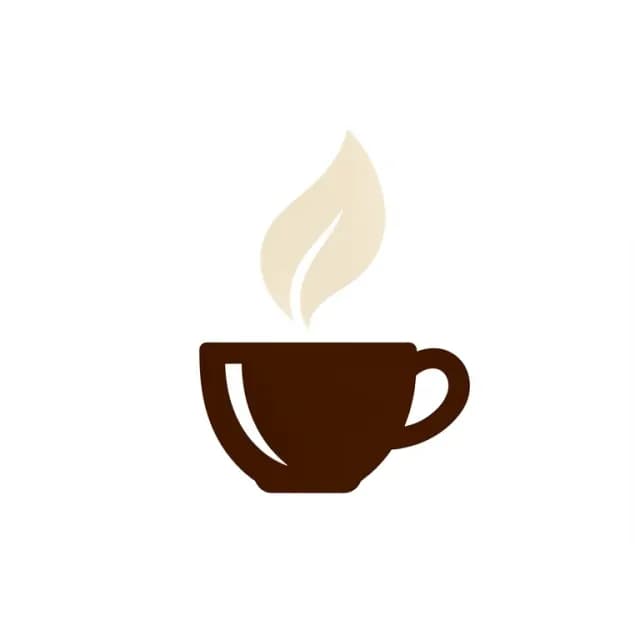
Prompt:Simple flat vector logo icon for a coffee shop, a coffee cup with steam shaped like a leaf, two colors dark brown and cream, centered on a plain white background, no text
Product photo
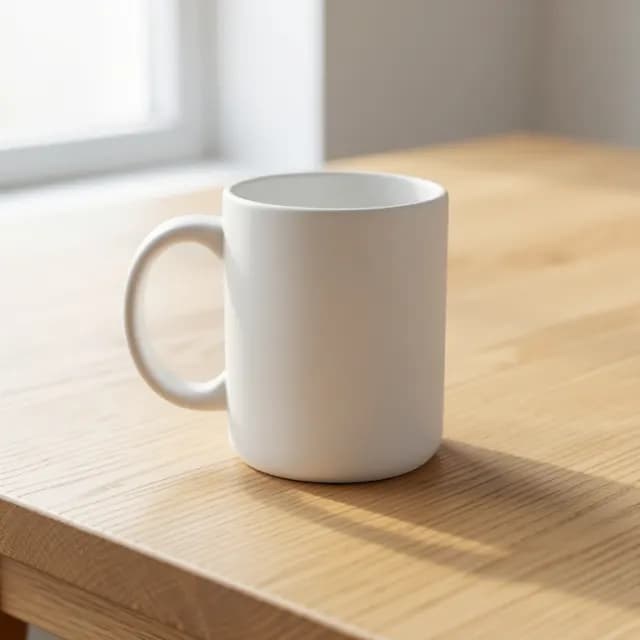
Prompt:Product photo of a matte white ceramic mug on a light oak table, soft morning window light, shallow depth of field, clean e-commerce style
How to generate AI images for free?
3 simple steps to create unique visuals
1
Describe your idea
Enter a detailed description of the image you want to create. The more specific you are, the better the result.
2
Let AI do the work
Our powerful AI model analyzes your text and generates a unique image in seconds.
3
Use on your website
Download your image or integrate it directly into the Kleap website builder.
Why use our AI image generator?
🚀 For your Website
No more generic stock photos. Create visuals that perfectly match your brand and message.
🛍️ For E-commerce
Showcase your products in unique environments without expensive photoshoots.
📱 For Social Media
Generate viral and engaging content for Instagram, LinkedIn, and Twitter in one click.
🎨 For your Blog
Illustrate your articles with relevant images that captivate your readers.
Why Kleap is different?
Other Generators
❌ Separate tools, isolated images
❌ Paid or watermarked
❌ Complicated to use
Kleap AI
✅ Integrated with site builder
✅ Free to start
✅ Simple as a text
Kleap's free AI image generator turns text into pictures with the FLUX.2 model on Cloudflare: illustrations, product photos, avatars, wallpapers and holiday cards for your website and social media.
What you can make with a free AI image creator
The generator draws anything you can describe. These are the four things people ask it for most, with what works and what does not.
Make a holiday card with AI
Describe the scene, the colours and where the message goes: "snowy village at night, red and gold, space at the top for a message". The model keeps an empty area when you ask for one. Write the greeting yourself on top: AI models often misspell words drawn inside a picture. Then click "Make a holiday card" under your image to turn it into a card page you can send by link.
Create a wallpaper for your phone or desktop
Ask for a calm subject, soft colours and "no text": busy pictures hide your icons. Every image comes out square (768×768 pixels), so on a phone you crop the middle, and on a large desktop screen the picture will look soft. For a sharp 4K desktop wallpaper, a generator that outputs wide, high-resolution images is a better fit.
Make an avatar or an AI character
For an avatar, name the style ("3D cartoon", "anime", "flat illustration"), the face, the hair, the clothes and a plain background, then pick the matching style chip. For a character, add the pose, the outfit and the setting. Each prompt gives a new person: the same character will not come back identical in a second image.
SVG and logos: when to use the logo maker instead
This generator makes a picture (a JPEG file), not an SVG vector. A simple icon looks clean, as the coffee cup above shows, but it cannot be resized without losing sharpness and the letters of a brand name often come out wrong. For a logo with your name in a real font and a vector file, use the free logo maker.
Kleap vs Bing Image Creator, ChatGPT and Perchance
All four can make an image from text for free. They differ in how many images you get, whether you need an account and what you can do next. Here is what each one does better.
Kleap
Bing Image Creator
ChatGPT (free)
Perchance
Account needed
Yes, free, no card
Microsoft account to create without the guest limit
Yes, an OpenAI account
No, according to third-party reviews
Free images
1, then plan usage
15 fast creations a day, then slower, up to 200 prompts per 24 hours
No fixed number published; about 3 a day announced in March 2025, "may change based on demand"
No limit published
Image size
768×768, square
Not stated in its FAQ
Square, portrait or landscape
Several shapes
What it does better
Puts the picture on a website or card in one click
Many free images every day
Edits an image by conversation, handles text better
Many art styles, nothing to sign up for
Checked on November 28, 2026. Limits change often: follow the source links to see today's numbers.
Know these before you start, so the result does not surprise you.
One size only: square, 768×768 pixels, JPEG. No portrait, landscape or 4K.
One free image per free account. After that, images use part of your plan's usage.
Images made on this page appear in the public community gallery below, with their prompt. Do not describe private information.
Words drawn inside the image are often misspelled. Add text on your site instead.
No editing of an uploaded photo here: use the AI photo editor for that.
Sexual or explicit images, and prompts about illegal activity, are refused.
Frequently Asked Questions
Is it really free?
Yes, to start. A free account (no credit card) gives you your first image at no cost. After that, each image uses part of your plan's usage, the same way a chat message does. There is no unlimited free tier.
Can I use images for my commercial site?
Yes. Kleap claims no ownership of the images you generate, and adds no watermark: you can use them on your website, in ads and on social media. Avoid prompts that copy a brand's logo, a famous character or a real person's face.
What is the image quality?
Images are generated as square images of 768×768 pixels or larger, sized for website sections, blog posts and social media.
How to put the image on my site?
Under the image, click "Build site with this image". A site composer opens with a prompt that describes your picture; send it and Kleap builds the page. The builder draws the picture again from that description: download your image too if you need this exact one.
Can I use this AI image generator without signing up?
No. You need a free account, and it takes no credit card. We ask for it because every image costs real computing time and lands in a public gallery, so an account lets us stop abuse. Bing Image Creator also asks for a Microsoft account beyond its guest limit; Perchance needs none.
Is Kleap the same as Bing Image Creator?
No. Bing Image Creator is Microsoft's generator: it gives 15 fast creations a day, then slower ones, up to 200 prompts per 24 hours (its FAQ, checked November 28, 2026). Kleap gives one free image, then uses your plan, and its strength is putting the picture on a website or card in one click.
How is it different from ChatGPT's image generator?
ChatGPT makes images inside a conversation and can change them when you ask; it also draws text more reliably. Its free tier has a small daily cap that OpenAI says varies with demand. Kleap is a single box: you type, get a square image, then turn it into a website or a holiday card.
Is there an unlimited free AI image generator with no restrictions?
Not here, and be careful with sites that promise it: the pictures cost computing time, so someone pays, often through ads or your data. Kleap gives one free image, then counts images against your plan. It refuses sexual images and illegal content.
Can it make wallpapers, avatars and characters?
Yes. Describe the subject, the style and the background, and pick a style chip such as 3D, Anime or Art. Images are square, 768×768 pixels: crop them for a phone wallpaper. The same character will not come back identical in a second image, so download the one you like.
Can it make an SVG file or a logo?
It makes a JPEG picture, not an SVG vector, and letters often come out wrong. A simple icon works, as the coffee cup example on this page shows. For a logo with your brand name in a real font, use Kleap's free logo maker instead.
Which AI model makes the images?
FLUX.2 [klein] 9B, made by Black Forest Labs and run on Cloudflare Workers AI. In our test on November 28, 2026, six images took between 5 and 9.3 seconds each. The style chips add a style description to your prompt before it is sent to the model.
Can I make a Christmas or holiday card with AI?
Yes. Describe the scene and ask for "space at the top for a message", then click "Make a holiday card" under the image. Kleap builds a card page you can share by link, with your greeting written as real text rather than drawn by the model.