AI story generator
Give a character and an idea. Download the story as a PDF.
- TestedIn our test on 6 Nov 2026, the request in the box gave the 6-page PDF story 73 seconds after Create. Times are Kleap's own timer for the AI's turn in our test (one run, or the median where we repeated it), not a promise: yours may take longer, and reading and checking the file comes on top.
- Free to startYour first try usually needs no account; to keep the result, Kleap asks for a free account, with no card. Each file uses Kleap usage, and the free plan's usage refills automatically.
- Using the boxThe box holds a sample bedtime story. Press Create, or write your own idea, reader and length in its place. Read it before you share it.
What is an AI story generator?
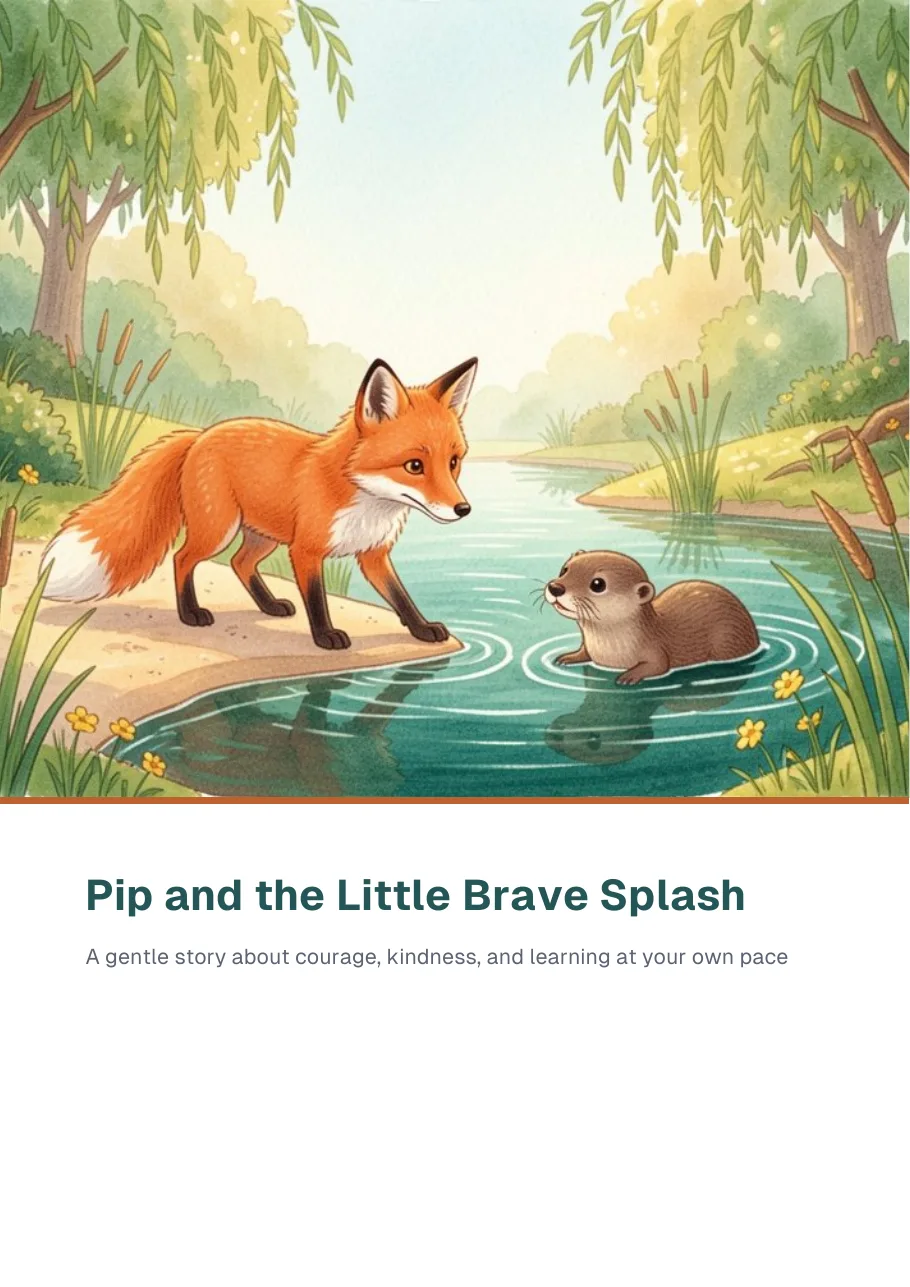
An AI story generator writes a complete story from a short idea: a character, a place, what happens and who will read it. Kleap's AI story generator hands it back as a laid-out PDF rather than text in a chat. In our test, one sentence about a shy fox who learns to swim gave a 6-page PDF in 73 seconds: a cover with a picture made for the story, a linked contents page, about 1,000 words in eight short chapters for young children, and a closing page with a note for grown-ups and a question to talk about. You can set the reader's age, the length, the tone and the names, and ask for any rewrite in the same chat. It makes one picture, on the cover; the pages inside are text. Read every story before you share it, and check the rules of any shop or contest before you sell one.
Checked on 6 November 2026 by the Kleap product team. Test: “Write a children's story as a PDF about a shy fox who learns to swim, with a picture on the cover.”, .pdf, 73 s to the file.
Measured on
One real run of the prompt above: a fresh project, the real Kleap interface, a test account. Times run from the request reaching Kleap to the file being saved (photos: from pressing Create to the end of the reply). One run, not an average.
- Time to the file
- 73 s
- Pages
- 6
- Picture made for it
- 1, on the cover
- File size
- 170 KB (.pdf)
See what this prompt creates
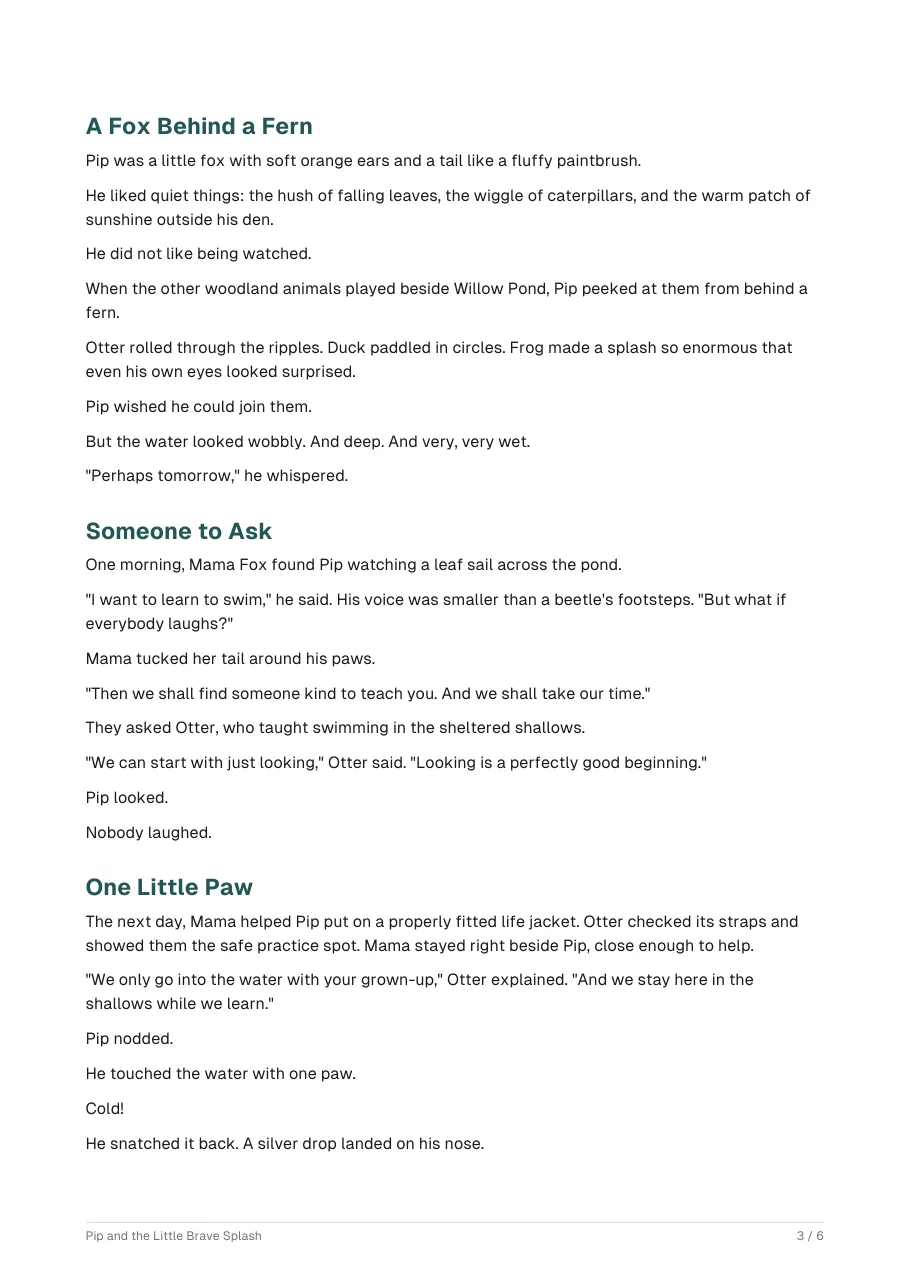
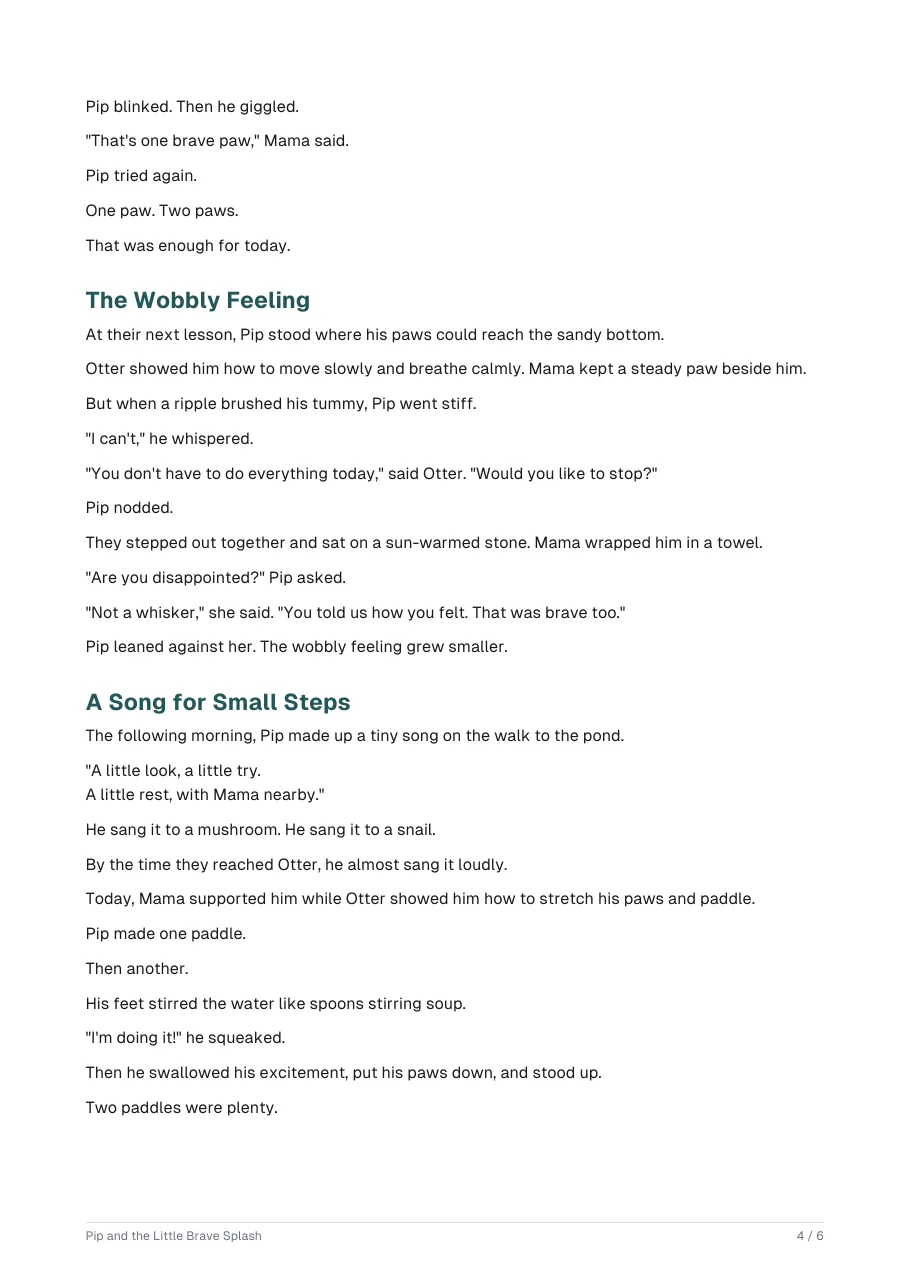
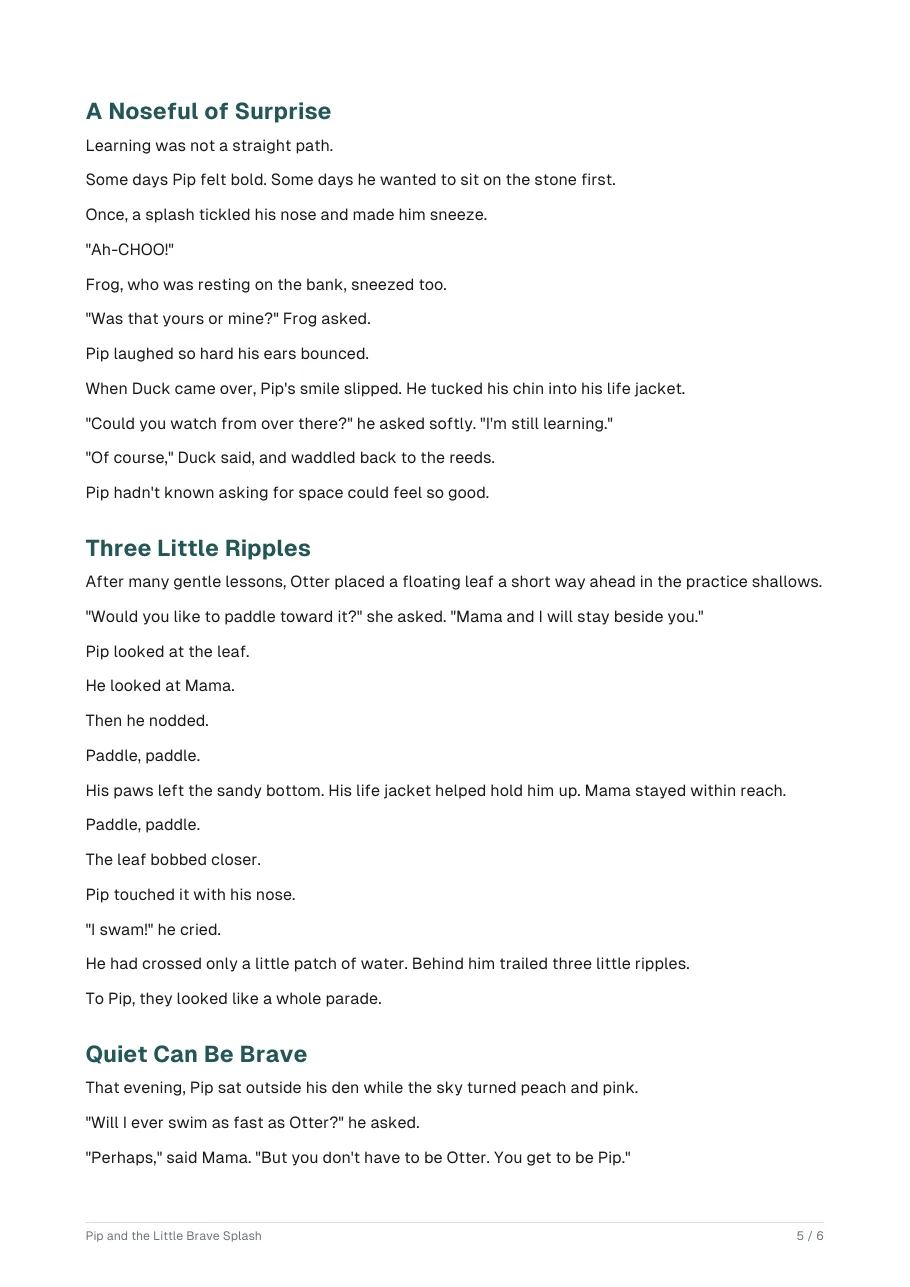
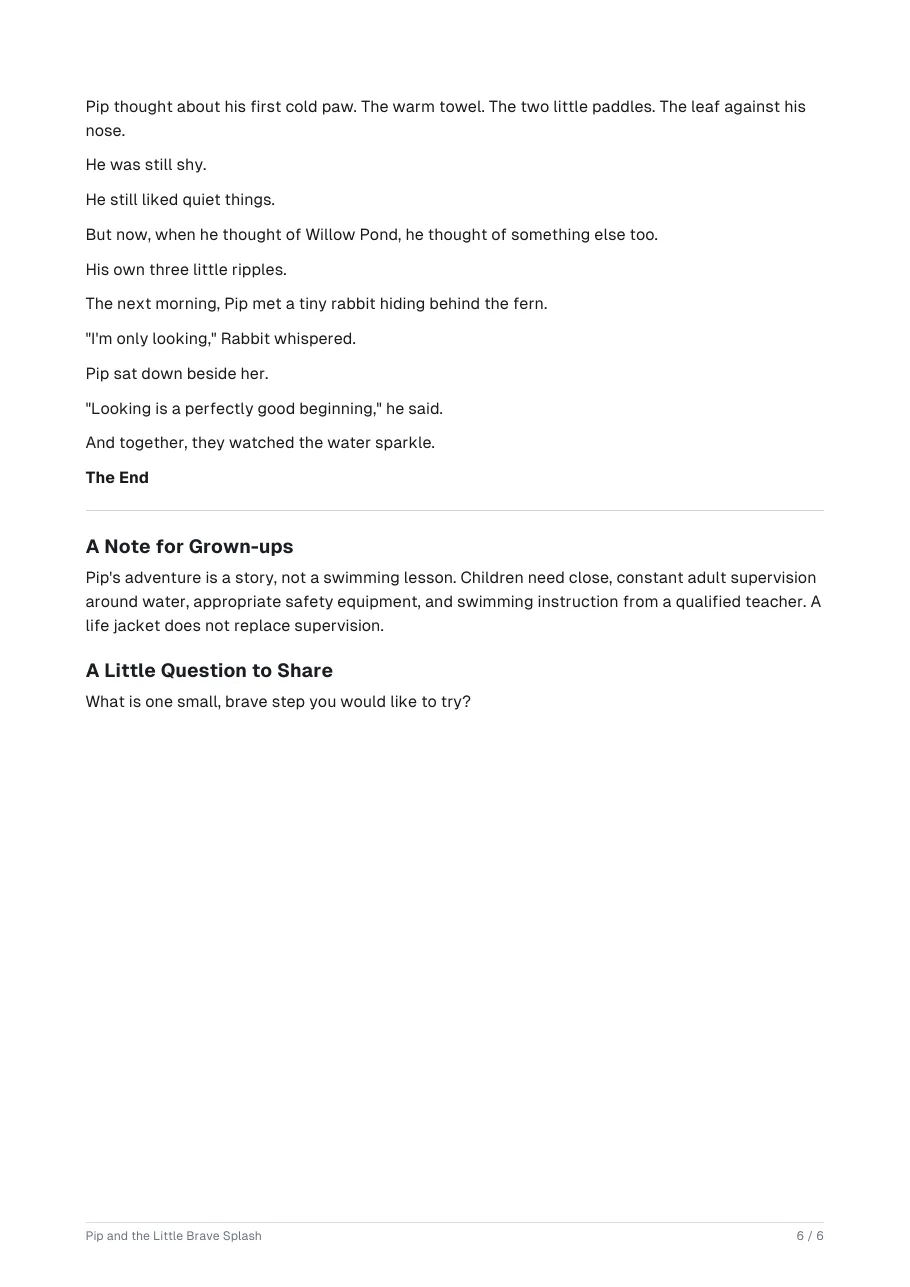
Real output of the prompt in the box above, generated with Kleap on 6 November 2026, rendered from the delivered file. Not a mockup. With the request in the box, Kleap returned a 6-page PDF story 73 seconds after Create: "Pip and the Little Brave Splash". Page 1 is the cover with a watercolour-style picture made for the story, page 2 a linked contents list, pages 3 to 5 the story in eight short chapters, and page 6 a note for grown-ups on water safety and a question to share. There is one picture in the file, on the cover.
What we checked in the delivered file
- 6 pages; 1 picture in the file, on the cover (pdfimages).
- A contents list on page 2 with eight chapters and two closing sections, each linked.
- About 1,020 words in short sentences, written for young children.
- Page 6 adds a note for grown-ups: the story is not a swimming lesson, children need close adult supervision.
Show the exact prompt
Write a children's story as a PDF about a shy fox who learns to swim, with a picture on the cover.
Stories for every reader
Bedtime stories
Short, calm stories to read aloud, with your child as the hero.
Picture-book drafts
A text with page breaks, to illustrate yourself or with an artist.
Short stories for adults
Literary, funny or dark, at the length you set.
Classroom stories
A story on a topic with reading questions at the end.
Gift stories
A story about a family member or a shared memory, to print.
From idea to story in three steps
Give the idea
A character, a place, what happens and who will read it. The more you give, the more the story is yours.
Kleap writes and lays it out
It writes the story in the tone and length you ask for, makes a cover picture and typesets the PDF.
Read it and ask for changes
Ask for a softer ending, a new name or shorter sentences, and a new PDF comes back.
How Kleap compares
Facts from each tool's own page, read on 6 November 2026 (follow the source link to check). Kleap's row describes what the example above shows.
Which tool for which case
Pick Squibler when you want a free story generator with a writing workspace to revise and extend a draft. Pick Sudowrite when you are writing a novel and want an AI partner across many sessions. Pick Manus when you want an agent to research a topic before writing. Pick Kleap when you want a finished, printable PDF with a cover picture from one sentence, then rewrites in the same chat.
| Tool | What you get | Free path | Best at |
|---|---|---|---|
| Kleap | Finished story as a PDF, picture on the cover | Your first try usually needs no account; to keep the result, Kleap asks for a free account, with no card. Pro from $25/month (see /pricing). | Rewrite in the same chat; a story website or an e-book is one message away |
| Google's US top 3 for “ai story generator”, read 6 November 2026 | |||
| Squibler AI story generatorSource, checked 6 Nov 2026 | Short stories and novels from your idea, with genre tools and a workspace to revise | Free AI story generator (no sign-up, unlimited), per its page | A writing workspace for extending a draft |
| SudowriteSource, checked 6 Nov 2026 | AI writing partner for fiction authors | Free trial; paid plans up to Max at $44 per month | Built for novelists who publish several times a year |
| Manus story generatorSource, checked 6 Nov 2026 | Stories, story ideas and formatted story projects from an agent | Free daily credits for new users | Can research topics and create visual assets |
Start free. Upgrade when you need more.
Your first try usually needs no account; to keep the result, Kleap asks for a free account, with no card. Files and images use your Kleap usage: free usage refills over time, and paid plans add much more.
Free
- Free usage that refills
- Free account to save your results and find them again
Pro
- Much more usage
- Custom domain for your Kleap websites
When is a finished PDF the right way to get a story?
A chat reply is fine for an idea. A story you want to read aloud, print for a child or send to a grandparent is better as a laid-out file with a title page and a cover picture. That is what Kleap returns: the story typeset as a PDF you can open on a phone or print at home.
A guide with chapters belongs in the AI ebook generator, and a one-page printable in the AI PDF creator. If you write for a class, ask for reading questions at the end, as in the third example above.
Questions, answered.
How do I generate a story with Kleap?
Write the idea, the main character and the reader in the box at the top of this page and press Create. Kleap writes the story and hands it back as a PDF in the chat.
Can I make a story for a specific age?
Yes. Give the age and how long it should take to read, and Kleap matches the sentence length and words to that reader.
Does the story have pictures?
One picture, on the cover, made for the story. The pages inside are text: in our test the file held exactly one picture.
Can I put my child's name in the story?
Yes. Give the name and a detail or two, such as a pet or a favourite toy, and the story is written around them.
Can I change the story after it is made?
Yes. Reply with what to change, such as a happier ending or a new title, and a new PDF is made.
Who owns the story?
You can use the story you make for your own reading, gifts or class. Check Kleap's terms and your local rules before you sell a story written with AI.
Tonight's story, ready to read.
Give the idea and download the story as a PDF. Try it without an account; sign up free when Kleap asks, to keep your files.
Written by the Kleap product team. Checked on 9 November 2026 against the generated files and runs shown on this page.