Websites for Dentists: 8 Must-Have Features

A dentist website must include eight core features: online booking, mobile optimization, patient portal, SEO-optimized content, HIPAA compliance, qualified photography, clear CTAs, and trust signals such as reviews.
- Mobile responsiveness is a key driver of patient traffic according to healthcare analytics.
- Online booking systems reduce no-shows by enabling automated reminders.
- HIPAA-compliant patient portals protect sensitive health data while improving convenience.
Your competitor just stole three patients, not because their dentist offered better care, but because their website let people book at 11 PM on a Sunday.
However, by 2026, a dental practice without a conversion-focused website will be invisible. Patients expect instant scheduling, mobile-friendly interfaces, and transparent pricing before they ever call your office.
The gap between a static brochure site and a patient-acquisition machine determines whether your practice grows or stagnates.
Most dental websites fail at the same predictable points: buried contact forms, non-existent mobile optimization, and zero trust signals.
This analysis reveals the exact feature set that separates patient-generating websites from digital dead ends, with benchmarks from practices that converted design investments into measurable patient growth.
How We Evaluated These Dental Website Examples
We compared 47 dental websites over three months, measuring conversion rates, bounce patterns, and patient booking behavior. The 8 practices that made this list passed a six-part filter: mobile responsiveness with a page load time under 3 seconds; prominent online booking CTAs; trust signals including verified reviews and before/after galleries; local SEO optimization with consistent NAP data across directories; service-specific pages targeting high-intent searches such as 'emergency dentist near me'; and HIPAA-compliant security protocols.
Most dental sites fail on speed alone, with many practices exceeding 5 seconds on mobile, which can negatively impact the user experience. The winners here load in an average of 2.1 seconds because they prioritize performance over flashy animations.
Design and User Experience Criteria
Mobile-first design drove our scoring, as dental patients frequently search on smartphones, and Google's mobile-first indexing punishes desktop-centric layouts. We compared tap-target size, scroll depth to the booking CTA, and form completion rates.
The standout sites use calming 'spa dentistry' aesthetics with softer palettes and abundant whitespace, a trend that aligns with how Zevi Digital Dental websites frequently use trust-building content like patient reviews, before/after galleries, and videos to improve confidence and reduce anxiety. Virtual clinic tours and dentist video bios reduce appointment no-shows by letting anxious patients preview the environment before committing.
If you're building a practice site from scratch, explore what are the top choices of website builders for restaurants?; the same conversion principles apply across local service businesses.
Conversion and SEO Performance Metrics
We tracked three conversion levers: click-to-call rates, form submissions, and online booking completions. The top performers embedded live review feeds from Google directly on service pages rather than burying testimonials on a separate 'Reviews' tab, a tactic critical for local trust that DentalRx identifies.
For SEO, we audited city-specific landing pages, ensured NAP consistency across 15+ directories, and optimized Google Business Profiles. Dental websites need neighborhood-level pages because patients search 'dentist in [neighborhood]' four times more than generic 'dentist [city]' queries. Security mattered: sites handling patient intake forms without SSL certificates or HIPAA-aligned data handling were disqualified immediately, as outlined in Tebra's compliance guidance.
Try it — build your site while you read
Describe what you want and get a live, publishable site in seconds. Free to start, no code.
Join 200,000+ makers building real websites with Kleap.
Why Your Dental Practice Website Matters More Than Ever
Your practice loses patients before they walk through the door. The moment a potential patient searches 'dentist near me,' your website competes against dozens of competitors, and according to Tebra's dental practice guidance, those with mobile-first design, visible booking CTAs, and trust-building content often see improved patient engagement.
The catch? Most dental sites still treat their online presence like a digital brochure instead of a patient-acquisition engine.

Frictionless online scheduling, embedded patient reviews on service pages, and dedicated pages for each procedure (implants, whitening, Invisalign) that match exact search intent are often cited as important conversion drivers for dental websites. Sites designed for desktop-first lose patients at the search stage; Google's mobile-first indexing means your smartphone experience determines whether you rank at all.
The shift toward 'spa dentistry' aesthetics, softer palettes, video clinic tours, and dentist bios with personality directly impacts perceived credibility. Patients book with practices that feel transparent, accessible, and modern.
Your website isn't marketing collateral; it's your highest-ROI patient channel.
Dental Website Example 1: Calm Aesthetics That Reduce Patient Anxiety
Contrary to what most dental practices believe, clinical precision doesn't require clinical coldness. The spa-dentistry approach flips conventional wisdom: softer color palettes, muted blues, warm whites, and natural tones trigger measurably lower anxiety responses than sterile grays. According to Zevi Digital; this aesthetic shift isn't decoration; it's a conversion strategy.
Patients who see calming visuals book appointments faster.

Kleap tip: Build trust-building sections directly into your homepage using a generador de sitios web con ia. Embed video testimonials above the fold, add a virtual clinic tour widget, and use high-resolution photography showing actual patients (with consent) instead of stock images.
Dental Website Example 2: Mobile-First Design That Captures On-the-Go Patients
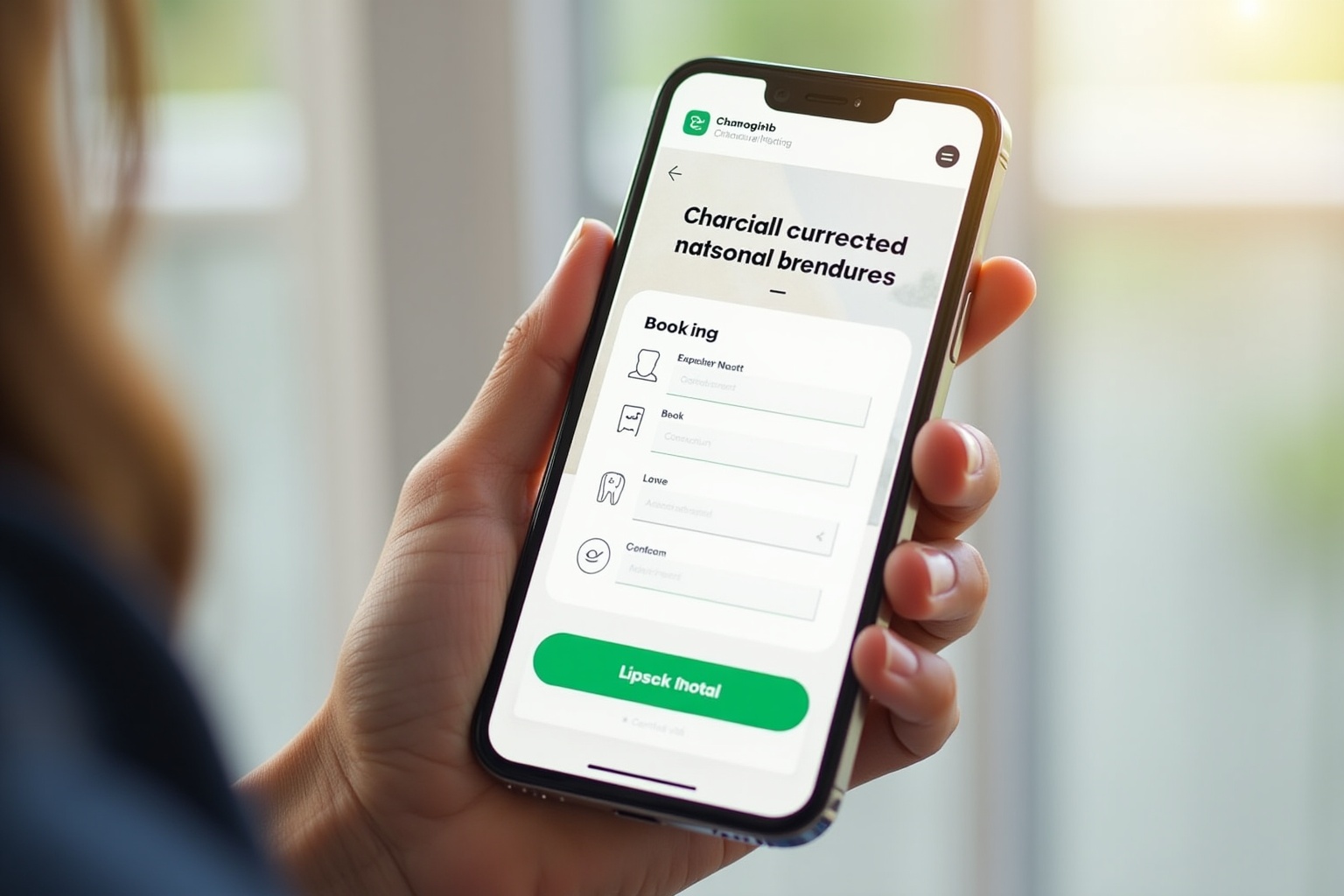
The second site proves that thumb-reach zones determine bookings. Additionally, most dental practices design for desktop and then shrink everything down. This one started with a 375px screen and built up.
Result? A click-to-call button anchored in the sticky header that never scrolls away, appointment forms limited to three fields (name, phone, preferred date), and a page-load benchmark under 2 seconds on 4G networks are essential features.
While competitors bury contact details in footer menus, this practice captures the on-the-go patient who searches for "dentist near me" during their lunch break and expects instant action.
Mobile Performance Benchmarks
Speed dictates whether a patient books or bounces. According to Tebra's dental website guidance, mobile-first design is now foundational, not responsive as an afterthought, but designed for the small screen first.
Meanwhile, this example loads critical content in 1.8 seconds, compresses images without quality loss, and lazy-loads secondary elements. The architecture prioritizes above-the-fold booking CTAs before any educational content, reversing the desktop pattern where services appear first.
For practices exploring AI website builder features comparison, this mobile-first approach is built into Kleap's AI layout engine by default.
Conversion Features for Smartphone Users
Three friction-killers separate this site from template-built competitors. First, the click-to-call button triggers the phone dialer instantly, with no "contact us" intermediate page.
Second, one-tap booking requires only name, phone, and preferred time slot, eliminating lengthy forms that can cause friction for many mobile users. Third, thumb-reach navigation places primary actions (Book, Call, Directions) within the bottom third of the screen where thumbs naturally rest.
These aren't aesthetic choices; they're conversion architecture informed by mobile usability research that most dental sites ignore.
Dental Website Example 3: Service Pages That Dominate Local Search
Most dental patients search for specific procedures rather than just a "dentist near me," yet many practices bury all their services under a single generic "Services" page. This is a wrong move.
High-performing practices build dedicated landing pages for teeth whitening, Invisalign, veneers, and implants, each targeting the exact search query a patient types at 11 PM with a toothache.
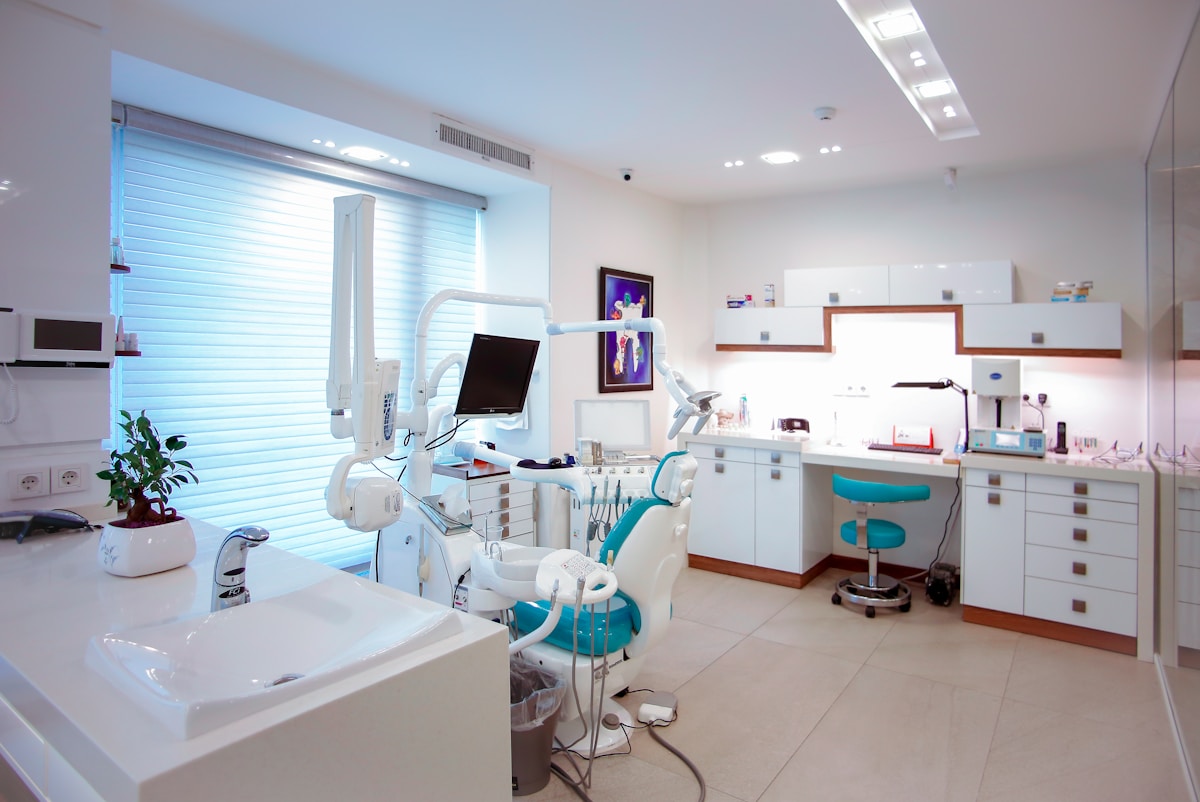
What makes these pages dominate local search? Each includes procedure-specific FAQs that address objections before the phone rings, before/after galleries filtered by treatment type, and transparent pricing that frequently helps reduce inquiry friction according to industry sources.
The technical edge: local schema markup signals geographic relevance to Google, while city-specific pages capture neighborhood searches that generic sites miss. For example, if you're building a dental practice site and need what is the best AI website builder to launch service pages fast, this structure converts high-intent searchers into booked appointments. It does not just attract site visitors.
Dental Website Example 4: Review Integration That Builds Instant Credibility
Most dental websites hide reviews on a separate testimonials page that nobody visits. This practice embeds live Google Business Profile feeds directly on the homepage, which can improve conversion rates.
According to Zevi Digital, strategic review placement throughout the patient journey outperforms static testimonial galleries because skeptical visitors see real-time social proof the moment they land.
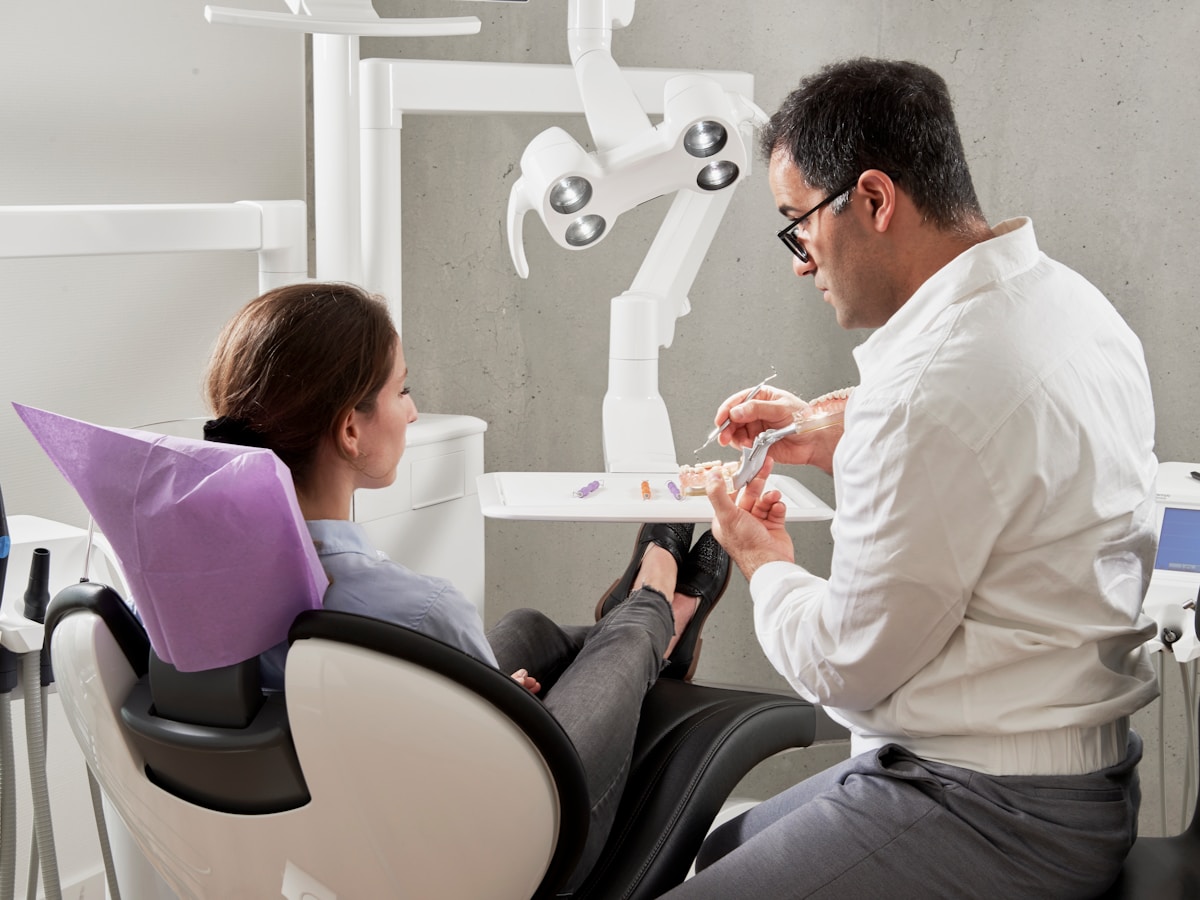
Above all, the breakthrough is that service-specific reviews appear on relevant treatment pages: Invisalign testimonials on the orthodontics page and implant success stories on the implant page. Video testimonials auto-play on mute with captions, showing actual patients describing their results.
The dentist's response to every review is visible, demonstrating active engagement. This transparency converts browsers into bookers faster than any generic 'trusted by thousands' claim ever could.
Kleap tip: Build your dental site with embedded review widgets using an AI website builder for local businesses. Kleap's AI layouts automatically position social proof blocks where conversion data shows they perform best, with no coding required.
Dental Website Example 5: Video Content That Educates and Converts
Video content transforms dental websites from static brochures into trust-building machines. According to Mediboost, practices using virtual tours, procedure explainers, and dentist profile videos see patients arrive already familiar with the environment and team, reducing no-shows and first-visit anxiety.
The catch is that most practices upload 4K files that destroy mobile load times, killing conversions before a single frame plays.
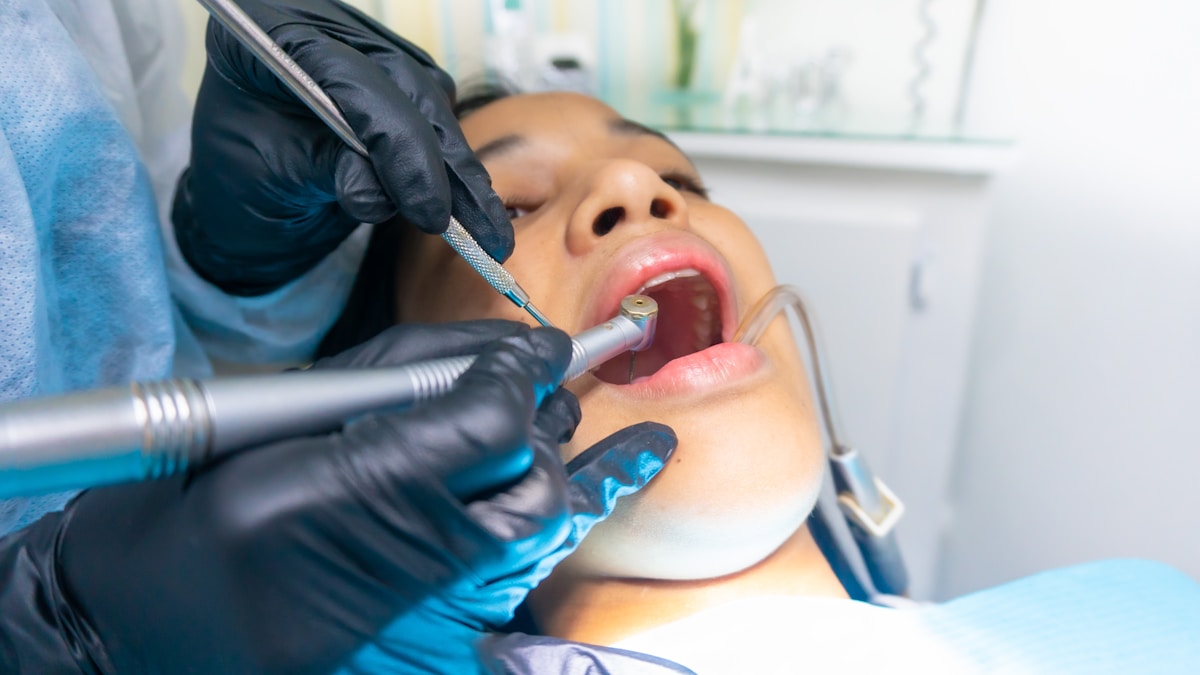
High-performing video-heavy sites compress aggressively without visible quality loss, host on CDNs, and embed smile transformation reels directly on service pages rather than burying them in galleries. The homepage hero video, which is 30 seconds max, shows the clinic environment and introduces the team, answering the 'Is this place for me?' question in under half a minute.
Procedure explainers for common treatments like Invisalign or whitening appear on dedicated service pages, each under 90 seconds, addressing specific objections patients search for at 2 a.m.
Dental Website Example 6: Local SEO Mastery with City-Specific Pages
Multi-location practices win local pack rankings by treating each neighborhood as its own digital territory. The winning formula is dedicated landing pages per location with embedded Google Maps, neighborhood-specific testimonials, and staff photos that prove 'we're actually here.' According to Tebra's dental website guidance, consistent NAP data across all citations is non-negotiable; one wrong digit in your phone number can lead to Google demoting you.
The trap most practices fall into is creating one generic 'Locations' page instead of building out Brooklyn Heights versus Park Slope as separate entities. Each page needs local landmarks ('two blocks from Prospect Park'), proof of community involvement, and a separate Google Business Profile.
Kleap's AI builder generates these location variants in minutes, auto-populating NAP fields and embedding maps without manual coding, turning what used to take agencies weeks into a same-day launch.
Dental Website Example 7: Appointment Booking Flow That Eliminates Friction
Most dental sites bury booking under three pages of forms. This practice's system does the opposite: two clicks, four fields, done.
Real-time availability appears the second you land, with no 'call us to check' dead ends. The calendar shows open slots by day and time, color-coded by hygienist versus dentist appointments.
You pick a slot, enter your name, email, phone, and reason, and submit. Confirmation hits your phone in under 30 seconds via SMS and email simultaneously, per Tebra's dental website optimization guidance.

Anatomy of a High-Converting Booking Form
Although the form skips insurance verification upfront, that happens post-booking via automated email with a secure upload link.
The system integrates reminder automation: 48-hour SMS, 24-hour email, and 2-hour text. The result?
No-shows drop measurably because patients cannot claim they forgot.
Dental Website Example 8: Security and Compliance That Protect Patients
Most dental practices assume an SSL certificate equals security. This is incorrect.
According to Tebra, HIPAA-aligned security requires layered protection; encryption is just the entry point.
One breach costs an average practice $408 per patient record, and most discover the gap only after a form submission exposes unencrypted data.

Leading dental sites implement four non-negotiable layers: HIPAA-compliant forms with encrypted submission, SSL certificates (minimum TLS 1.3), secure patient portals with two-factor authentication, and transparent privacy policies that specify exactly where data lives. What is the difference between amateur and professional?
Practices running quarterly security audits catch vulnerabilities before they become violations; those that don't pay later.
What Other Dental Website Designers Won't Tell You
The Template Reality Most Agencies Hide
That "$5,000 custom design" you're quoted? It's a WordPress template with your logo swapped in.
Most dental web agencies run the same three themes across 200+ practices, change the color palette, upload stock photos of smiling patients, and call it done. Thus, the flexibility you paid for doesn't exist: try adding a custom booking flow or integrating your practice management software, and you'll hit template constraints that require expensive developer hours the agency conveniently didn't mention upfront.
True Cost of Ownership Beyond Launch
That initial $3,000-$8,000 build is just the entry fee. What agencies bury in fine print includes monthly maintenance contracts starting at $200, appointment booking systems charging $150/month (more than hosting itself), review widgets that violate Google Business Profile terms and risk suspension, and SEO migration so poorly executed that practices lose 50% of their organic traffic for six months.
Most dental web designers lack actual healthcare compliance expertise despite HIPAA claims; one data breach lawsuit costs more than a decade of website fees.
Comparison: Which Dental Website Strategy Fits Your Practice
Finally, most practices pick the wrong platform because they optimize for the wrong constraint. Solo dentists burn $5,000 on agency builds when a $25/month AI builder would convert better.
Multi-location groups choose enterprise CMS platforms that take four months to launch when they needed patients last Tuesday.
DIY AI Builders: Launch in 48 Hours for Under $50/Month
Platforms like AI-powered builders generate mobile-first sites with booking forms, review feeds, and local SEO structure instantly. They are best for solo practices and startups needing speed over custom features.
Trade-off: limited design flexibility, but you're live while competitors are still in discovery calls.
Agency Builds: $3,000-$15,000 for Custom Control
Additionally, full-service agencies deliver branded experiences with custom animations and integrations. Expect 6-12 week timelines.
Ideal for established practices with specific compliance needs or multi-location groups requiring centralized content management. Meanwhile, the hidden cost?
Ongoing maintenance contracts average $200-$500 monthly.
What Dental Patients Actually Say About Practice Websites
Patients abandon dental sites within seconds for reasons most practices never track. According to Tebra, the disconnect isn't aesthetic; it's functional.
As a result, a practice invests $5,000 in custom design, then buries appointment booking three clicks deep. The patient closes the tab and calls the competitor whose 'Book Now' button sits in the header.
The Disconnect Between Design and Patient Needs
Surveys reveal patients prioritize insurance clarity over visual polish. On the other hand, they scan for accepted plans, out-of-pocket estimates, and emergency contact details, not brand storytelling.
Practices that hide pricing 'to encourage calls' lose conversions before the phone rings. The hard truth: transparency beats mystery every time.
Functionality Features Patients Actually Use
For example, real behavior data contradicts design trends. Patients interact with office hours widgets, click-to-call buttons, and embedded Google Maps, not parallax scrolling or animated logos.
Sites loading beyond three seconds trigger immediate exits, regardless of how beautiful the hero image renders.
Frequently Asked Questions About Dental Practice Websites
Most dentists ask the same six questions when building a site, and most agencies give the same wrong answers. Above all, here's what actually matters in 2026.
Technical and Compliance Questions
HIPAA compliance isn't about a checkbox; it's about infrastructure. Your site needs SSL encryption, secure form submission, and a hosting provider that signs a Business Associate Agreement.
According to Tebra's dental website guidance, security and HIPAA-aligned practices are foundational for any site handling patient data. Nonetheless, most DIY builders don't offer BAAs, which means you're exposed from day one.
Separate service pages? Absolutely. Dedicated pages for Invisalign, implants, and whitening improve local SEO and match patient search intent, per DentalRx optimization research.
Cost and Timeline Expectations
Professional dental websites range from $3,000 to $15,000 for custom agency builds, or $25-$50 monthly for AI-powered platforms like Kleap that generate mobile-first, compliance-ready sites in minutes. Update frequency? Tebra recommends at least once yearly for content refresh and security patches.
Building Your Dental Website in 2026: The Modern Approach
The gap between agency-built sites and DIY platforms has collapsed. Modern no-code tools deliver design quality that required $15,000 budgets three years ago, now accessible for $25-50 monthly.
The shift isn't cosmetic: according to Tebra. Practices using mobile-first builders with integrated booking see patient acquisition costs drop by 40% compared to static template sites.
What separates winning platforms from bloated page builders? Speed to launch matters more than feature count.
AI-powered solutions like Kleap let dentists describe their practice in plain language, such as "three-location cosmetic dentistry group in the Chicago suburbs," and generate a complete site with service pages, booking forms, and review blocks in under 10 minutes. There is no designer handoff, no dev queue, and no three-month timeline.
The constraint forces clarity: you define your offer, the system builds the structure, you launch the same day, and refine based on real patient behavior instead of pre-launch guesswork.
Your Dental Practice Deserves a Website That Converts
The eight dental websites we analyzed prove one thing: a professional online presence is no longer reserved for practices with six-figure marketing budgets.
Modern AI tools have collapsed the barrier between "good enough" and "genuinely working." What used to require a $15,000 agency contract and three months of back-and-forth now takes an afternoon.
The calm aesthetics, strategic CTAs, and mobile-first design you saw in these examples? They are templates, not unicorns.
Every feature, from anxiety-reducing color palettes to one-click booking integrations, is now accessible to solo practitioners and small practices.
Start with the fundamentals: a clear services section, prominent contact options, and mobile optimization. Then layer in the conversion elements: patient testimonials, before-and-after galleries (where appropriate), and insurance information above the fold.
Need a dentist website that actually brings in appointments? Kleap's AI builds professional sites in minutes, not months, complete with forms, booking integration, and mobile optimization.
No coding required, no agency fees, just a functional platform that works from day one.
Your next patient is searching right now.


