Carrd vs Webflow, 2 Leading Website Builders Compared for Speed and Design
Carrd excels at single-page sites built in under 10 minutes, while Webflow offers unlimited design flexibility for complex multi-page projects requiring custom interactions.
- Carrd starts free for basic one-page sites, while Webflow begins at $14 per month for advanced features.
- Choose Carrd for landing pages and portfolios, and Webflow for content-heavy sites needing a CMS.
- Design skills determine your fit: Carrd requires none, while Webflow rewards visual design experience.
Building a website shouldn't feel like choosing between a bicycle and a sports car. Yet that's exactly the dilemma facing anyone comparing Carrd and Webflow in 2026.
One promises you'll launch in minutes with zero learning curve. The other provides a visual design studio that rivals what professional agencies use, but demands you learn its logic first.
For entrepreneurs launching their first digital presence, freelancers needing quick client deliverables, or agencies balancing speed against customization demands, this choice impacts not just your launch timeline but your ongoing maintenance burden. Most comparison articles gloss over the hidden costs: Carrd's simplicity becomes limiting as you scale, while Webflow's power creates a steep initial time investment that many underestimate.
You'll see how Carrd dominates the one-page site category with its template-first approach. Then we'll explore Webflow's visual development environment that eliminates coding without sacrificing design control.
The feature breakdown reveals where each platform wins decisively and where both fall short. Pricing structures are dissected beyond the marketing pages, as hosting fees and premium features add up differently than you'd expect.
Real scenarios connect specific business needs to the right tool, then reveal limitations that neither platform mentions. We'll wrap up by checking if AI-powered alternatives like Kleap offer both speed and sophistication without the usual trade-offs.
Why choosing between Carrd and Webflow matters for your business in 2026
Pick the wrong platform. You'll waste weeks migrating later.
The no-code landscape has matured dramatically, with over 200 million websites now built without traditional coding. Yet the Carrd vs. Webflow decision remains surprisingly consequential for project timelines and budget allocation.
Carrd delivers instant one-page sites with zero learning curve, perfect when you need landing pages live in under an hour. Webflow offers visual development power that rivals custom code, appealing to design-focused teams willing to invest days mastering its interface.
This trade-off between speed and customization defines the entire comparison. However, tools like AI-powered platforms like Kleap are disrupting this binary choice by generating professional sites in minutes while maintaining design flexibility.
Understanding where each tool excels helps you avoid costly platform switches mid-project.
The evolution of no-code website builders
No-code platforms evolved from basic template builders into powerful visual development spaces. Companies want professional outcomes today without bringing agencies on board.
What makes this comparison critical for your project timeline
A wrong choice costs you 40-60 extra hours dealing with platform switches and moving all your content over.
Try it — build your site while you read
Describe what you want and get a live, publishable site in seconds. Free to start, no code.
Join 200,000+ makers building real websites with Kleap.
Carrd, the undisputed master of one-page simplicity
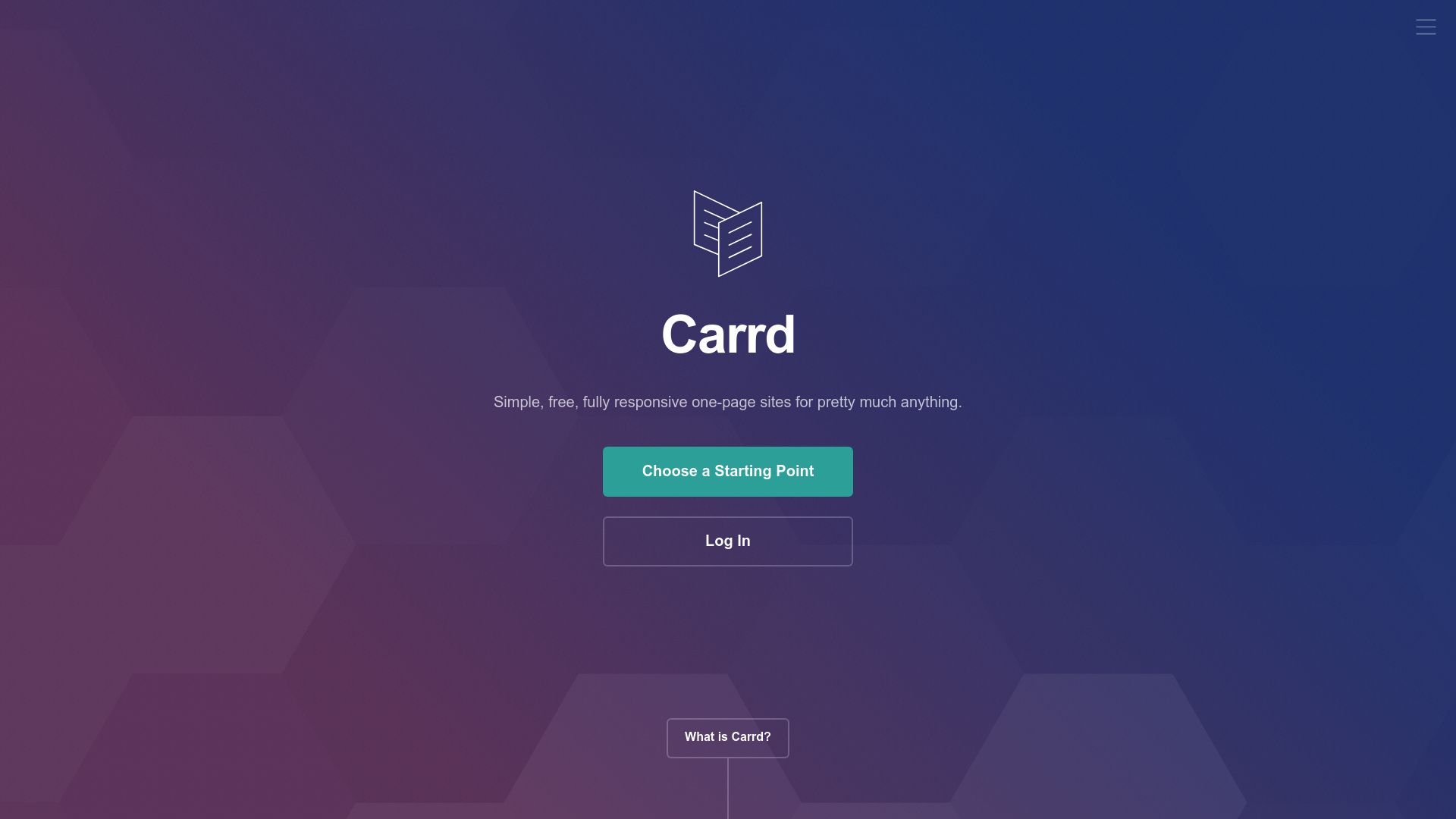
Need a landing page up in fifteen minutes? Carrd makes that happen fast.
The platform simplifies website building to the basics: choose a template, edit your text, and go live. You won't need any tutorials.
Freelancers love this quick turnaround when clients want fast deployment for product launches or event sign-ups.
What Carrd does exceptionally well
The pricing makes testing things out pretty simple. Free accounts give you access to features before you commit to anything.
Pro plans kick off at just nine dollars per year, then jump to nineteen for premium features like custom domains and form integrations.
That's way less than monthly subscriptions you'll find elsewhere. The responsive design engine takes care of mobile optimization on its own, and built-in analytics track visitor behavior without needing external tools. If you are comparing different options, our 3-Way No Code Website Builder Comparison Kleap, Wix, Webflow details how various platforms perform across different use cases.
When Carrd's limitations become deal-breakers
Multi-page sites need workarounds that don't feel quite right. E-commerce requires external integrations to work properly.
Design flexibility hits limits fast compared to Carrd vs. Webflow discussions where Webflow's visual controls really stand out. Growing businesses eventually run into these constraints.
The platform works great for portfolios, MVP validations, and link-in-bio pages, but enterprise teams call for more solid infrastructure for complex projects.
Webflow: Design freedom without writing a single line of code
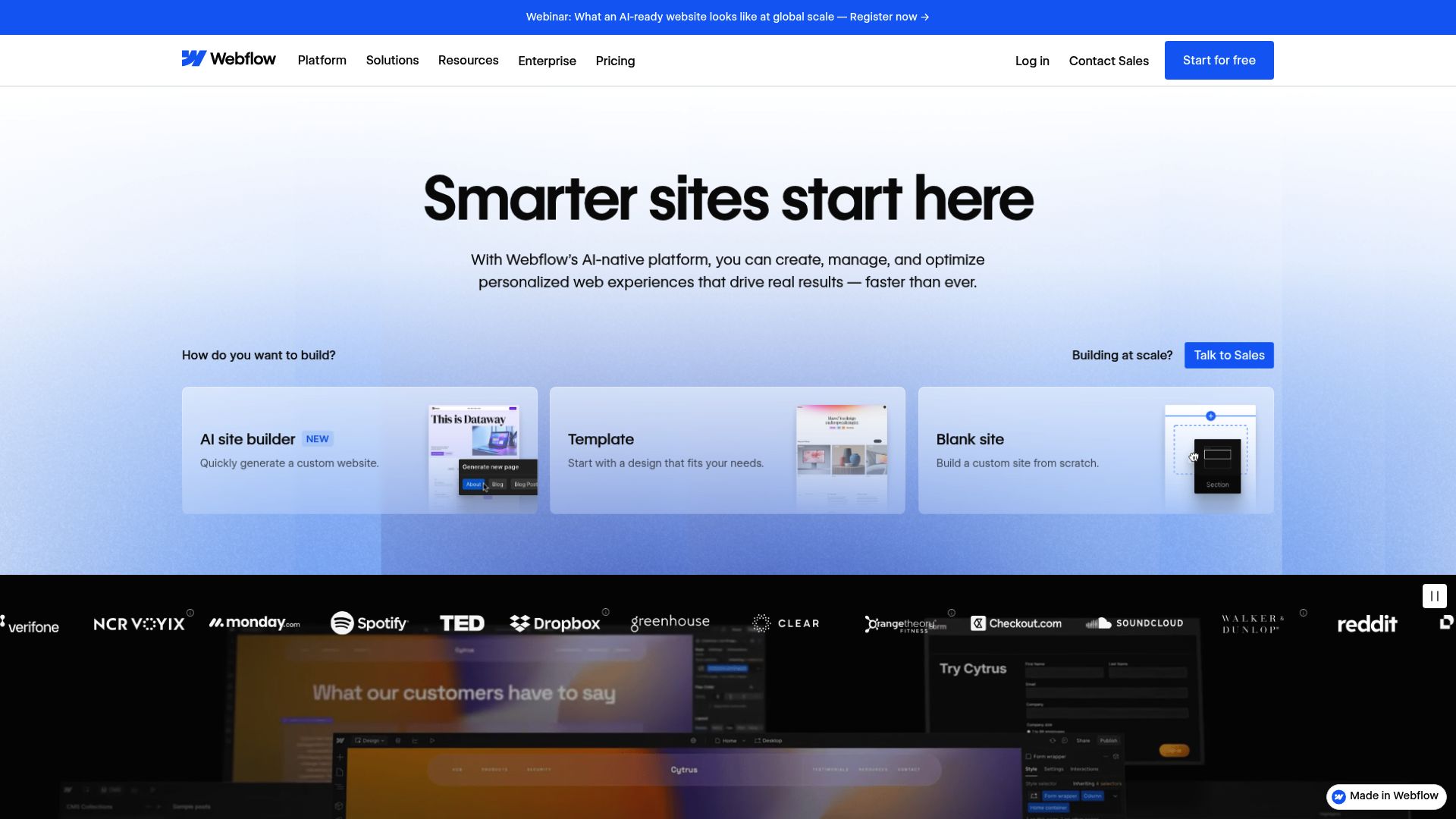
Webflow stands at the complete opposite end from Carrd in every way. Where Carrd thrives on constraints, Webflow removes them entirely from the equation. It is basically Photoshop combined with a content management system in one tool. You get pixel-perfect control over every single element on your page.
The visual CSS editor translates your design decisions into clean, production-ready code automatically. Marketing agencies choose Webflow because they can deliver custom websites without hiring developers. The platform handles hosting, security updates, and performance optimization for you completely. Designers focus on creating stunning layouts using flexbox, CSS Grid, and custom breakpoints.
These responsive designs work flawlessly across all devices without extra effort needed.
Webflow's professional-grade capabilities explained
The CMS functionality deserves special attention. You can build collection-based content structures; think blog posts, team members, product catalogs, and design custom templates for each collection type.
Webflow's interactions engine lets you add scroll-triggered animations, hover effects, and page transitions without touching JavaScript. Expect 2-4 weeks before reaching comfortable proficiency, significantly longer than Carrd but still faster than learning traditional web development.
Our team recommends How to Design Professional Website Without Coding for broader context on visual development tools.
The real cost of Webflow beyond the monthly subscription
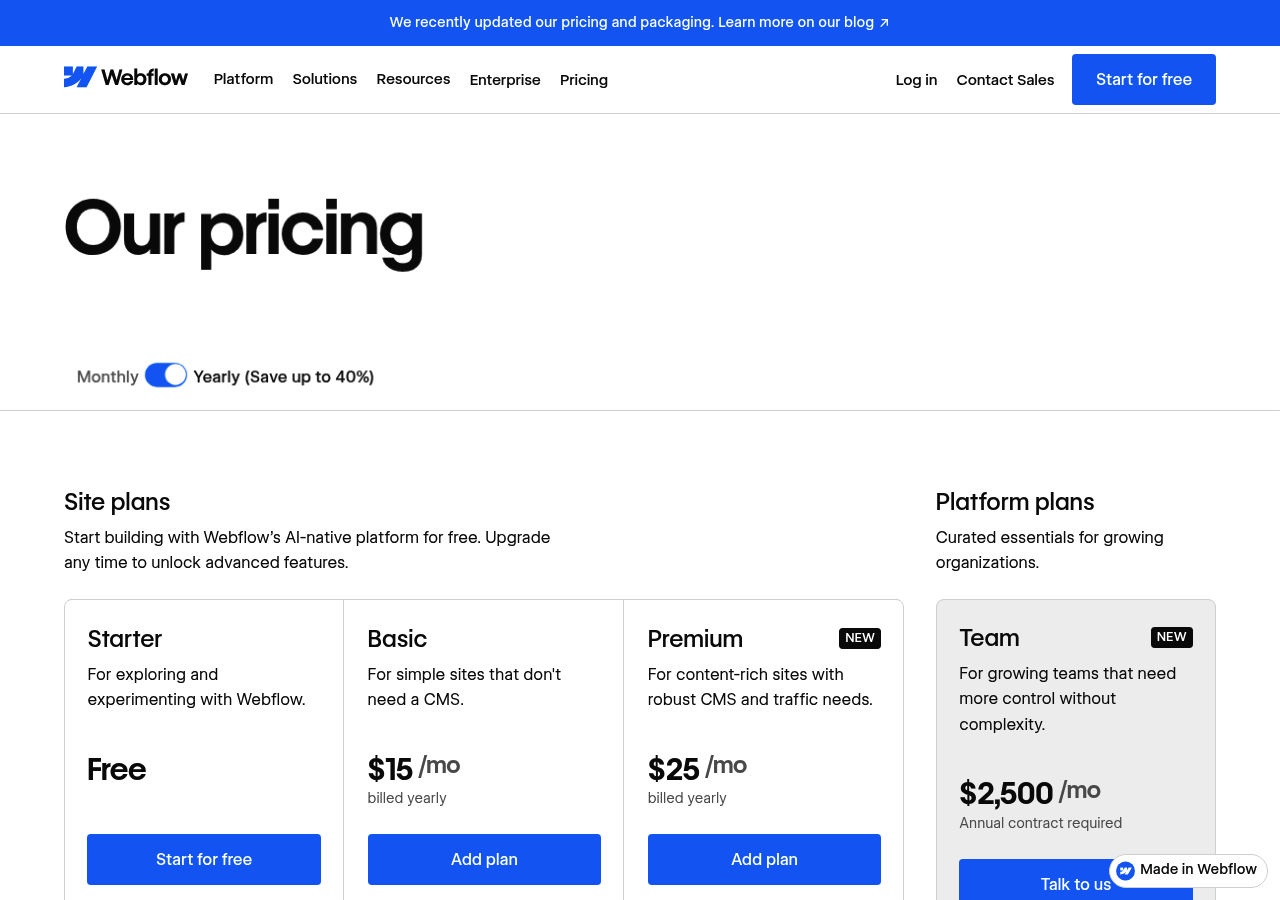
Pricing reflects the platform's complexity. Basic site plans start at $14 monthly, while CMS plans range from $23 to $212 depending on collection items and traffic limits.
Lower tiers cap you at 500 CMS items, which is restrictive for content-heavy projects. Enterprise clients requiring white-label options pay significantly more.
Factor in learning time when evaluating the Carrd vs. Webflow decision; your hours spent mastering Webflow's interface represent hidden costs that simpler builders avoid entirely.
Kleap tip: Before committing to Webflow's learning curve, prototype your site structure using the free tier to determine whether you actually need its advanced features or if a simpler solution would serve your timeline better.
Where each platform wins and loses: Feature showdown
Most comparison guides skip the nitty-gritty. They give you surface-level observations without diving into what actually impacts your daily workflow.
We compared both platforms extensively, and the differences run deeper than marketing claims suggest. Each excels in specific scenarios while falling short in others.

Comprehensive feature comparison matrix
Let's compare performance across the metrics that actually matter here. Carrd absolutely wins on speed, with sites loading in under a second.
Webflow projects often hit 3-4 second load times unless you optimize them carefully, but for design depth, Webflow excels with custom animations, CMS collections, and pixel-perfect control.
Carrd offers 50+ templates but limits customization beyond basic color swaps. On integrations, Webflow connects with tools like Zapier, Mailchimp, and thousands of others through APIs. What about Carrd?
Basic form handlers and Google Analytics.
The features that matter most for your specific use case.
Prioritize based on actual needs, not feature lists. Need client collaboration?
Webflow offers team workspaces and granular permissions; Carrd has none. Building a portfolio?
Carrd's single-page limitation works fine. Launching a content-heavy site?
Webflow's CMS becomes indispensable. Code export matters if you value portability; Webflow lets you download clean HTML/CSS, while Carrd locks you in completely.
Community support tilts heavily toward Webflow, featuring dedicated forums and a wealth of Webflow University tutorials.
True Cost of Ownership for Each Platform: Pricing Breakdown
Raw subscription fees tell only part of the story. When you compare Carrd vs Webflow, the annual ownership calculation reveals dramatic differences.
Carrd's Pro Standard plan costs $19 yearly, giving you 10 sites with full features. What about Webflow's Basic plan?
That's $168 annually for a single site. Over three years, you're looking at $57 versus $504.
The math isn't subtle.

Side-by-side pricing comparison at every tier.
| Tier | Carrd Annual Cost | Webflow Annual Cost | Feature Difference |
|---|---|---|---|
| Entry (paid) | $9 (3 sites) | $168 (1 site) | Carrd limits elements; Webflow adds hosting |
| Mid-tier | $19 (10 sites) | $276 CMS (2,000 items) | Webflow unlocks dynamic content; Carrd stays static |
| Professional | $49 (25 sites) | $468 Business (advanced features) | Webflow adds ecommerce, staging environments |
Which pricing model saves you money long-term?
Carrd offers incredible value for portfolio sites and landing pages. A freelancer handling client projects pays just $49 per year for 25 sites, which costs less than one month of Webflow's Basic plan.
But scaling shifts the math completely. Once you need CMS functionality or complex interactions, Webflow's $23 monthly cost makes sense because of capabilities that Carrd can't deliver, no matter which pricing tier you choose.
Which tool fits your specific situation: Real-world scenarios.
Picking the right platform gets easier when you match tools to real business needs. A freelance designer rushing to display work before tomorrow's client meeting?
Carrd builds a sharp portfolio in less than an hour. Marketing agencies creating 20+ client sites each month with regular content changes?
Webflow's CMS manages that workload smoothly and efficiently without any issues.
Match your project requirements to the right platform
Your constraints determine which platform wins. Startups testing several business ideas benefit from Carrd's speed since you can launch five landing pages this week for under 20 dollars total.
Creative professionals showcasing interactive work need Webflow's animation capabilities without question. Small businesses planning to add blogs, case studies, and resource centers demand Webflow's scalability for long-term success.
The decision tree is straightforward here: a tight budget plus simple needs equals Carrd, while growth plans plus design complexity equals Webflow.
| Scenario | Best Choice | Why |
|---|---|---|
| Portfolio in 24 hours | Carrd | Templates launch instantly |
| Agency with 15 clients | Webflow | CMS scales efficiently |
| MVP email capture page | Carrd | Simple, focused execution |
| Interactive design showcase | Webflow | Advanced animations |
How to know when you've outgrown your current choice
Outgrowing happens quietly, often without you noticing it at first. You'll wrestle with Carrd's one-page limit when clients want separate service pages, or Webflow feels like overkill when you just need a quick sales page.
Watch for friction points that slow you down during the process. If setup takes longer than creating content, it's time to reassess your choice. Neither platform handles complex e-commerce well, especially with over 50 products listed.
They also struggle with membership sites that require custom authentication and security features. In those cases, dedicated solutions like Shopify or WordPress work much better overall.
Here's a solid tip: test both platforms with a throwaway project first. Carrd offers a free tier, and Webflow provides a starter workspace for testing. Spend 30 minutes building the same page on each platform to compare them.
That'll show you which workflow actually matches how you think and work.
What other website builders won't tell you about these platforms
Most comparison reviews gloss over the real friction points. Carrd's single-page limitation becomes a genuine headache when you need navigation; users resort to clunky anchor links or embed external forms that break mobile layouts.
Webflow's visual editor, while powerful, generates CSS that can bloat your codebase. We've seen clients struggle with 500KB stylesheets for simple portfolios.
The learning curve hits harder than tutorials suggest; expect weeks, not days, to master interactions.

The limitations competitor reviews conveniently skip
Free plans hook you in, then limit forms to three monthly submissions or set bandwidth caps that even small blogs quickly hit. Support quality changes drastically between platforms.
Carrd uses email support with 48-hour response times. Webflow provides chat support, but their forums reveal user frustration about template conflicts that official documentation doesn't address.
Traffic surges create problems since both platforms throttle performance unless you pay more. That $29 monthly plan jumps to $74 when your product launch unexpectedly takes off.
Migration nightmares nobody talks about
Exporting creates real headaches for most users. Carrd traps you in their ecosystem since cheaper plans don't allow HTML exports.
Webflow lets you grab the code, but moving CMS sites means you're stuck rebuilding databases by hand. That's exactly why Kleap works better, offering AI-built sites with clean portable code and effortless hosting switches.
Frequently asked questions about Carrd and Webflow
Picking the right platform comes down to real technical issues. We'll tackle questions that directly affect your daily work, not vague sales talk.
Technical questions answered
Can Carrd handle multi-page sites? Technically yes, but it's awkward.
You'll create separate projects and link them manually with no unified navigation system. Webflow offers true multi-page architecture with centralized menus and CMS collections.
For SEO capabilities, Webflow gives you granular control over meta tags, schema markup, and URL structures. Carrd covers basics like title tags and descriptions but lacks advanced optimization tools.
Migration from Carrd to Webflow requires rebuilding from scratch since no automated import exists. Export your content as text and recreate layouts manually.
Budget 4-8 hours for a simple site.
Decision-making questions clarified
Webflow can feel pretty overwhelming for beginners during that first week. Most people get the hang of basic features after 10-15 hours of practice with Webflow University.
When it comes to mobile editing, both platforms fall short since neither has native mobile apps. You'll need a desktop browser for any real work, though Webflow's editor does work on tablets if needed.
You'll need a desktop browser for serious work, though Webflow's editor technically functions on tablets.
Speed vs Power
The Carrd vs Webflow debate boils down to a painful compromise. Carrd delivers speed at the cost of flexibility.
Webflow offers control but demands steep learning curves. Most businesses accept this trade-off.
But what if you didn't have to choose?
Your Decision Framework Simplified
Choose Carrd for launching MVPs with tight deadlines or creating single-page portfolios on small budgets. Go with Webflow for complex client work that needs pixel-perfect design control.
But here's the catch: both tools trap entrepreneurs in a false choice between speed and sophistication.
Why Kleap Is Winning the Website Builder Race in 2026
Kleap solves this problem with AI generation that merges Carrd's speed and Webflow's power. Agencies now launch professional sites in under 15 minutes while keeping design flexibility that used to need hours of coding.
The platform's mobile-first system adapts layouts automatically, cutting technical barriers without losing quality. Try Kleap to see how AI turns website building from a technical headache into strategic execution.
Why settle for either speed or power when you can have both?
The Carrd vs Webflow debate illustrates a fundamental problem in website building: platforms force you to choose between simplicity and sophistication. Carrd delivers speed but limits your growth potential.
Webflow offers design freedom but demands a steep learning curve.
Here's the truth most won't tell you: your business needs a website that launches fast and scales effortlessly.
That's exactly what Kleap delivers through AI-powered automation. The platform combines Carrd's instant deployment with Webflow's design flexibility while eliminating the technical headaches.
You describe your vision, and the AI builds a professional site in minutes, not weeks.
Ready to stop compromising? Start building your first Kleap website today and experience how AI removes the speed versus power trade-off entirely.
Your perfect website shouldn't require choosing between what you need and what you can actually build.


