
You imagine it. Kleap builds it.
Describe what you want to create. AI builds the design, features and logic, then develops the project further with your feedback.
- Your idea
- A working app
- Your next improvements
A web app, not an App Store app
You get a web draft to test: in our test, appointment requests the salon confirms, not live booking, payment or a native app.
Describe your idea and Kleap builds a web app that opens on phones and computers: the screens and forms, plus sign-in and saved data when the app needs them. No code, free to start.
Kleap makes a web app: it opens in any browser and on phones, at a link you share. It is not an App Store or Google Play app.
No card. Your first try usually needs no account; Kleap asks you to sign up, free, to keep the app. Building uses Kleap usage, and the free plan's usage refills automatically.
To make a web app, pick one problem it solves for one kind of user, check that people want it, choose between a web app and a native app, build a small first version, test it with real accounts and payments, then publish it. Kleap covers the web-app route: you describe the screens, the users and the data in plain English, Kleap's AI builds the screens and forms (and a database and sign-in when you ask for them), you test the result in a live preview, and you publish it to a link, free on a kleap.io address. You write no code.
What Kleap makes first is a web draft to check, not a finished app. You go round this loop until it does the job.
Kleap guide · Last revised · Test run on · Already set on using AI? Follow the hands-on Kleap tutorial for building an app with AI.
Which page is for you? This guide explains the whole process, from idea to launch. Build an app with AI is the hands-on Kleap tutorial. AI app builder describes the builder itself: what it makes and what it costs.
Decide this before anything else, because it decides the tool. Kleap builds web apps only: they open in any browser and adapt to phone screens, but they are not listed in the App Store or Google Play.
| Web app (what Kleap builds) | Native app | |
|---|---|---|
| Where it runs | In the browser, at a link, on phones and computers | Installed from the App Store or Google Play |
| Install and updates | Nothing to install; everyone gets the new version at once | Users install it; each update goes through store review |
| Phone features | Limited, and it depends on the browser; our test app used none (a request form and an account page) | Full access: Bluetooth, background location, widgets |
| Store listing | No store listing; share the link or add it to the home screen | Listed in the stores, with their fees and review rules |
| Fastest way to a first version | Describe it to an AI builder such as Kleap: in our test the first draft took 8 min 41 s, a draft to test before you publish | A native or cross-platform tool, or a developer |
Before you build, choose where the app must run: a web app opens in a browser; iOS and Android apps are installed from their stores. The choice changes the packaging, the review and the upkeep.
Opens at a link in any browser, on phones and computers. No store account, fee or review: you publish when you choose, and everyone gets the new version at once. This is what Kleap builds.
Needs the Apple Developer Program, $99 a year. Every version goes through App Review; Apple says it typically reviews at least 50% of submissions in less than 24 hours and 90% in less than 48 hours.
Sources, read 9 November 2026: Apple Developer Program, Apple App Review.
A Google Play developer account costs a US$25 one-time registration fee. A personal account created after 13 November 2023 must first run a closed test with at least 12 testers opted in for at least 14 days; Google says some reviews take up to 7 days, or longer in exceptional cases.
Sources, read 9 November 2026: Play Console registration fee, Testing requirements for personal accounts, Prepare your app for review.
Ten minutes on paper saves hours of changes later, whatever tool you pick. Put the answers in your first message to the builder.
Name each kind of user and what each one may see. In our test, customers send a request and the salon owner sees every request.
List the records the app keeps and their fields. A request in our test has a name, an e-mail, a phone number, a service and a preferred date.
Pick the single path a first user must finish, such as sending a request, and build only that first. Add the second screen once the first one works.
Before payments or integrations, ask two or three real users to finish that path while you watch, and write down where they stop. Fix that, then add the rest.
Describe the website or app you imagine. Kleap helps you build it, publish it and keep improving it, with tools to monitor how it works and fix issues.
Describe what you want to create. AI builds the design, features and logic, then develops the project further with your feedback.
Database, authentication and forms: build a client portal or an app with the data and access it needs.
Add Stripe, business tools and integrations. Connect your accounts and keys to fit the project to the way you work.
The Guardian spots website issues and helps you fix them with AI. Return to your project in the chat to make the corrections.
Publish with hosting, connect your domain and follow your activity with analytics and the Search Console integration.
Keep your code, connect GitHub and work with AI tools like Claude or ChatGPT. AI assistance and human support on paid plans help you along the way.
Six steps from an idea to a published web app, with what Kleap does at each one. What Kleap builds first is a draft to check, not a finished app.
Pick a single thing people will use the app for, and write down three facts: who uses it, what they need to do, and what information the app has to remember. A booking app remembers appointments, a client portal remembers files and messages, an inventory tracker remembers items and counts. Resist listing every feature. A small first version is faster to build and easier to judge.
Type your idea into the box at the top of this page the way you would explain it to a person, then press create. You can sign up for free when Kleap asks. You do not pick a template first and you do not write code. A good description names the users, the screens they need and the data the app keeps, for example: customers pick a service and a preferred date and time and send a request (not a live booking), owners see all requests in one list.
Kleap's AI writes a first draft of the web app, screens and forms first, for you to check: it is a starting point, not a finished app. A database for your app's data and sign-up and sign-in are added when your description asks for them, and you can ask for them later in the same chat. The result opens next to the chat as a live preview you can click, not a static mockup. Ask for changes in the same chat, such as a new field, a different layout or another page, and the preview updates.
Click through every screen, fill in the forms, create a record and edit it. The preview shows signed-in pages without a real sign-in and does not run server routes, so check access rules again on the published site, with a second account. If something is wrong, describe the problem in the chat and ask for the fix.
If your app takes money, connect your own Stripe account: Stripe processes the payments and Kleap builds the checkout flow around it. You can connect other services your app needs, or link to tools you already use such as a calendar or a payment page. Test a checkout end to end before you accept a real customer payment.
Publish for free on an address such as yourapp.kleap.io, hosting included. Putting the app on your own domain needs a paid plan. You can export the code or sync it to GitHub whenever you want, so the app is not locked inside Kleap.
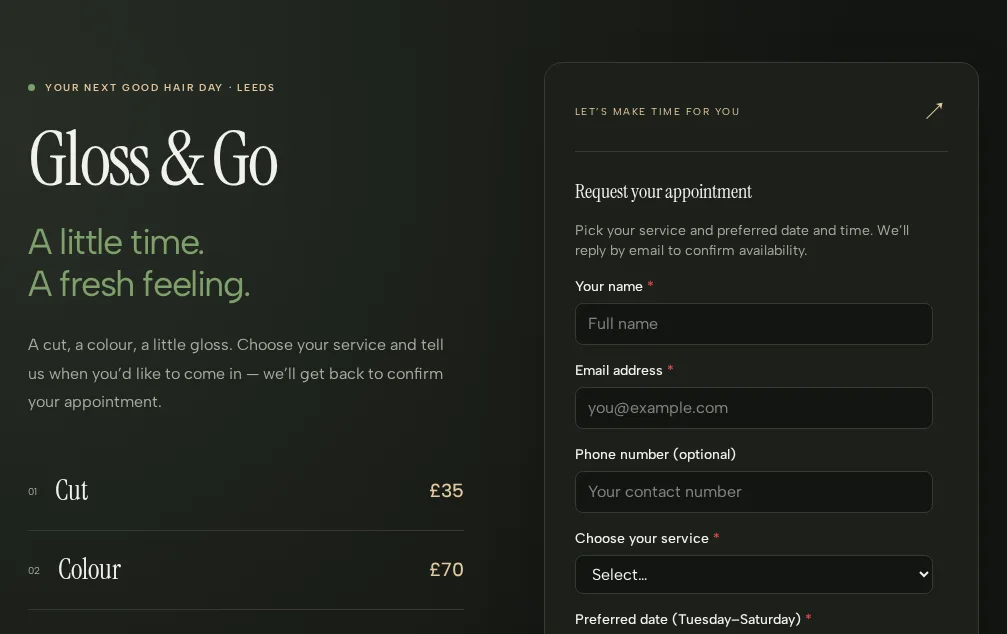
On 6 November 2026 we sent the prompt in the box, unchanged, from a fresh project. Kleap's timer for that turn read 8 min 41 s. It built a two-page web app for Gloss & Go. The home page shows the three services with their prices (cut £35, colour £70, blow-dry £25) next to an appointment request form with seven fields: name, email, an optional phone, the service, a preferred date (Tuesday to Saturday), a preferred time between 9:00 and 17:30, and optional notes. After sending, the client reads that the time is not reserved until the salon confirms by email. The second page, Your appointments, has sign-in: a signed-in client saves requests in the app's own database table, filters them, and edits or cancels them while they still read “Requested”. There are no live time slots and no payment: a request is not a booking, and the app says so. Kleap asked no question in that turn; it ended on a suggestion to add salon photos.
Checked on 6 November 2026 by the Kleap product team. Test: “Build a booking app for Gloss & Go, my hair salon in Leeds…” (the prompt in the box), a web app (a request form and a sign-in page with saved requests), 8 min 41 s by Kleap's turn timer.
Kleap makes a web app. It is not an App Store or Google Play app.
Click an idea to put its prompt in the box at the top of the page. Edit it to fit your case, then create it.
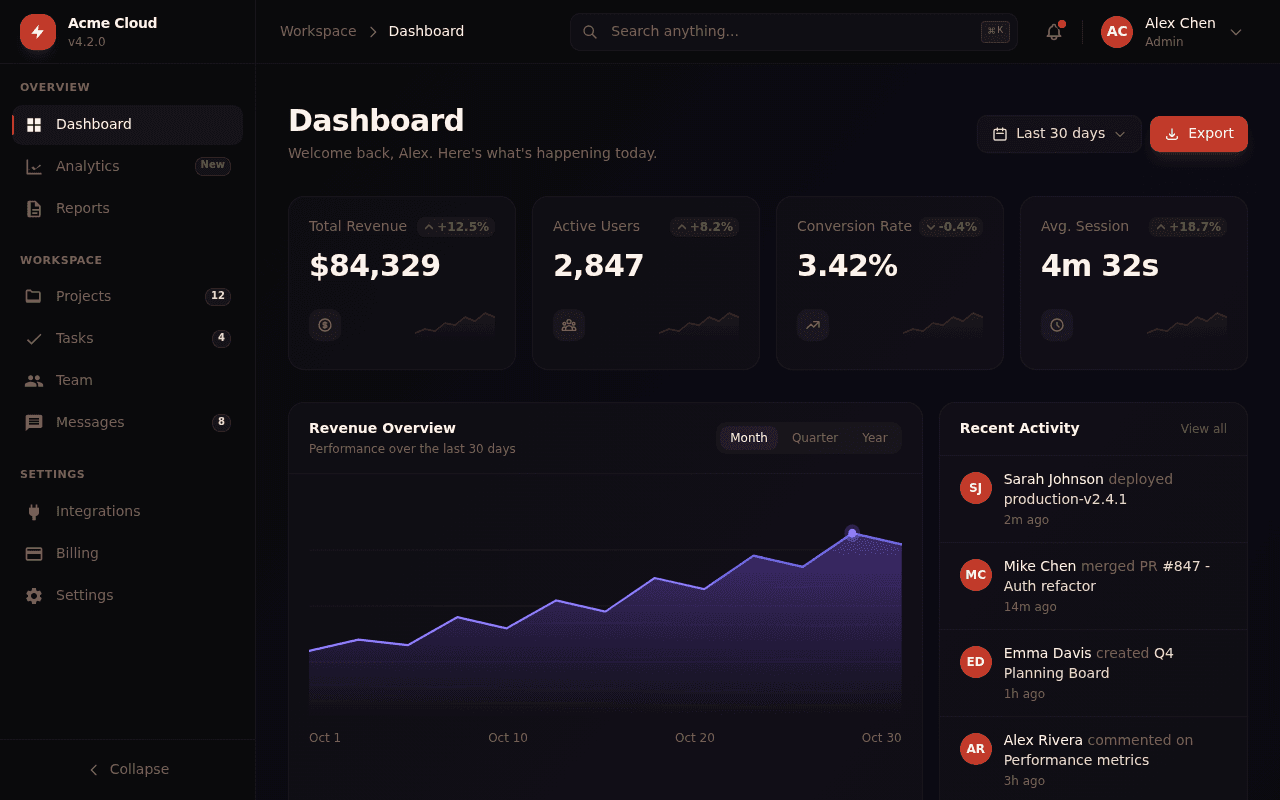
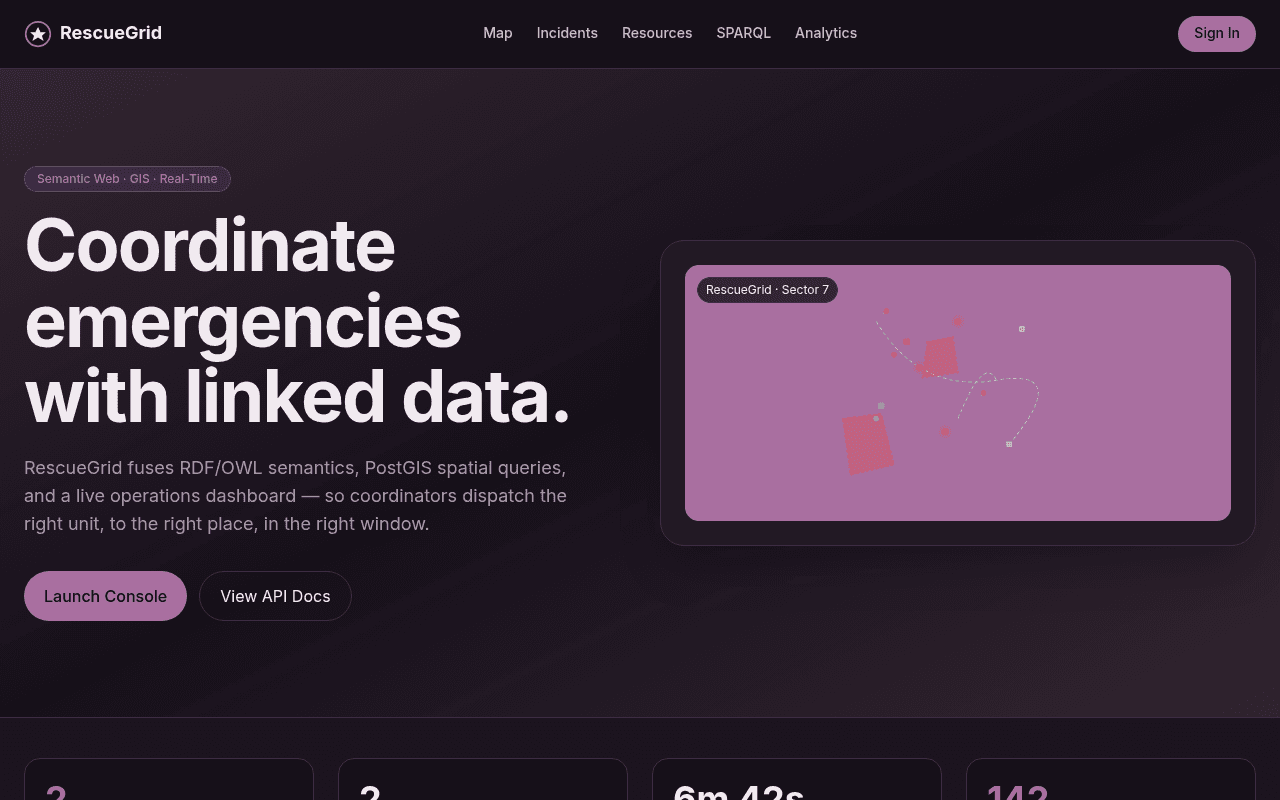
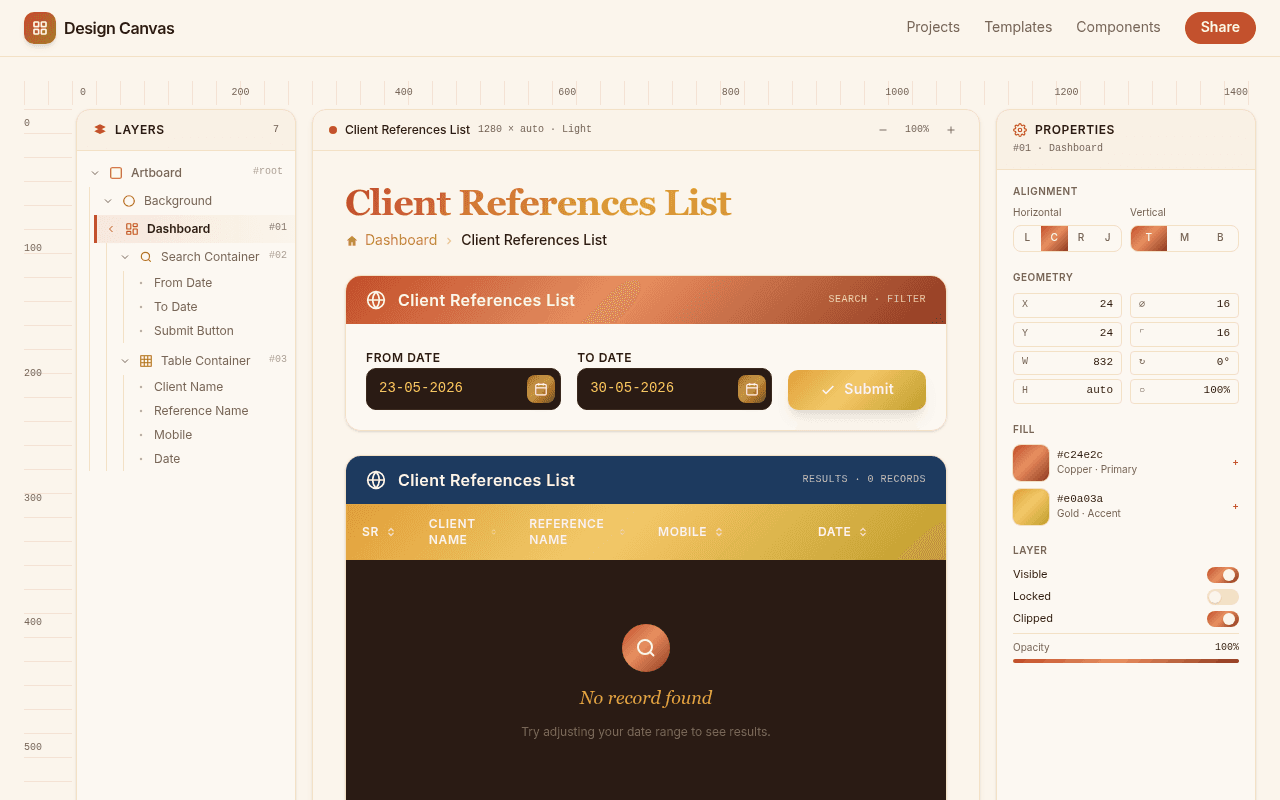
Explore what others are building with Kleap


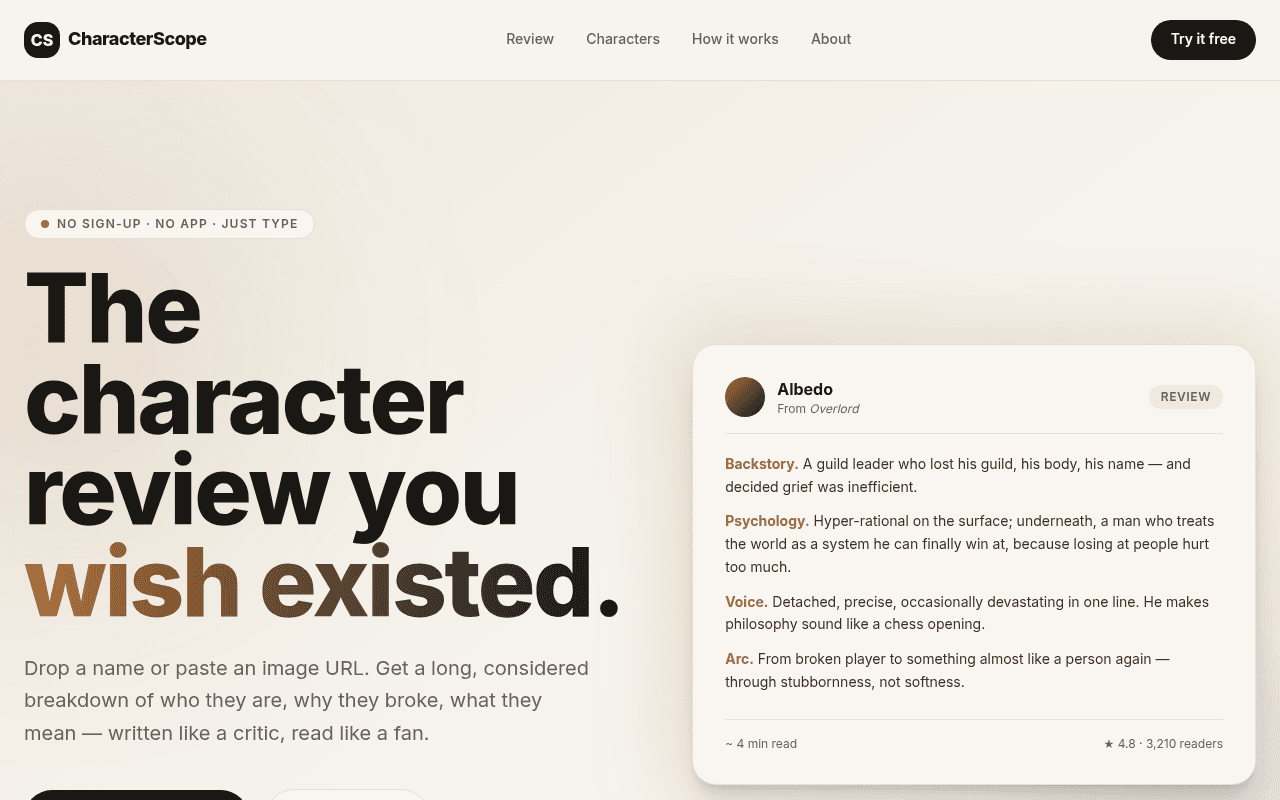
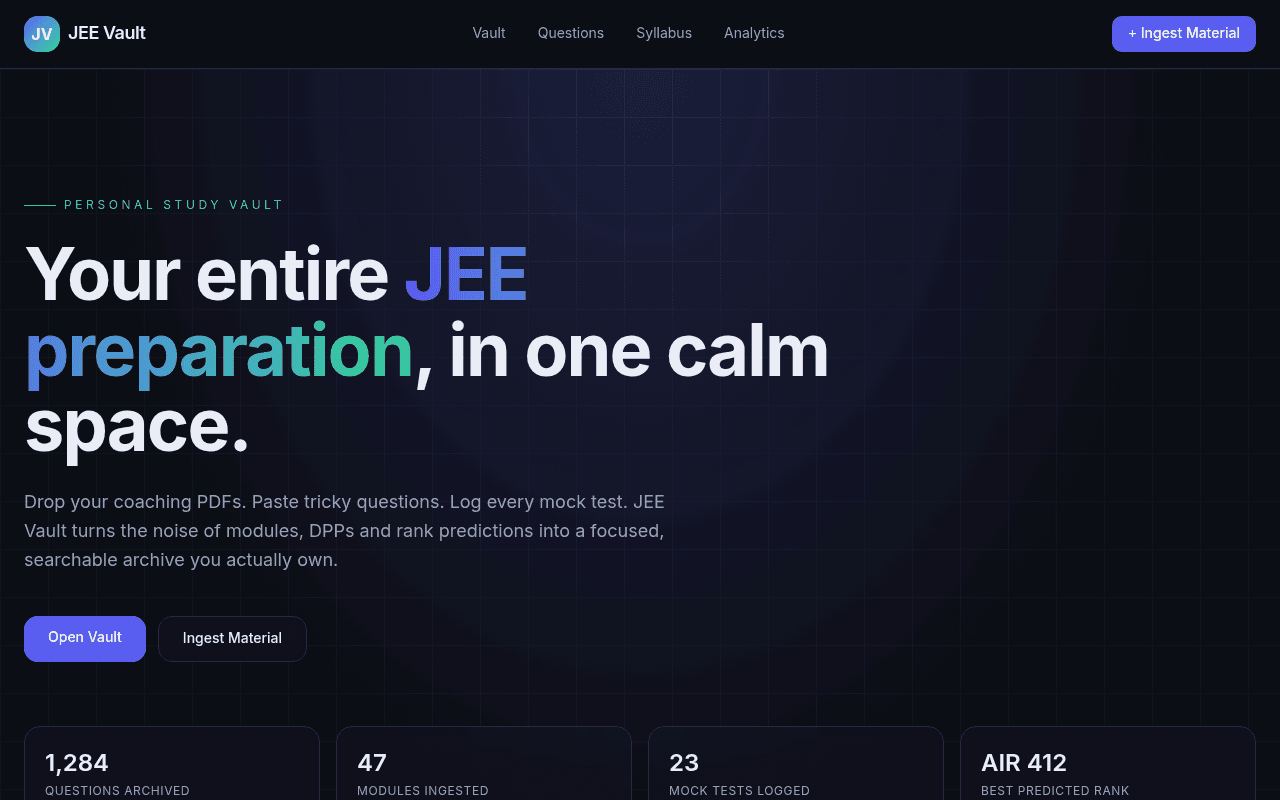
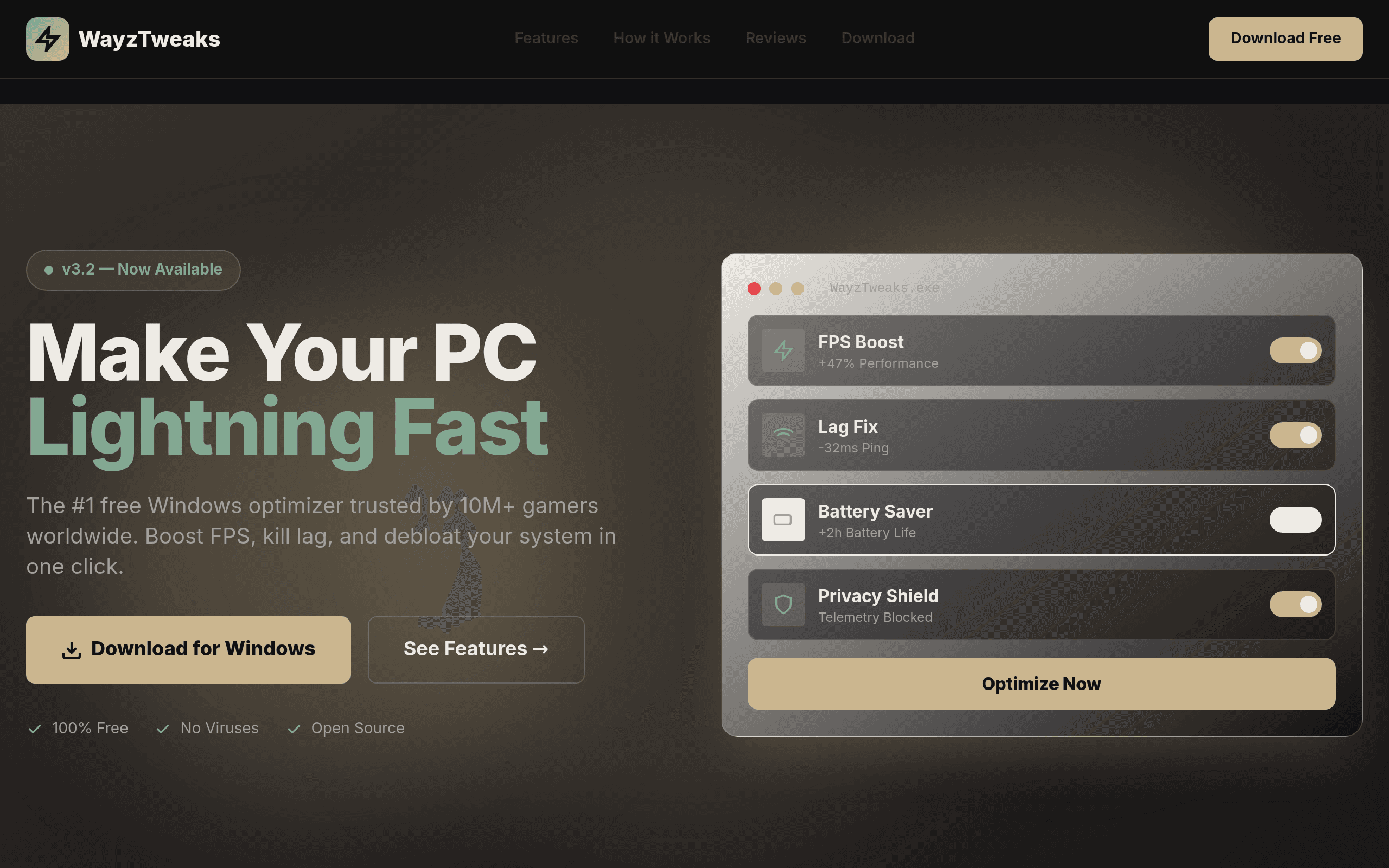

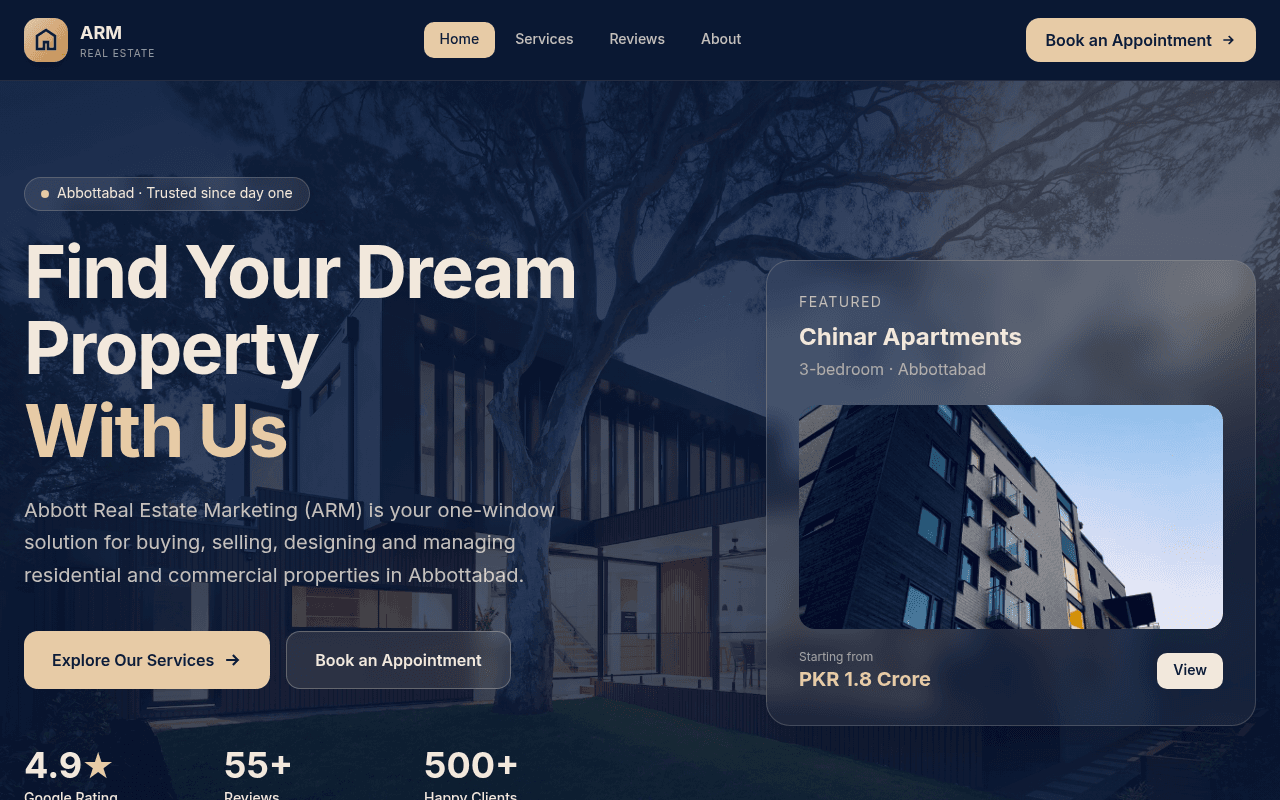

You can make and publish your first app without paying. Kleap's free plan gives you free usage that refills over time. Building and changing the app uses part of that usage, so a short, focused first version goes further than a huge one.
Publishing is free too: your app goes live on a kleap.io address, with hosting included. What the free plan does not include is your own domain. That needs a paid plan, and the Pro and Business plans add much more usage if you build bigger apps. See the pricing page for the current plans.
Anything you connect can have its own cost. Stripe takes a fee on each payment, for example. Those fees come from the service, not from Kleap.
There are three common ways to build apps with no code skills or without writing it yourself. They differ in what you have to learn.
Kleap is a no-code app builder in the sense that you never write or edit code to build, change or publish the app. Because the builder is a chat, the skill you need is describing clearly what the app should do. If you want to compare tools, the no-code app platform and alternatives pages go into detail.
Kleap makes web apps. A web app lives at a URL and opens in the browser, so there is nothing to install. The apps Kleap builds are responsive, which means they adapt to a phone screen, and visitors can add them to a phone's home screen like any website.
Kleap does not build native iPhone or Android apps, and it does not submit anything to the App Store or Google Play. If you need to be listed in a store, or you need phone hardware such as Bluetooth or push notifications, you need a native or cross-platform tool. A common path is to launch a web app first, see whether people use it, and only then decide whether a store app is worth building.
On 6 November 2026 the booking app in our test took 8 min 41 s by Kleap's turn timer, from the prompt at the top of this page. That is the time of the AI's turn in one test, not a promise: your app may take longer, and a bigger app does. Most of the remaining time goes into deciding what you want, testing it as a user, and asking for changes. A simple app can be tested in a day. An app with several user types, payments and connected services takes longer, mostly because of the testing.
The cost of the same app built by a developer is the developer's time. Built with Kleap, it is AI usage: free on the free plan within its refilling limit, more on a paid plan if you iterate a lot. Hosting on a kleap.io address is included.
Create a free Kleap account, describe your app in the box at the top of this page, and let the AI build a first version. The free plan includes free usage that refills over time, and you can publish for free on a kleap.io address. A custom domain needs a paid plan, and services you connect, such as Stripe, may charge their own fees.
Yes. You describe what you want in plain language, and you describe changes the same way afterwards. There is no code editor you have to open to build, edit or publish the app. You will still make decisions about what the app should do and who can see what, and you should test it before sharing it.
Our test booking app (the prompt at the top of this page) took 8 min 41 s on 6 November 2026, by Kleap's turn timer; a bigger app takes longer. How long the whole app takes depends on how many screens and rules it needs and how much you refine it. A simple booking or tracking app can be tested the same day. Plan extra time for testing, and for connecting and testing payments.
On Kleap you can build and publish a first version on the free plan. Paid plans add a custom domain and much more usage. With an AI builder the main cost is AI usage rather than developer time. Budget separately for the services your app calls, such as payment processing fees from Stripe.
Kleap builds web apps. They open in the browser on any phone or computer, and visitors can add them to a phone's home screen like a website. Kleap does not produce native iPhone or Android apps and does not submit apps to the App Store or Google Play. If you need a store-listed native app, use a native or cross-platform tool.
A web app runs in a browser at a URL, so there is nothing to install and one version works on every device. A mobile app is installed from the App Store or Google Play and can use phone features such as push notifications, the camera and Bluetooth. For most business tools, bookings, portals and dashboards, a web app is enough and much faster to launch.
Yes. Kleap can add sign-up and sign-in and a database for your app's data. For payments you connect your own Stripe account, Stripe processes the charges, and you test the checkout before taking real payments. Kleap does not guarantee revenue: whether the app earns money depends on your offer and your customers.
You can export the code or sync it to GitHub at any time, so you are not locked in. Check the terms of any third-party service you connect, since those accounts stay with you.
Write the one job your app does, preview the first version, refine it in the chat and publish when it is ready. Free to start.
Written by the Kleap product team. Checked on 9 November 2026 against the generated files and runs shown on this page.